Facebook lead not fetched
Status: Open · Asked by museo on · 0 views
I've created a workflow (first) that can fetch lead from facebook lead ads and send to api, but nothing happens.
What's wrong?
Hey @museo
We have observed that you are receiving leads from Facebook. Please refer to the screenshot provided below for your reference.
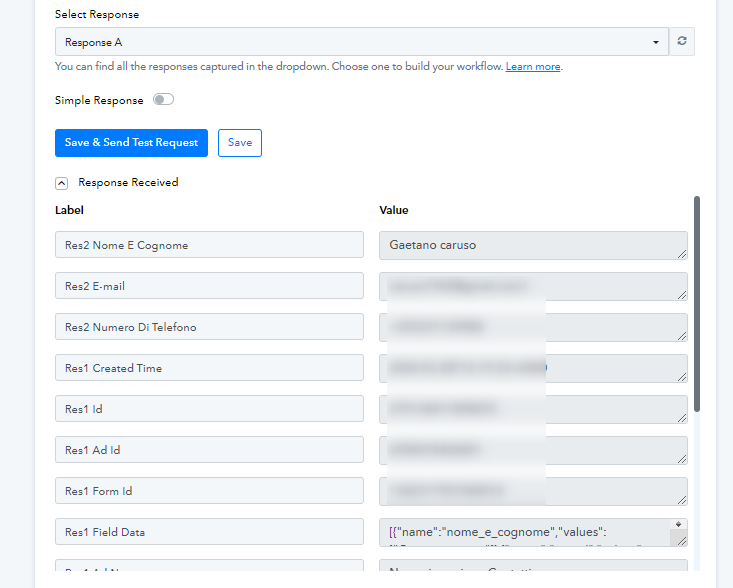
Manthan
P.S. - Do check our Pabbly YouTube Channel where we have more than 7400+ automation tutorials.
Yes, 1 of 4, but now it's working.
Another question..
I've to send lead data to a webhook of my software to store on database.
Use of pabbly API with PUT method is it the best choice right?
And if yes, how can i check payload sent by pabbly in order to read data and store it?
I've to send lead data to a webhook of my software to store on database.
Use of pabbly API with PUT method is it the best choice right?
Try with a POST request or you can also try the Data Forwarder action step to pass the data.
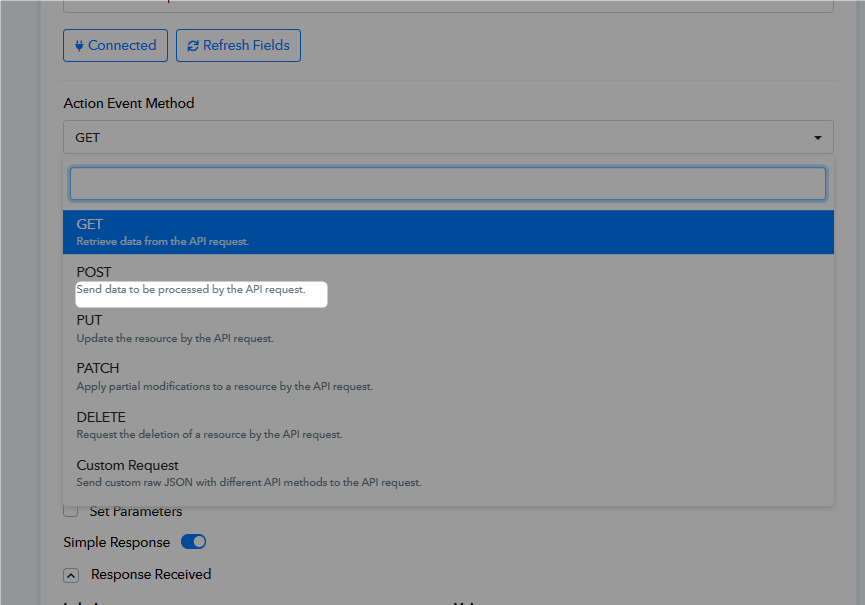
Ok, I've changed as you suggest and used forward data as explained on Video.
Response is successfull, but I don't know how data is forwarded: JSON?
Because I've webhook set to receive it, but nothing is saved also on a file dump i've set
Please try using 'Post' request in API by Pabbly action step.
Can you help me to set pabbly before someone send real data?
Because i've tried as desribed on your forum to send by preview on facebook, ma pabbly doesn't receive data.
I've selected a new module from FB page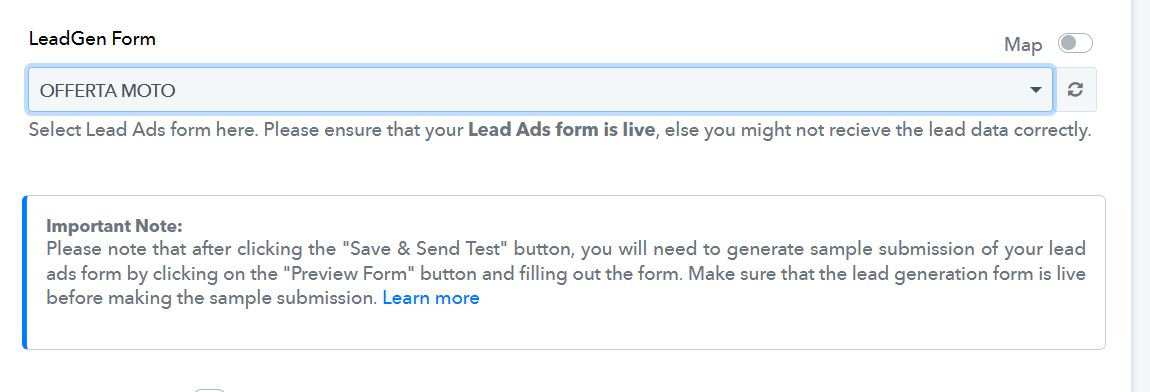
Then I'm searching to generate a lead data but i can't do it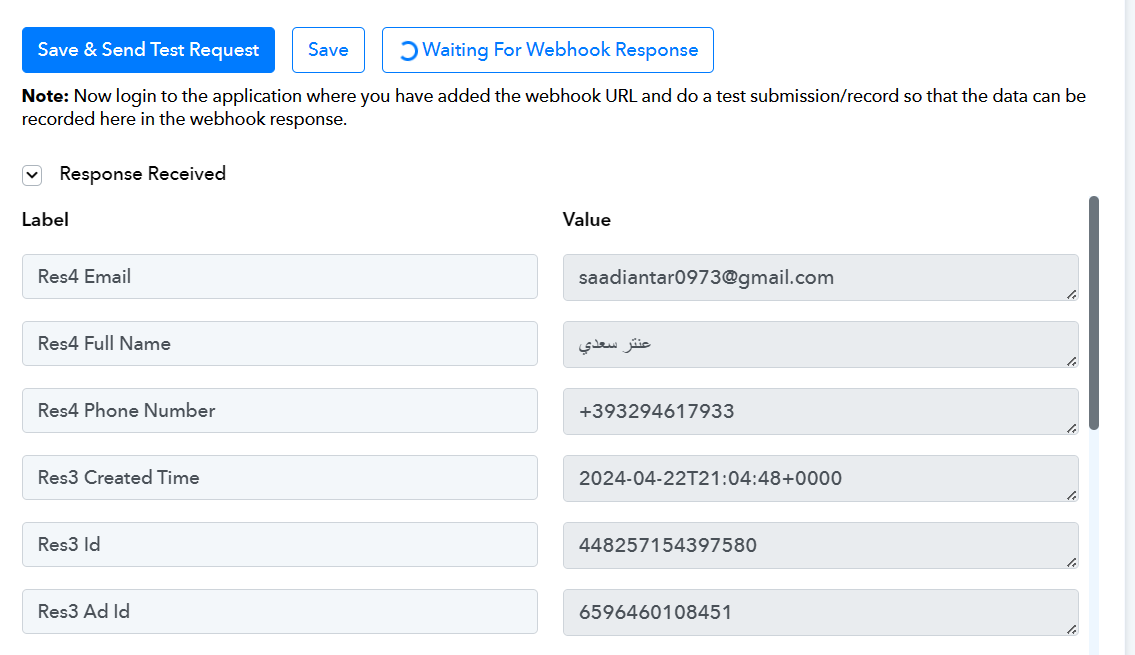
I can't find a way to submit a test form from facebook and map the response.
Task id
IjU3NjUwNTZhMDYzNTA0MzA1MjY0NTUzNTUxM2Ii_pc
Thanks
Can you help me
Kindly try reconfiguring the Facebook trigger event once and then try recapturing the webhook response again.
Done, but now I receive an error when submit to mailerlite as RESOURCE NOT FOUND when I submit data to mailerlite
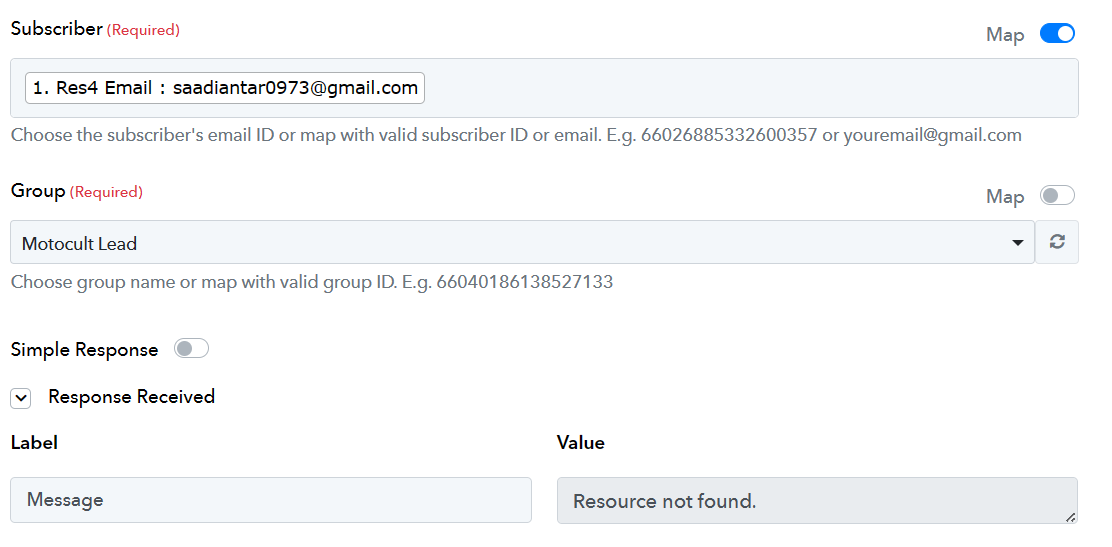
It seems that the subscriber you are trying to assign to a group does not exist in your MailerLite account.
Please use the 'Create Or Update Subscriber' action step to add a new subscriber to your MailerLite account and then proceed with the 'Assign Subscriber to a Group' action step