Facebook Leads Form Choices
Status: Closed · Asked by Christina Winter on · 0 views
Hello, I have Facebook Leads form set up that has 2 choices of webinar dates to choose from. I want to send the subscriber information to Convertkit and segment them so they are tagged properly. I have my Convertkit form set up where the option they check assigns them a form. How can I send the choice from the Leads Form to the correct choice on Convertkit? Do I need to set up a filter? If so how will I do that?
Attachments
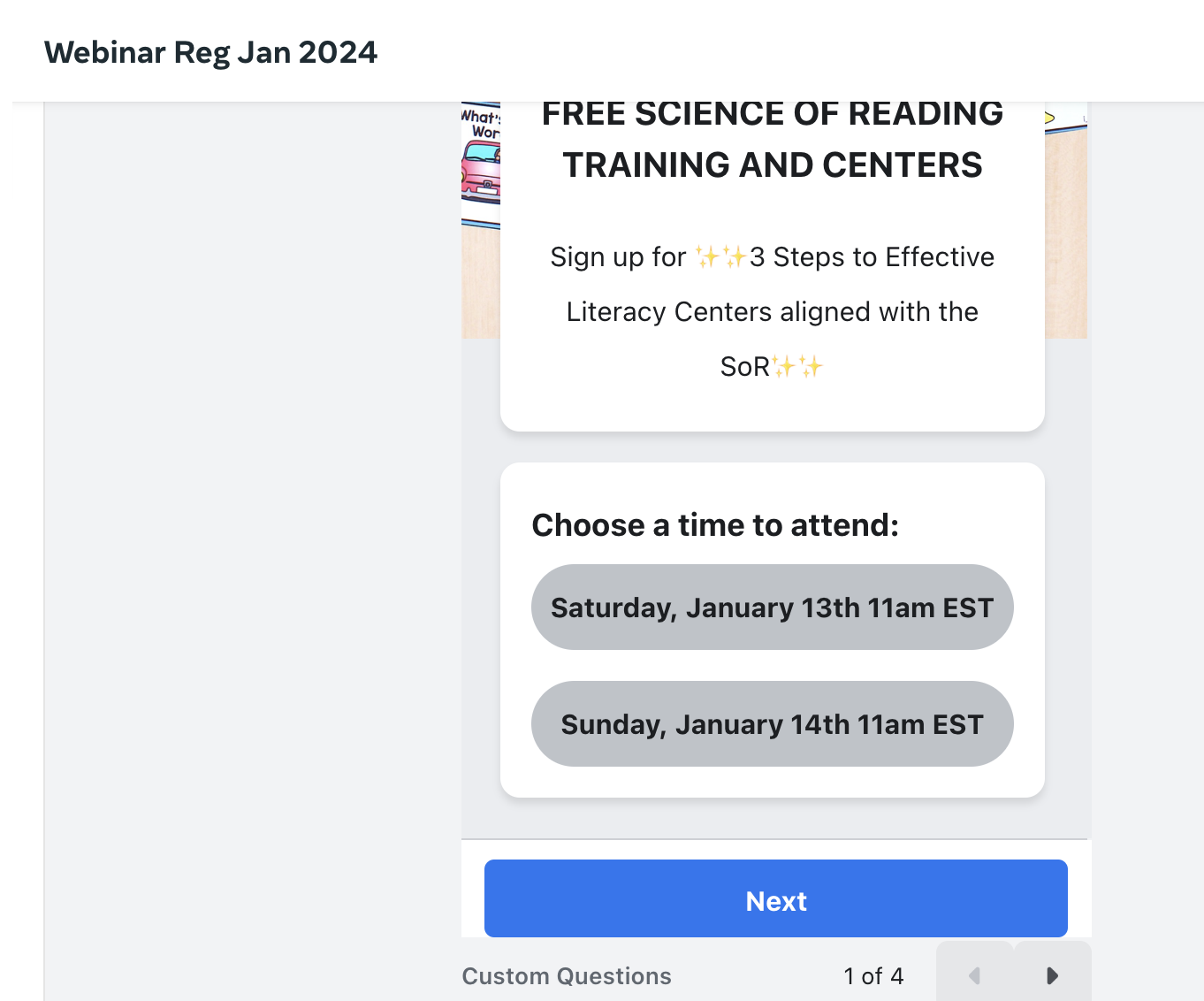
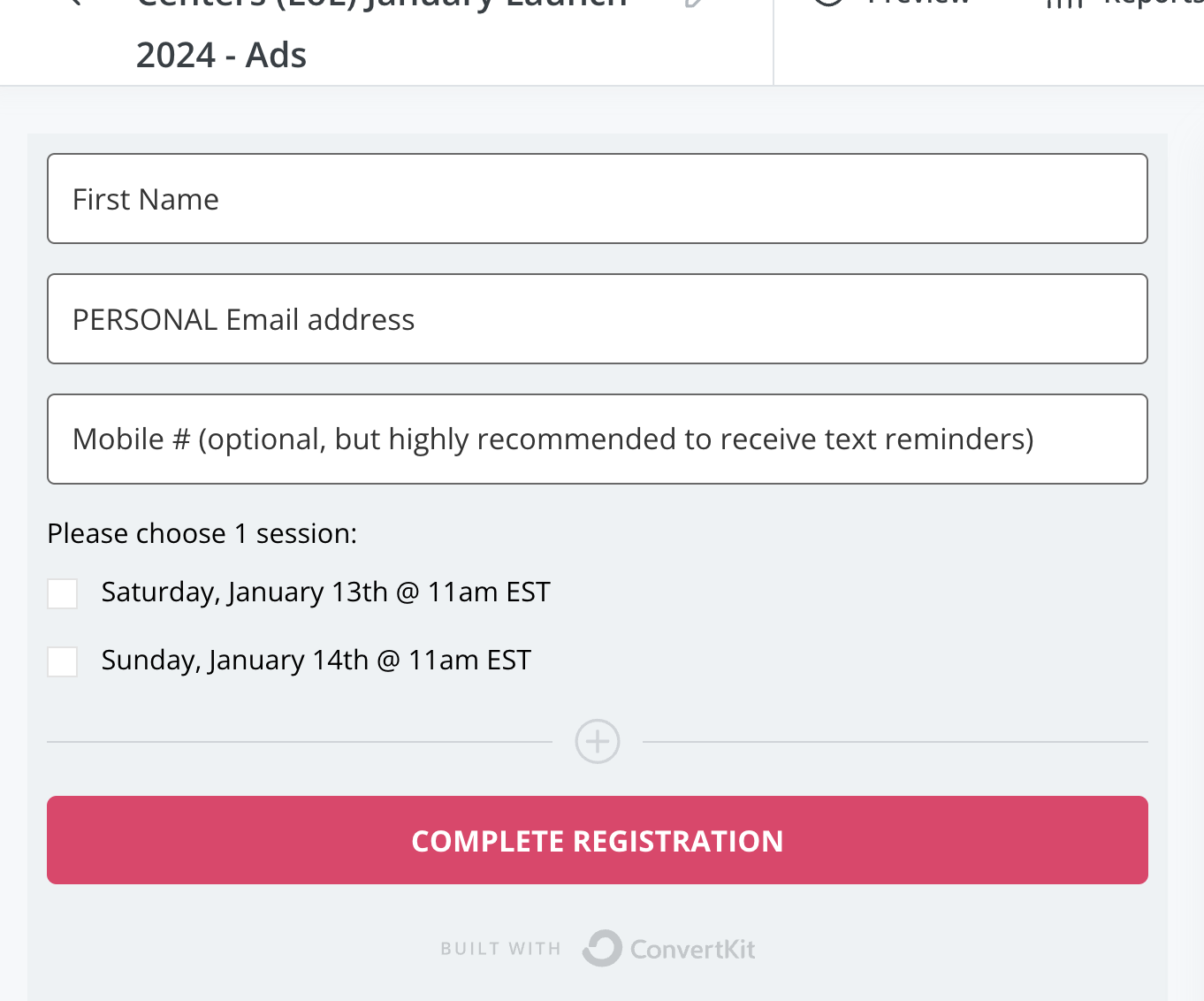
Hey @Christina
Can you please share the workflow URL once so we can look into it and guide you further on setting up the Convertkit action step?
Hey @ChristinaCan you please share the workflow URL once so we can look into it and guide you further on setting up the Convertkit action step?
Hi, I tried looking for a video on the YT channel and could not find one to help. Can you check and see if I have this set up correctly to separate people according to their webinar date choice on the Facebook lead form. Thank you! https://connect.pabbly.com/workflow/mapping/IjU3NjUwNTY5MDYzMDA0Mzc1MjY4NTUzYzUxMzQi_pc
Hey @Christina
Upon examining your workflow, it appears that the Router condition is in good shape. The only necessary adjustments involve configuring the Convertkit action step within the specific Routes to align with your needs. Please make these changes accordingly, and then give it a try.
I'm sorry I don't understand this, can you elaborate?
"The only necessary adjustments involve configuring the Convertkit action step within the specific Routes to align with your needs."
Hi, I tried looking for a video on the YT channel and could not find one to help. Can you check and see if I have this set up correctly to separate people according to their webinar date choice on the Facebook lead form. Thank you! https://connect.pabbly.com/workflow/mapping/IjU3NjUwNTY5MDYzMDA0Mzc1MjY4NTUzYzUxMzQi_pc
Based on the analysis of your workflow, it appears that your route condition is functioning correctly. This means that the tags you've set will be added to the incoming leads exactly as you've intended.
Let us know if you are getting stuck at any step.