Facebook Pages related to businesses are not available in dropdown unless the Instagram For Business is connected
Status: Closed · Asked by mikki_messer on · 0 views
Hi!
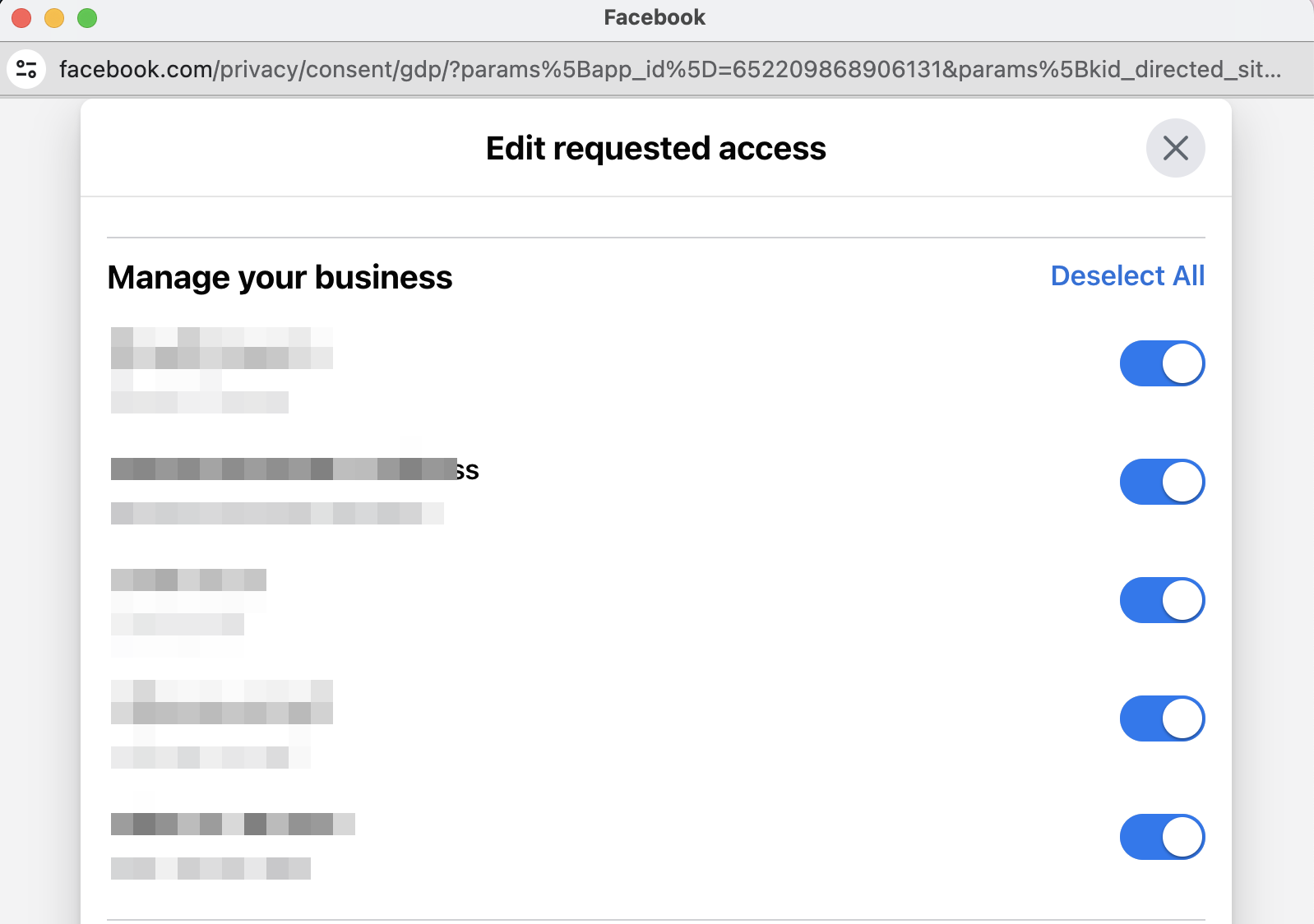
I've noticed that Facebook pages related to businesses are not available in the "Facebook Pages" dropdown, only regular Facebook Pages (not related to Facebook Business) are available. The only way to make Facebook Business pages available in Pabbly is to connect Instagram For Business and grant access to corresponding businesses. Apparently, it has something to do with the recent upgrade of the Facebook Integration from v 14.0 to v 18.0.
Could you please add the business selection option to the Facebook Pages connect flow as well?
My workflow with Facebook Pages connected (no business pages available) is https://connect.pabbly.com/workflow/mapping/IjU3NjUwNTY5MDYzMTA0MzY1MjY1NTUzMTUxMzUi_pc
I've checked I do have access to Facebook Business pages.
The workflow with Instagram For Business connected and Facebook business pages available is https://connect.pabbly.com/workflow/mapping/IjU3NjUwNTY5MDYzMTA0MzY1MjY1NTUzNDUxMzci_pc
Hey @mikki_messer
Please allow us sometime, we are currently looking into it.
@mikki_messer I am having a similar issue trying to get my business-connected Facebook page that I am owner and primary admin (in business manager) to be available in Pabbly Connect
Perhaps theses issues are related to Facebook's "New Pages Experience" ?
Were you able to get facebook pages connected in Pabbly Connect? What was your secret sauce?
@mikki_messer YOU ARE A GENIUS! ?????
I did what you suggested - added a new connection for "Instagram for Business" and selected my business IG account (which was available to select)
Then went to the "failed" messenger/facebook workflow, and the business facebook page was now there and available to assign.
This seems to be a kludgey workaround, but obviously related to business permissions vs personal permissions at Meta.
although we can't change it, Facebook/Meta's choice to use a personal login to manage business accounts is only a good idea when it doesn't get in the way. And this is a use case where it gets int he way.
I hope Pabbly Connect team can adjust the facebook/messenger connections to consider business accounts and the changes Meta introduced.
tagging @Supreme
Thank you!
not so fast. it's not working. I'll update the other thread.
not so fast. it's not working. I'll update the other thread.
Hi! It's weird: pages, that I connected with "Instagram for Business" workaround worked for me (Multi-Image Post). What doesn't work for you?
Messenger.
The business FB page appears in the option, but the message data does not transfer.
Still very broken.
Hey @JeremyR
Regarding your concern, we can only recommend that you contact the Facebook support team, as we discussed earlier.
@Supreme I am not familiar with what we should be asking Meta support team. Can you give me some guidance?
i see the page in my drop down list on pabbly and am able to select it, however, it does not connect with pabbly because it is under a business manager account. What exactly should I be telling meta support here?
There is no Facebook support, since this is related to how developers use the API (which has changed)
Pabbly is not the only developer that has this issue.
THe changes at Facebook also disrupted helpdesk software.
This requires developers to work together, and individual clients are not skilled or able to resolve the issues that connect 3rd party software to Meta.
I am not familiar with what we should be asking Meta support team. Can you give me some guidance?
i see the page in my drop down list on pabbly and am able to select it, however, it does not connect with pabbly because it is under a business manager account. What exactly should I be telling meta support here?
Please create a separate thread and share all the details you are facing in your workflow.