Facebook Post Issues
Status: Closed · Asked by Real Estate Integrate Inc. St. Hilaire on · 0 views
In my task history for:
Task History ID -
IjU3NjcwNTY0MDYzNDA0Mzc1MjZjNTUzMTUxMzE1MTY0NTQzMCI_3D_pc
At the step called:
ANATOLY ZURAVEL - Facebook Pages : Create Page Video : Create Page Video
This step failed, however the connection to this Facebook account is valid and current. Why did this not post?
Also in Task History ID -
IjU3NjcwNTY0MDYzNDA0MzE1MjZmNTUzMDUxMzY1MTZiNTQzMCI_3D_pc
in the step called
DENISE SANDBERG - Facebook Pages : Create Page Photo : Create Page Photo
This also failed saying a similar error about "Invalid appsecret_proof provided in the API argument" however I was able to set up another workflow and still create a post to Facebook with this exact profile without changing anything. I need the systems to work consistently.
I'm getting the same error on all of my Facebook related Workflows. Wasted hundreds of Tasks today not working properly.
Hey @andrewstrealtor @Corleone
We have forwarded your concern to our technical team and they are currently looking into it.
Meanwhile, you can try reconnecting the action step.
Look at this workflow. This connection works just fine and I did not reconnect the account.
https://connect.pabbly.com/workflow/mapping/IjU3NmMwNTY4MDYzZjA0MzU1MjY4NTUzNSI_3D_pc
Will the step in my workflow that seems to be broken be fixed anytime soon?
Hey @andrewstrealtor
Yes, we have made the desired changes as expected and it should work accordingly now.
You may give it a try and let us know if that works fine for you.
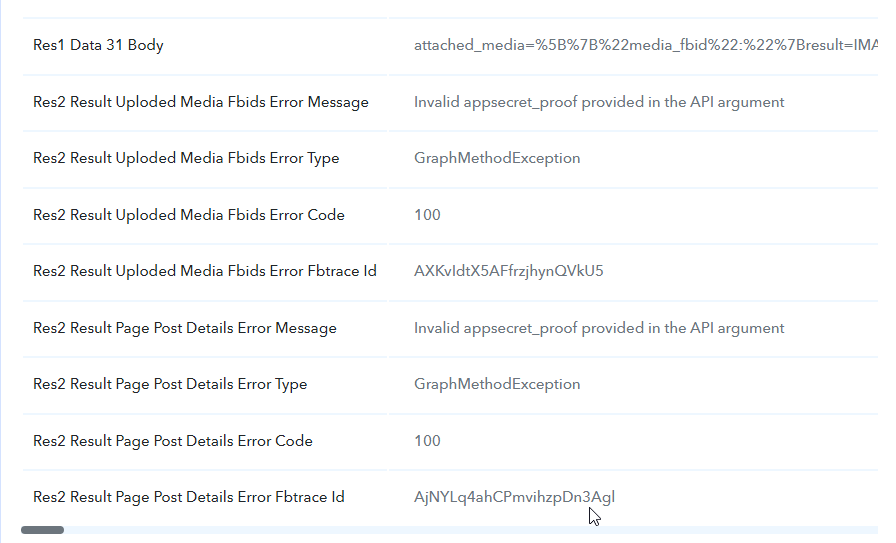
Nothing has been fixed! Why did you respond that this issue was resolved? See these task histories, they failed with the Facebook multi-image step again today. This can not continue. I am operating a business that relies on the workflows I've built with your product.
Task History ID -
IjU3NjcwNTY0MDYzMzA0MzE1MjY5NTUzNzUxMzE1MTY1NTQzMCI_3D_pc
Task History ID -
IjU3NjcwNTY0MDYzMzA0MzI1MjY1NTUzNjUxMzY1MTY1NTQzOCI_3D_pc
Attachments
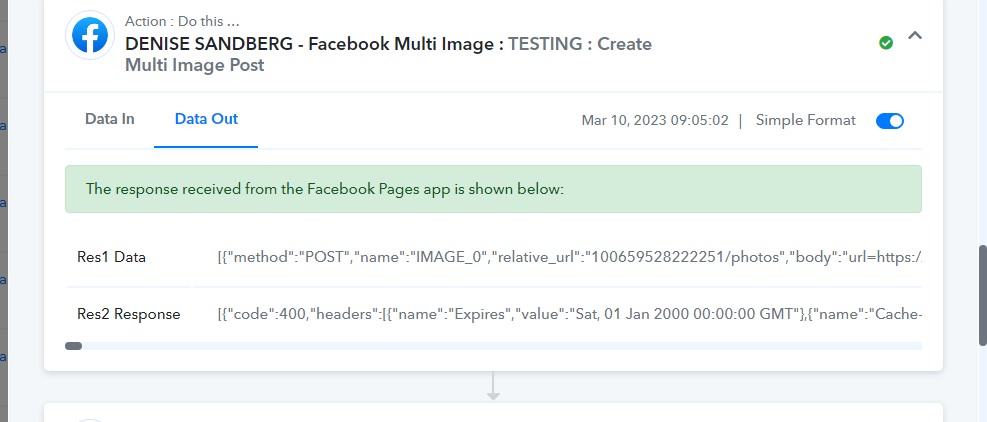
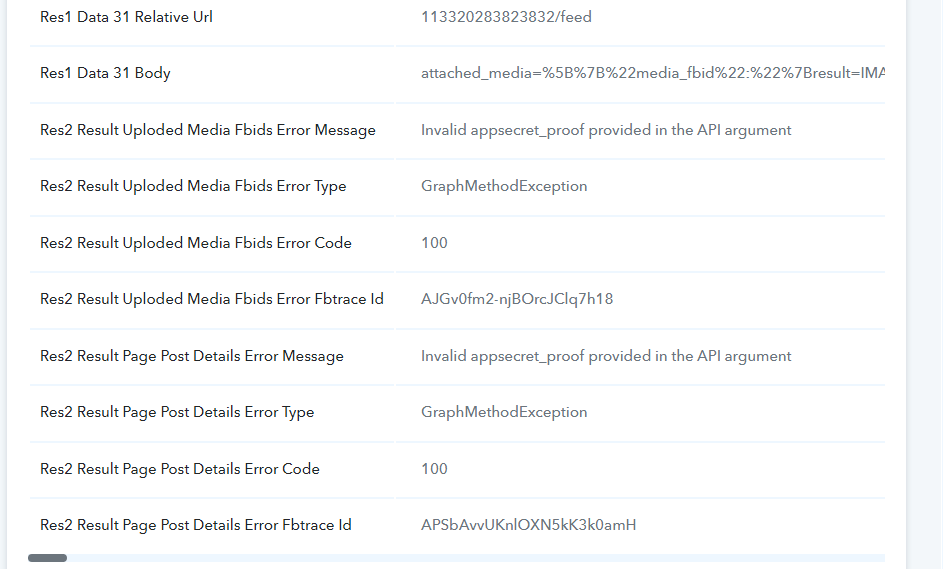
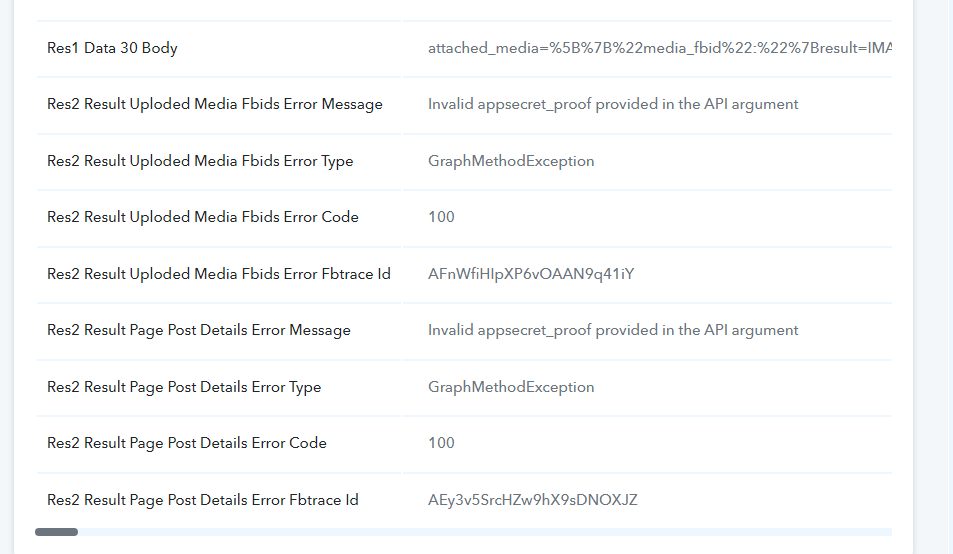
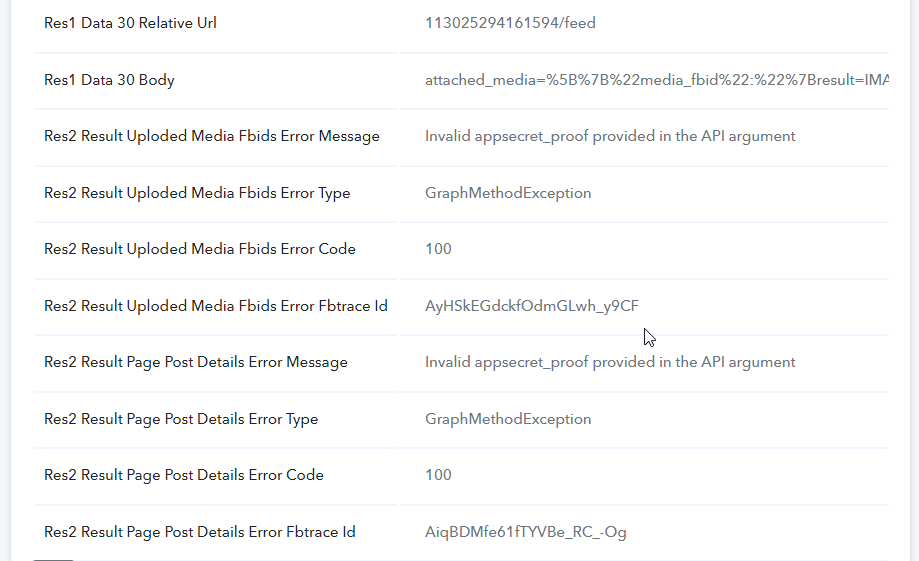
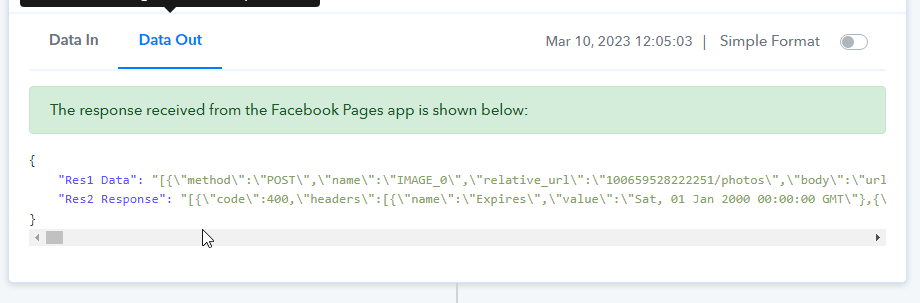
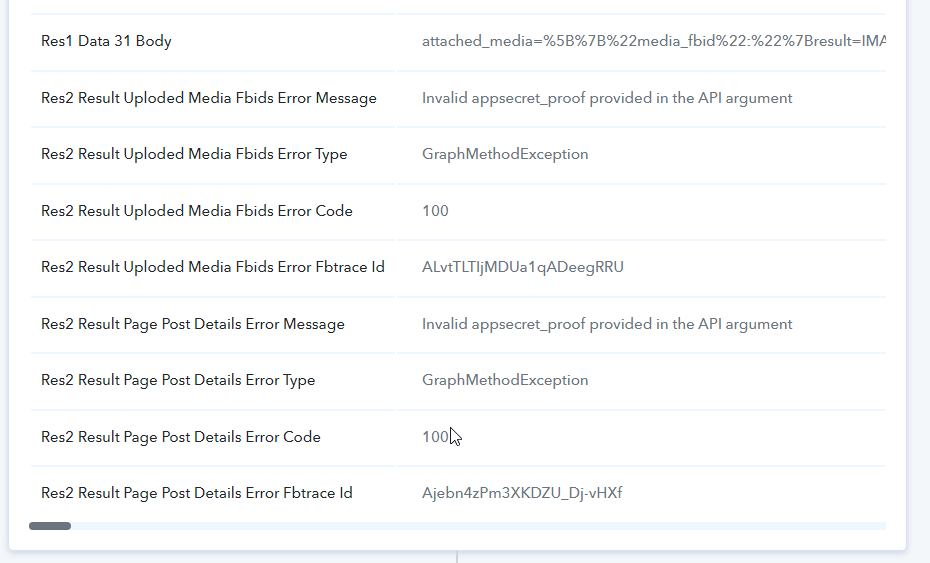
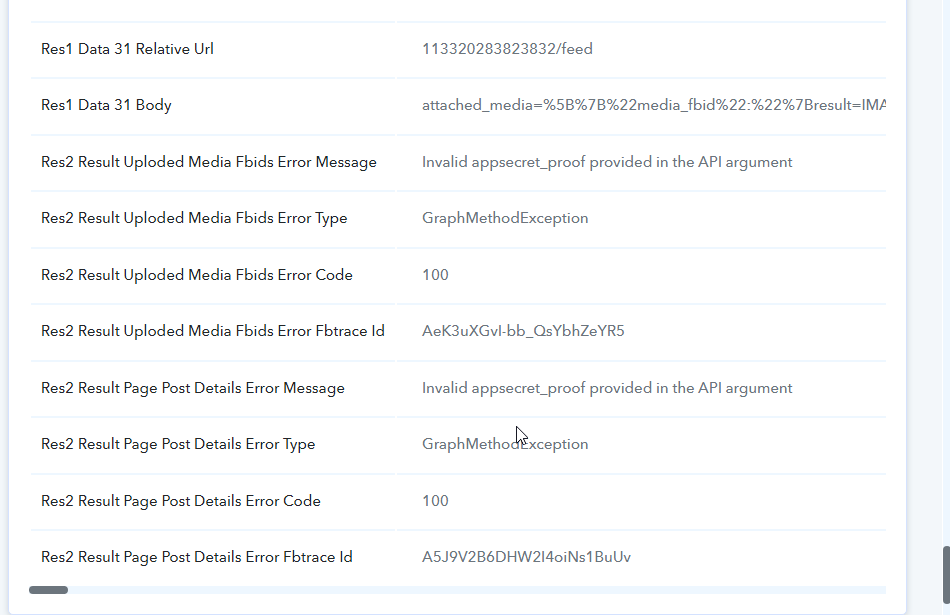
This has been down for a week now. A business can't operate like this. Facebook provides an API so I don't understand what the issue is. This needs to be fixed.
See video showing the connection was re-established and it still doesn't work.
I am spending more time dealing with your broken automation integrations and waiting for things to be fixed than it would take for me to just do everything manually!
Just failed again...
Task History ID -
IjU3NjcwNTY0MDYzMzA0M2M1MjY0NTUzMDUxMzA1MTY3NTQzNiI_3D_pc
Failed again.
Task History ID - IjU3NjcwNTY0MDYzMDA0MzQ1MjZlNTUzMzUxMzY1MTYwNTQzMiI_3D_pc
Hey @andrewstrealtor
I apologize for the inconvenience you are experiencing. It seems that Facebook's batch API is currently facing disruption on their end, which is causing your posts to fail. We will investigate the issue and provide a resolution within one business day. Thank you for your patience and understanding.
We have recently made a minor adjustment to the action step. Please reconnect it and try again.
Please look at this task. Seems this issue is still a problem with Facebook app secret.
Hey @andrewstrealtor
It seems like the API request you created in the API by the Pabbly action step wasn't an Appsecret proof and whereas our integrated application is the updated 16th version of the API.
So, please create the API request correctly or use the integrated action step of Facebook "Facebook Page: Delete post".
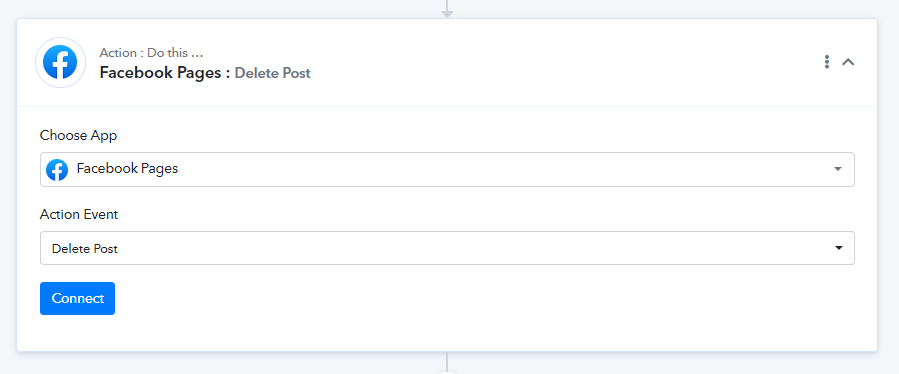
Issue not fixed...
Task History ID -
IjU3NjAwNTZkMDYzNTA0Mzc1MjZmNTUzNTUxMzU1MTY1NTQzMCI_3D_pc
Attachments
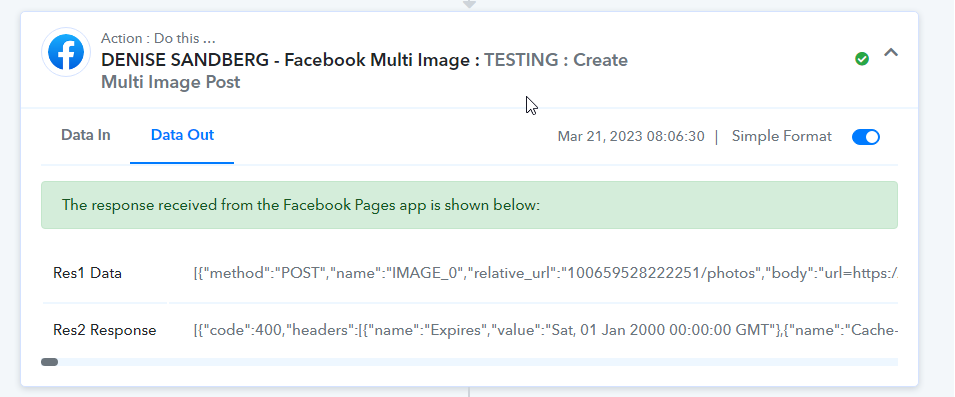
Seems like you have found the issue with your concern on your own.
https://forum.pabbly.com/threads/facebook-multi-image-post.10712/