facebook posts scheduling from google sheet
Status: Open · Asked by badr on · 0 views
Hello,
I'm trying the free version of pabbly to see if it's compatible with my need. I have a google sheet with wp article to poste in a facebook page.

I used this video tutorial that does the same thing and it worked for the first line in the list.
youtube.com/watch?v=K-4Wd1qnmoY
However, my workflow got deactivated and I received this email
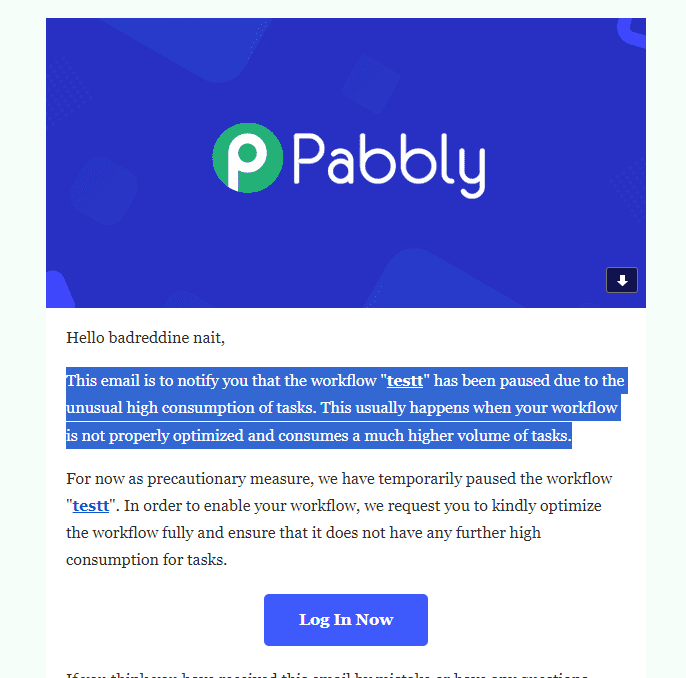
is there any new tutorial for facebook posting with google sheet that consumes less resources? thank you for your help
best regards
Hi @badr,
Could you please share your workflow URL?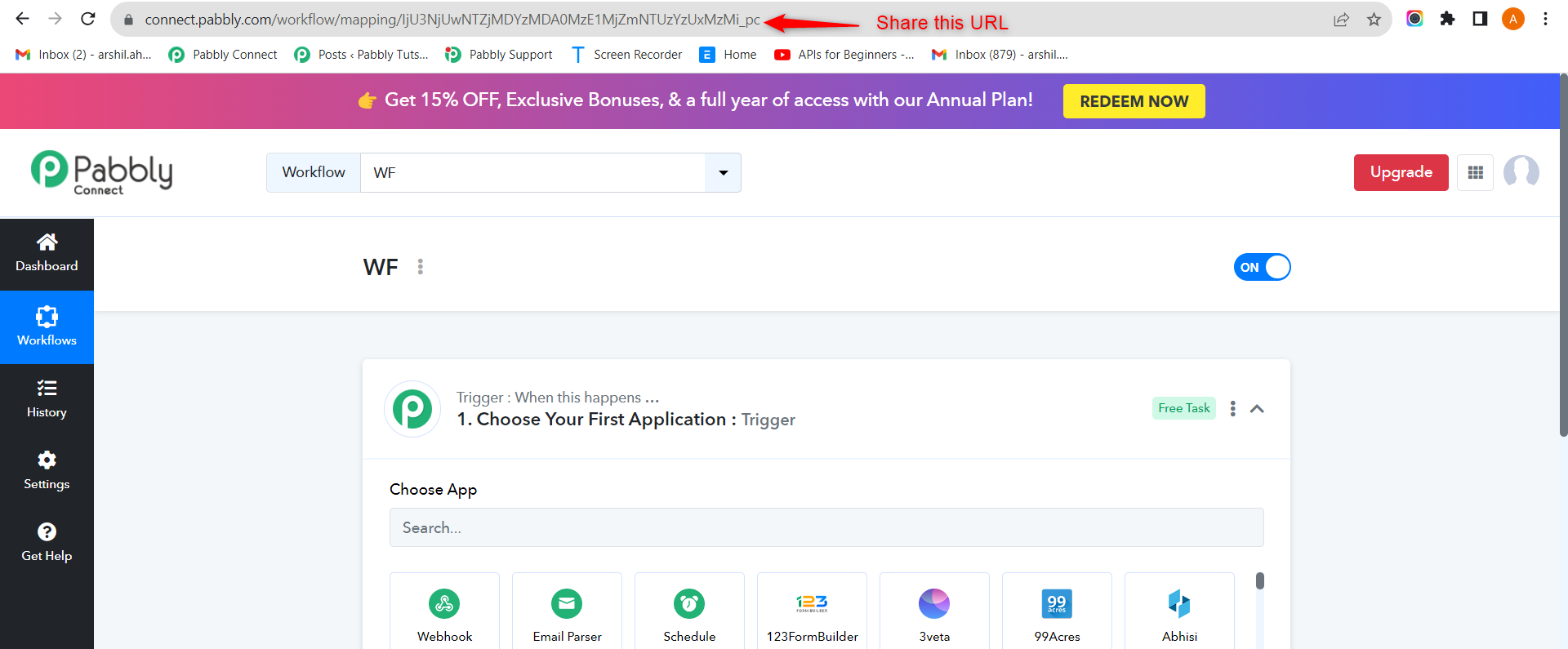
Hello,
Thanks for the quick answer, here is the url:
https://connect.pabbly.com/workflow/mapping/IjU3NjUwNTZjMDYzMDA0MzI1MjY0NTUzMDUxMzYi_pc
also, could you please tell me what's the difference between this workflow and this one that uses "delay" function:
https://connect.pabbly.com/workflow/mapping/IjU3NjUwNTZjMDYzMDA0M2M1MjZkNTUzMTUxM2Ei_pc
Best regards
Thanks for the quick answer, here is the url:
https://connect.pabbly.com/workflow/mapping/IjU3NjUwNTZjMDYzMDA0MzI1MjY0NTUzMDUxMzYi_pc
The method used in this workflow for Delay is quite old, which was used when Pabbly didn't have the Delay function.
also, could you please tell me what's the difference between this workflow and this one that uses "delay" function:
https://connect.pabbly.com/workflow/mapping/IjU3NjUwNTZjMDYzMDA0M2M1MjZkNTUzMTUxM2Ei_pc
I suggest you use this workflow for your use case instead, as it's much more efficient and requires fewer tasks.
Hello,
Thanks for your quick Answer.
I've used the delay function and it seems to be working. However, as i'm handling several facebook pages, I've created 2 flow (to test posting on 2 pages at the beginning ). The 2 flows should get their input datas from the same google sheet:
-the fisrt workflow works fine
-the second one (which is a clone of the 1st with a change in the name of the facebook page) isn't running at all.
Is there something I'm missing?
workflow 1: https://connect.pabbly.com/workflow/mapping/IjU3NjUwNTZjMDYzMDA0M2M1MjZkNTUzMTUxM2Ei_pc
workflow2:https://connect.pabbly.com/workflow/mapping/IjU3NjUwNTZjMDYzMTA0MzQ1MjY4NTUzNjUxMzQi_pc
Best regards,
Badr
It appears that you are using the same sheet of the same spreadsheet in two different workflows. Please note that this is not possible because there is no option to add two different Webhook URLs to the same sheet.
As soon as you add the Webhook URL of your new workflow the previous one will stop working, because you have to remove the Webhook URL of the previous workflow.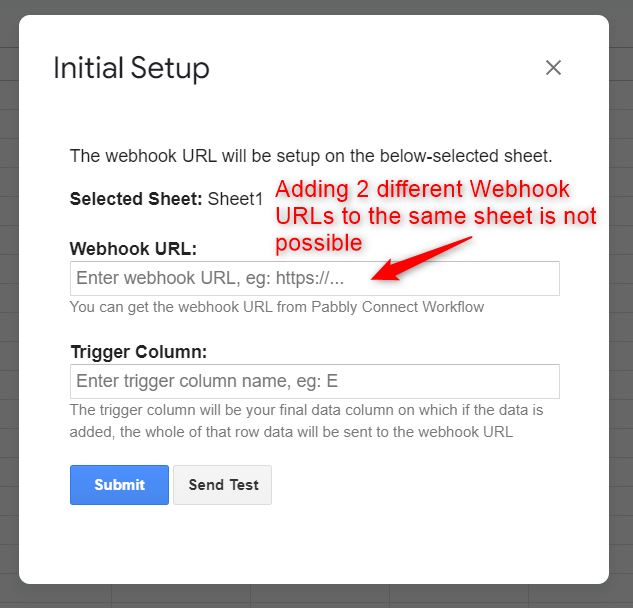
You can add both the 'Facebook: Create Page Post' action steps to the same workflow, one after the other. Alternatively, you can add a Router to your workflow if you want to post on only one of those pages.