Facebook to Zoho Bigin Lead Automation Not Working
Status: Closed · Asked by Vipin543 on · 0 views
Dear Pabbly Connect Community,
I am hoping someone can help me troubleshoot an issue I'm having with my Facebook Ads Lead to Zoho Bigin lead automation. The automation workflow seems to be failing and Facebook leads are not being automatically registered in my Zoho Bigin account.
I have set up the automation using the following workflow: https://connect.pabbly.com/workflow/mapping/IjU3NjUwNTY4MDYzZjA0MzY1MjY0NTUzNDUxMzIi_pc
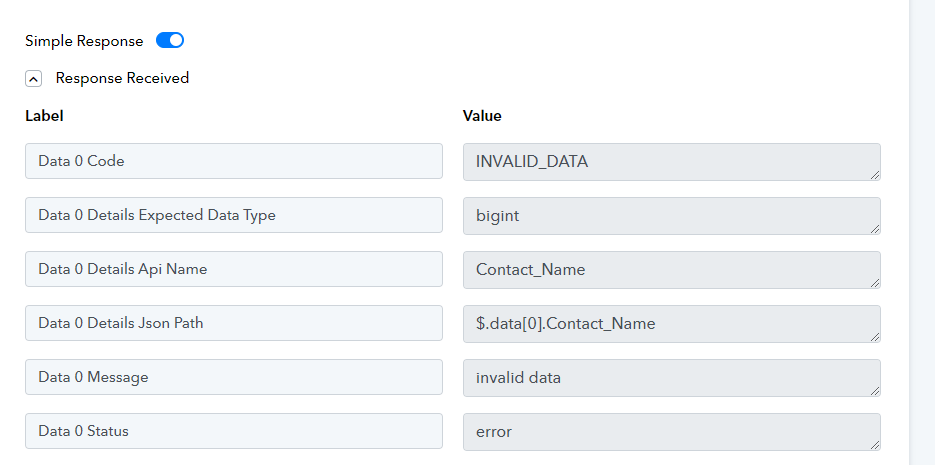
Hi @Vipin543,
In the 'Contact' and 'Company Name' fields, you are supposed to map the ID associated with those fields and not the names.
https://drive.google.com/file/d/1OVxJGPf1gROSxV0E7PLiJkw5RVkHBB1U/view?usp=sharing
You can try using the 'Search Contact' action step to get those IDs.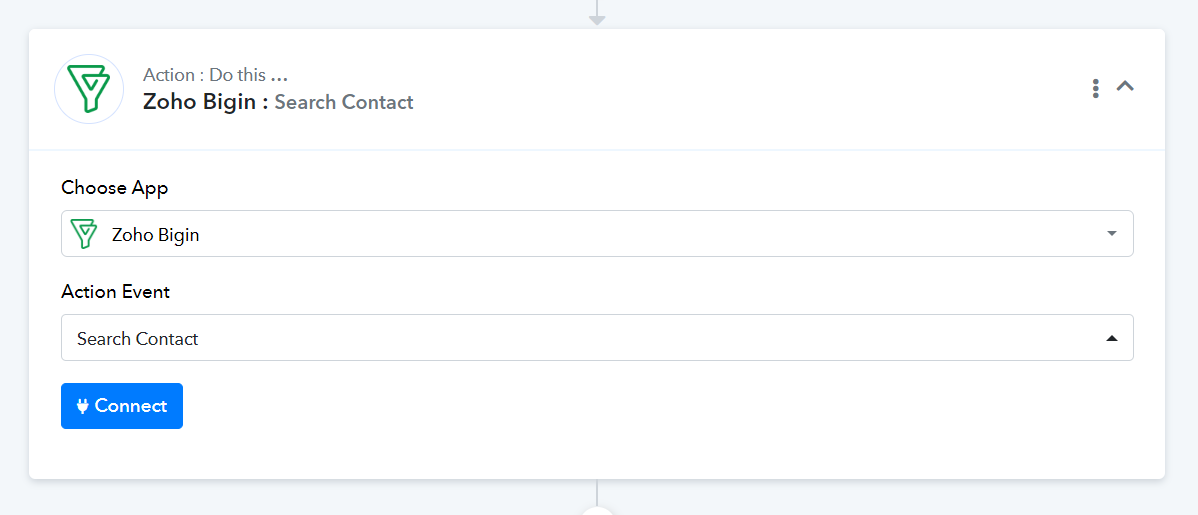
Hi @
@ArshilAhmad
Thanks for a fast response.
Just wanted to understand how can I map contact and company id if the contact and company is itself new and is not already there in Bigin, as its a completely new information for Bigin (contact , Company and Lead ) that we are capturing from Facebook.
Can you you elaborate all the steps to be added in this workflow
"In that case, you need to first create a contact in Bigin using the 'Create Contact' action event, and then map the Contact and Company ID in the 'Create Contact Deal' action step.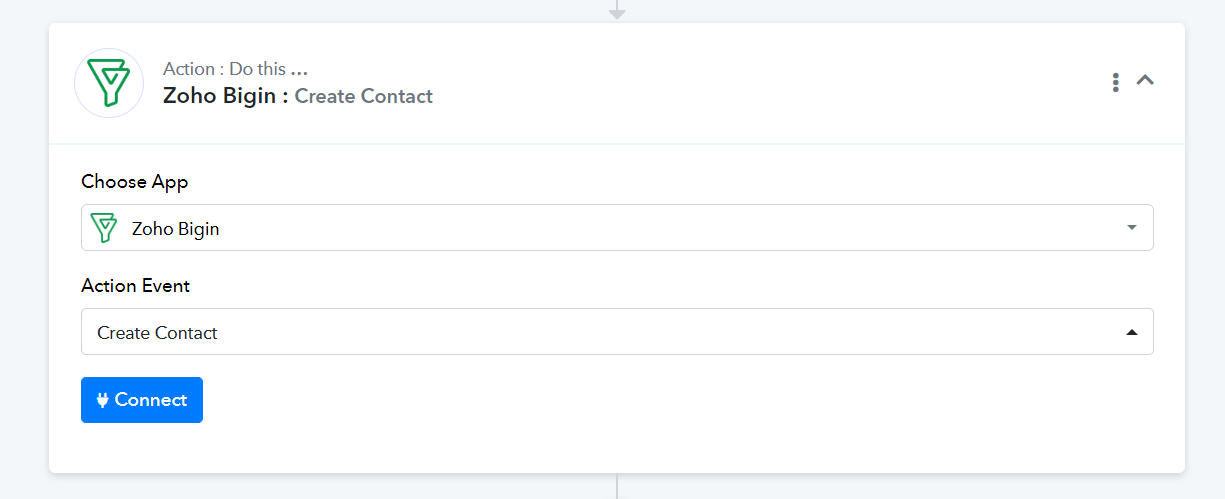
Done
Thank You