facing an issue while connecting Elementor to salesforce my data not storing in salesforce
Status: Open · Asked by arslmirza on · 0 views
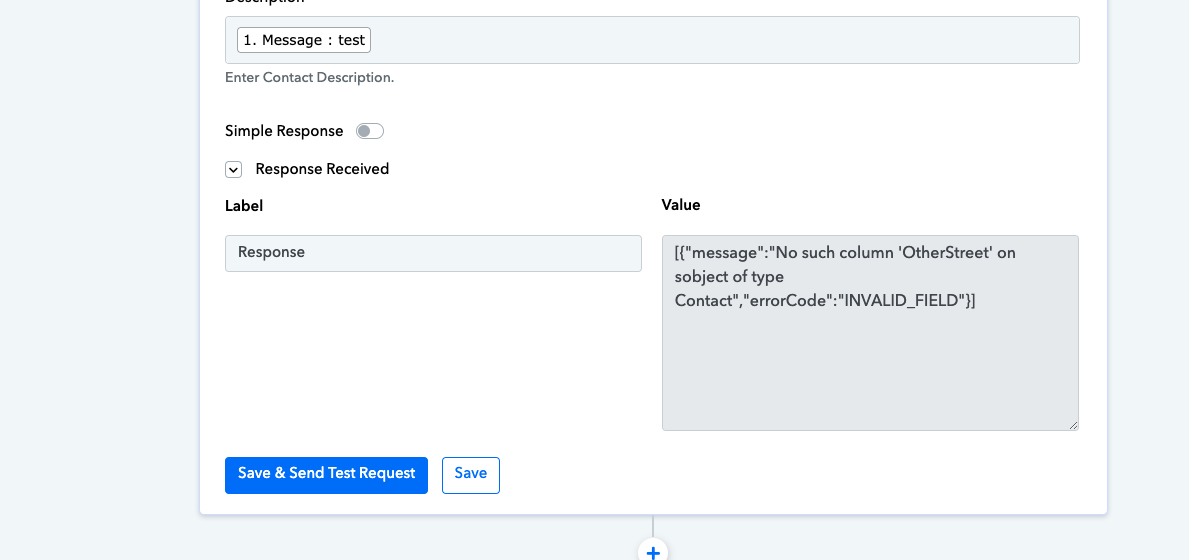
Hi @arslmirza,
Could you please try and establish a new connection with your Salesforce account and see if that fixes the issue for you?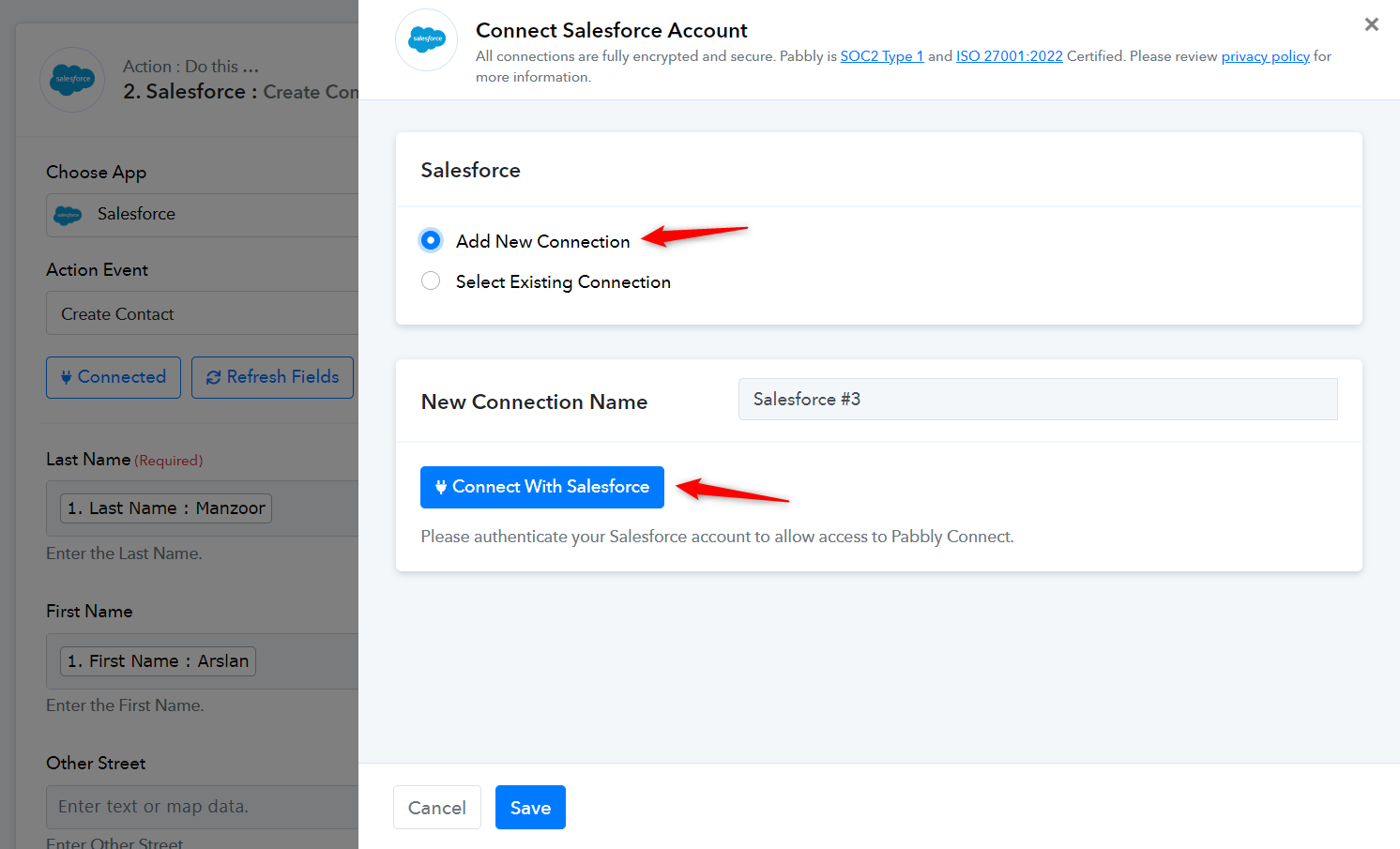
i did still same
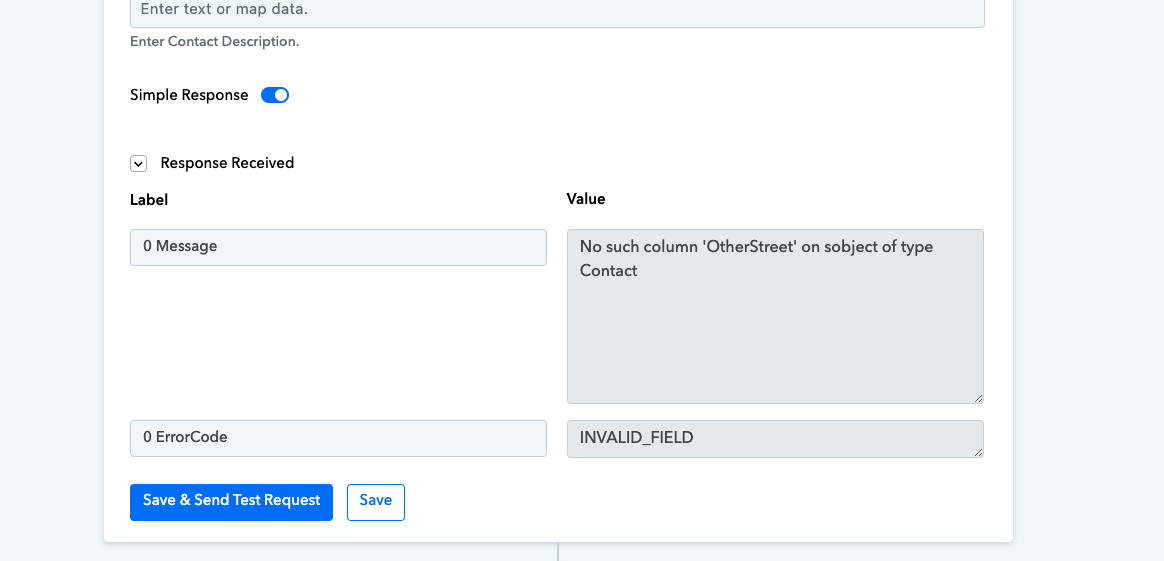
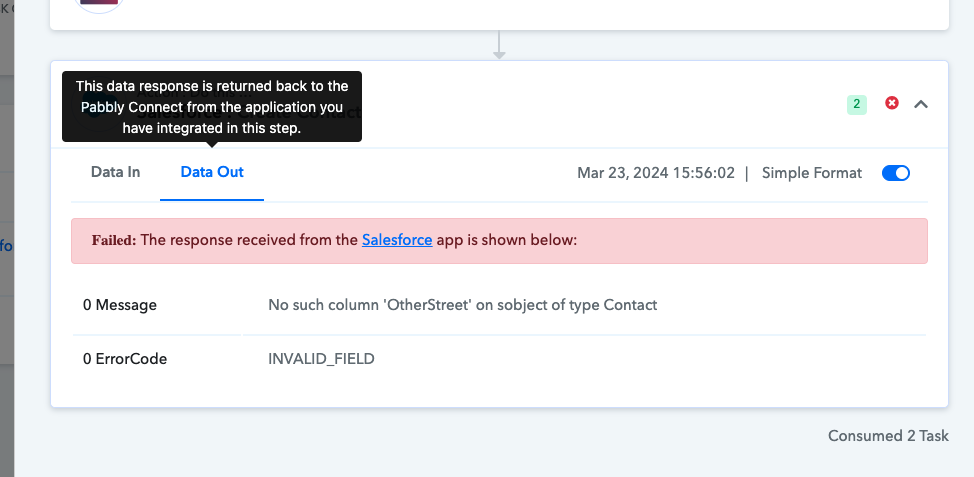
Please allow us some time to look into this concern. We will get back to you with an update soon. In the meantime, kindly refrain from making any changes to your workflow.
ok i am waiting please solve this issue
We will get back to you with an update soon.
when sir?
We will get back to you with an update by Tuesday.
Hey @arslmirza
We have made some changes in the address fields of the action step and it should work now.
Please give it a try now and let us know. Further, we suggest you use the Create Record action step of Salesforce.
yes thank you its working
but there's an issue just name and email is going in salesforce, not other fields like phone and subject

Please share the task history ID in which you have experienced. So that we can look into it.
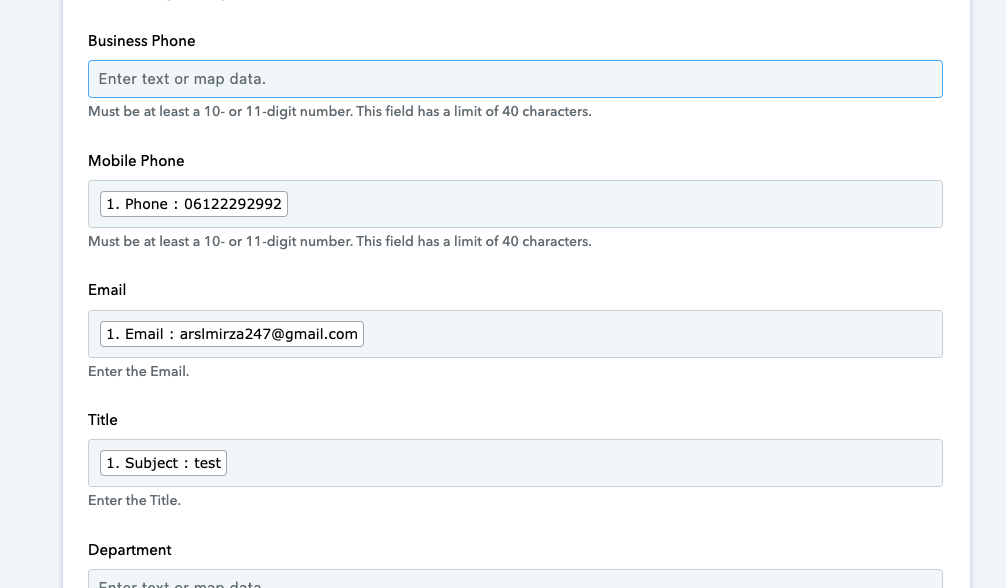
Can you please share the workflow URL and please tell us if you have tried the same in the Create Record action step?
yes i follow the same video
Please use the Create Record action step instead of Create Contact once and then check.
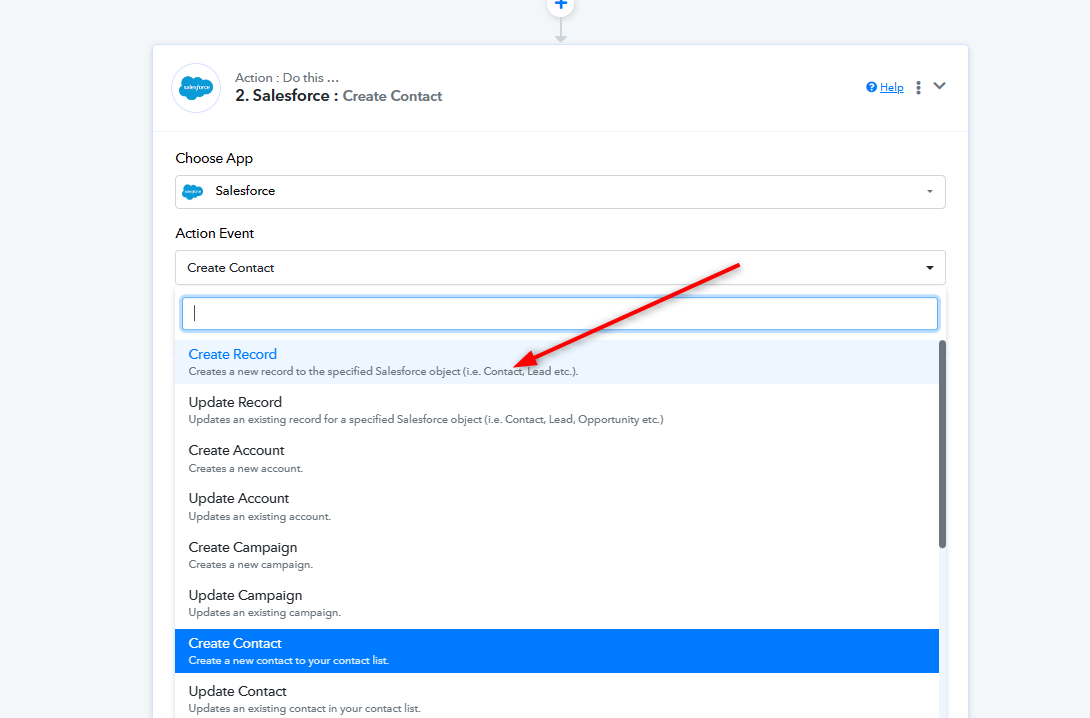
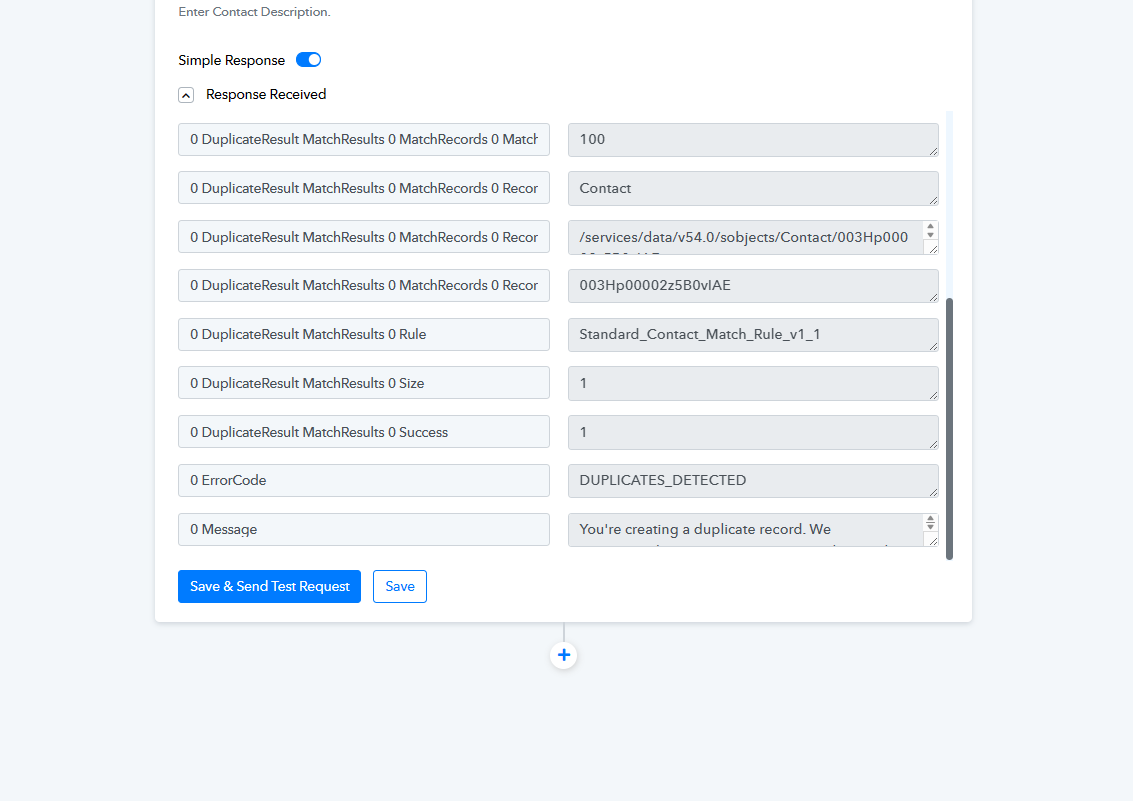
Further, from the same API response you are getting the result for duplicate contact.
thank you sir