Fill a checkbox in Google Sheet based on Column
Status: Closed · Asked by Benjamin Chew on · 0 views
Hi team,
I have workflow that triggers when a course member completes a lesson. I want to update my google sheet to track their progress.
Currently, the trigger works, i have the information i need, but i don't know how to have the automation check the checkbox
Trigger - Lesson Completed
Action - Lookup Spreadsheet Row (for finding the row with the member's email)
??
??
Each column has the Lesson's name to make it simpler, but I don't know how to have the automation find the specific column and fill the checkbox.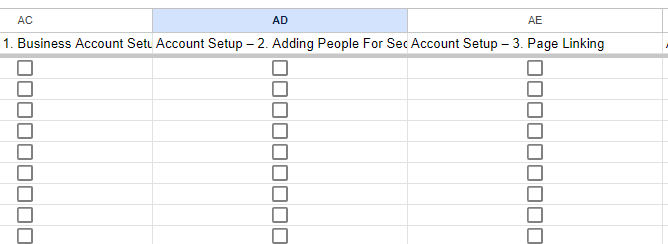
My workflow link - IjU3NjUwNTY1MDYzNTA0M2Q1MjZlNTUzMjUxMzEi_pc
Hey @benjaminshuu
Kindly pass the term 'true' in the checkbox type field to check it out.
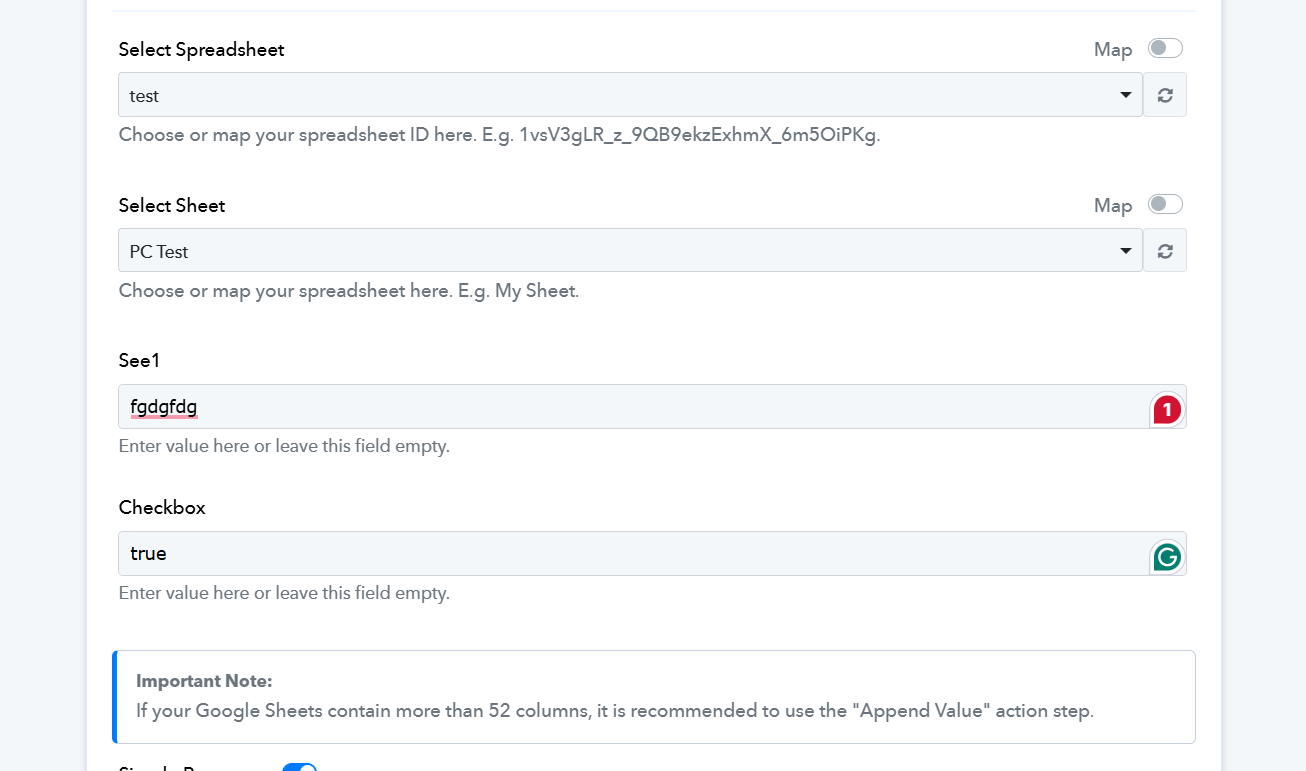

Hey @benjaminshuuKindly pass the term 'true' in the checkbox type field to check it out.
This is not my question. I might have confused you. This is the sequence of events that I think should happen.
1. A member completes a lesson in LearnDash (Trigger)
2. Find the google sheet row with the member's email address
3. Find the google sheet column with the specific lesson name (I'm missing this part)
4. Check this specific Column:Row box so I know this member have completed this lesson.
2. Find the google sheet row with the member's email address
3. Find the google sheet column with the specific lesson name (I'm missing this part)
Regarding your concern, please fill the first row of the sheet and share a screenshot so that we can further assist you.
Like this? I've also updated the workflow
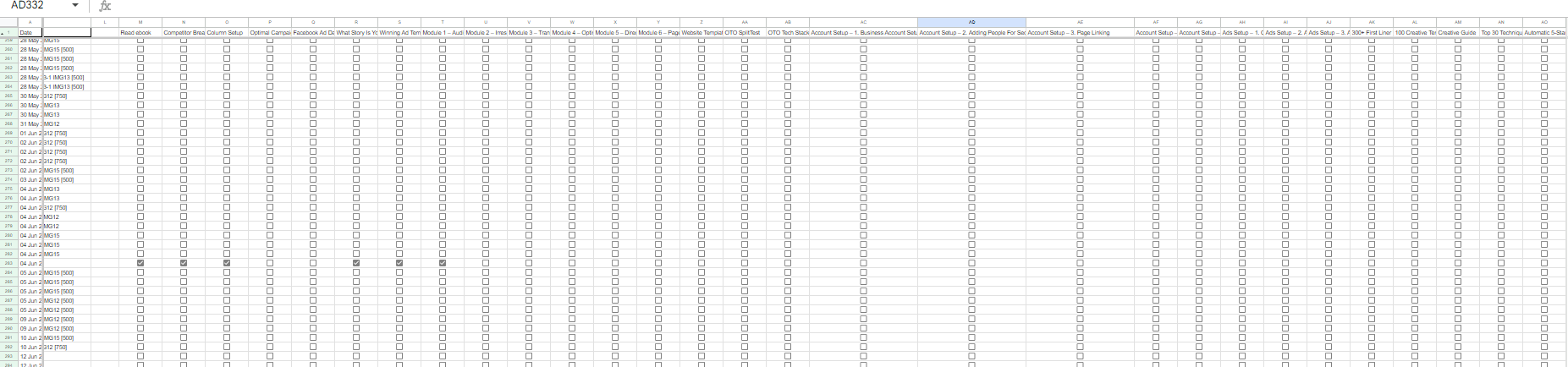
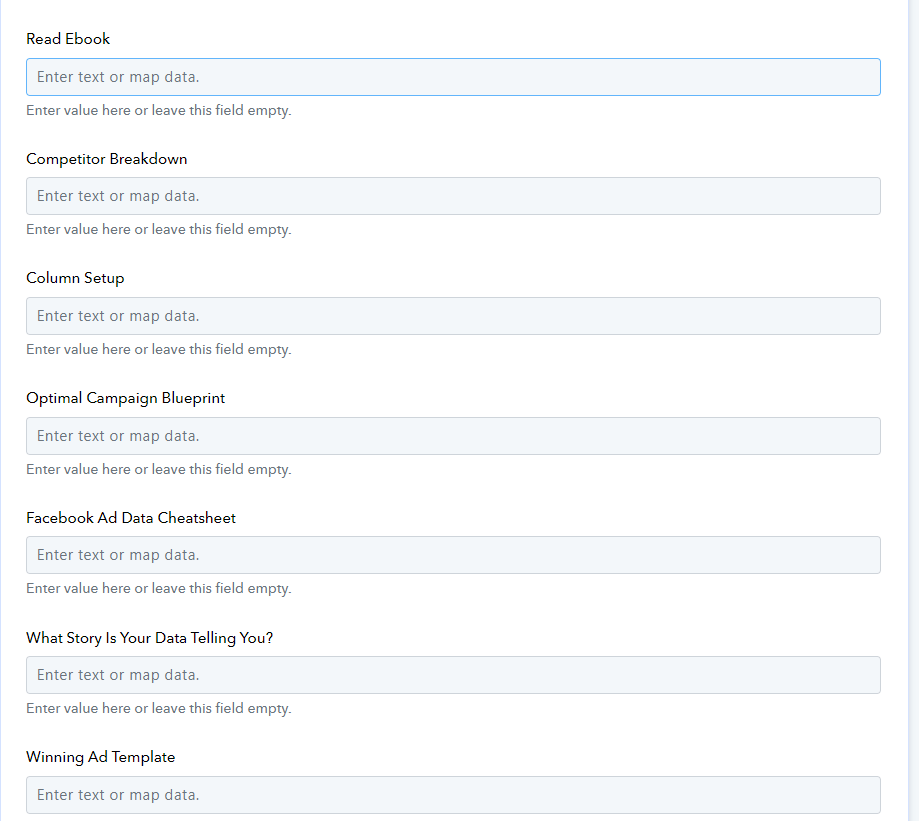
Yes but only the second row and in your shared workflow's action step we can only see only two rows field.
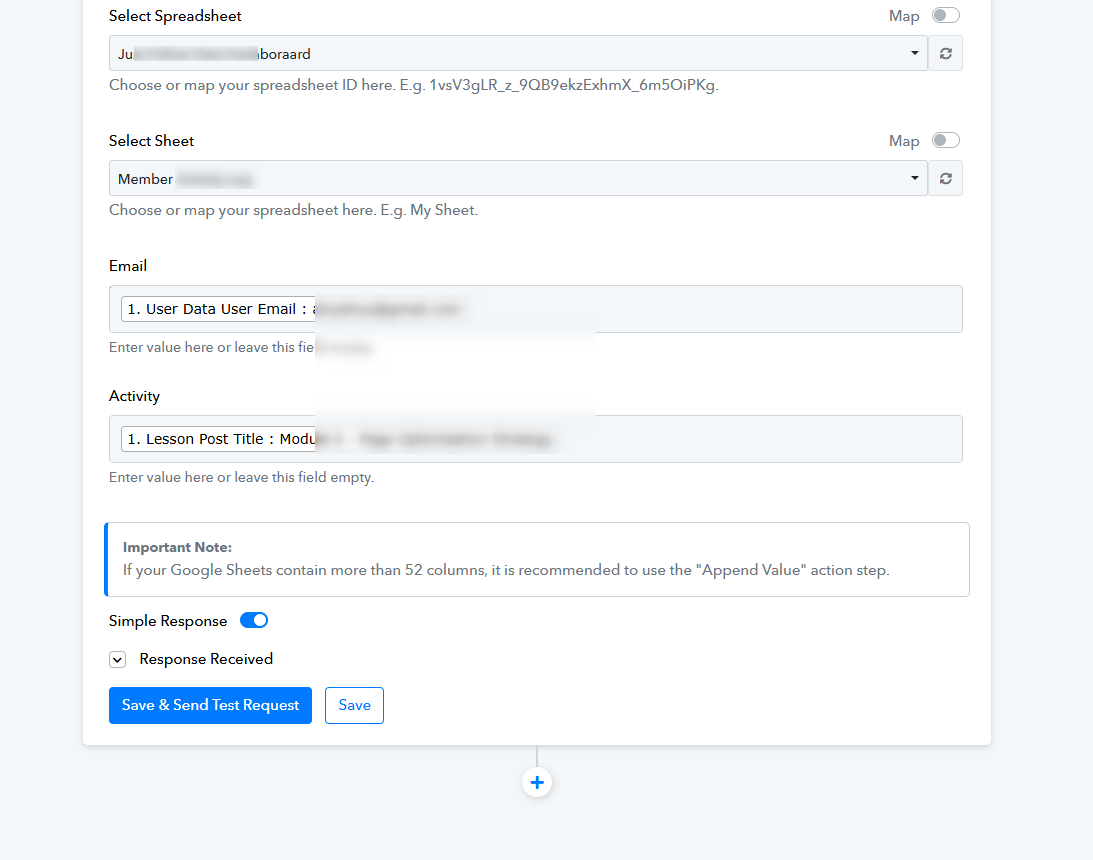
Yes but only the second row and in your shared workflow's action step we can only see only two rows field.
Please go to the next step 4
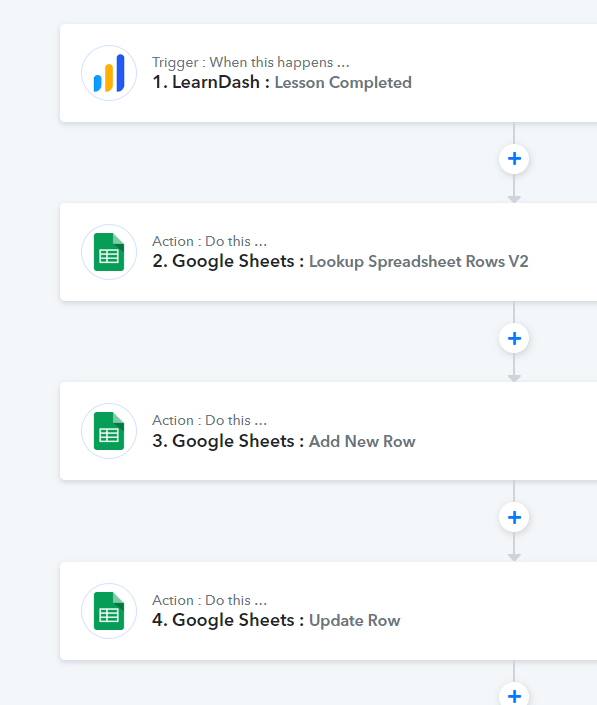
Hey @benjaminshuu
For your use case, we've incorporated the LookupSpreadsheet action at step 3 to retrieve the users' email addresses and row indices. Subsequently, you will need to establish individual routes to assign course completion and then map the value 'true' to the corresponding course in each distinct route.