Filter not working and causing duplicates
Status: Closed · Asked by sterlingmchase on · 0 views
I made a quick video demoing my issue - https://videos.chasebros.com/video/ljpuefw6rbtb32n56
basically when a deal is update in Pipedrive I have a filter to stop all other deals aside from one pipeline and if a specific field is set to YES. I am getting duplicate boards created in Trello. I added another filter condition that looks at the previous value of my field and if it has the YES value don't run again. I only want this to run once and the first time.
Hi @sterlingmchase,
Please grant me access to your workflow by adding me as a team member. This will allow me to gain a better understanding of your issue.
Once you have added me as a Team Member, do let us know the name of your workflow.
Email: arshil.ahmad@pabbly.com
Also, remember to revoke access once your query has been resolved.
Attaching a video for your reference:
I have you added!
The Filter you have set seems correct. The OR condition is redundant and not required, so I have removed it. Could you please make another update to your Pipedrive deal and see if it's working correctly or not?
So it is duplicating each project 3 times. Why would it be running multiple times?
Attachments
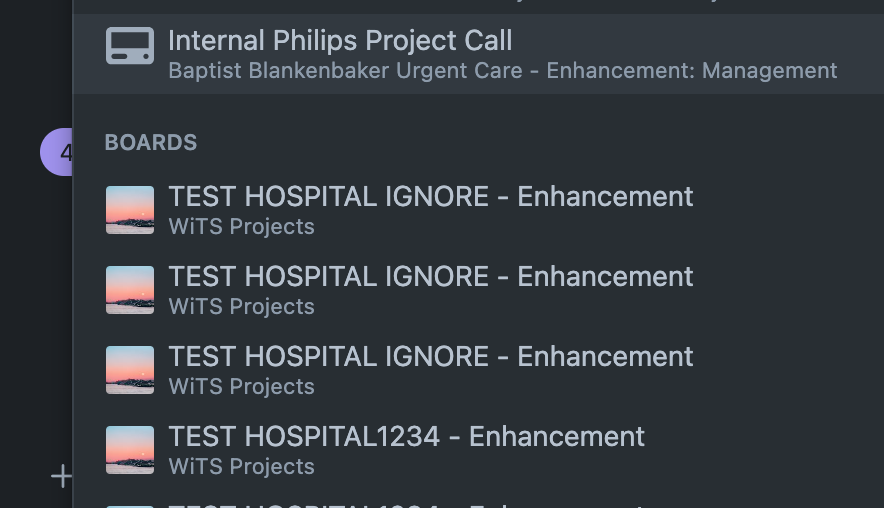
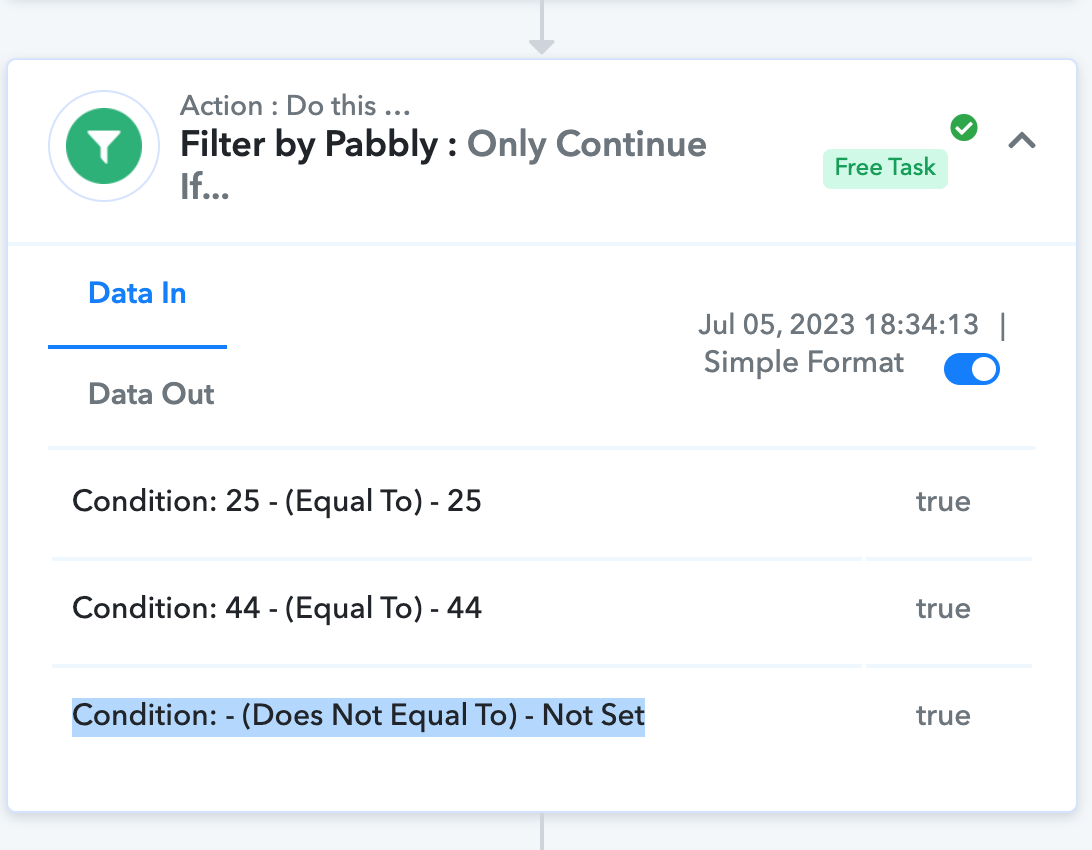
I think it may have something to do with the filter, this is what it is saying when it is returning true:
Attachments
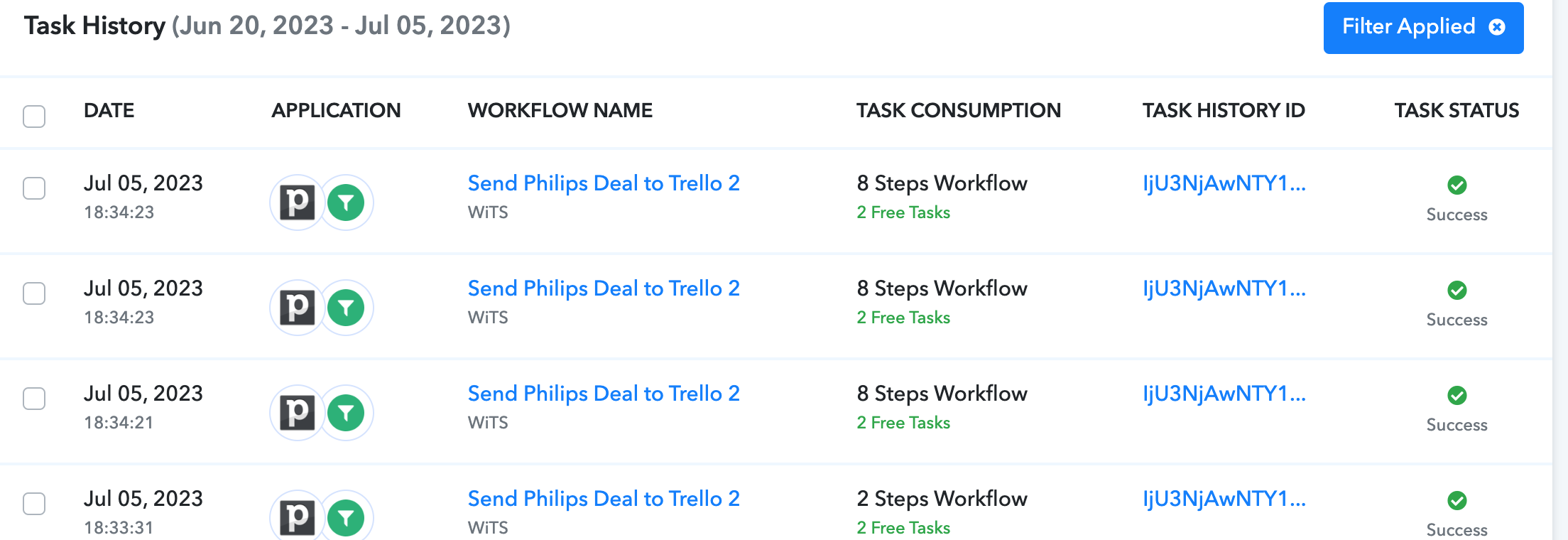
The issue you are describing occurs when a user clicks on 'Save & Send Request' multiple times, which, in turn, creates multiple webhooks in the application. There are two solutions for this:
- You have to log in to your Pipedrive account and delete the duplicate webhooks one-by-one.
- Alternatively, you can disable the workflow in which you are facing the issue and set up a new workflow from scratch (without cloning).
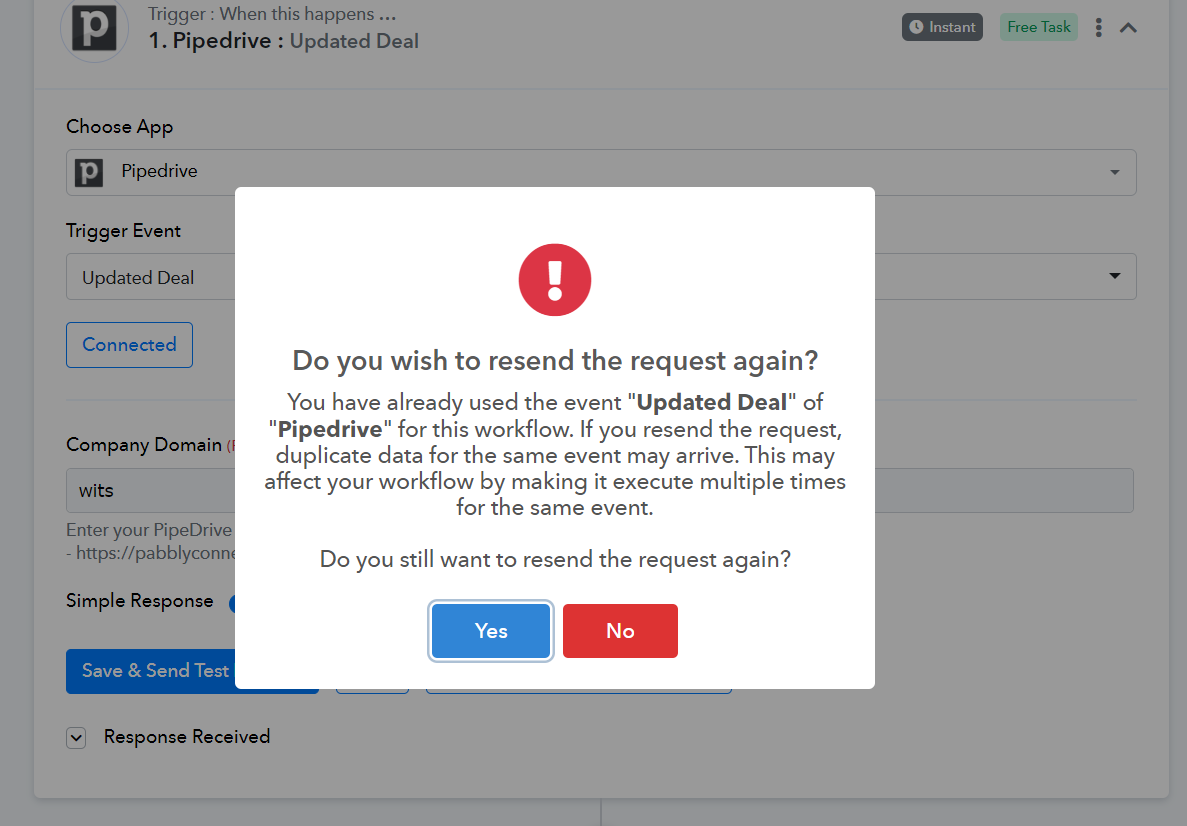
Going forward, please make sure not to click on the 'Save & Send Test Request' button multiple times. Instead, use the 'Re-Capture Webhook Response' button to capture new responses during setup.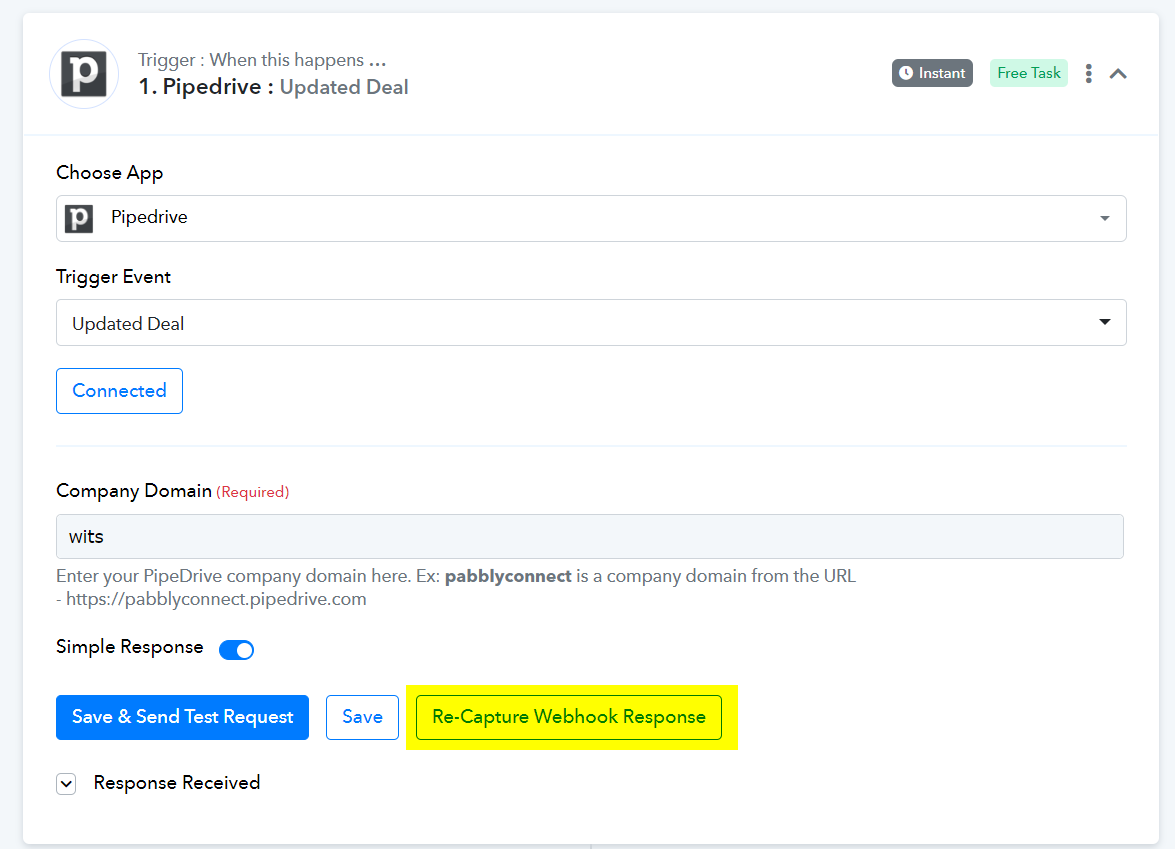
Thank you for all the help! I really appreciate it!