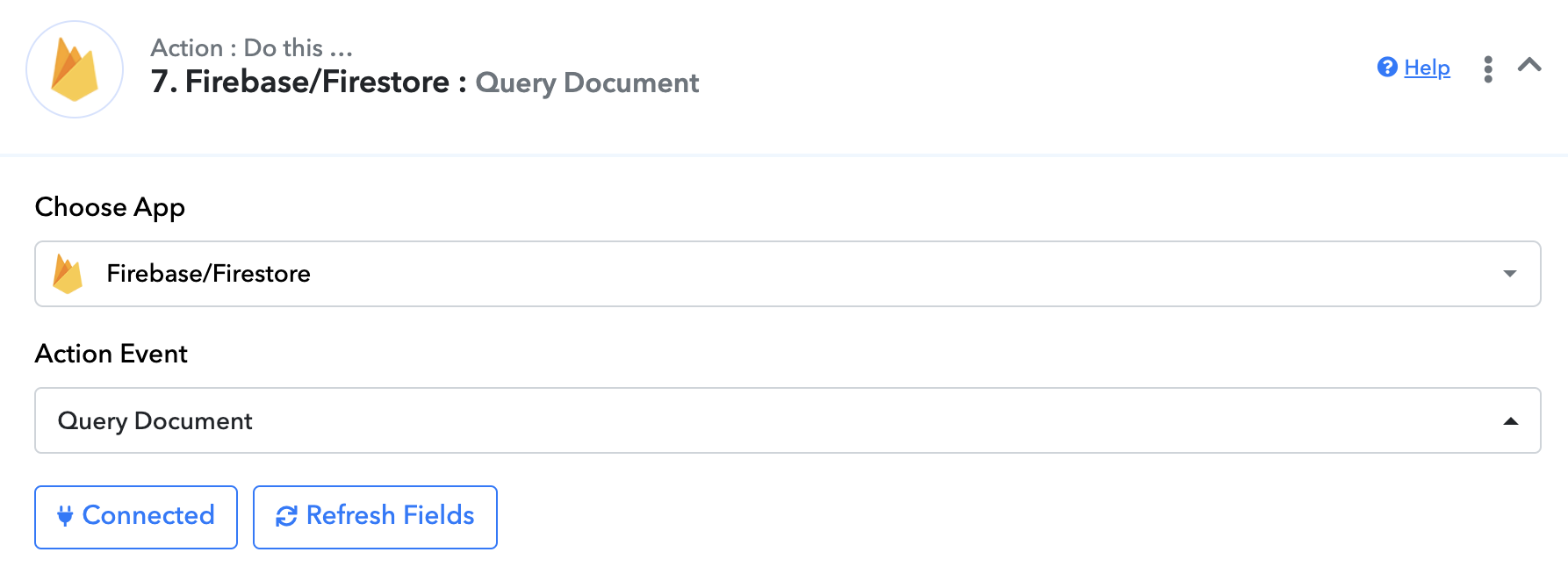
Firebase - Query Document. Help!
Status: Closed · Asked by pulboron on · 0 views
Hello, I'm trying to make the Query Document functionality for firebase work. However, I keep on getting this error message:
[{"error":{"code":400,"message":"Invalid JSON payload received. Unknown name \"\": Root element must be a message.","status":"INVALID_ARGUMENT","details":[{"@type":"type.googleapis.com\/google.rpc.BadRequest","fieldViolations":[{"description":"Invalid JSON payload received. Unknown name \"\": Root element must be a message."}]}]}}]
Basically, I have a collection called "Orders" and I want to query the Document IDs given an Order ID and a Order Line ID. If written as SQL, it will be like this:
SELECT DOCUMENT_ID
FROM Orders
WHERE OrderID = '12345' and OrderLineID = '23456'
Can anyone help me make it work?
Hi @pulboron,
Could you please make a short screen recording elaborating a bit more on your use case? This will allow us to gain a better understanding of your concern.
Here you go: screen recording link
Basically my use case is the following:
1. I get all Order Updates from WooCommerce
2. Once I get Order updates, I Query if that order exists in Firebase using 2 columns: OrderID and OrderLineID
3. If it does not exist, Create new document/record in Firebase
4. If it exists, update the existing record in Firebase
Here you go: screen recording linkBasically my use case is the following:
1. I get all Order Updates from WooCommerce
2. Once I get Order updates, I Query if that order exists in Firebase using 2 columns: OrderID and OrderLineID
3. If it does not exist, Create new document/record in Firebase
4. If it exists, update the existing record in Firebase
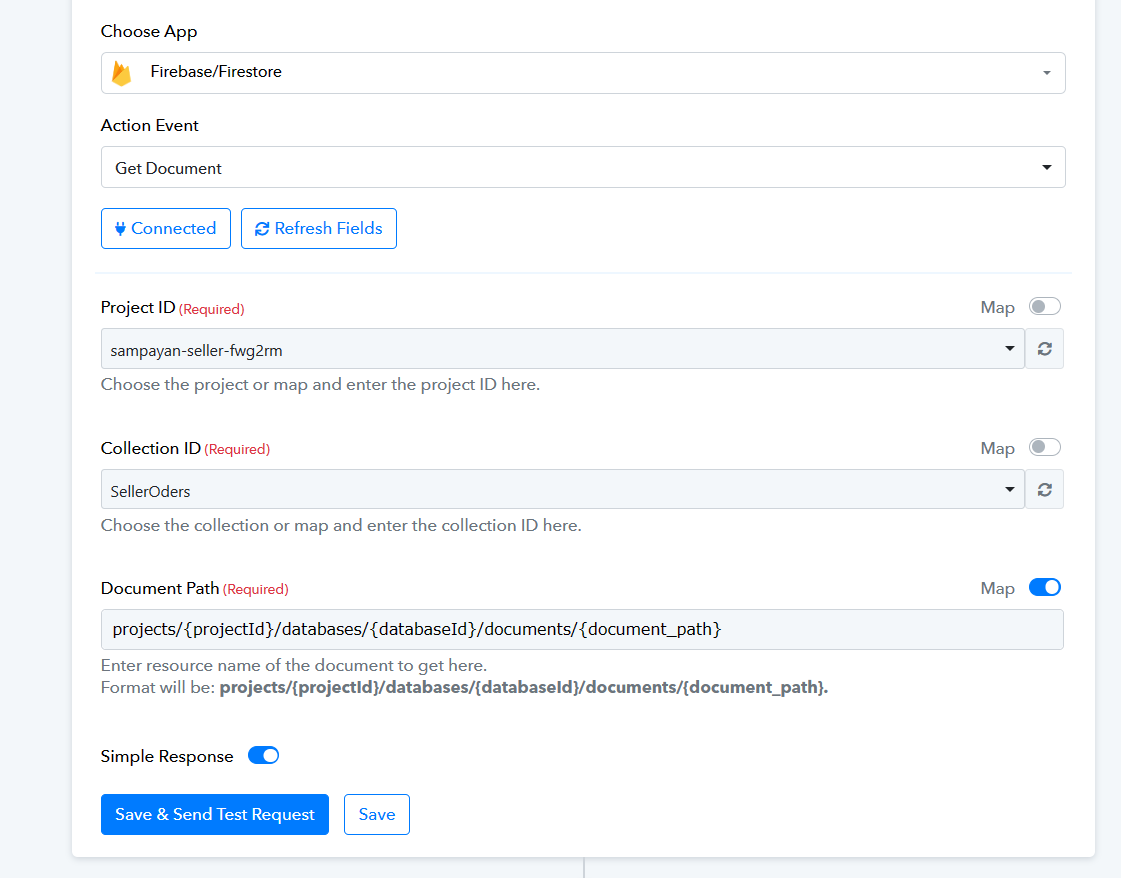
Kindly try using the Get document action step once and pass all the parameters mentioned in the Document Path then we pass the routers' conditions accordingly.
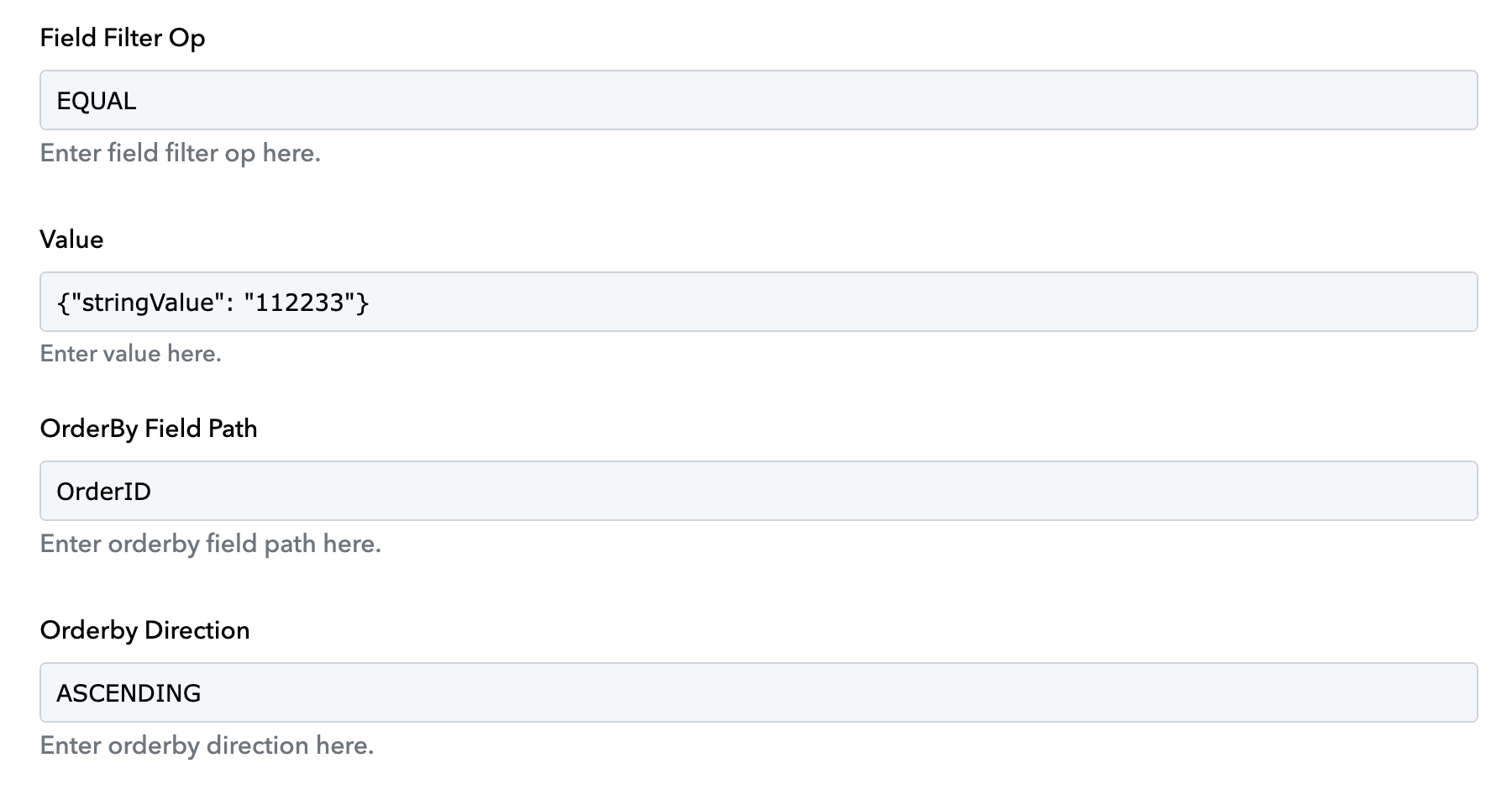
I was able to get it working. Apparently, I needed to include data type in filter value instead of just putting the value there.
Thanks for the update @pulboron