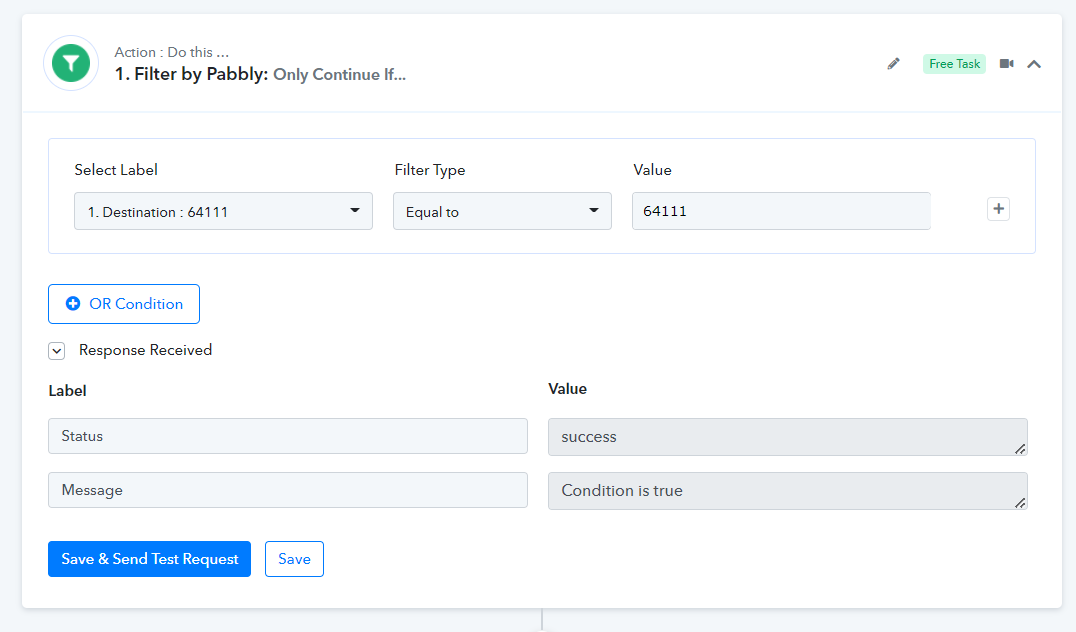
Fluent Forms > Google Sheets = Zip Code Checker
Status: Closed · Asked by voxdigitalmarketing on · 0 views
I have an online ordering page, that I want to make sure the client is only able to place an order if he/she is in specific zip codes (not radius) and:
- If they fill out the form and they ARE in my list of zip codes, they can proceed, pop up disappears.
- If they ARE NOT, they get an error message and an email box appears so they can be notified once we deliver in their area.
I have a spreadsheet of zip codes that we deliver.
I am able to read and validate if the zip code exists in the Google Sheets, I am not being able to send that information back to fluent form to make the actions i listed above happen.
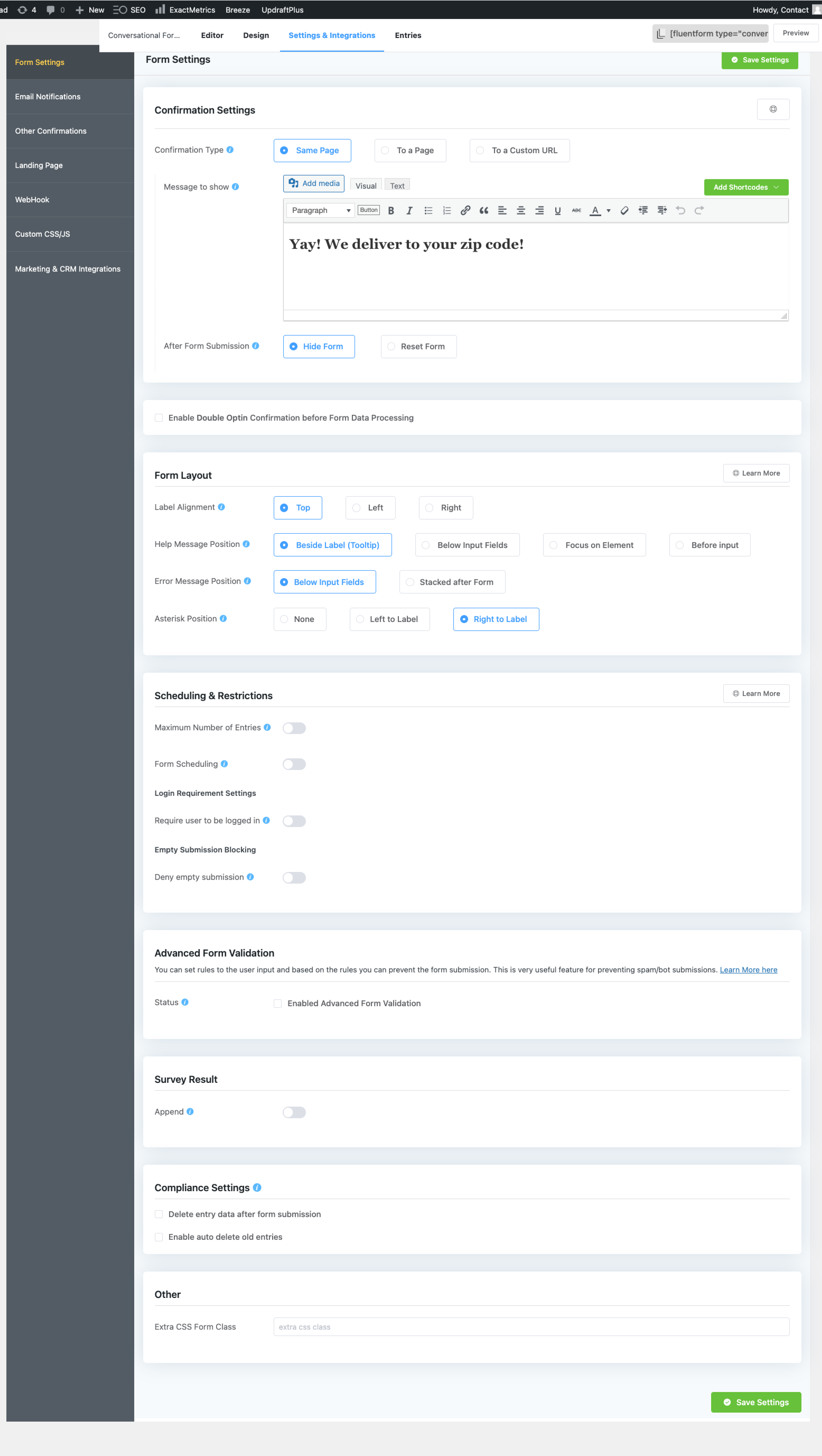
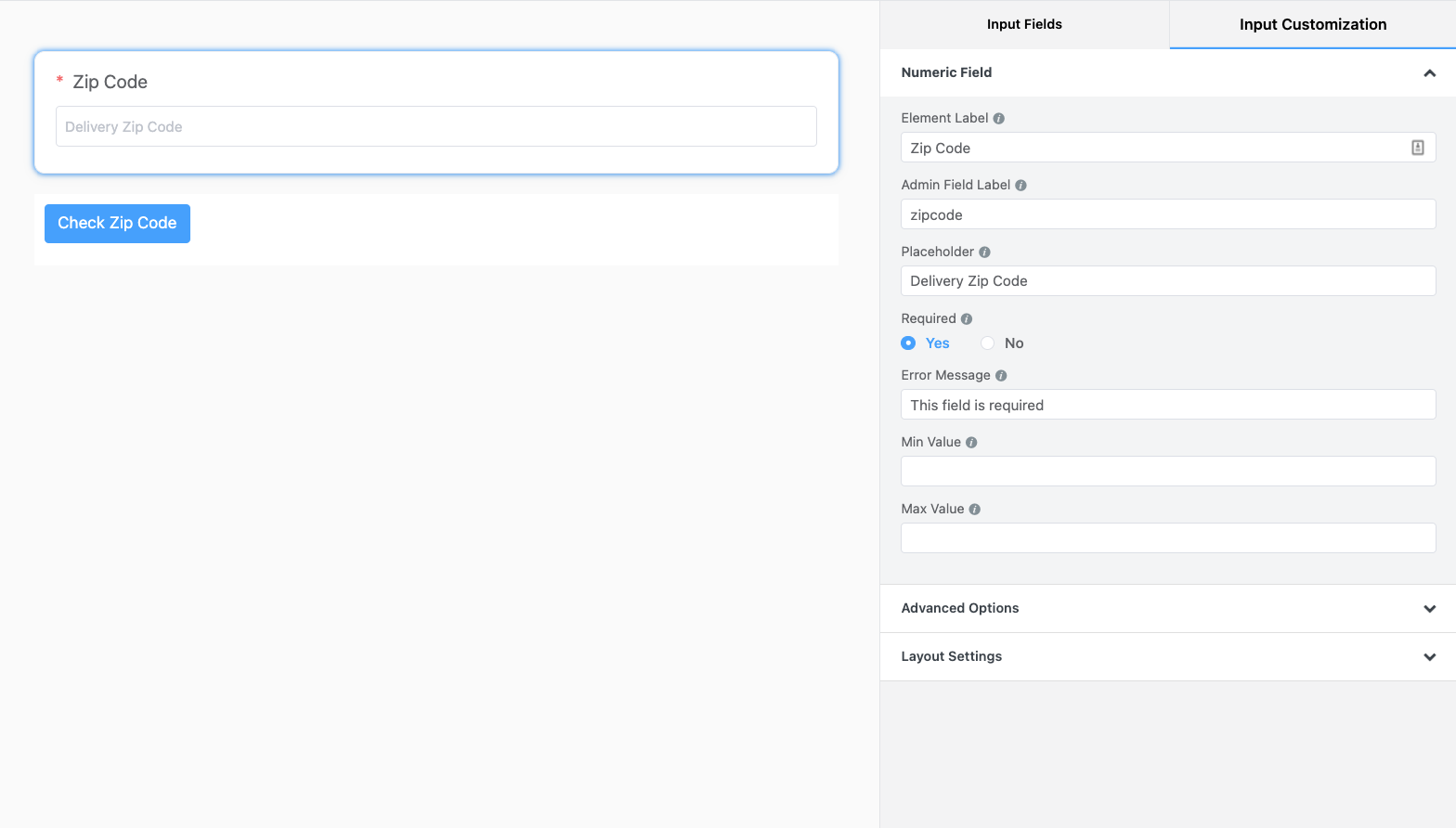
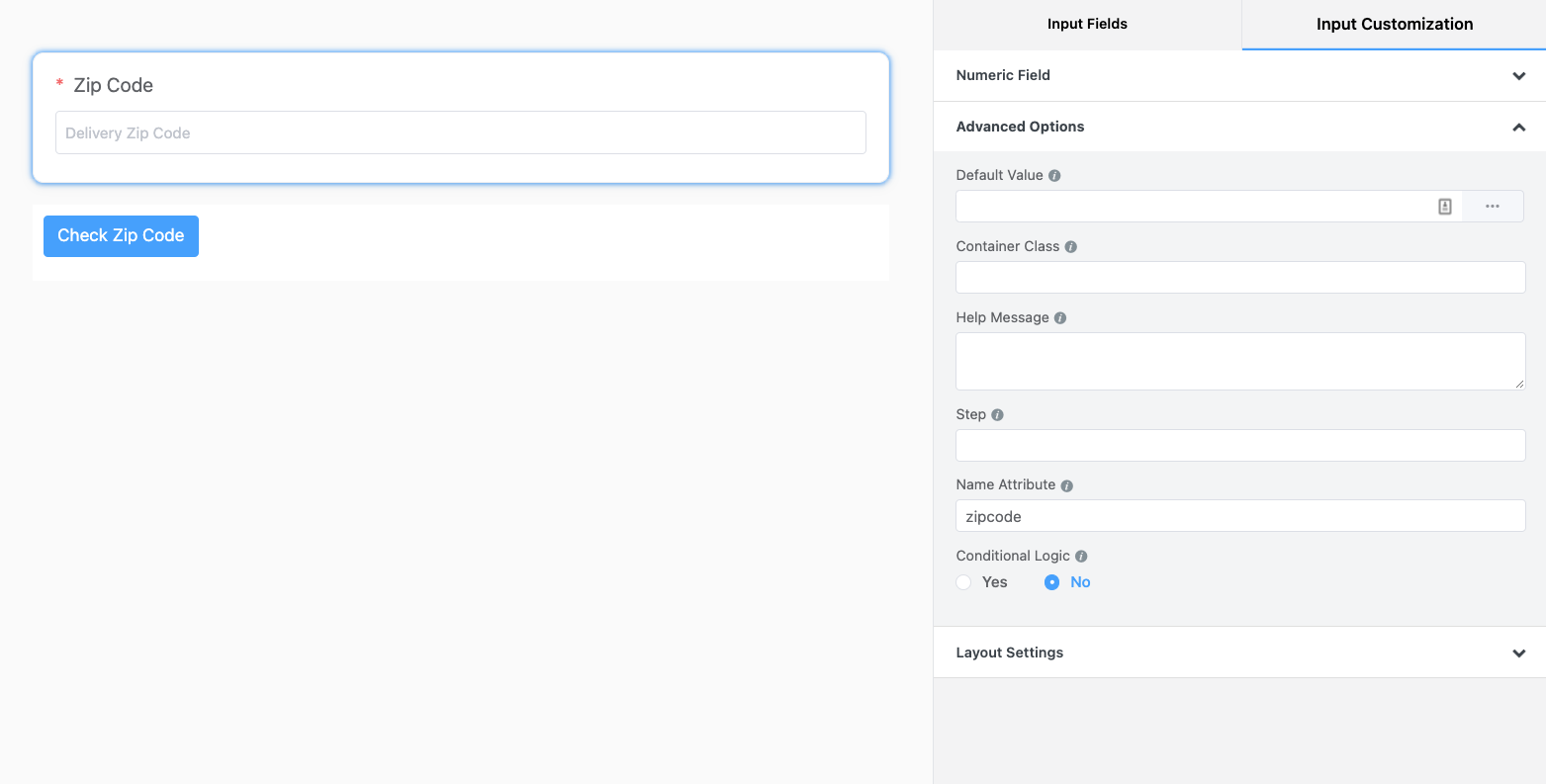
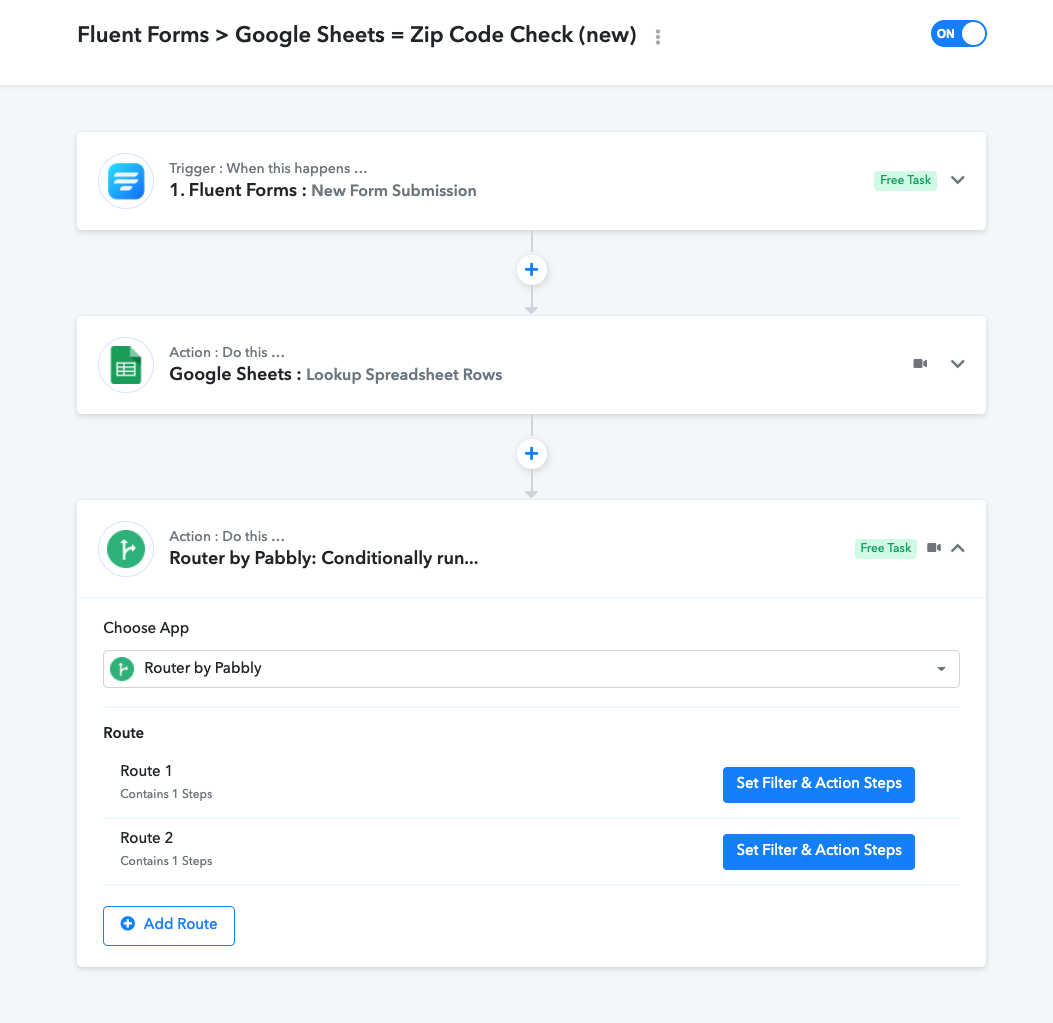
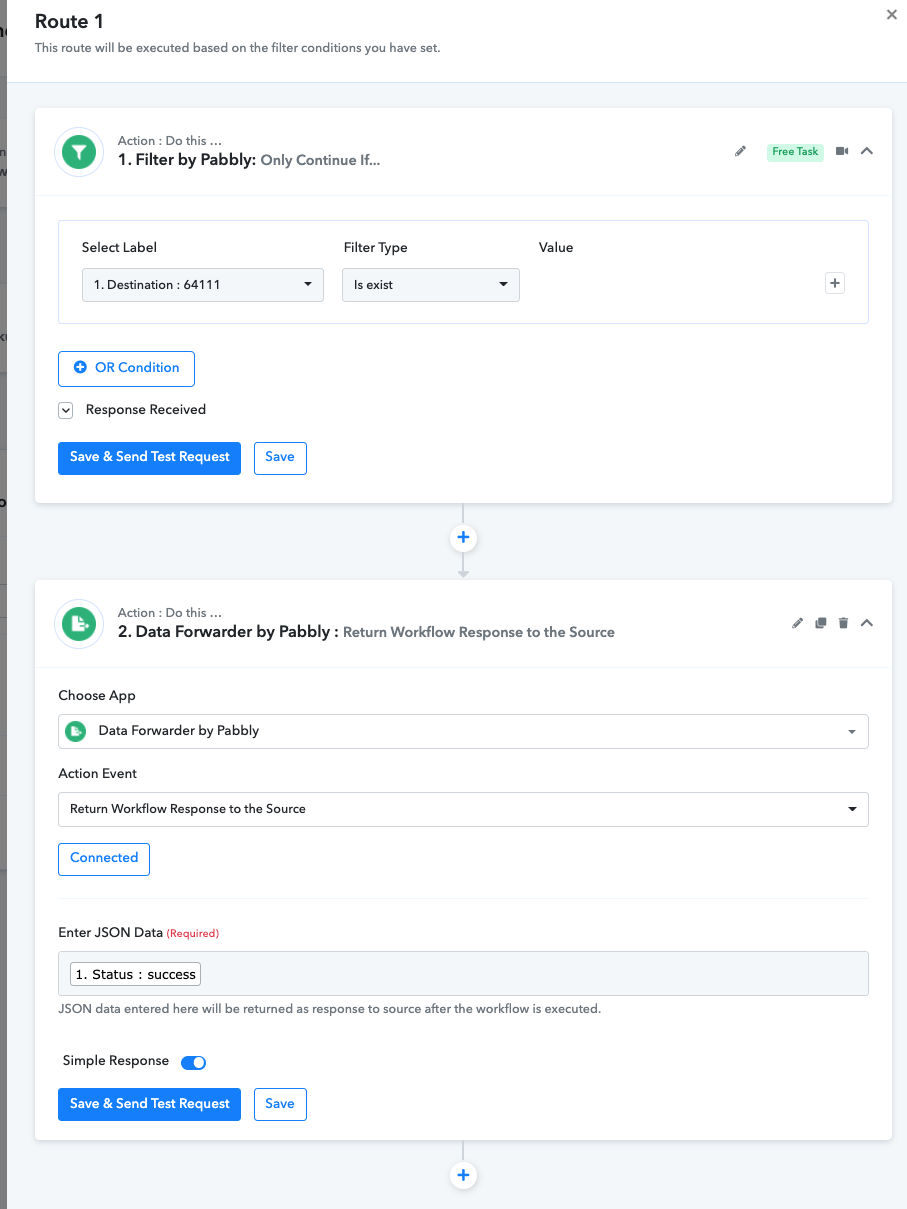
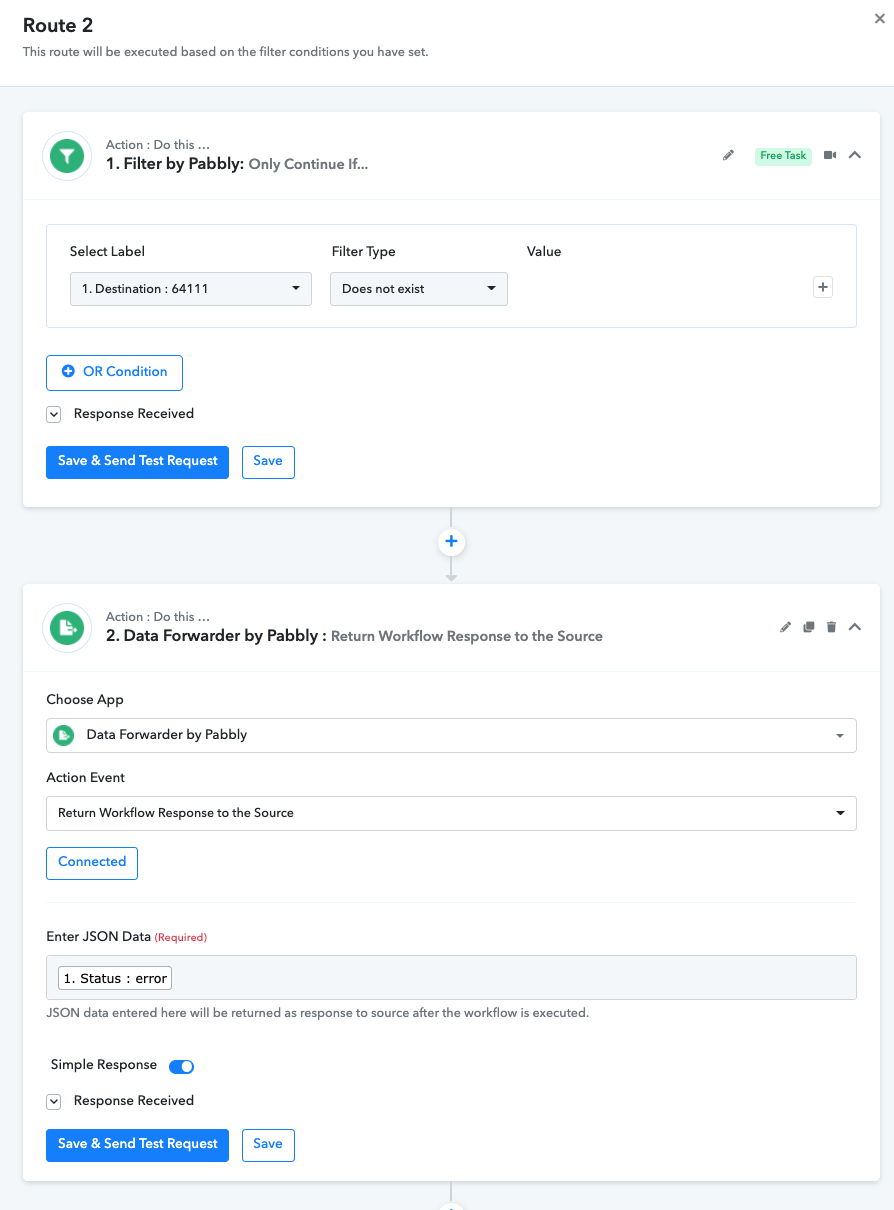
I am attaching some images from inside Fluent Forms and my Pabbly Workflow,
also, here is my Pabbly Workflow: https://connect.pabbly.com/workflow/share/XRVXZVQfA2EFTgJWUR5XNwscBj8DSVUDBGNWRA##
Attachments
Hey @voxdigitalmarketing
In your worklfow, if you are validating the leads on the basis of Zipcode then kindly use "Equal to" and "Does not Equal to" filter type respectively in your router action step.
Kindly try again and let us know if that works for you.