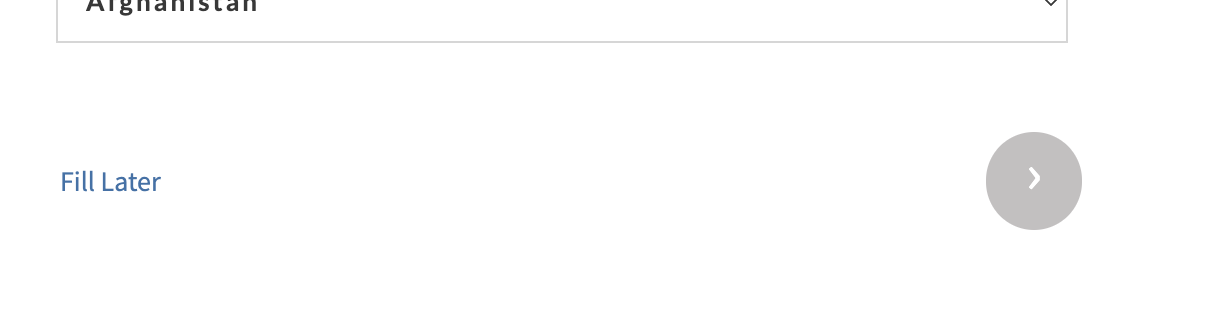
Form page break looks horrible
Status: Closed · Asked by Raymond St Clair on · 0 views
Hello Raymond,
Thank you for reaching out and for sharing your detailed feedback.
At the moment, the customization you're requesting—such as modifying or removing the "Fill Later" text, controlling its styling, positioning, and adding fully customizable button options—is not available in Pabbly Form Builder.
If you'd like to see this functionality in the future, we encourage you to submit it as an enhancement request on our roadmap. This helps our product team understand the features our users would like to have.
You can submit your feature request here:
https://roadmap.pabbly.com/pabbly-form-builder
We appreciate your valuable feedback. Please let us know if you have any other questions or suggestions—we're always happy to help!
Thanks and Regards,Preeti Paryani
Customer Success Associate,
Pabbly.com