Frequent Google Sheet Server Error Related
Status: Closed · Asked by shazrinsaliman on · 0 views
Hello guys, has anyone build a workflow for woocommerce > google sheet?
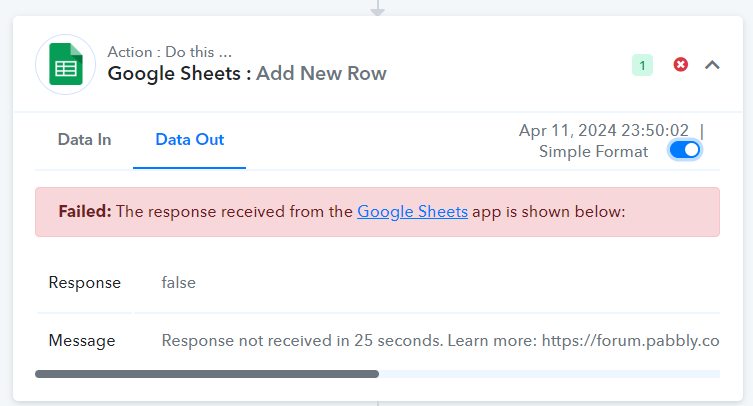
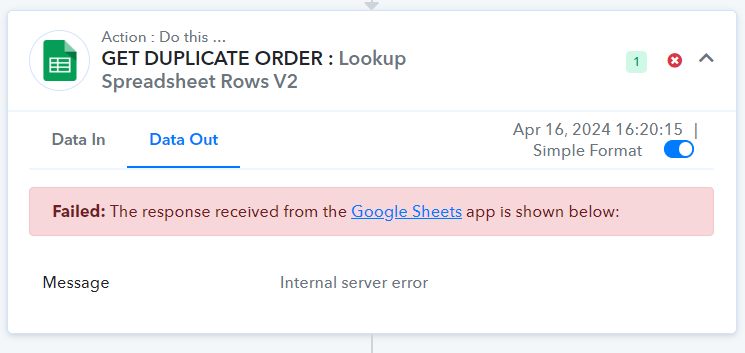
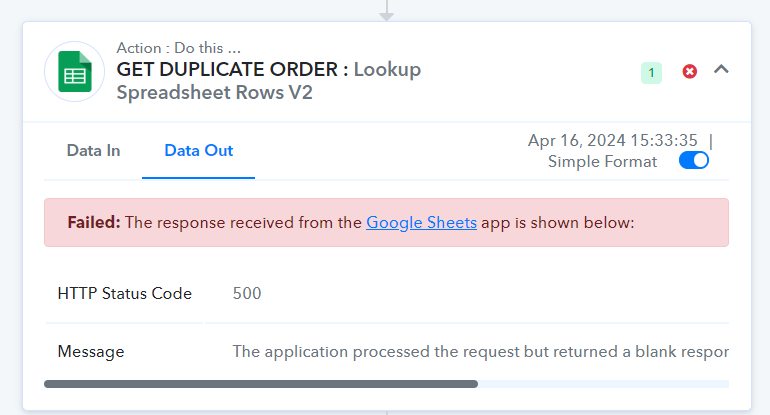
I am experiencing 500 error a lot of times and its quite frustrating. The rundown for the workflow is as follow:
A) Webhook received from WebA
B) Some processing & filters
C) Check if there's any duplicate order id in google sheet and skip as required
D) Some more processing
E) Create WooCommerce Order in WebB
F) Routes based on creation status (success @ fail) send to other workflow B & C respectively
Workflow B/C (more less the same)
G) Some processing
H) Insert a google sheet row
Looking for other alternatives for us to store orders data and interpret it like what google sheet could do. I appreciate if you guys can share some insights on this. Thanks
For tech support: Workflow ID: IjU3NmQwNTZjMDYzNzA0MzI1MjY5NTUzNiI_3D_pc
I attached this workflow id because there are a lot of errors related to google sheet
Some remarks:
- Webhook interval ranging from 5 secs to few minutes.
- Added a randomized interval in seconds to avoid rate limit
Attachments
Hey @shazrinsaliman
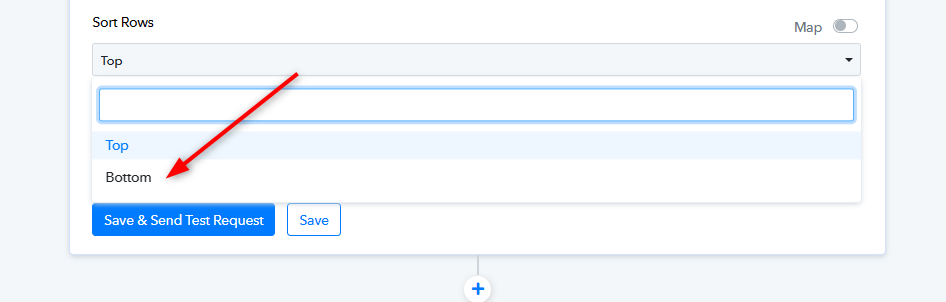
Regarding the error in Google Sheets Lookup Value, kindly try using V1. And select the sort row from the Bottom.
I will give it a shot. What about for add new row action? Is there anything i can do to avoid such error?
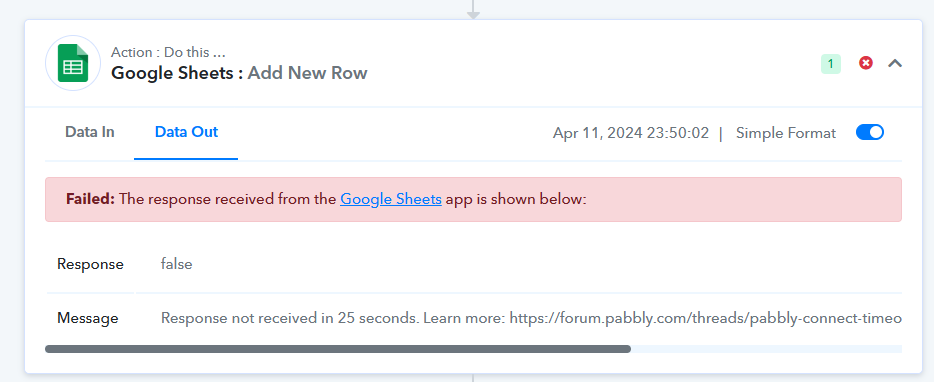
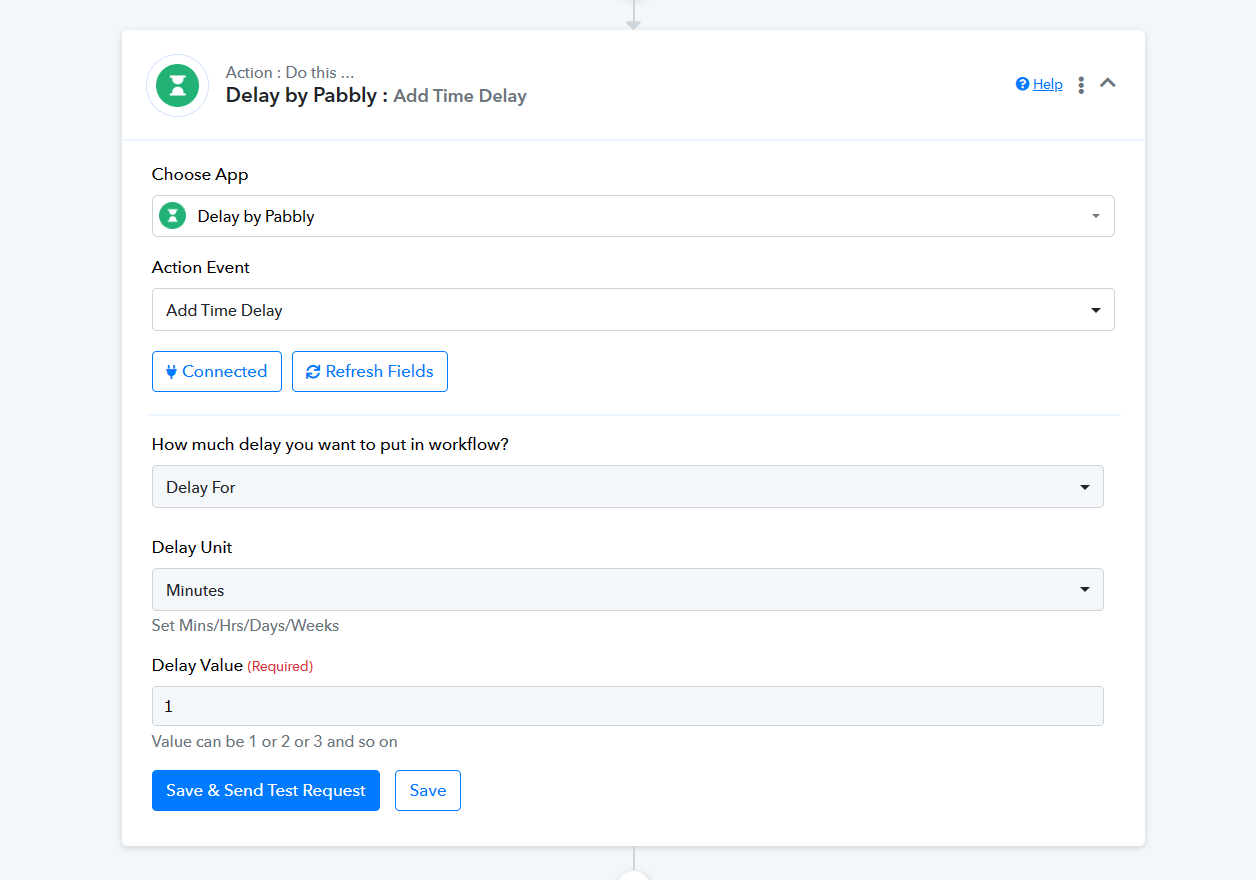
Pabbly Connect typically waits for 25 seconds to receive responses from applications. If an application like Google Sheets or Open AI takes longer than 25 seconds to process a request, Pabbly Connect won't receive the response within the timeframe, causing an error. Adding a Delay as the second step in your workflow can prevent this issue.