G-Sheet to Pabbly Automation Not Working
Status: Open · Asked by Wellness Vibe on · 0 views
Hi Pabbly Team,
We are facing an issue with our Pabbly automation integrated with Google Sheets.
The workflow is supposed to capture any update made in a specific row, however Pabbly is not capturing the update event when the row data is edited/updated. Because of this, the automation is not triggering as expected.
Request you to please check and help us resolve this issue at the earliest.
Details:
- Integration: Pabbly + Google Sheets
- Expected behavior: Trigger should capture updates on a specific row
- Current issue: Updates are not being captured / trigger not firing
Registered ID: [EMAIL][email hidden][/EMAIL]
Please let me know if you need any additional details from our side.
Hi @Wellness Vibe,
Could you please explain how you are adding data to your spreadsheet? Are you adding the data manually, or through a third-party application or API?
It appears that you have disabled your workflow. Please enable the workflow again and then add data to your Google Sheets spreadsheet.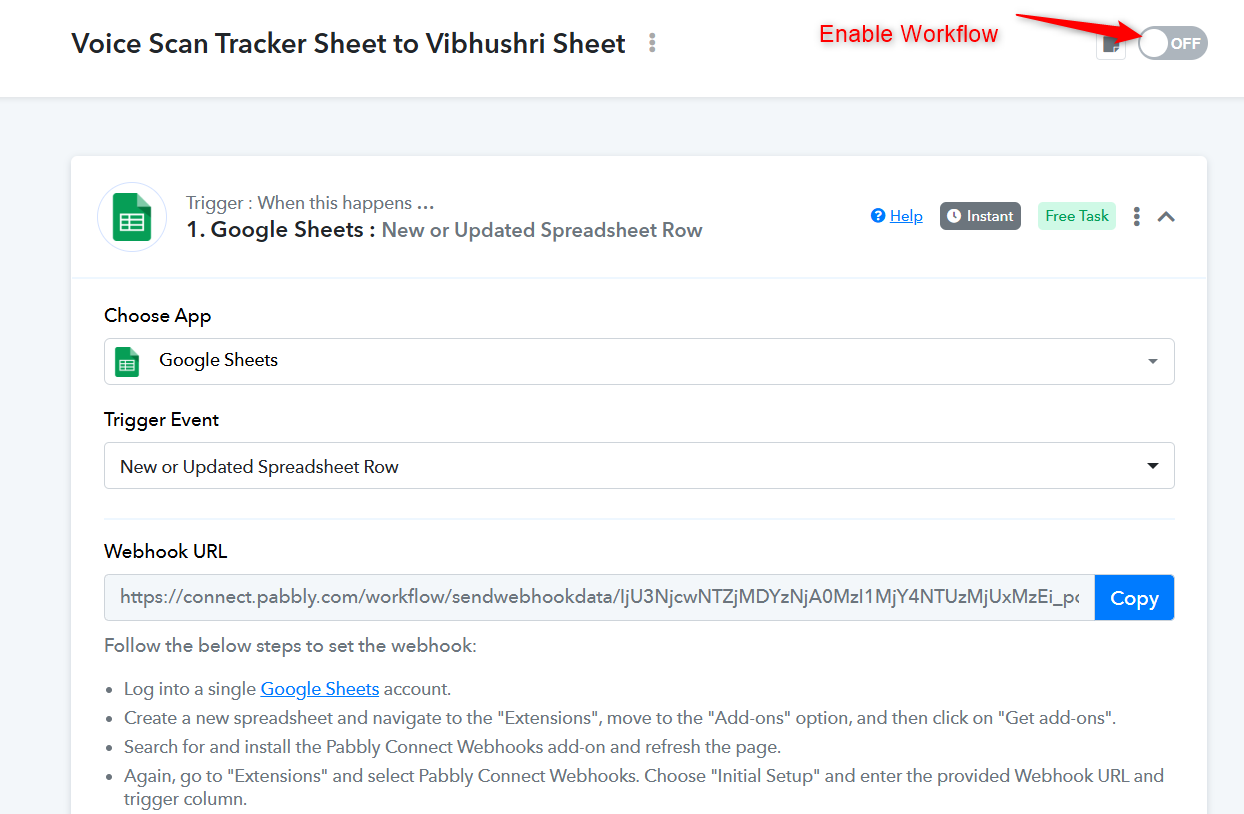
Thanks & Regards,
Arshil Ahmad
Customer Support Associate
Pabbly.com
?Rate your support