GA4 Repotying Problem With Search Consol Metrics
Status: Closed · Asked by Mahendra Permana Putera on · 0 views
Hi Pabbly Team,
When i tried to pull this metrics from GA4 API:
organicGoogleSearchAveragePosition
organicGoogleSearchClickThroughRate
organicGoogleSearchClicks
organicGoogleSearchImpressions
Which actually the metric is available here: https://developers.google.com/analytics/devguides/reporting/data/v1/api-schema
And yes, i do have active link with google search console on my GA4
But it always return like screenshot i attach:
What is the problem?
How i solve it?
Attachments
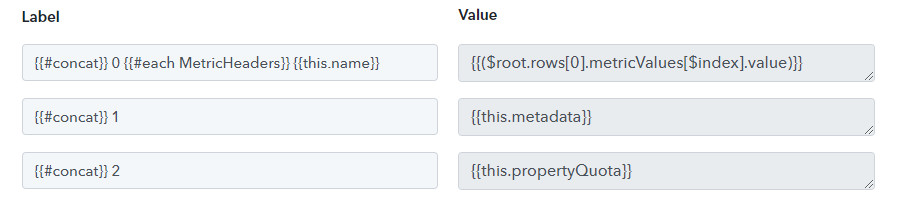

Hey @mahendra
As we can see from your workflow, your "Google Analytics: Run Report (GA4)" action step is working fine.
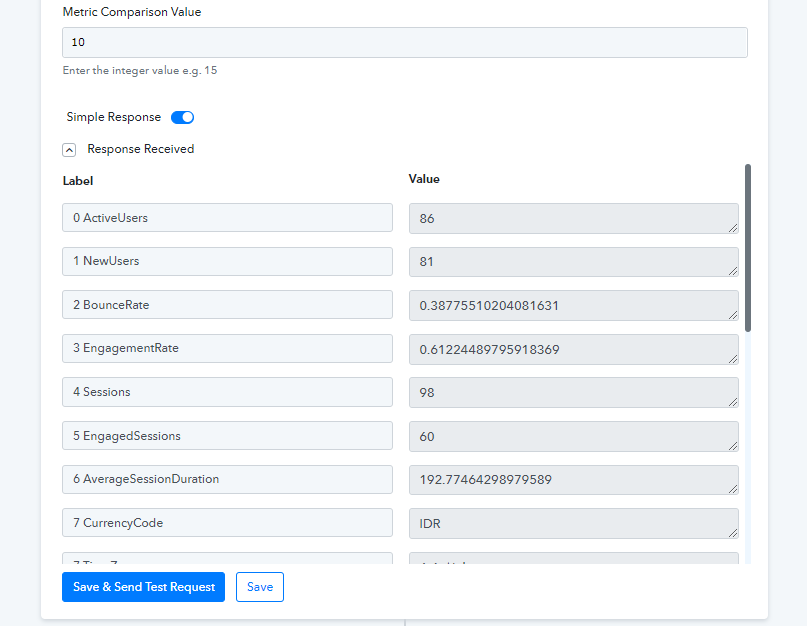
Yeah because i remove this:
organicGoogleSearchAveragePosition
organicGoogleSearchClickThroughRate
organicGoogleSearchClicks
organicGoogleSearchImpressions
Now I add again :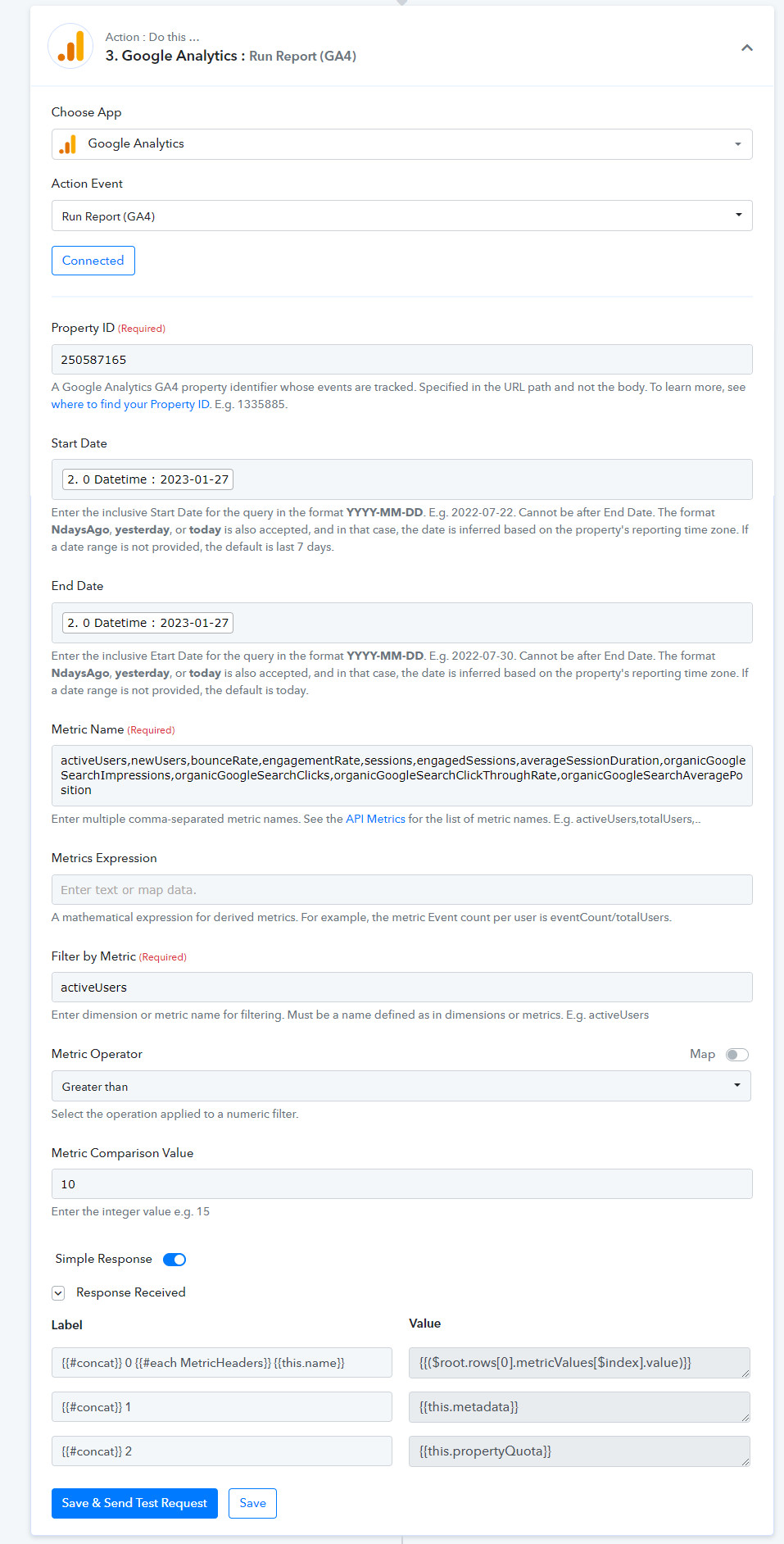
There the errror appearing again. @Supreme
Kindly try making a new connection and pass the metrics again in the respective fields once again.
I have tried your suggestion on making new connection: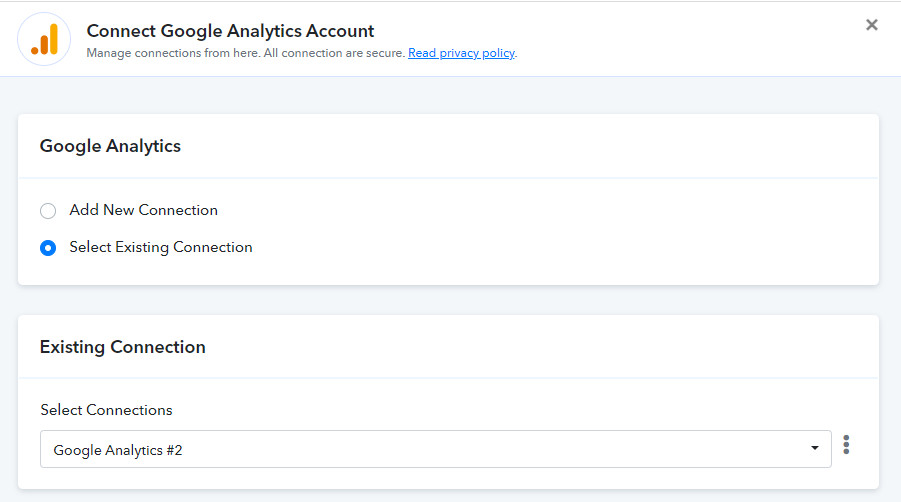
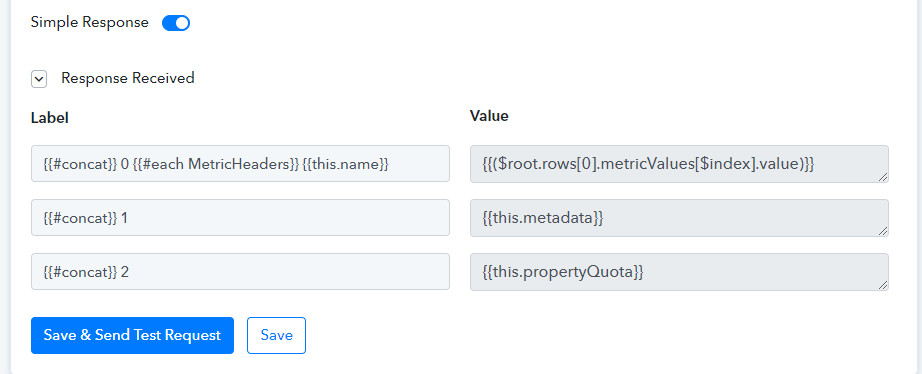
Still resulting the error @Supreme
Hey @mahendra
Though we have tested the action event and getting the following message from Google Analytics.
Please remove organicGoogleSearchClickThroughRate to make the request compatible. The request's dimensions & metrics are incompatible. To learn more, see https://ga-dev-tools.web.app/ga4/dimensions-metrics-explorer/
Hey @Supreme
But according to Google Documentation here: https://developers.google.com/analytics/devguides/reporting/data/v1/api-schema
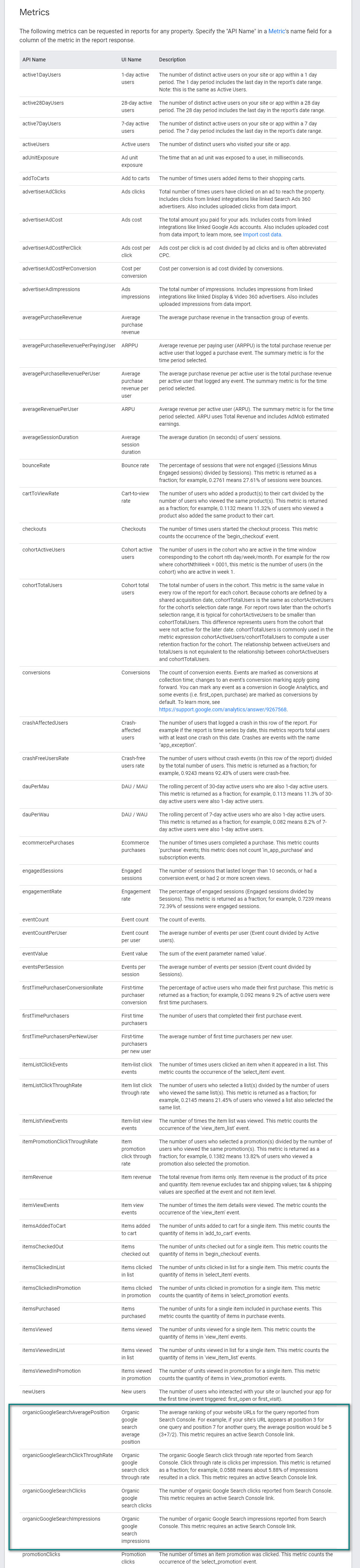
You can see that it stated as metrics, not dimension.
Hey @mahendra
The metrics which you are trying to pass are not compatible with your Google Analytics to run the report. So, kindly contact the Google Analytics support team once.