Get notified of errors from flows that did not error? Why and how to fix
Status: Open · Asked by Anders Nielsen on · 0 views
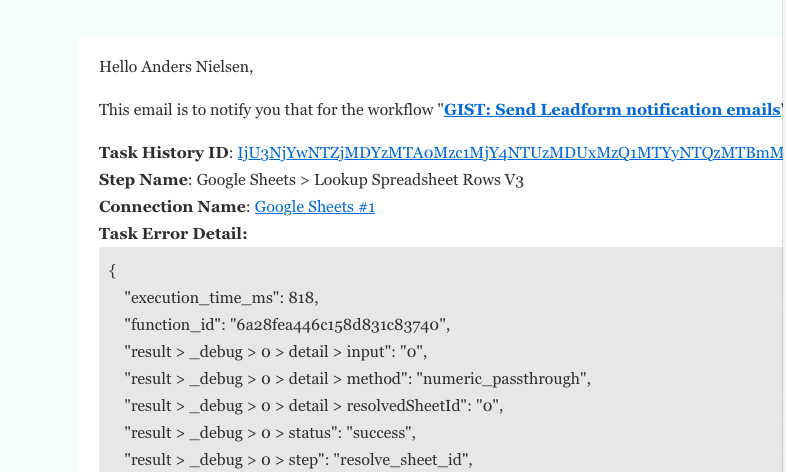
See the screenshots pelase. i got this notification 5:03 AM and this morning when I looked at the flow by clicking the task History ID in the email there was no error.
So why does it claim it errored. At this point it has happened multiple times (each day i think).
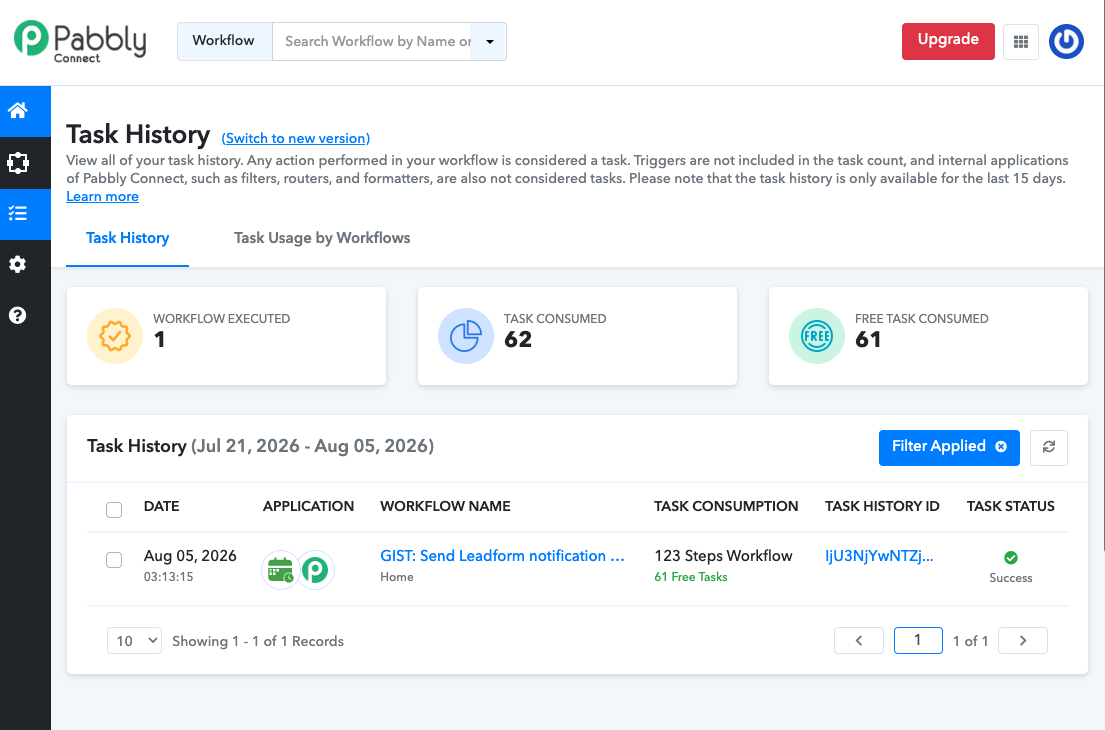
Check this please:
https://connect.pabbly.com/task/history?filter_status=applied&filter_by_task_id=IjU3NjYwNTZjMDYzMTA0Mzc1MjY4NTUzMDUxMzQ1MTYyNTQzMTBmMzAi_pc
Hello there,
Thanks for contacting us.
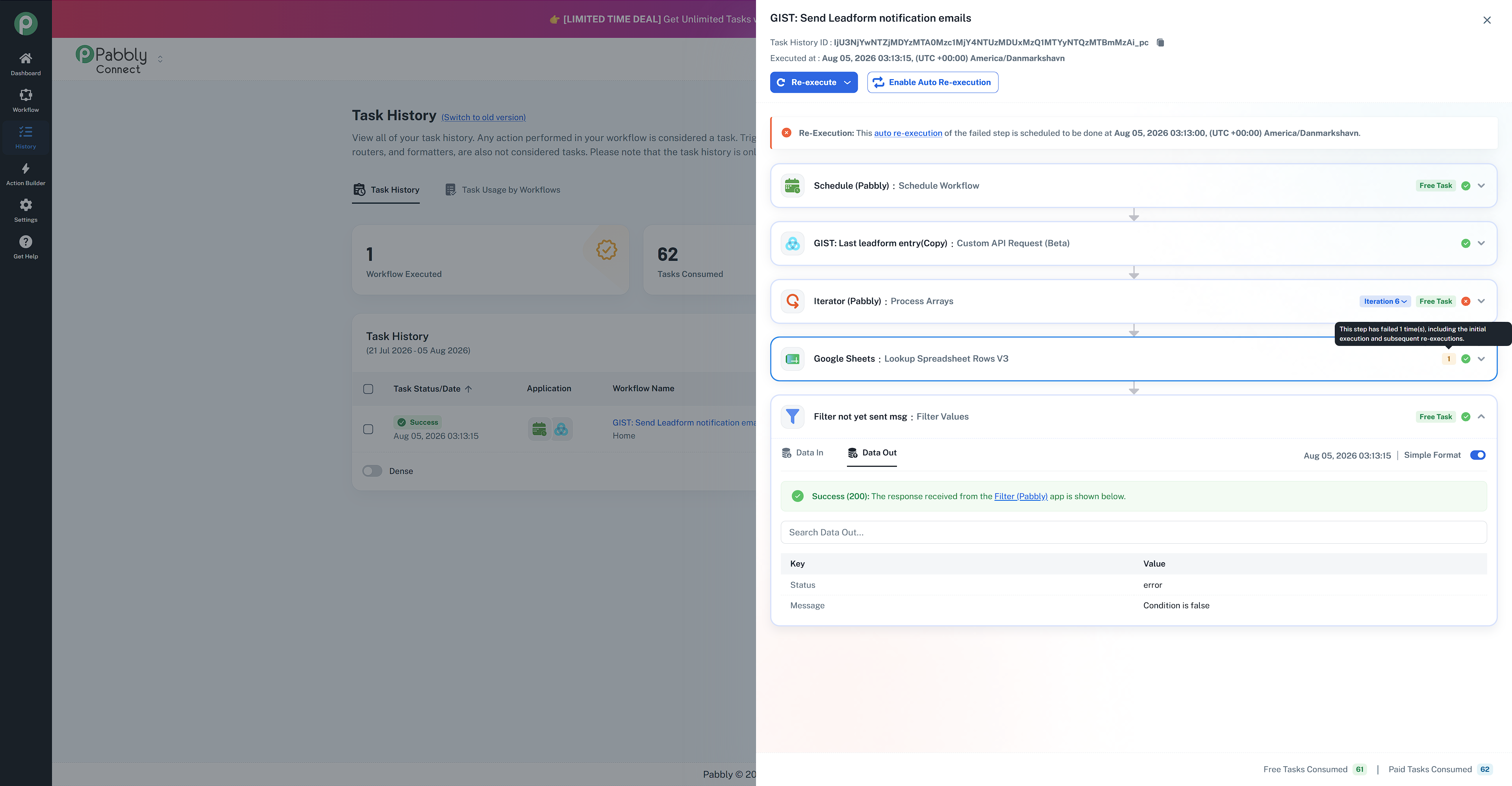
We checked the workflow and the particular task history and found that the task executed successfully, but there was a temporary error at a Google Sheet action when the workflow was executing in real-time, due to which you received the task failure notification. As you have enabled the Auto-re-execution settings so the particular step got re-executed with success as shown in the screenshot below.
Thanks & Regards,
Adeel Akhtar
🌐 Pabbly.com
Hi Adeel,
Thanks for the quick response! But how can I avoid getting notifications again and again due to this issue? Because it's like Pabbly cries wolf again and again, and at some point you just stop checking, because it's a waste of time. If I can't trust the errors.
Hello Anders,
We recommend that you continue receiving the error notifications so that you can address the issue if any other issue occurs. Further, if you still want to disable the notifications, then you can turn off the error notifications emails from Settings-> General Settings and toggle the particular workflows notifications OFF.
Thanks & Regards,
Adeel Akhtar
🌐 Pabbly.com