Get the count of rows in Google Sheet by matching 3 columns at once
Status: Closed · Asked by Praveen on · 0 views
How can I get the count of rows in Google Sheet by matching 3 columns at once?
For example, in the screenshot below, I want to get the count for rows that match _all_ of the following conditions:
( The result is 3 )
Sender: [email hidden]
Recipient (To): [email hidden]
Notification: Yes

Hey @Praveen
Please allow us some time, we are currently looking into your use case. We need to do some testing and have to arrange the data according to your concern.
Hey @Praveen
We looked into your concern and currently, there is no formula available to count the specific words from an array according to the rows coming from your Google Sheets.
@Supreme What can be counted from an array?
And what array formulas are available?
Hey @Praveen
You can check the formulas on the list mentioned below -
https://www.pabbly.com/spreadsheet-formulas/
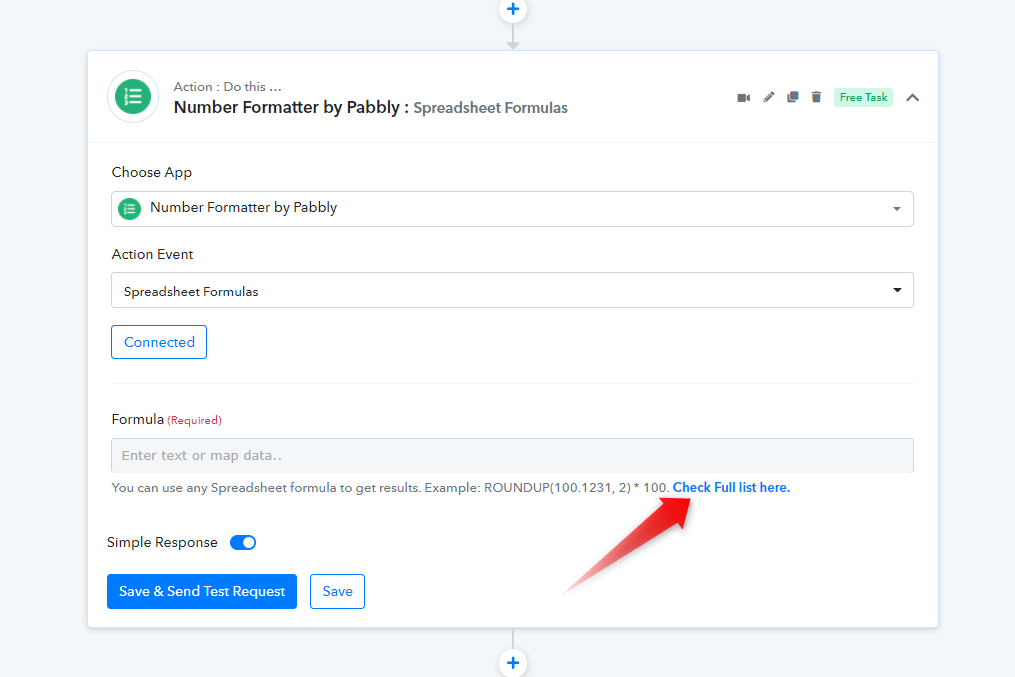
Google Sheets formulas to count.
https://support.google.com/docs/table/25273?hl=en
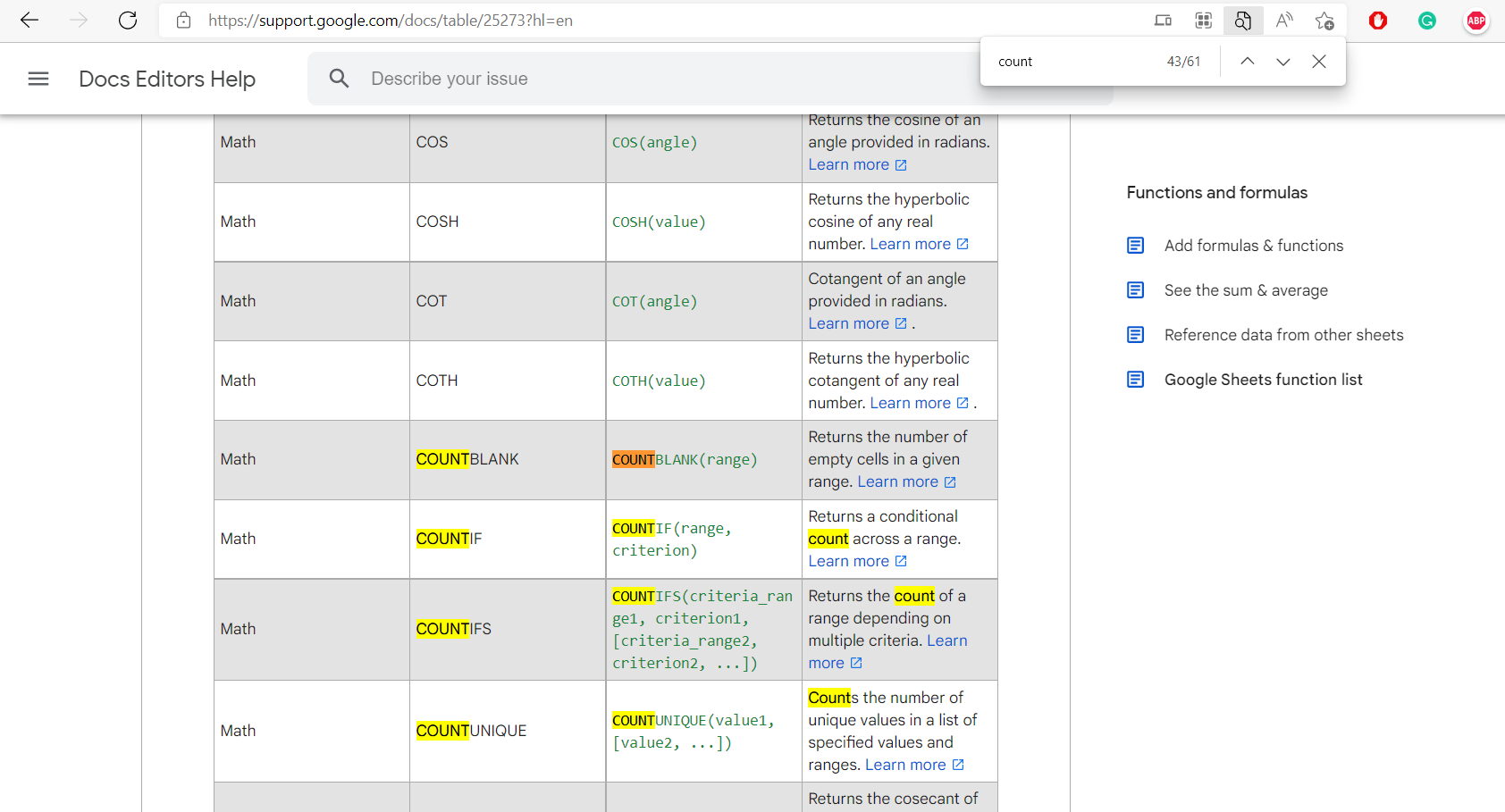
@Supreme The Google Sheet formulas can't be used inside Pabbly Connect unless they are also listed in the 1st link you posted, correct?
Hey @Praveen
But it wouldn't take the counts from each row which contains 3 specific words. We tried several possible works around and it is not giving the desired counts.
So, unfortunately taking the counts with 3 specific works from the rows might not be possible.
Okay