Gmail attachment semicolon Exception
Status: Closed · Asked by dbs00 on · 0 views
Hey
got some issues with attachments on gmails
IjU3NjMwNTZiMDYzMzA0M2M1MjZiNTUzNTUxMzQ1MTY1NTQzMSI_3D_pc
Its related to Attachment option, if there is a semicolon at the end.
","
https://drive.google.com/file/d/1b-JY_-RkgE_PIMnpiCIPuGM2Hrk0vh3q/view?usp=drivesdk
https://drive.google.com/file/d/1yk1G4sK5GNkljSi2sM7S8VQ1uYcIg09d/view?usp=drivesdk
ex, if one previous task fails and it doesn't prepare a new attachment . than the workflow will try and send like this
link1,( nothing) = exception because it ends with SEMICOLON
when all the tasks are working properly, I have 2 attachments and they will be like this
link1,
link2
and it will work properly
can you implement a fix that will remove SEMICOLONS when present at the end of the attachment ?
rather than we having to do multiple checks to see if all the links are valid and if they are multiple routers on all the workflows.
Hey @dbs00
Can you please try using the File Name field once and then try again?
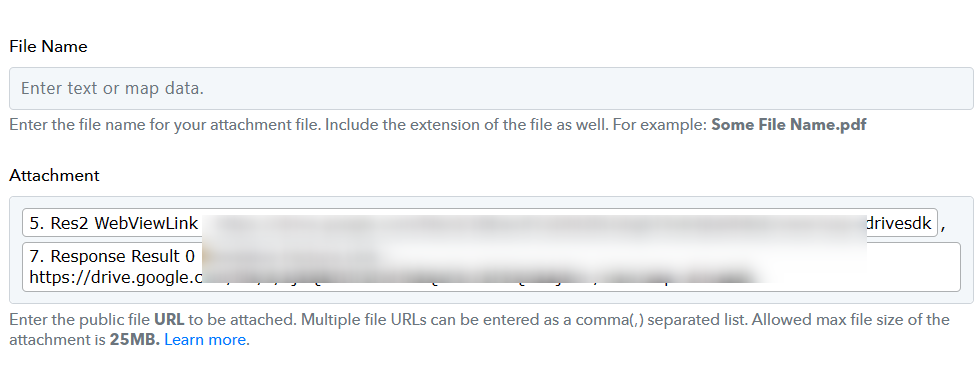
IjU3NjMwNTZhMDYzNjA0M2Q1MjY5NTUzYzUxMzc1MTY3NTQzNCI_3D_pc
this one didn't had semicolon at the end and it failed . exception
Mar 14, 2024 13:19:02
Hey @dbs00 !
Can we have the confirmation to perform a test submission inside you workflow by cloning the Gmail test and executing it?
So as to check on the exception concern for you.
@Subin sure, test, can you please send to a different email, not to my customer
send the email to one of your emails or to the one from which I'm sending
feel free to send as many emails are needed.
Hey @dbs00 !
Thanks for the confirmation.
We did a test submission by cloning the step and used our email.
Checking on it, we can see that the attachment field is working with two attachments only-

Attachments received on our mail-
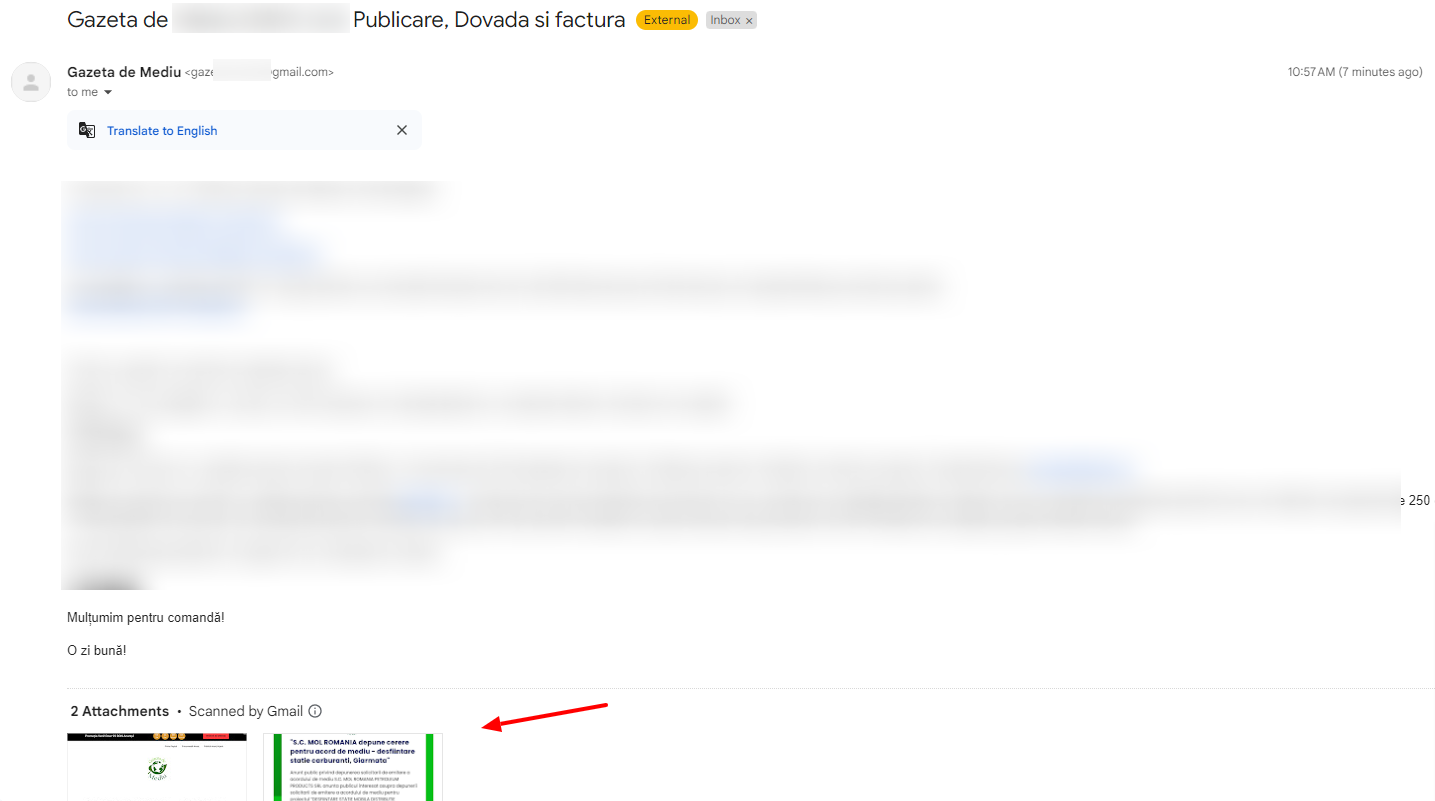
It seems that having three attachments has crossed the limit of 25MB which is supported in Gmail attachment.
This is the concern why the "exception" error is happening.
Kindly make the changes accordingly and have two attachments only.
It will work further for you in automation.
Hope, this works for you now.
sometimes 3 files work,
I'm never over 25 mb of upload...
usually those 3 files will have under 5 mb total
bummer
Hey @dbs00 !
The concern is related to the attachments itself, which we have tested and added the same with details in above thread.
now seems 2 attachments aren't working anymore AT ALL.
just 1 max.
also size isn't a issue, my files are 0.5 MB, PDF or JPG
Task History ID -
IjU3NmMwNTZlMDYzMzA0Mzc1MjZhNTUzNTUxMzM1MTYyNTQzMyI_3D_pc
https://drive.google.com/file/d/1FAu-dJsiAT87bVU-jAQT5Tvg78RLgQVn/view?usp=drivesdk
Hey @dbs00 !
Space doesn't work when adding two URL with comma seprated-

We have removed it and it will work for you now.
Do make this update in all your router step and click on SAVE.
It will stop throwing exception further.