gmail Issue
Status: Closed · Asked by Osmar on · 0 views
I'm making a simple workflow: Send an email after a new data is added in google sheet. The first step is aparently working but the email doesn't send.
Please help.
Workflow link: https://connect.pabbly.com/workflow/share/XBRZa1MEAWJSGAFrB1QCJV9LBQEAWVUxUEkBEwQLAXkGSAF6A0ILYQ9DUTsCUQdmVx5QOgRYBz4LHwIGBlBWJVxGU29VVgV_Uh9RKgFiDj1cAllxUzI#
Hello @Osmar ,
Did you checked your pabbly connect workflow history is it showing any error
If there are no errors check your sent folder in gmail.
Contact me - https://www.facebook.com/himeshsoni07
Email - [EMAIL][email hidden][/EMAIL]
I just saw my sent emails in my gmail account and yes, the email are there… BUT these doesn’t appear in the recipient inbox.
Let me tag @Supreme from their team.
Contact me - https://www.facebook.com/himeshsoni07
Email - [EMAIL][email hidden][/EMAIL]
Hey @Osmar
Kindly make a new connection for your Gmail action step and then try again.
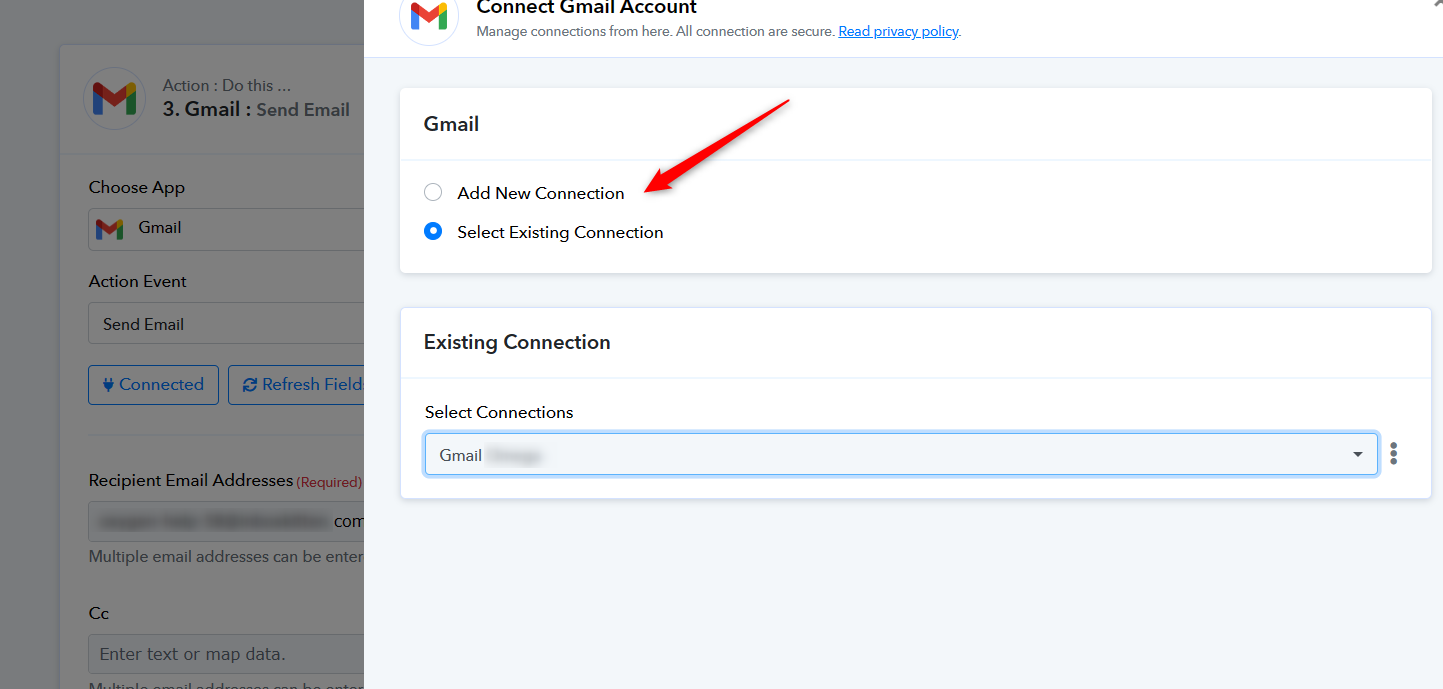
I made a new connection but it didn´t work. I still saw the emails in the "sent" folder of my gmail account but it doesn't arrive to the destination.
I already tried with another gmail account and the same happened: The email is shown as "sent" in my gmail account but the it doesn't arrive to the destination. What else can i do? @Supreme
Can you create a new workflow, make a new Gmail connection and then try sending a few test emails? We are actually unable to regenerate the same issue at our end and thus find it difficult to provide a solution.