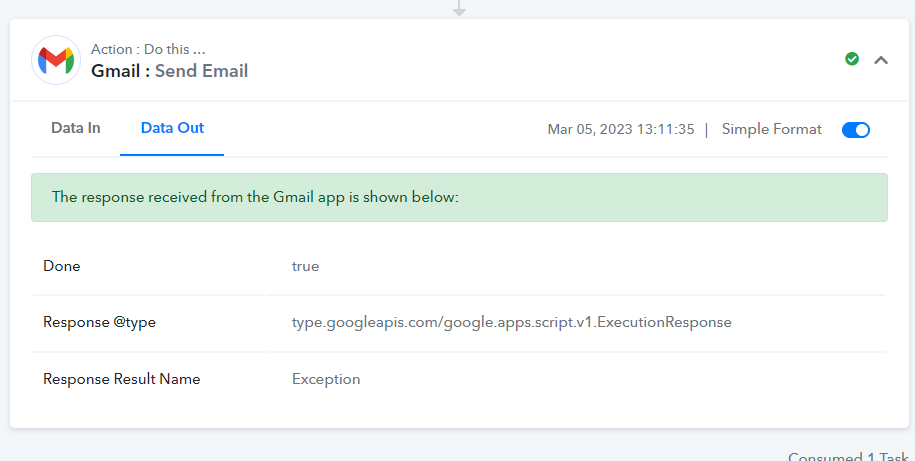
Gmail: Response Result Name: Exception
Status: Closed · Asked by mikec29526 on · 0 views
I have successfully used Gmail many times before, but I have a workflow where everything is successful except this last step:
Task History ID -
IjU3NjcwNTY0MDYzNzA0M2M1MjZmNTUzMzUxMzc1MTYxNTQzOSI_3D_pc
This is trying to use a Google Business Email address, not a free Gmail account. I tried updating the connection which said successful, and even updated it incognito. Everything seems fine but then it won't send. I am nowhere near 100 emails a day, just 1 or 2 on this workflow and don't use Gmail on other workflows so I would not be anywhere close to that I don't think. Any suggestions?
Hey @mikec29526
It seems that you may have mapped the data incorrectly, and as a result, the recipient may not have received the email.
In this case, I kindly ask you to create a fresh connection, remap the data, and give it another try.
Please let me know if you are still facing the same issue.
What do you mean mapped the data incorrectly? Can you clarify what that means?
This means that the data you received from your trigger response might be incomplete and that is the reason you are facing this issue.
So in order to fix this issue, please establish a new connection, remap the data, and give it another try.
If the issue still persist, kindly let me know.
This means that the data you received from your trigger response might be incomplete and that is the reason you are facing this issue.
So in order to fix this issue, please establish a new connection, remap the data, and give it another try.If the issue still persist, kindly let me know.
Hi.. I'm having the same issue... I already did what you suggested above and it didn't work... Should I contact support?
Hey @felipedavid
Can you please share the workflow URL once with us, so that we can look into it.
@Supreme
Same issue here. Workflow URL: https://connect.pabbly.com/workflow/share/CUFQYgdQBGdSGAdqBlEDJFhMBAAHXlEwXUQDEVFeBX1SCAhdAkMIYgxAVHYEZQNiB05TOQ9TADoLH1FVBVMFdgcJUkcEG1UIVmVWE1YJXXcJaw##
Hey @Anneline
We have reconnected the action step and your Gmail action step is working fine.
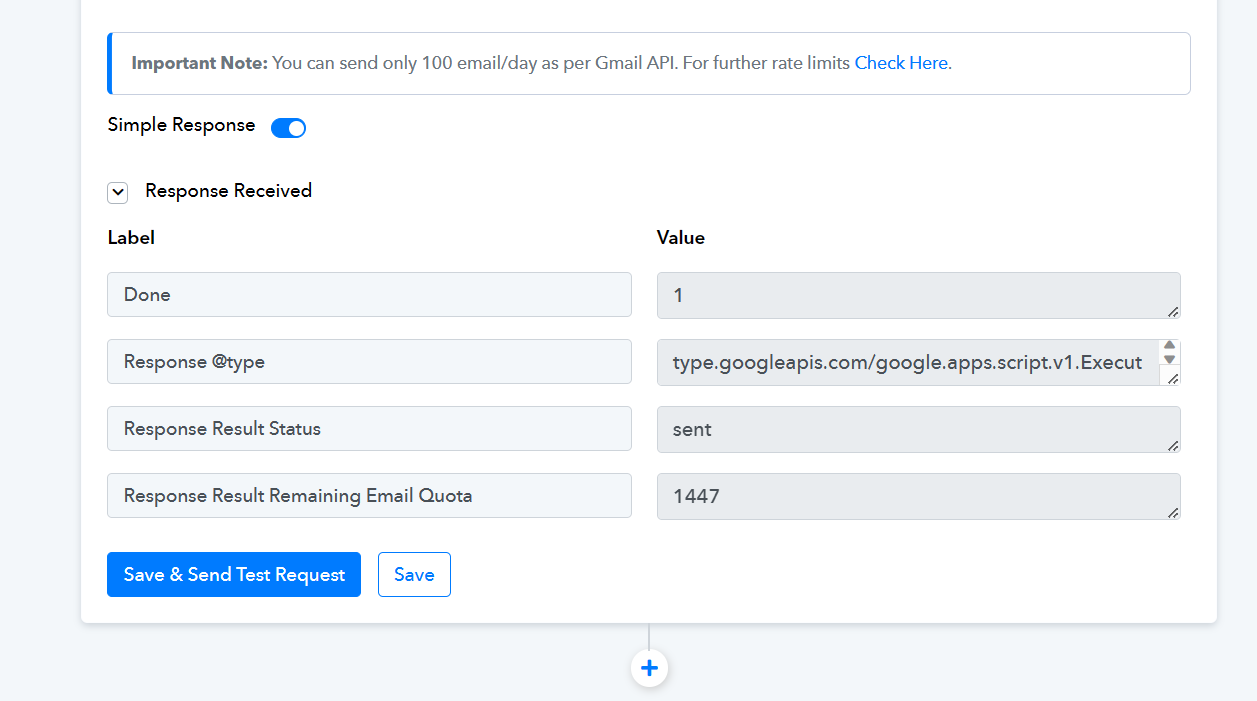
Hey @AnnelineWe have reconnected the action step and your Gmail action step is working fine.
Amazing, thank you.