GMB Review Message not appearing
Status: Open · Asked by GabrielCarrillo on · 0 views
It seems that GMB review messages aren't appearing as a mappable field anymore. I can see the reply for the GMB review, but not the actual review content. Why is this happening?
https://prnt.sc/4KHsaXLaz3zr
https://prnt.sc/QddR8PhsTurJ
Hi @GabrielCarrillo,
Please grant me access to your workflow by adding me as a team member. This will allow me to gain a better understanding of your issue.
Once you have added me as a Team Member, do let us know the name of your workflow.
Email: arshil.ahmad@pabbly.com
Also, remember to revoke access once your query has been resolved.
Attaching a video for your reference:
Done. It's called Lumen Optimal Wellness.
I tried replicating your issue, but we are still getting 'Comment' in the response captured. I would suggest you make a new connection with your Google My Business account, make a new comment on your Location through a different account, and capture the response by clicking on 'Save & Send Test Request'.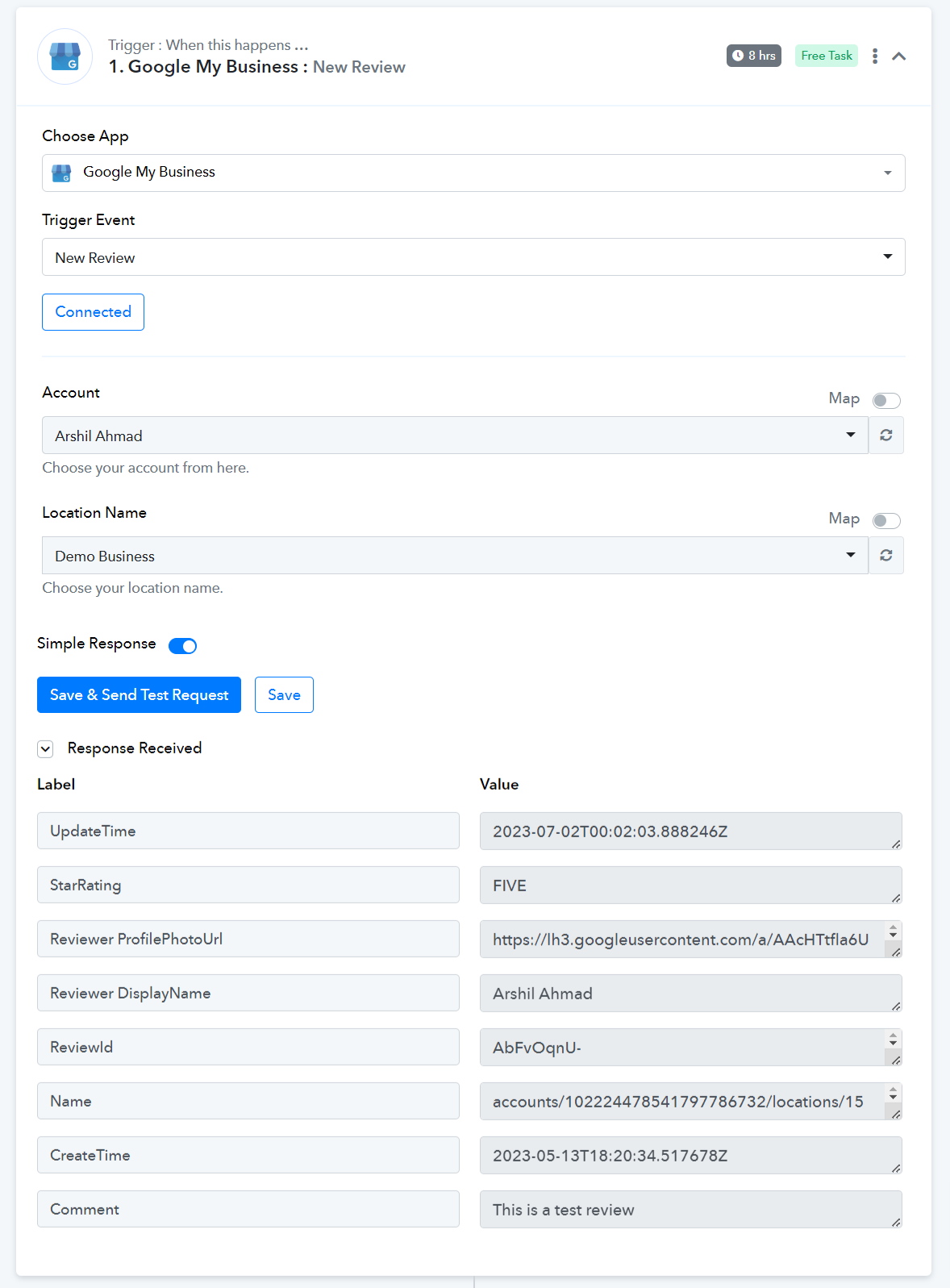
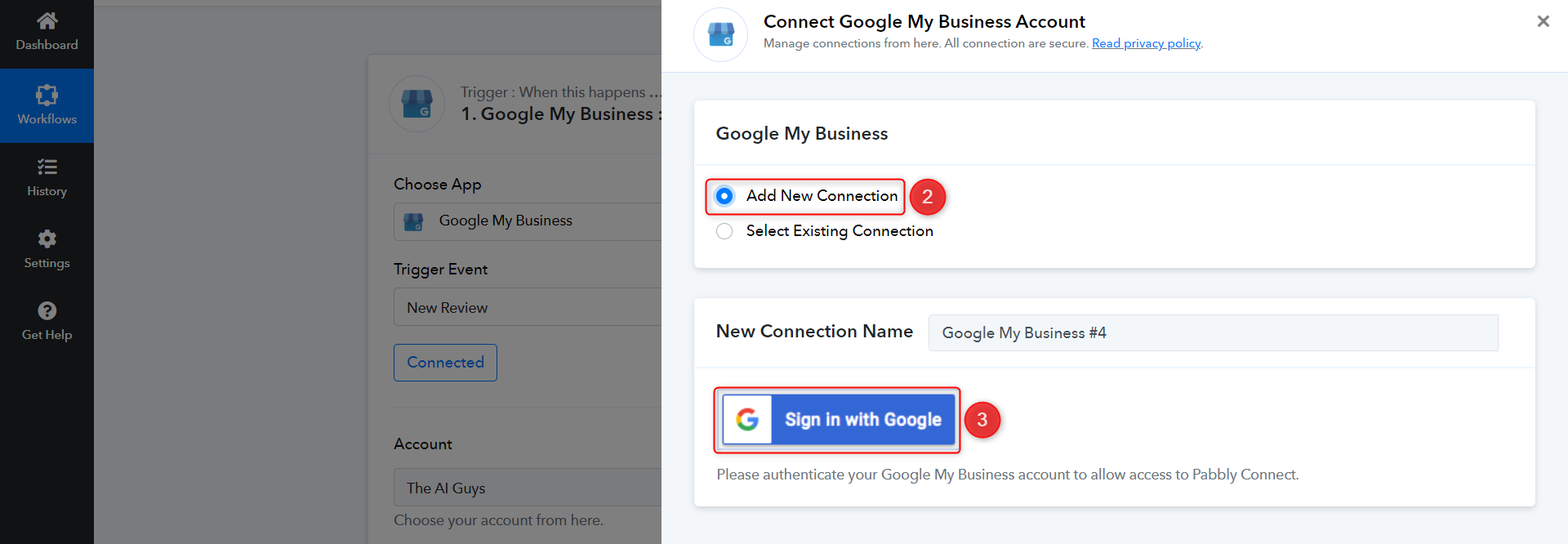
Follow the steps given in the screenshot attached below to establish a new connection with your Google My Business account.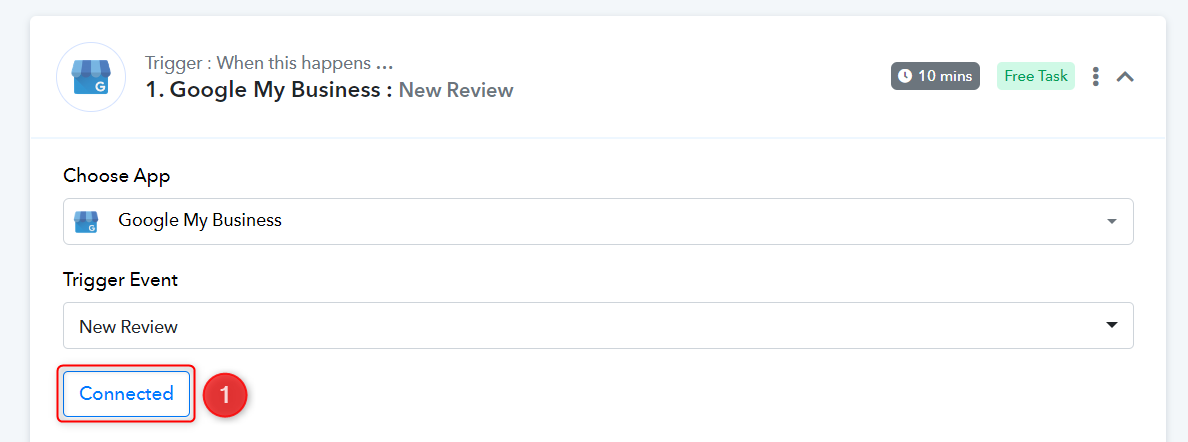
I tried that and it didn't work. It's still not showing the actual review. https://prnt.sc/a-IgEKxGnGog
I performed a test review for your location, and the comment is being captured.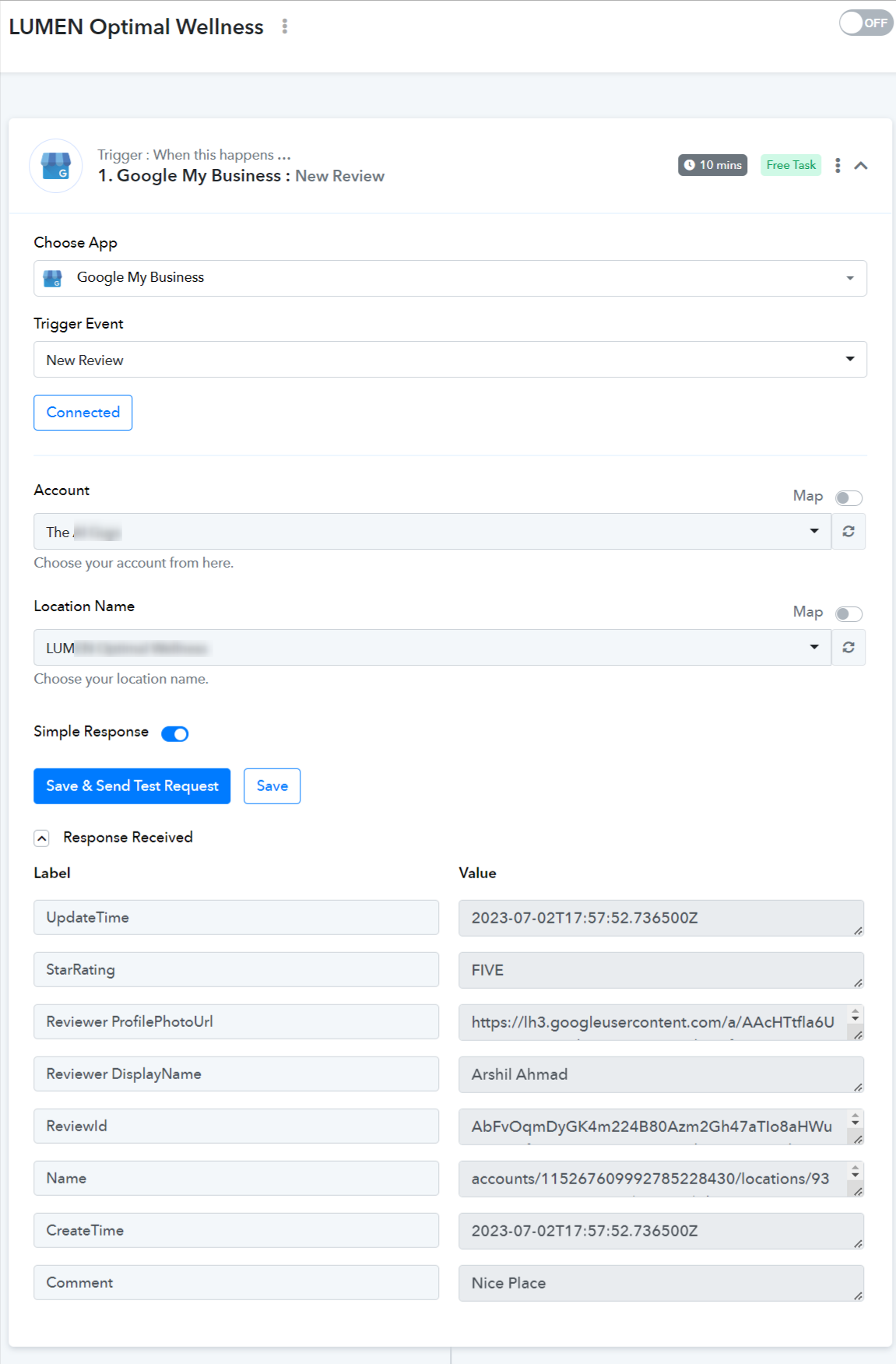
So why won’t it show up for me? Is it because it has a reply to the review?
Exactly, since Laura B (the user) didn't write a comment and only gave a rating, your reply was captured instead.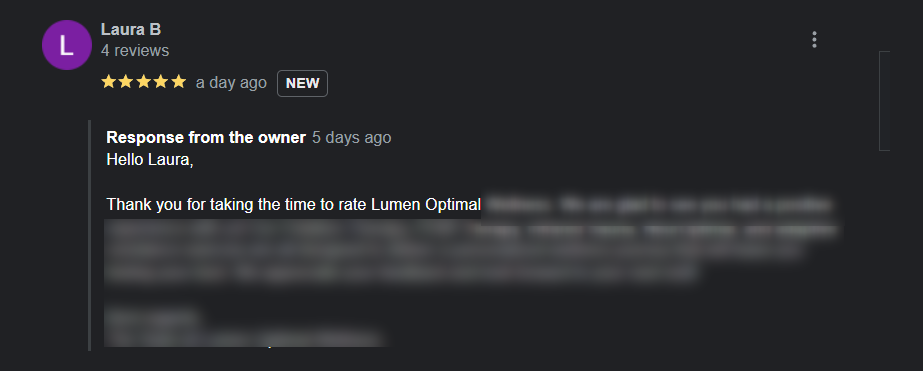
Okay thank you. Can you please delete that review ASAP
Okay thank you. Can you please delete that review ASAP
The test one you wrote
The test one you wrote
I have deleted the review.
Is there a way to use the "Send Test Request" button and choose which review appears here? Since Laura didn't leave a review comment, it's not showing up as a mappable field like you said. So can I generate a different review (without just posting a new review on Google) that DOES have a review comment? https://prnt.sc/fhb3R3fXtLzg
Thanks!
The 'Save & Send Test Request' button always captures the latest review, and it is not possible to choose which review to fetch.
I suggest making a test comment using a different account and deleting the review after the setup is complete.
There's a more recent review on the Google account, but that's not showing up in when I Send Test Request. I've already tried reintegrating Google too.
I am not sure why that review is not being captured. As mentioned previously, I would suggest once again that you submit a test review for setup, as those are being fetched.