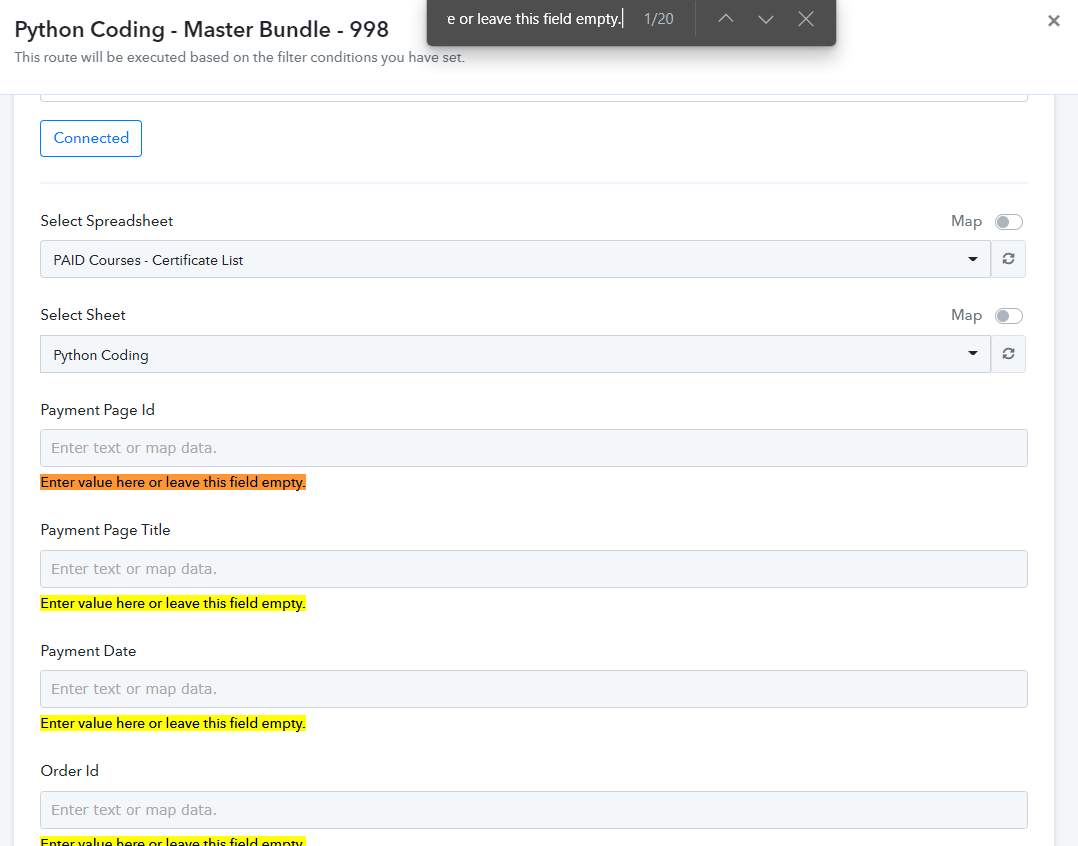
Google: Add Row: Error
Status: Closed · Asked by zest83 on · 0 views
executed at Aug 20, 2022 12:17:08
Need Help on this Error
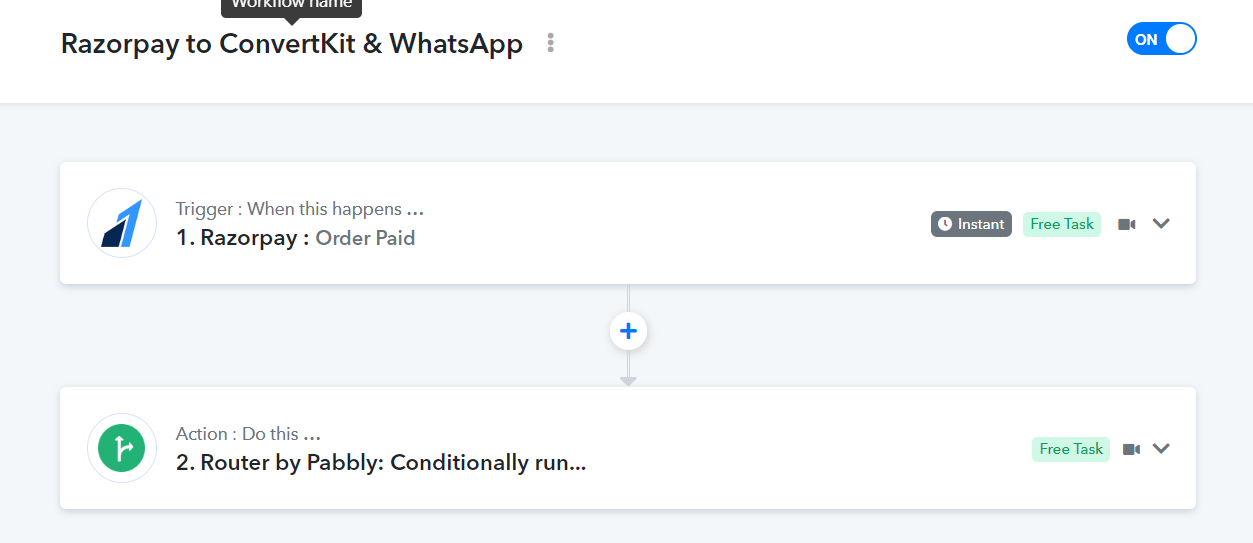
Main Workflow URL: https://connect.pabbly.com/workflow/mapping/IjU3NmQwNTZjMDYzZTA0MzI1MjY4Ig_3D_3D_pc
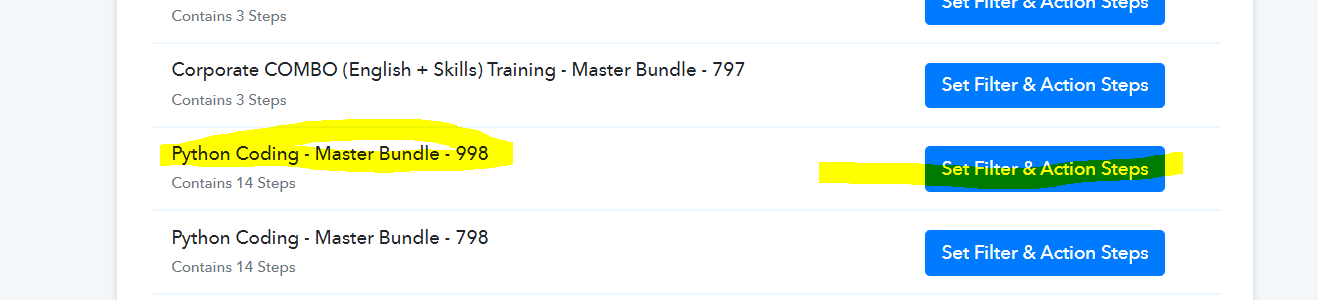
Filter for value "998"
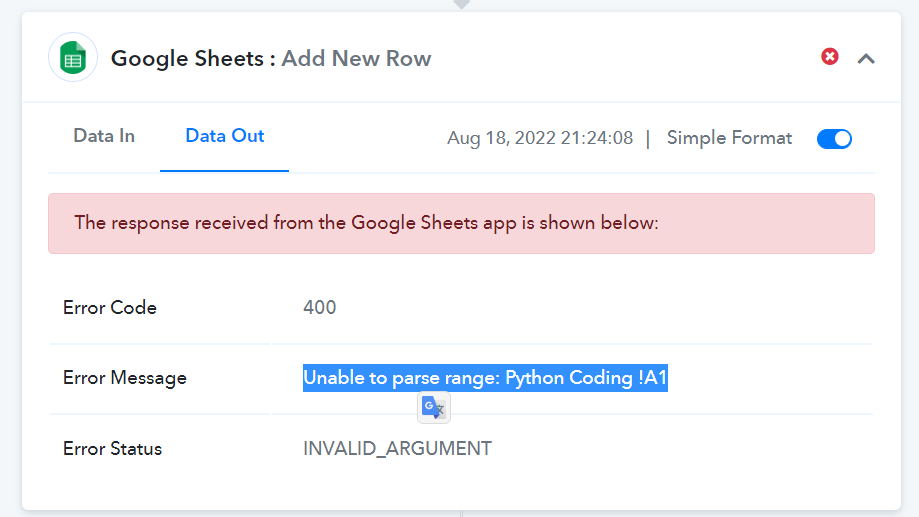
Error is thrown when We tried adding a ROW to Google Sheets
Its working perfectly for all other Filter Conditions Except for the 998 condition
Attachments
Hey @zest83
As we can see from your Google Sheets action, it looks like you might have made some changes in your Google Sheets by adding/removing/altering the fields of your respective sheets and because of that, you are facing such an error from Google API.
So, kindly reconnect the action step and map all the required data.
Previously number of fields -
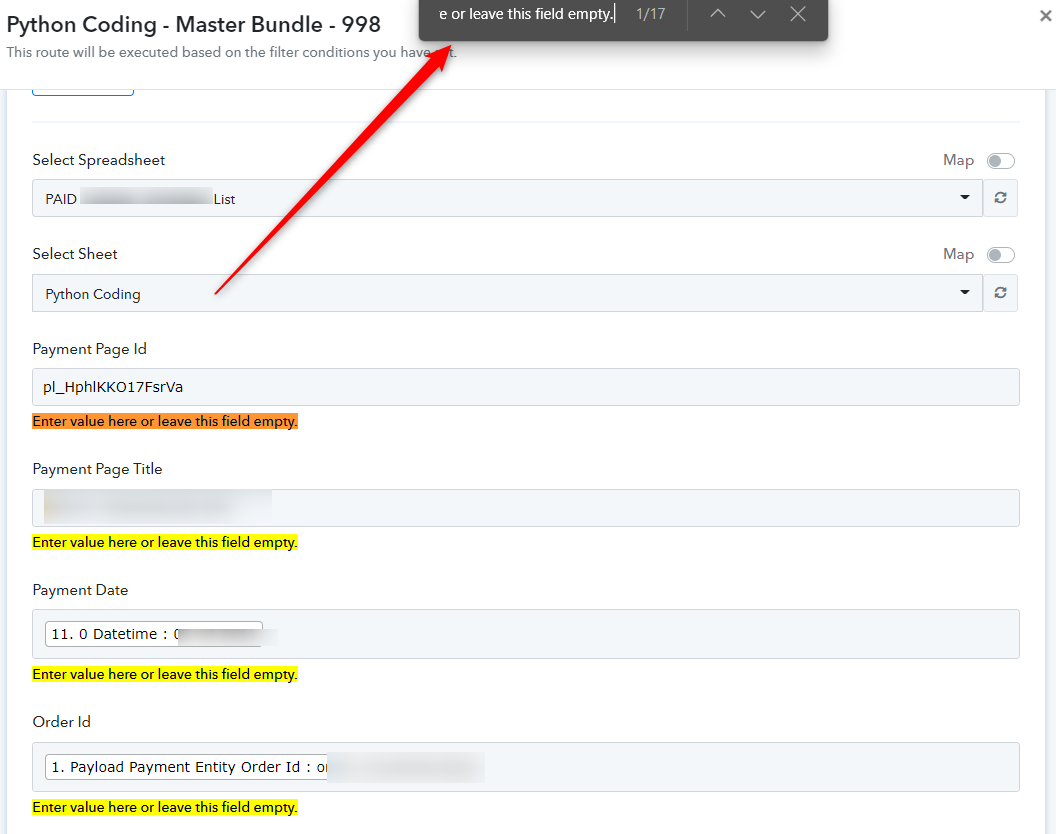
After reconnecting the action step to check the new fields -