Google calendar color id error.
Status: Closed · Asked by group on · 0 views
I see error when i put the color id in my event creation although this color is present in my google calendar.
See the video https://komododecks.com/recordings/PrLQwx5B65WqlStFJfkj
Workflow: https://connect.pabbly.com/workflow/mapping/IjU3NjUwNTY4MDYzMzA0M2M1MjZjNTUzNzUxMzAi_pc
History id: IjU3NjMwNTZlMDYzZTA0M2M1MjZhNTUzZDUxMzM1MTZiNTQzNyI_3D_pc
Please allow us some time to look into this concern. We will get back to you shortly.
I had a discussion with the technical team, and they have informed me that you can only enter those color codes which are already present in your color list.
Kindly try the color codes that are already mentioned in the list. You can also check Google Calendar's API documentation for the same. If you want to use the Google Calendar colors (i.e., "blueberry," etc.), switch to Map and enter "1" to "9" in the input. These correspond to the calendar colors.
https://drive.google.com/file/d/1eowxY9Z1zW2MkLzopeBT6bfrNfQEYfdA/view?usp=sharing
Here is the video: https://komododecks.com/recordings/B0zBrQg0jG8GhIqMsqW8
Kindly first select the same connection in both the action step List Event action step and in Create Event action step to check the available colour types.
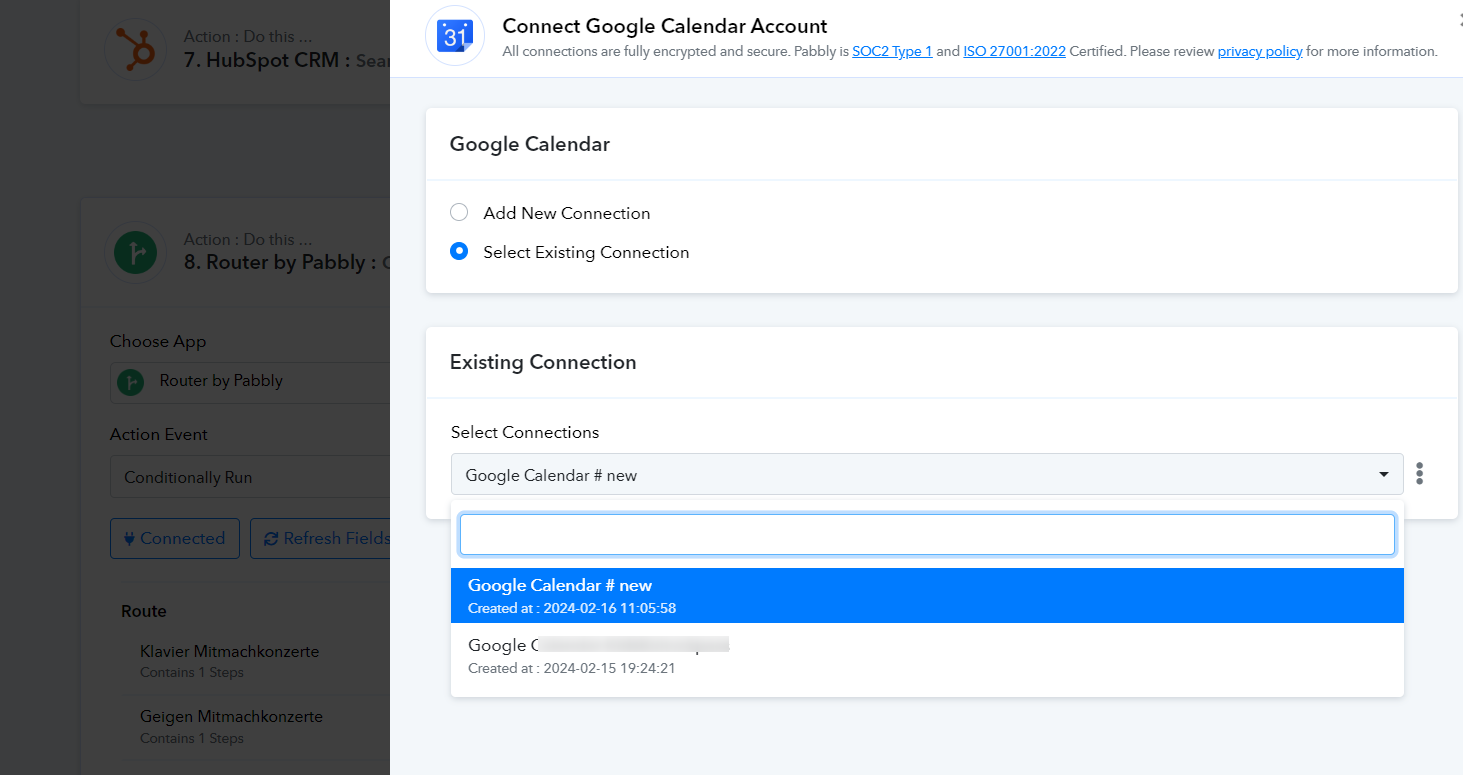
It did not help. But, I solved the problem by choosing other action 'create event' instead of 'created detailed event'.
Thank you for the update.