Google Calendar Start Date Question
Status: Closed · Asked by mikec29526 on · 0 views
If I put in a Google calendar item without a start time (example here)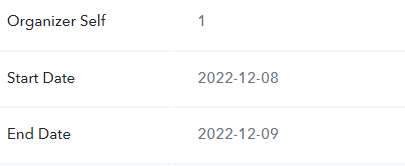
Is it possible in Pabbly to just assign it a time, for example 8AM for a start time - so I can have it finish to the "Get 1 Day Before the Event" - and then at that time I can run the get event again, in case they have assigned an actual time, and then it will grab the new start time? Will that be a workable solution in the case where calendar item is put in without a start time, but then later on a start time is put in?
Hey @mikec29526
Could you please share the name of the workflow and the action step which you are using, so that we can look into your reference?
Workflow name is Mike Coleman. RIght now, the sample one in there when I clicked save and send request is
Start Date = 2022-10-19
What would be ideal, is since the Start Date Time doesn't even show in this example, would be to set it to a default value of
Start Date Time + T01:00:00-04:00 (which would be 1AM New York Time)
Example: Start Date Time = 2022-10-19T01:000:00-04:00
Is this possible to do? Here is the first example, where it shows no Start Time since it was put in without a StartTime. I think I need to put an example appt in with a Start Time, just so I have that field, and then could maybe build off a "If it not exist" statement?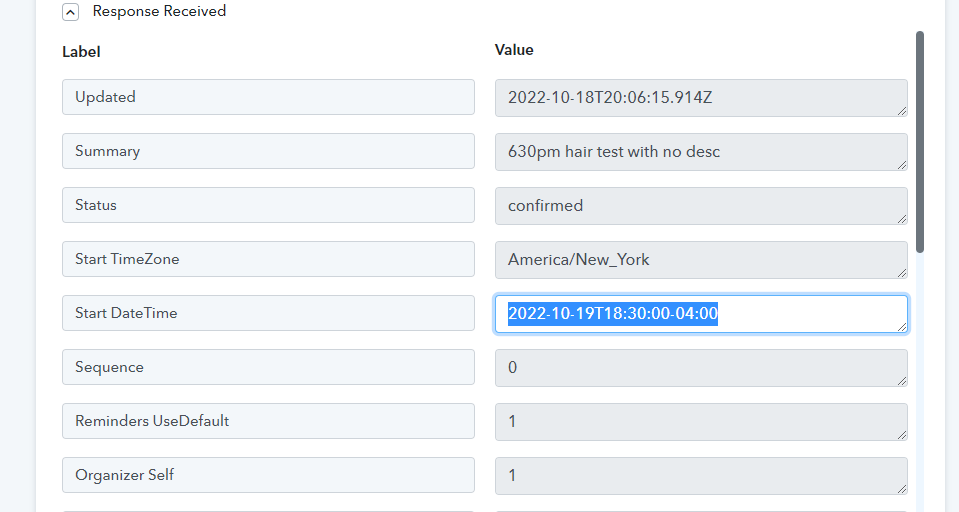
I just looked, and if I try the Text Formatter - and use Default value - the problem is there is no option for Start Date (only start date time) in the Google calendar when building this off an appointment with a start date time. If I try and build it off an appt without a start time, I won't have that field to use as Value.
Below, where I drew the red arrow, really needs to map the Google Start Date (not Start DateTime), and then + T01:000:00-04:00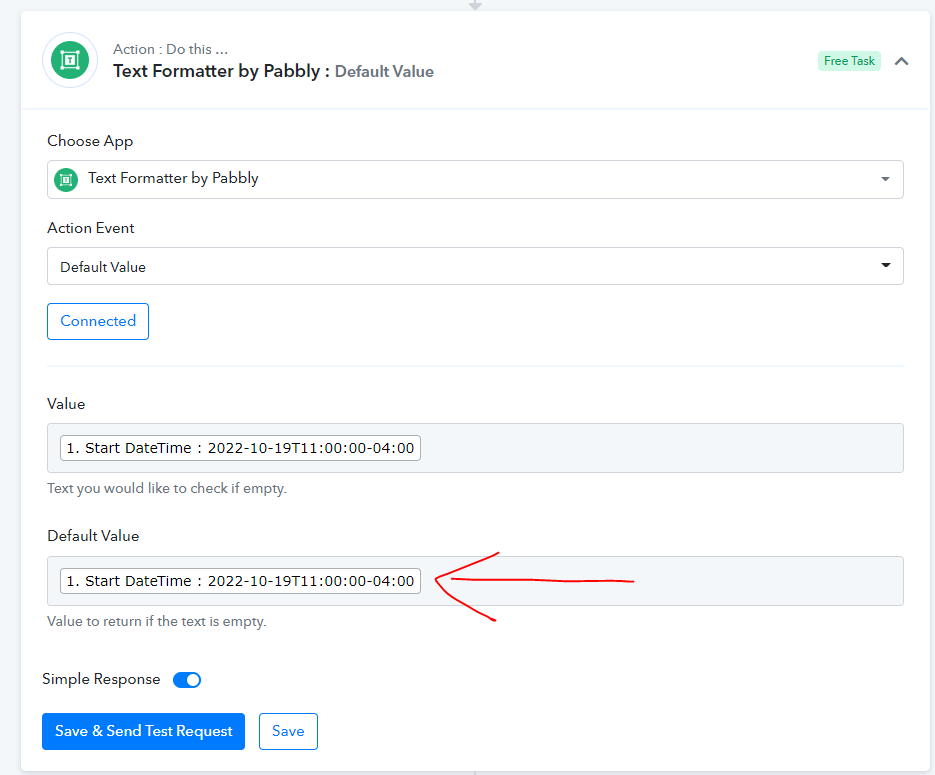
It is step 2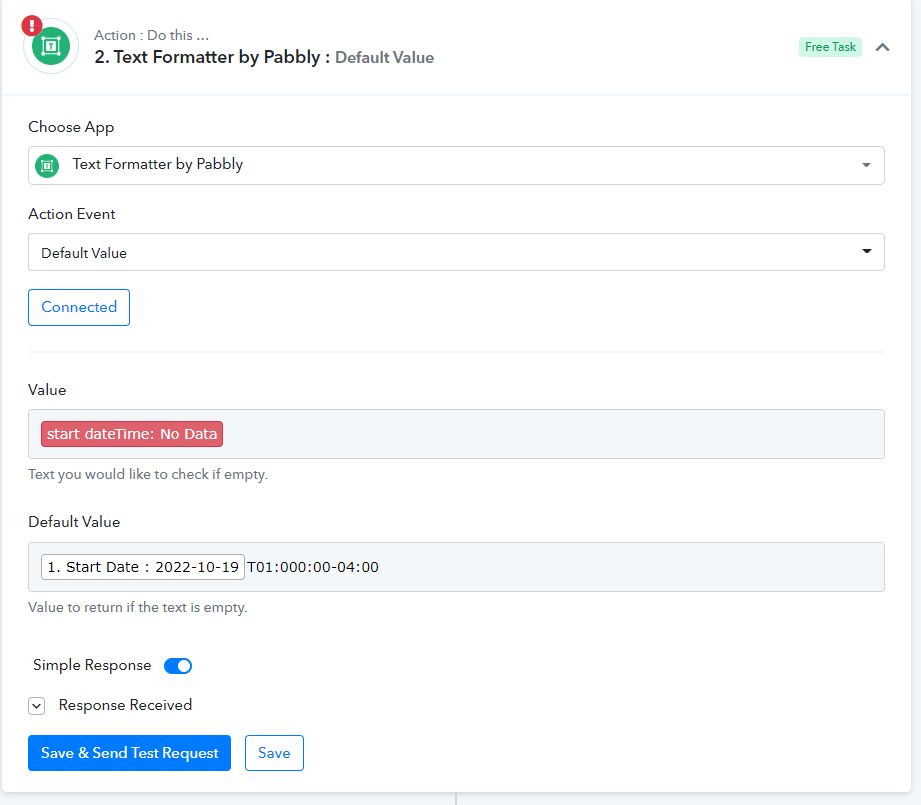
May have found a solution ( I just can't do a save and send test again, or it will give the red field error). Let me know if what I have will work?
Hey @mikec29526
May have found a solution ( I just can't do a save and send test again, or it will give the red field error). Let me know if what I have will work?
Kindly try the Default value action step once in a live execution event with the red tags of labels, as it should work accordingly in a live execution.