"Google Docs encountered an error. Please try reloading this page, or coming back to it in a few minutes."
Status: Open · Asked by er1337 on · 0 views
It used to work fine for the past 30 days, but this morning i started getting this error. I tried creating a new sheet and reinstalling the plugin but nothing seems to work.
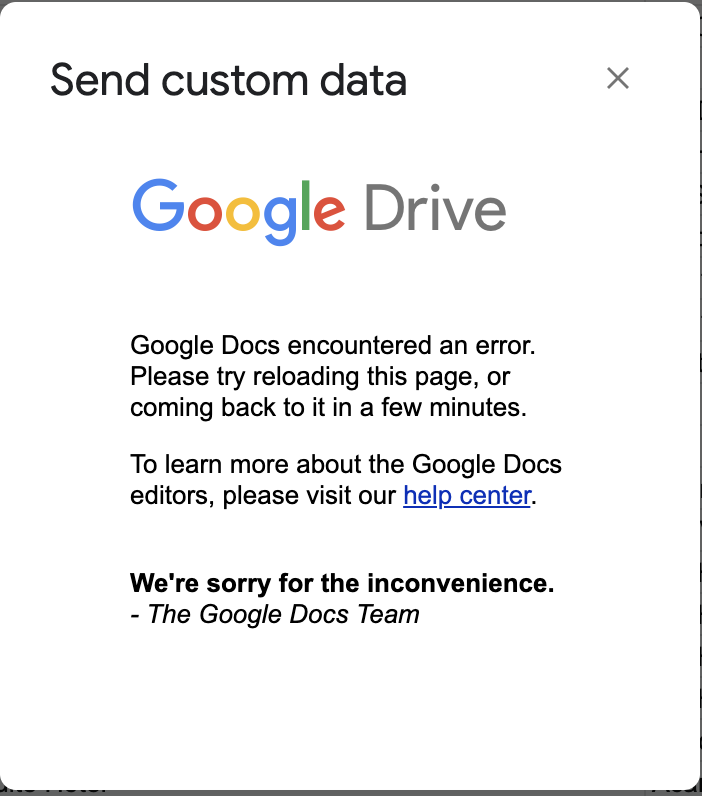
Update: Looks like the problem is on googles side, a lot of people are reporting outages
yea, same , on google drive, upload file, gmail send email, google sheet search
Hey @dbs00 @er1337
We are currently looking into it, please allow us some time.
Shall notify you with an update soon.
You may track the issue here related to Google Sheets AppScript here - https://issuetracker.google.com/issues?q=componentid:191640%2B%20status:open%20type:bug%20&pli=1
Hey @dbs00 @er1337
It appears that the problem in AppleScript has been resolved by the Google team, and as a result, the Pabbly Connect extension is functioning as expected.
didnțt changed anything in my workflows
is still happening
IjU3NjMwNTY5MDYzZjA0M2M1MjY5NTUzYzUxM2E1MTYwNTQzNyI_3D_pc
@Supreme
didnțt changed anything in my workflows
is still happening
IjU3NjMwNTY5MDYzZjA0M2M1MjY5NTUzYzUxM2E1MTYwNTQzNyI_3D_pc
The issue you encountered in this Task History is related to WordPress. It seems that the Tag you are trying to map in the WordPress trigger step is incorrect. It should purely be a number, but the Tag you mapped contained letters as well (e.g., "alba 47"), which is why you encountered this error.
https://drive.google.com/file/d/1fVjjLEkV1m2vNmPcnzS4ic_TX9oZcIVU/view?usp=sharing