Google drive new file trigger
Status: Open · Asked by Tanya Saxena on · 0 views
Hi,
When I'm uploading an image (which existed earlier on my computer but was just now uploaded in google drive) inside google drive and my trigger is "New File" in Google Drive then why is it not running the flow?
The trigger works well on new doc or spreadsheet creation inside the drive. Also, it detects images that are new in my computer but why is it not identifying new images uploaded which are newly uploaded in drive but older in my system?
This is urgent please help asap!
Hey @Tanya Saxena
Kindly check whether the image URL you are passing is publicly accessible or not. If the issue still persists we recommend you to record a short video.
So here are two videos showing how the trigger works for Newly downloaded images but doesn't work for file which ALREADY EXIST IN SYSTEM(MY COMPUTER) BUT WERE NEWLY uploaded in GOOGLE DRIVE
So here are the video showing how the trigger works for Newly downloaded images: https://www.awesomescreenshot.com/video/19228298?key=aebedd69346f8b2921aaf64e3152581e
@Supreme Please help in this asap :/ ! Lemme know if there's a way
Hey @Tanya Saxena
The trigger event will fetch the new file only if you are trying to run the automation for existing files then I am sorry that the trigger event will not fetch the existing file.
By existing means (existing in My computer) but not existing in DRIVE. SO when its uploaded its new to Google drive
And an update: Today it didn't trigger for newly downloaded files as well.
Please help its urgent
Have you tried the "Google Drive: New File in Specific Folder" trigger event to get the new file?
@Supreme
Yes, I did. Same situation. Not triggering. The issue wasn't earlier. Earlier I tested the flow on soo many images uploads it always triggered the flow and worked. This issue is happening since yesterday.
Even I've tried creating new workflows and tried connecting different google accounts also but the issue is same, it isn't triggering and running the flow from yesterday
Please help!
If possible can u please try the same trigger from your end and check it.
I've created a 30-40 step workflow which further is connected to similar 20-20 step 2 workflows that relies on this 1 trigger so it's really important. I hope you understand. @Supreme
@Supreme
To test this I've also created a short 2-step test workflow with 'Google Drive' 'New file' as a trigger.
But the situation is the same. I've tried uploading images, creating new docs, and waiting for 10-20 mins it is not running the flow automatically.
The taste history has 0 executions
But when I'm doing 'Save and send test' the uploads can be seen.
This means the issue is in '10 mins' check that it does. Please check with the tech team or whatever is possible. I hope you understand.
Attachments
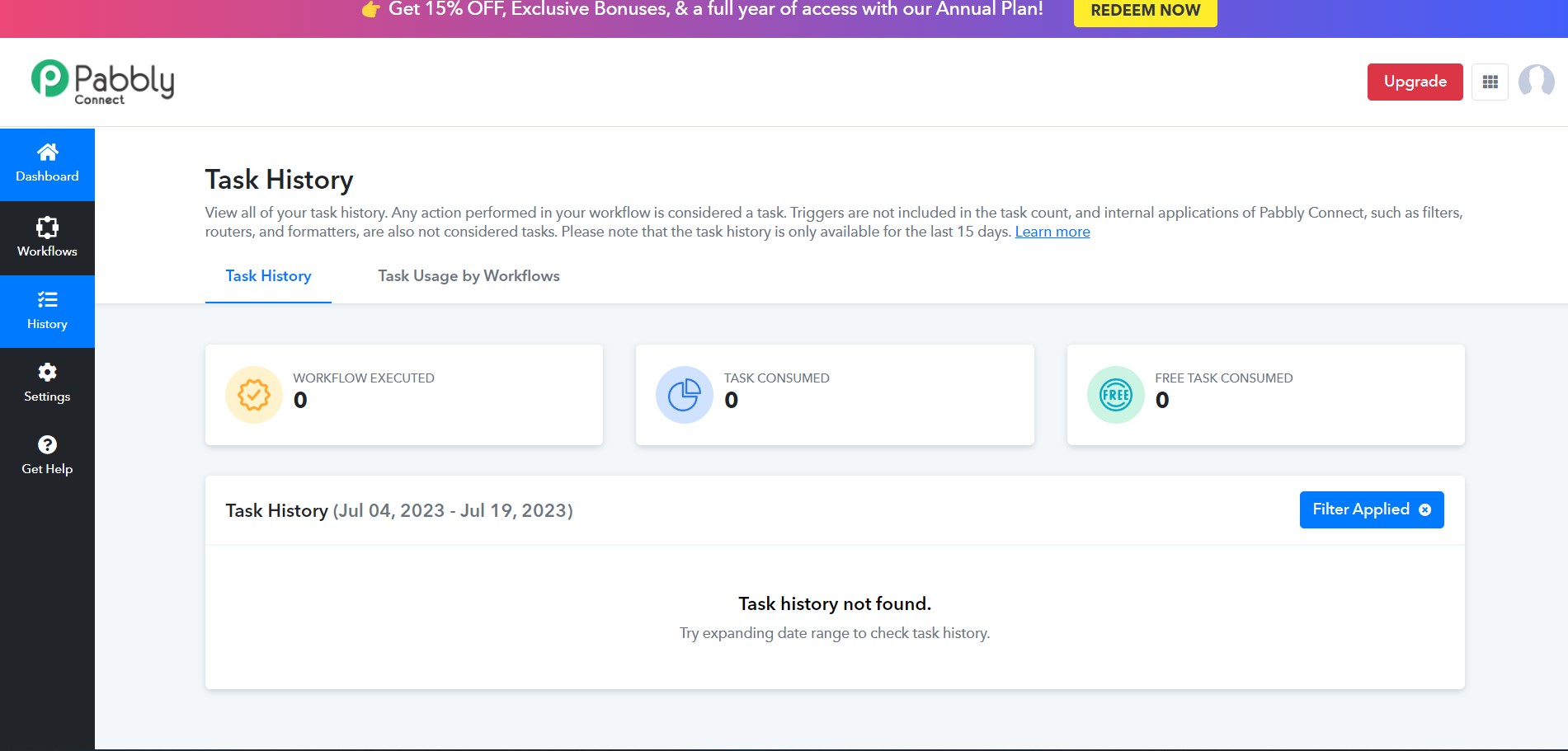
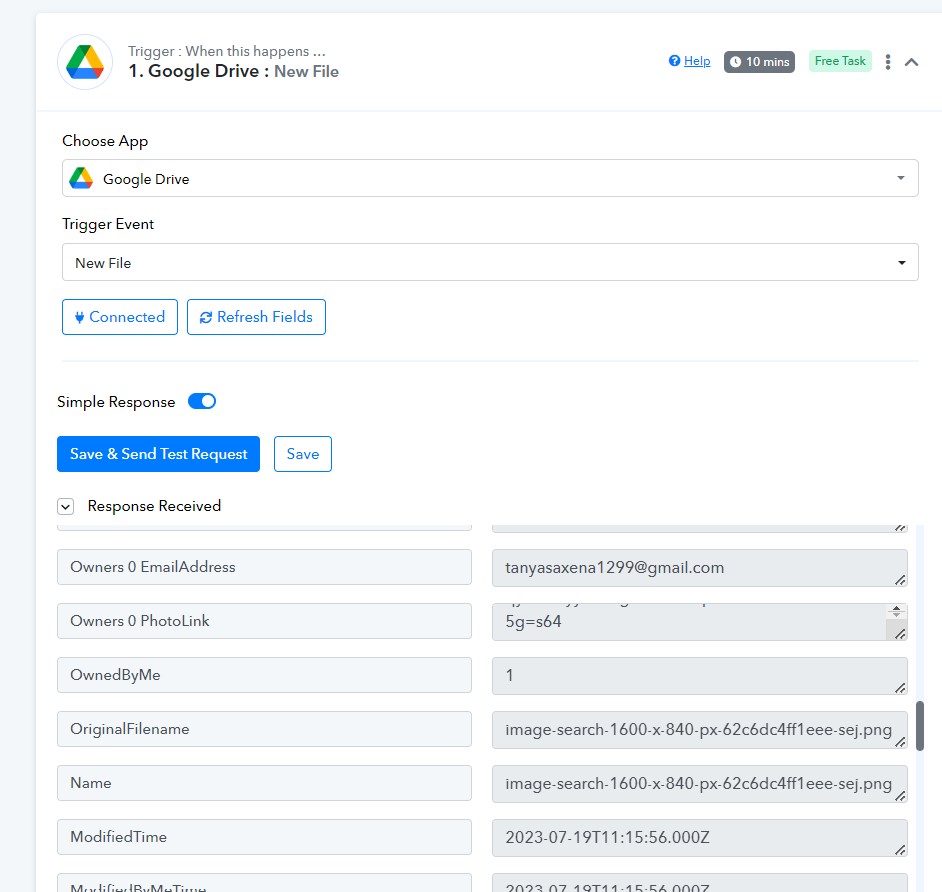
We have checked the same at our end with the Google Drives' trigger event and it is working fine.
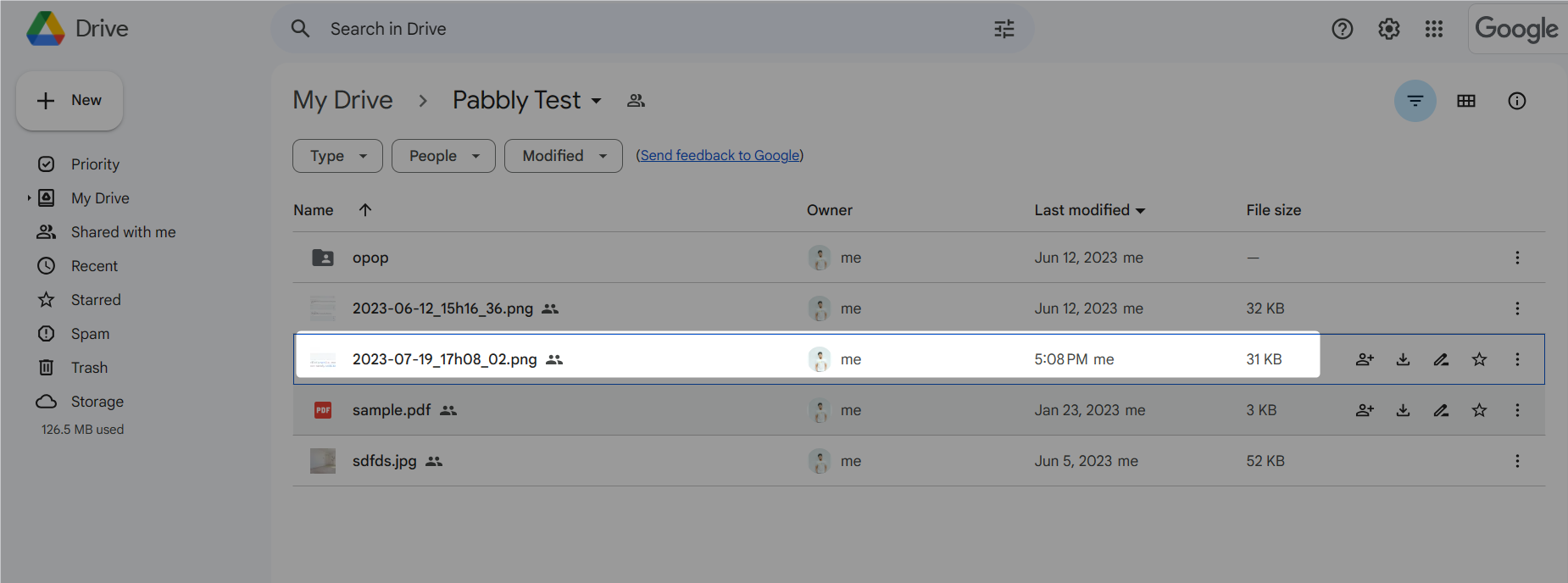
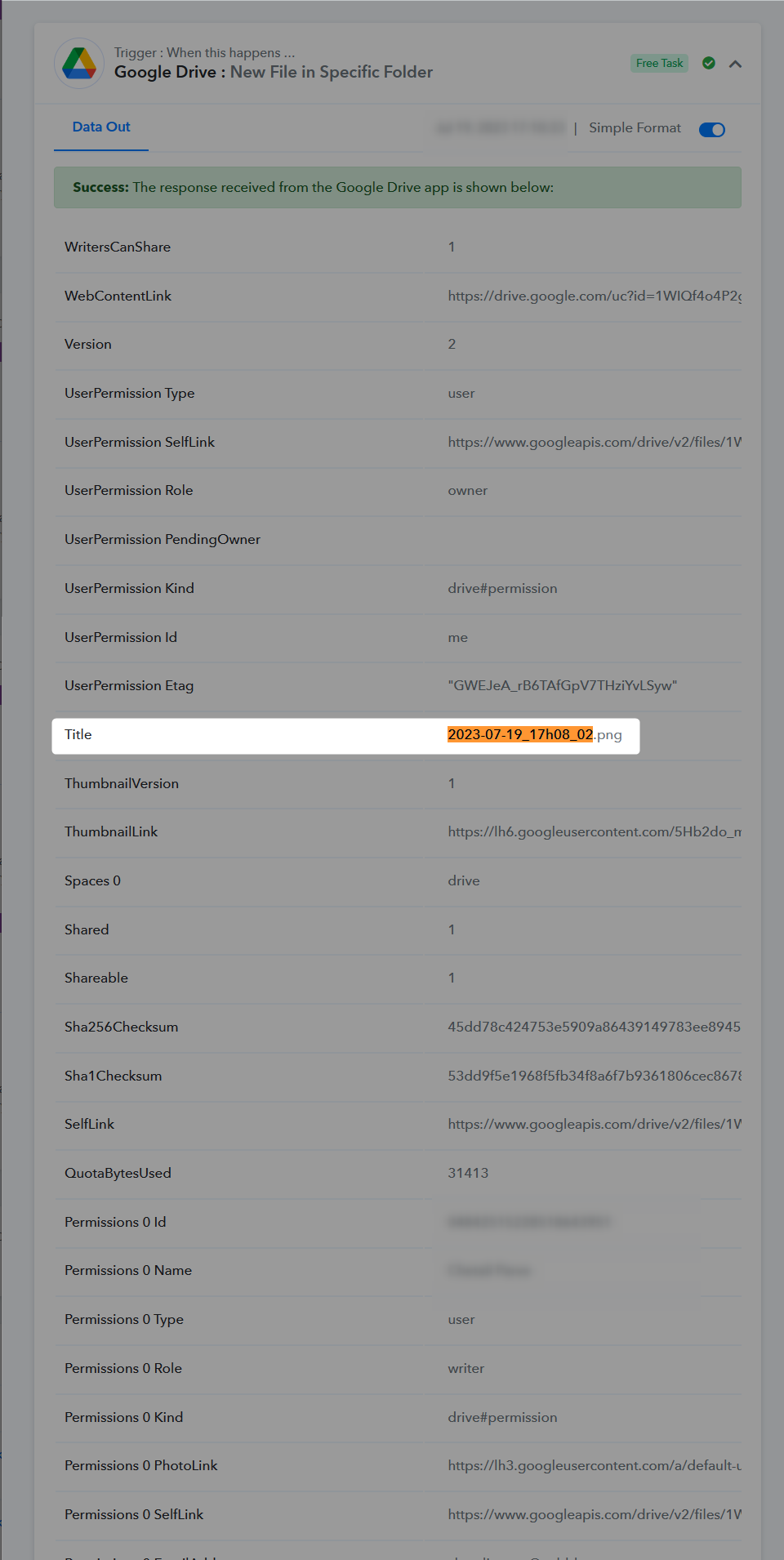
Then why is it not triggered for our account? and why suddenly it has it started showing '8 hours' from '10 mins'? I've been using Pabbly for so long and have successfully built so many workflows. I have always been happy with Pabbly. It has never happened earlier. 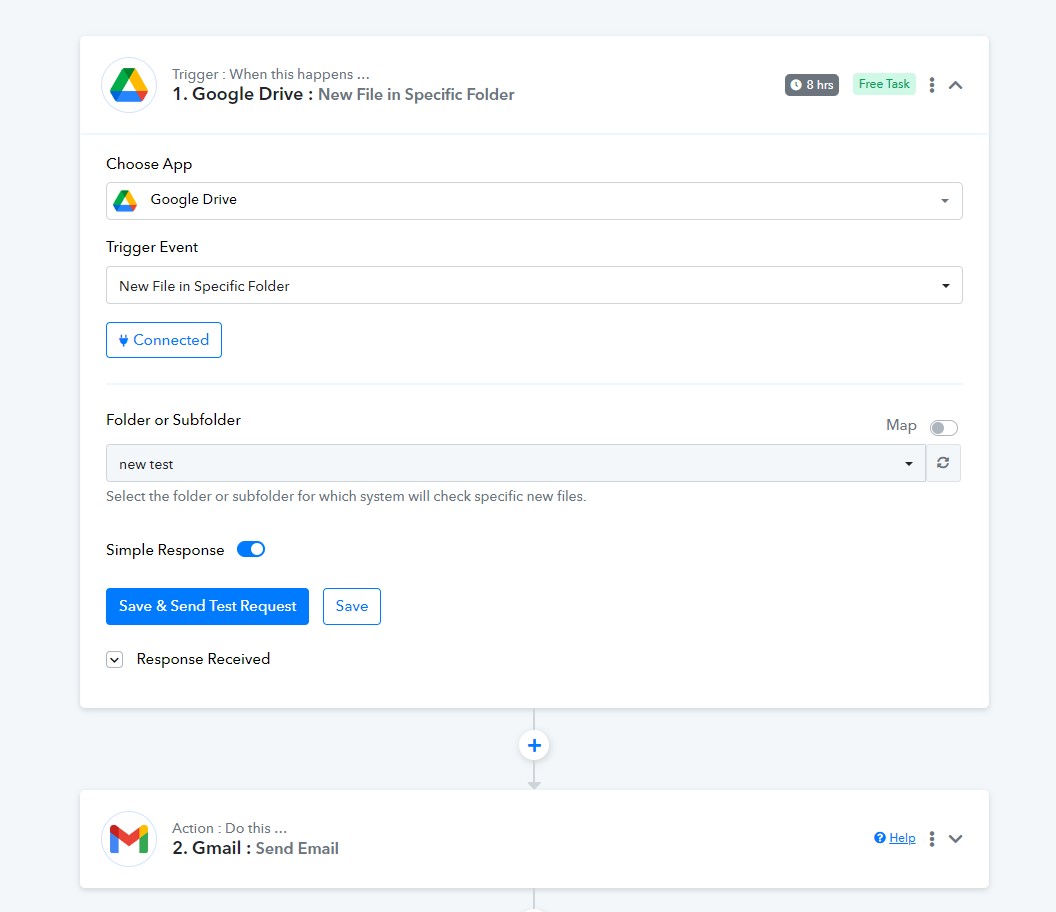
The workflow history and drive:
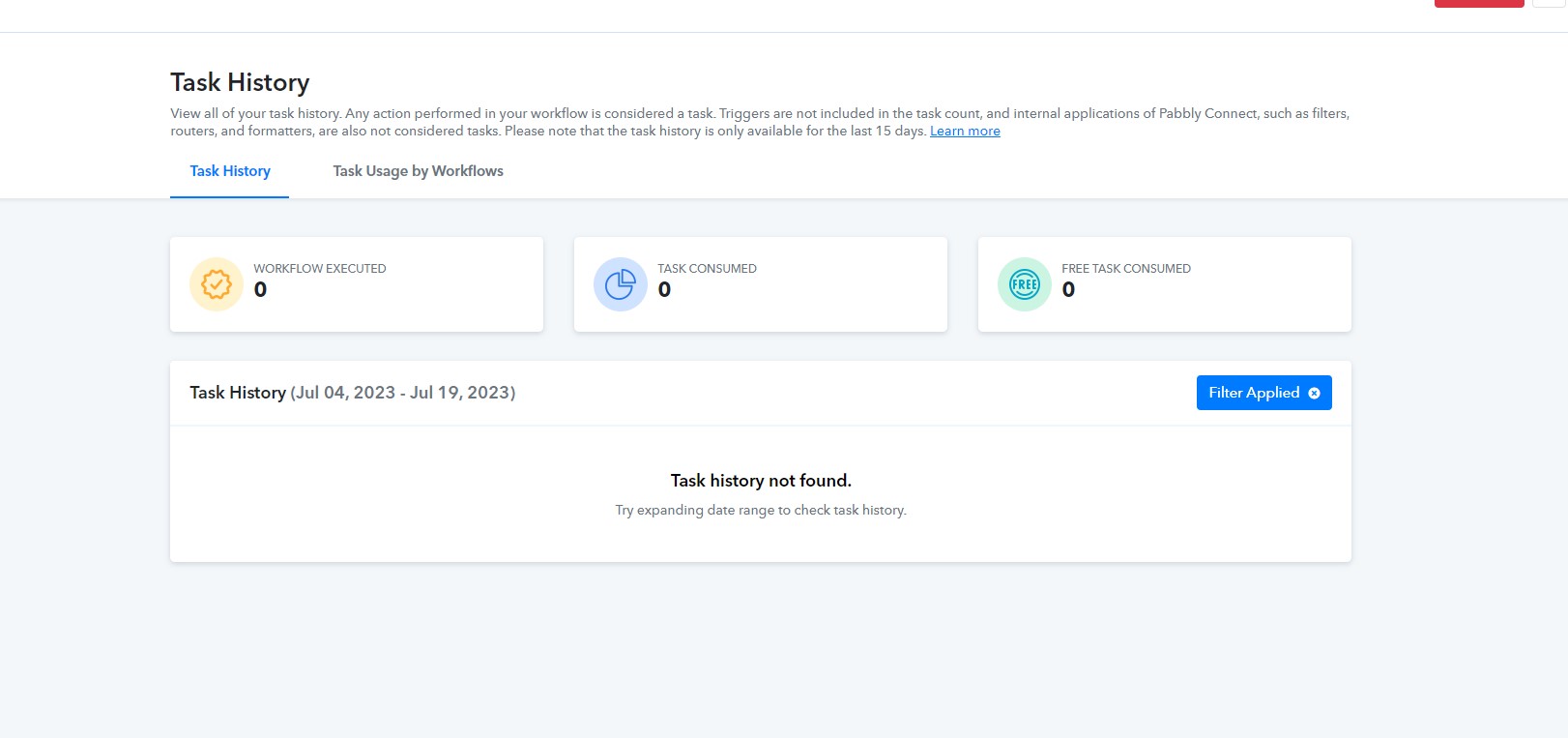
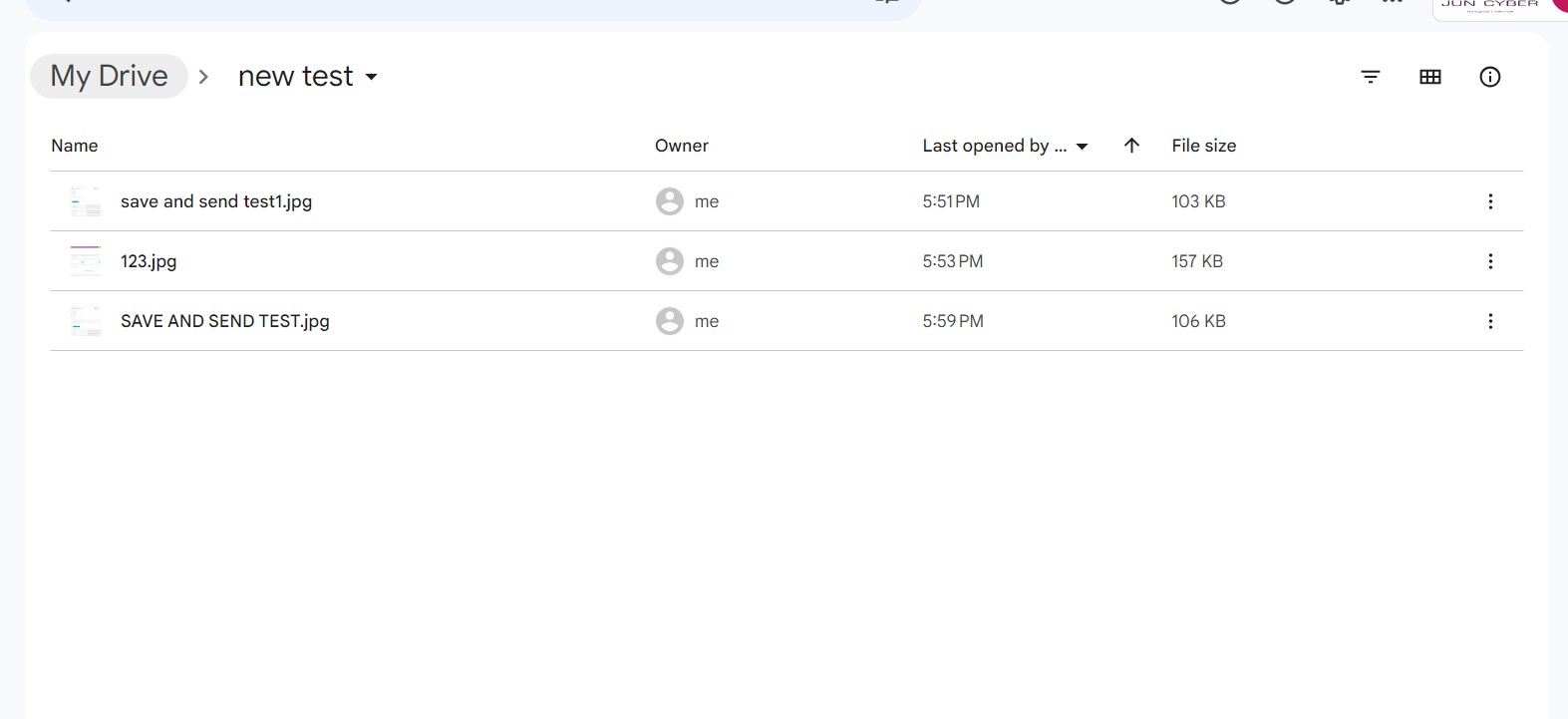
@Supreme ?
We checked on your workflow and your Google Drive trigger event captured the webhook response in live workflow.
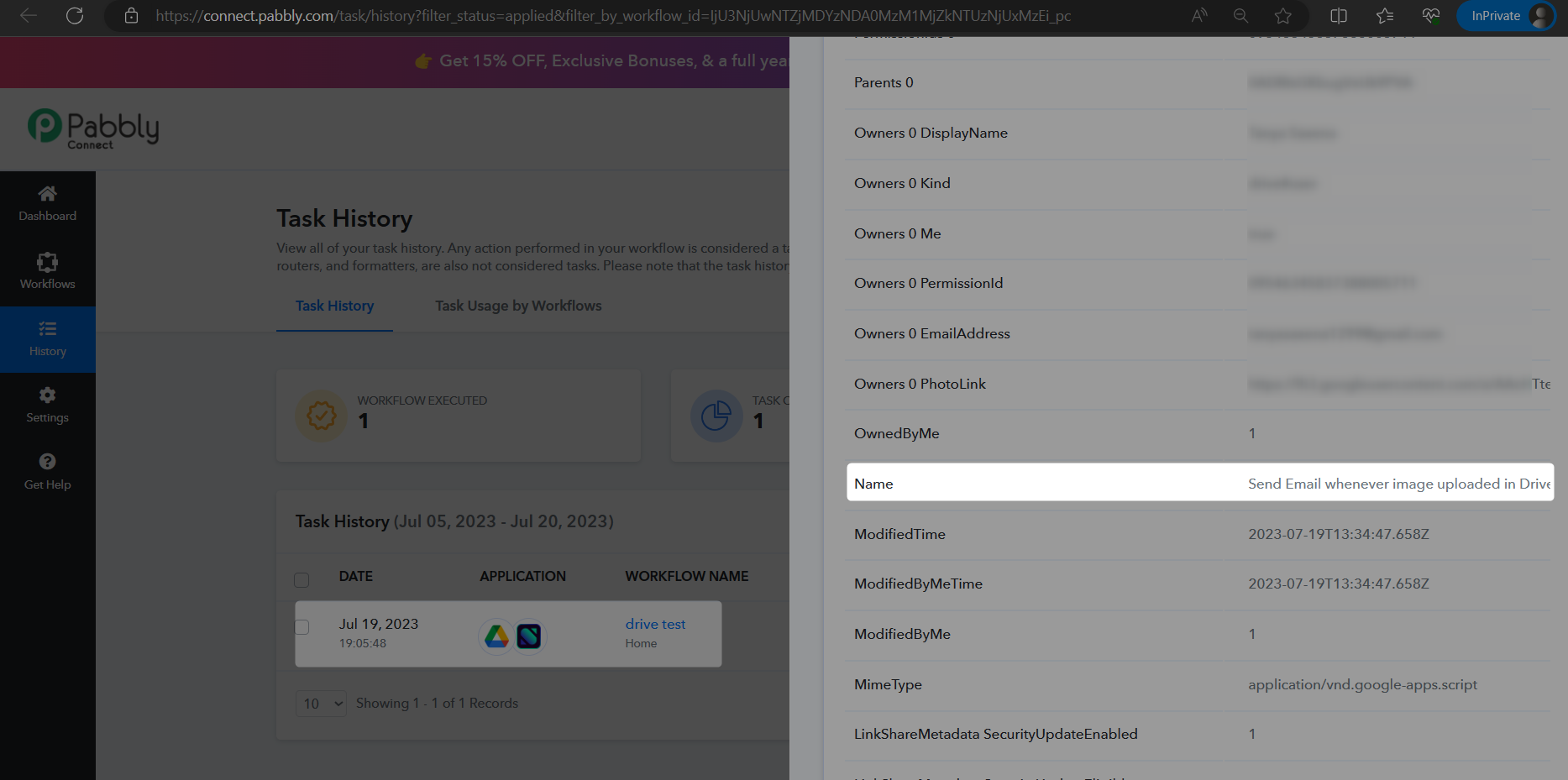
@Supreme
I didn't say that it is not identifying any upload at all. Please try to understand the issue and all I need is a solution to the issue.
Problem: "It is not identifying some triggers, working on some uploads, and not triggering on others". The issue isn't that it is not triggering at all the issue is that is not triggering on every upload.
I've even recorded a video with the problem that it isn't acting on some uploads, but running on some uploads and shared your screenshots.
As we can see from your workflow, the latest history log is capturing the webhook response.
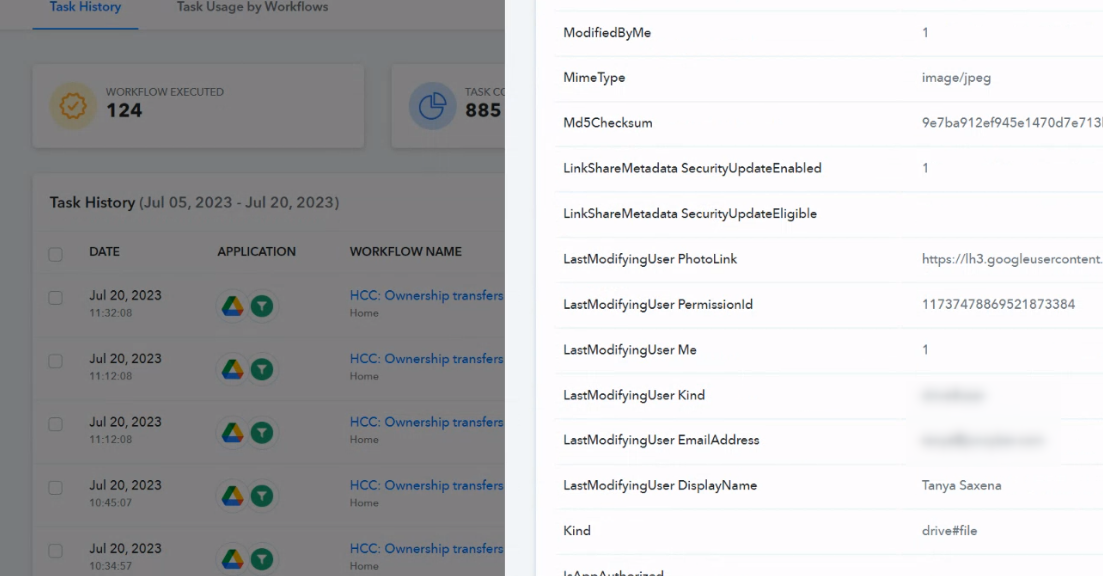
But for your exceptional trigger response can you provide the record, so that we can try the same at our end?
Hey @Tanya SaxenaKindly check whether the image URL you are passing is publicly accessible or not. If the issue still persists we recommend you to record a short video.
For this New File in Google Drive to work - do we need to set the permission on a folder in Drive to anyone with the link (viewer permission)?
Yes, the file needs to be publicly accessible to process that further in Google Drive.
Can you tell me how to do this with a Google Shared Drive - how to make the whole share publicly accessible enough for Pabbly to read it?
Please try using 'Google Drive: Share File with Anyone in Shared Drive' action step.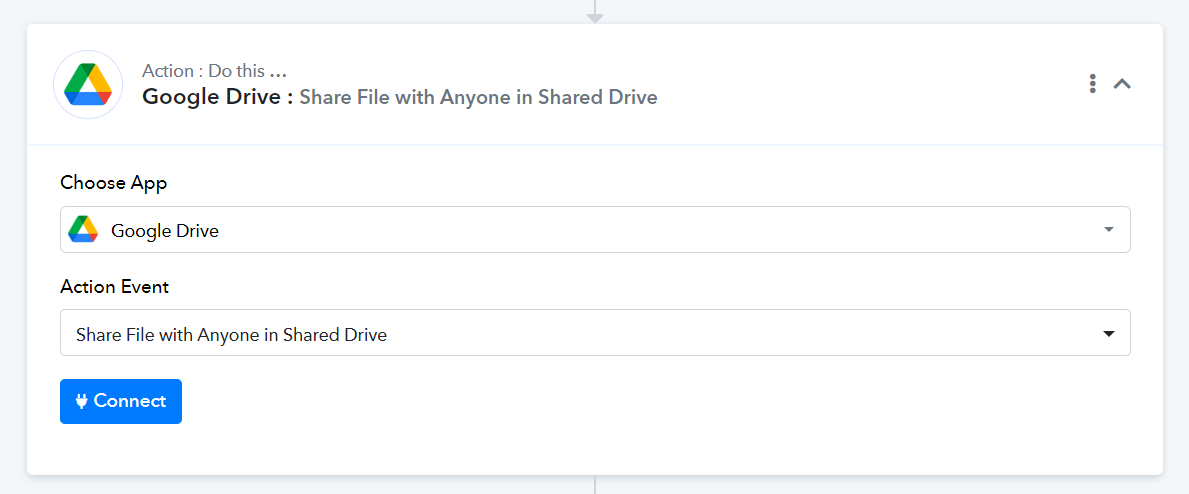
I'm curious was this ever fixed?
I have the exact same issue. However here I need it to trigger when a folder is created - however it doesn't trigger when that happens. only when I manually test.
And I can't use the 'Google Drive: Share File with Anyone in Shared Drive" as no Shared Drive is available.
See this thread for further info:
https://forum.pabbly.com/threads/google-drive-new-folder-in-specific-folder-trigger-does-not-work.18784/
Hey @apps
we have replied to you on thread https://forum.pabbly.com/threads/google-drive-new-folder-in-specific-folder-trigger-does-not-work.18784/. Kindly please check.