Google drive Permission Error
Status: Closed · Asked by Dotstory Admin on · 0 views
We were using a workflow where when a new row is added create a shared folder in google drive. We are getting this error continuously The user does not have sufficient permissions for this file.
Any suggestions or solution ? We are using google workspace account
Hey @dotstoryadmin
Seems like your Google account does not have access to use the Shared drive. Kindly check from your Google account whether you can use the Shared drive from your GDrive or not.
It Seems like we have allowed all the access
Hey @dotstoryadmin
Could you please tell us that are you having the shared drive in your Google Drive?
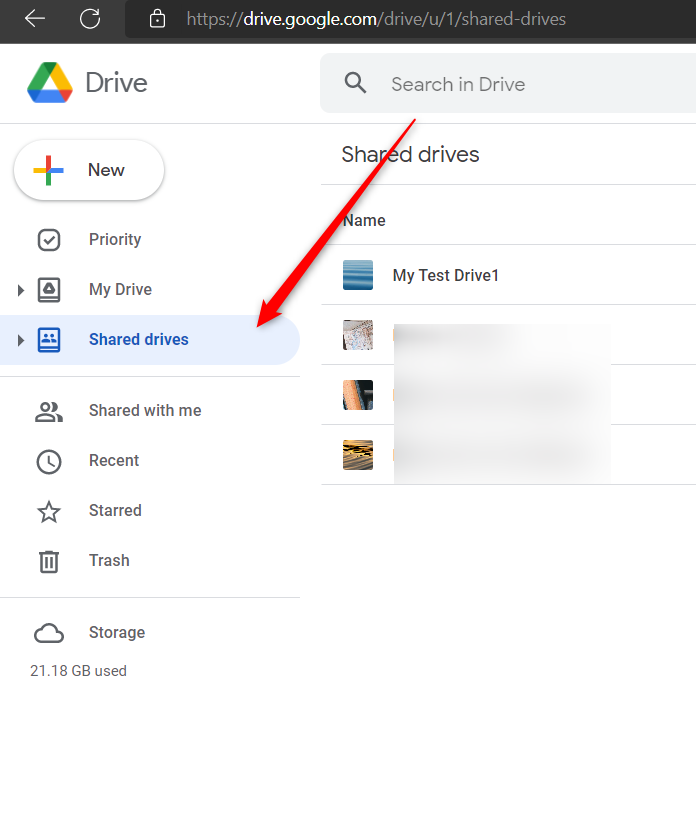
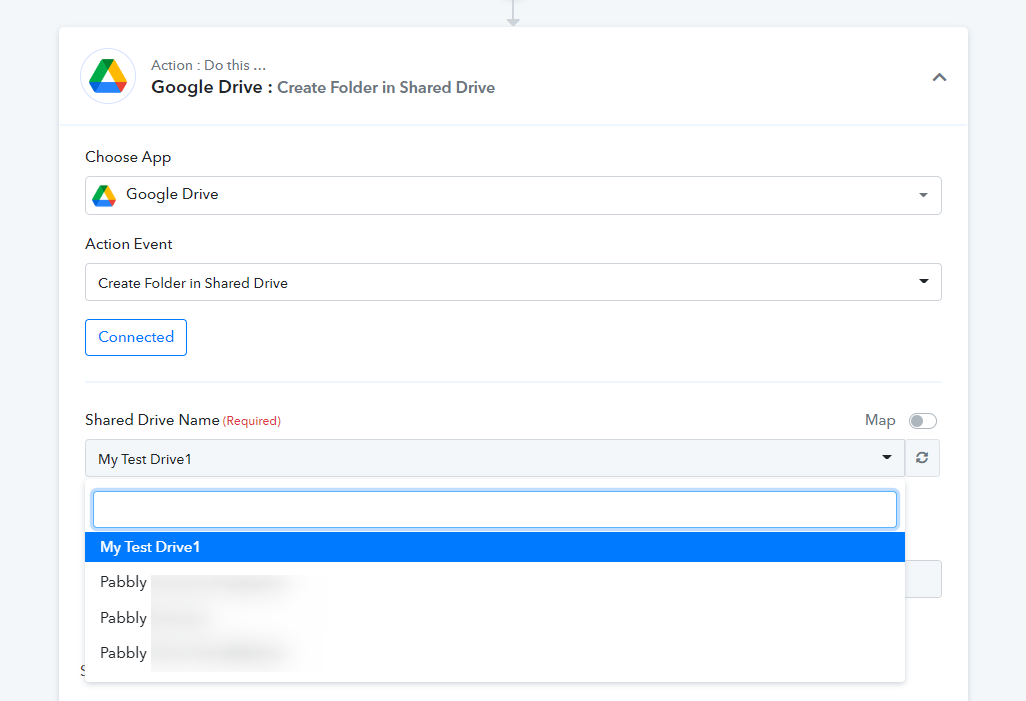
Yes we are using shared drive, but the issue is. While creating shared drive we dont see any option to add members right there, What we understand is we have to create a next task where we can add one member
We have set the automation for this, but the issue is again pabbly connect is not triggering data from google sheet. In test its working but not in live production
Hey @dotstoryadmin
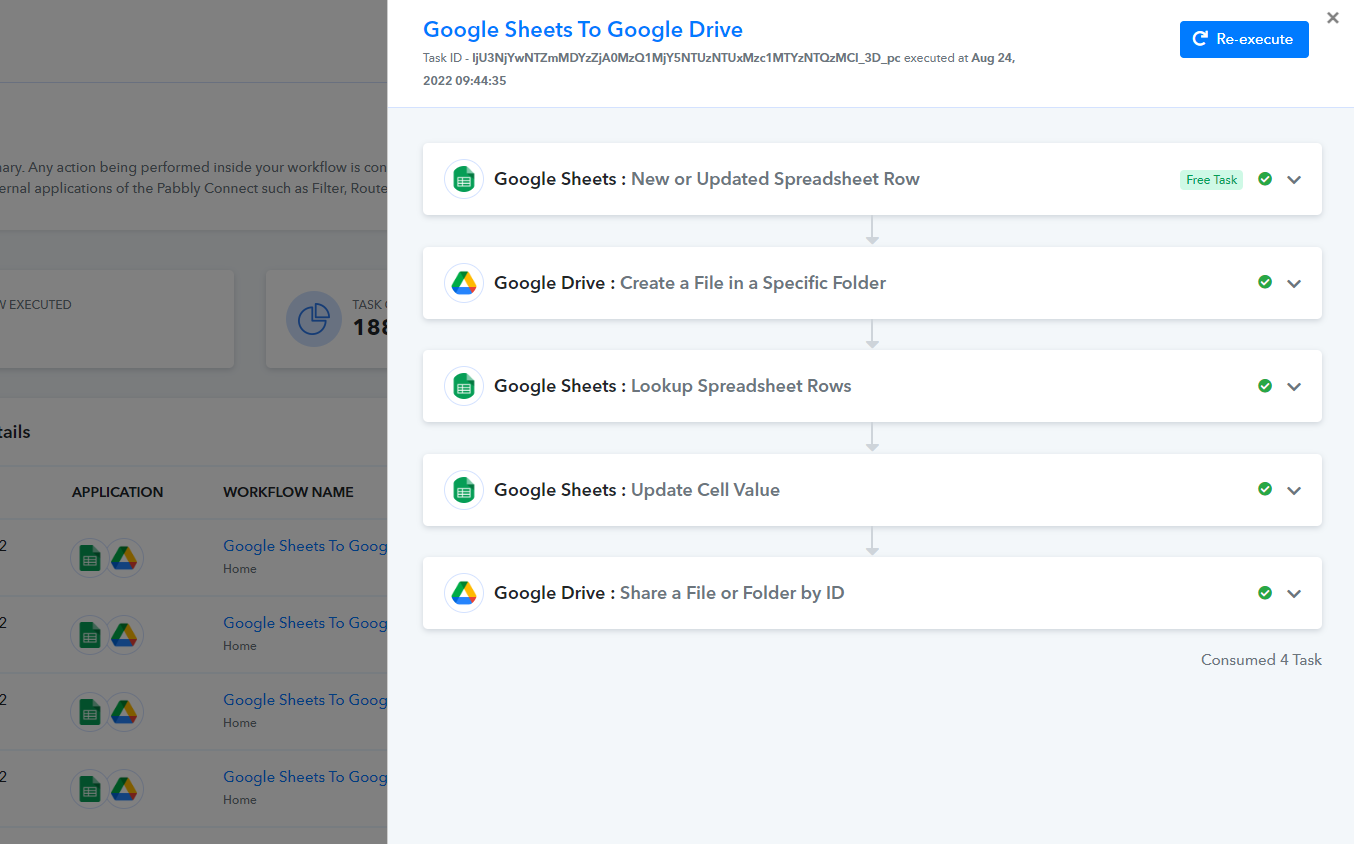
As we can see from your recent task history id, your workflow is executing it correctly.
Kindly try again and let us know if the issue still persists.