Google Drive - Quota Exceeded
Status: Closed · Asked by Dave Roberts on · 0 views
Hello. I am getting the following message when running my Workflow. I am the only person using the input and output, and I can find the file details when I look at the history of the workflow. I can also see the files via Google Drive. However, the zip file that I receive has four csvs with the error message. The output files are four .csv files and these are very small.
Google Drive - Quota exceeded Sorry you can't view or download this file at this time. Too many users have viewed or downloaded this file recently. Please try accessing the file again later. If the file you are trying to access is particularly large or is shared with many people it may take up to 24 hours to be able to view or download the file. If you still can't access a file after 24 hours contact your domain administrator.
Thank you.
Graham
Hey @atatu.co.nz
Based on the task history ID you provided, it appears that the Google Drive steps are functioning correctly without any issues.
Could you please assist me by providing a screenshot of where you are encountering the "quota exceeded" response? This will help me better understand the situation and provide you with the appropriate assistance. Thank you.
Also, this error typically occurs when there are too many users accessing or downloading a file stored in Google Drive, which leads to temporary restrictions on access.
So, in this case, as the error message suggests, try accessing the file again later, preferably after 24 hours. Google Drive imposes temporary restrictions on file access, and waiting may resolve the issue.
Further, please check file sharing settings and ensure that the file you're accessing is shared with you and that you have the necessary permissions to view and download it.
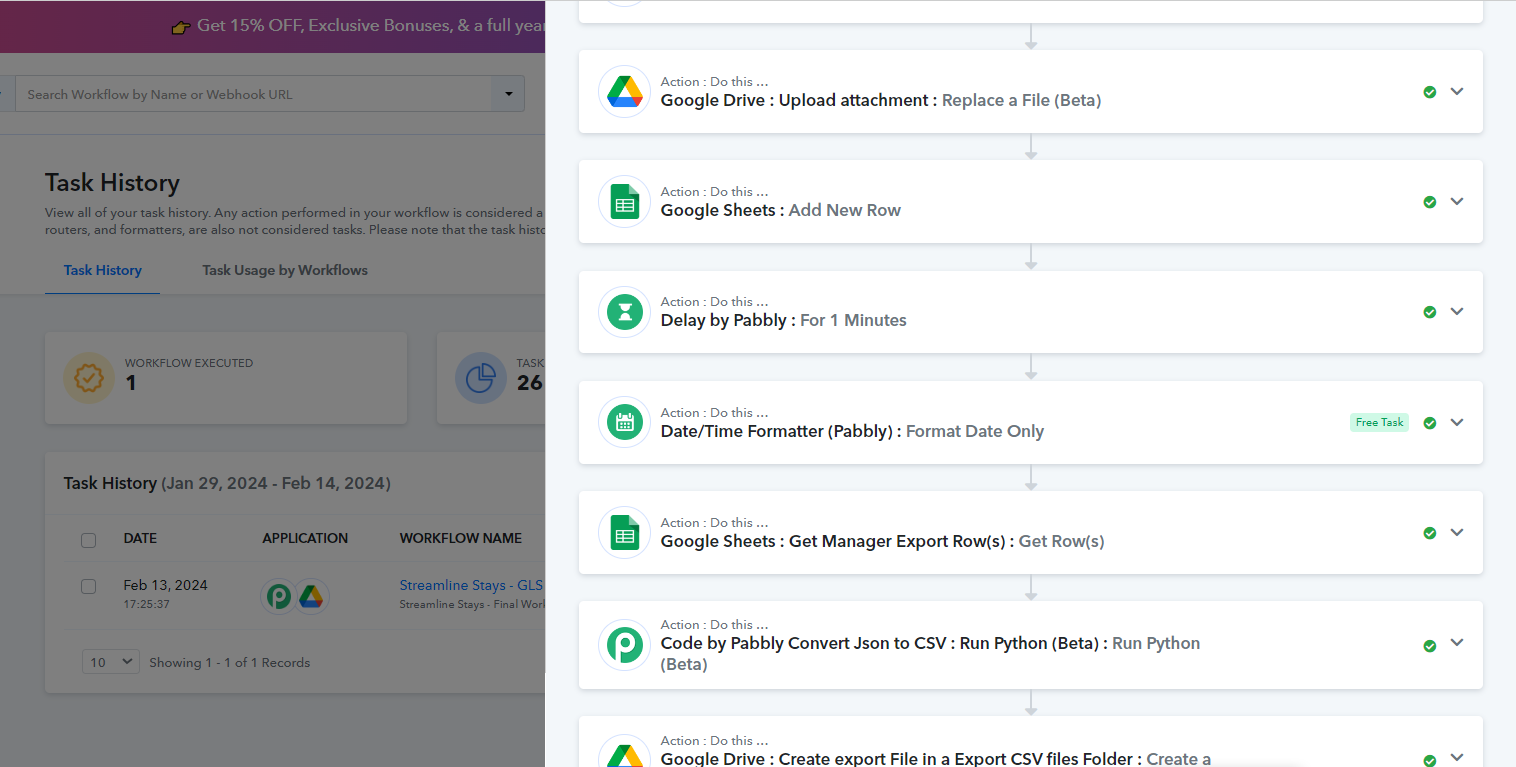
Thank you, Arshita. The final step in the workflow is to send me a zip file with four csv files enclosed. I have just re-run the process and the attached is the result. The snip shows what I see when I open one of the csvs.
No one else accesses the files, and permissions have not changed since the last time I successfully ran the workflow (the day before). I can access the files directly from Google Drive, so I know that the workflow is producing them correctly. I have removed old files from Drive, but there is plenty of space available, and this hasn't helped.
So, the files are created and dropped into Google Drive, but the files sent in the email are the problem.
Regards
Graham

NOTE: 24 hours after the problem arose, it has fixed itself. You were right, although it was a little unnerving!
Thank you.
Graham
Thank you for the update.