Google Drive: Search File Bug, Maybe?
Status: Closed · Asked by rqueue on · 0 views
Hi Folks, I'm new to pabbly and I'm loving the capabilities so far. One action I'm trying to use is the Google Drive Search File. I'm doing a substring search and notice that it seems inconsistent. Some files it can find with substrings, but not all.
It only finds it when I provide the whole file name. Is this a bug or am I using this wrong.
File Search Substring Doesn't Work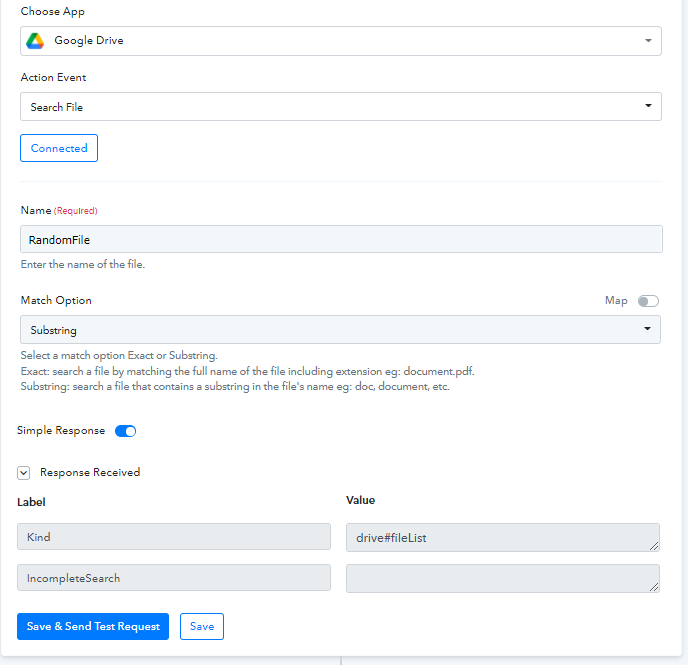
Works When I Provide The Whole Filename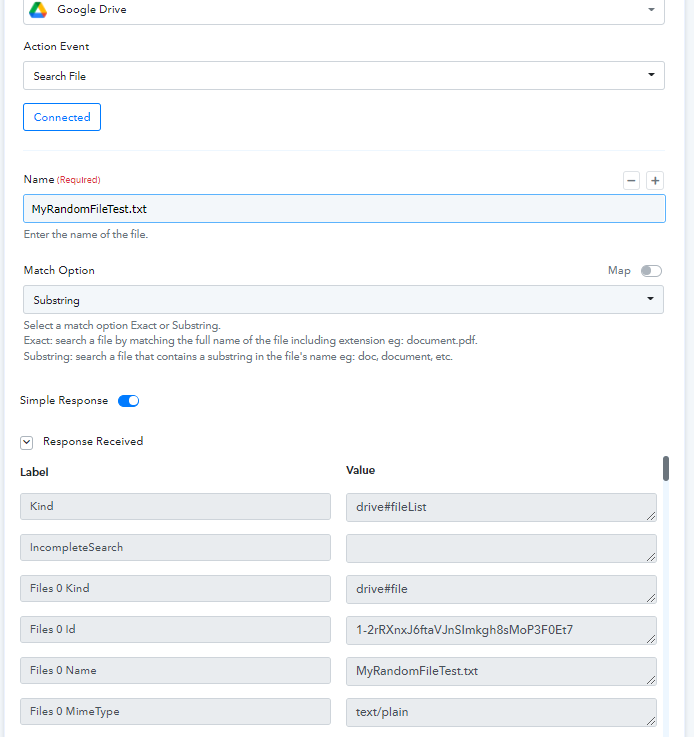
Hey @rqueue
Kindly check the availability of the file and check whether you are using the right respective credentials of Google Drive. As we have tested at our
end it is working accordingly and getting the response bypassing the substring.
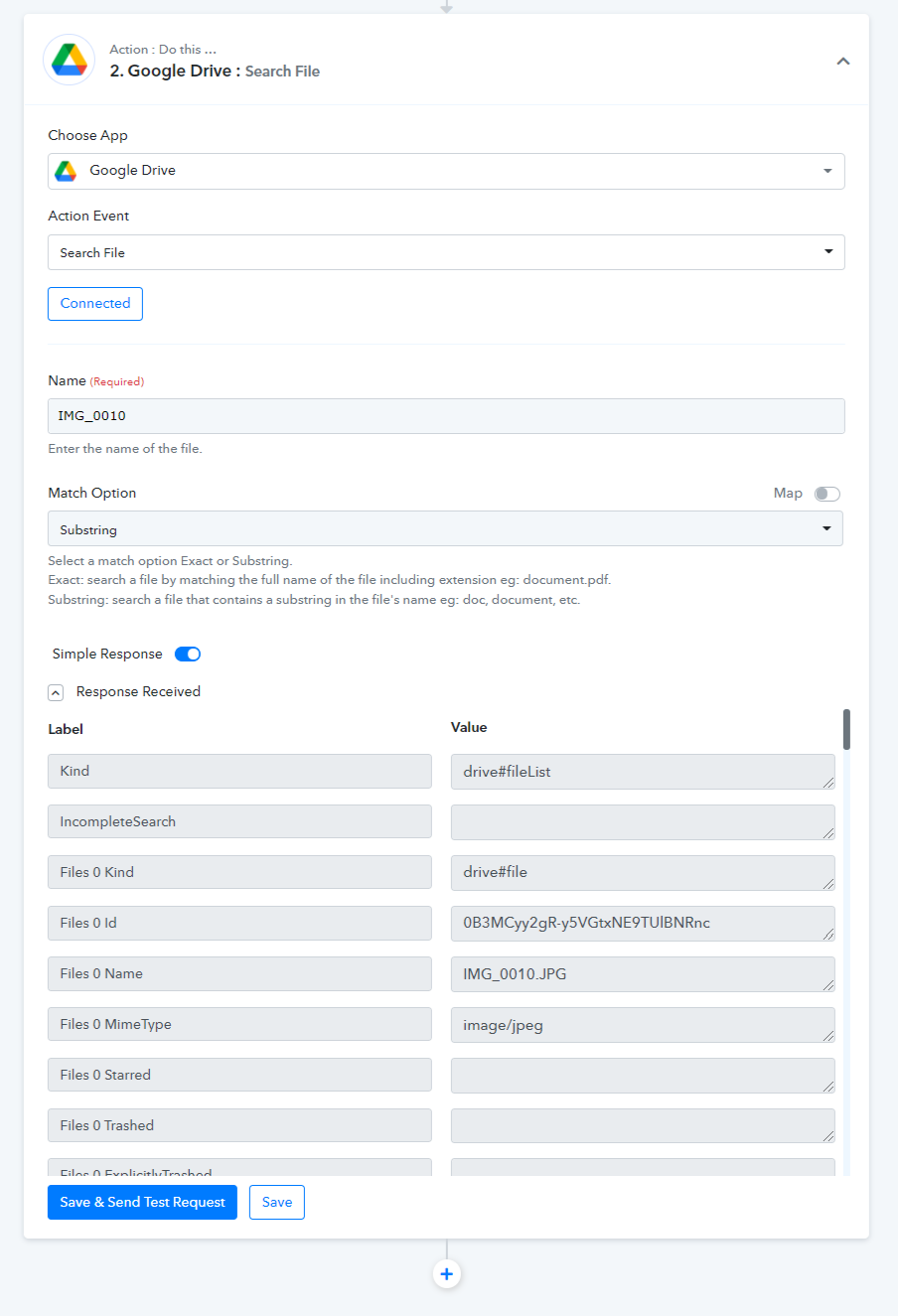
You can check out the same in our short recorded video -
https://www.screenpresso.com/=avtig
Hi @Supreme ,
Thanks very much for the reply. That is interesting because I see it working for you. The main test case I testing is the one you did with the text "theme". I see it found multiple files with the word "theme" in it. I found that my only finds it when the name entered contains the beginning of the filename, but not if it's in the middle or end.
Files Directory Tested Against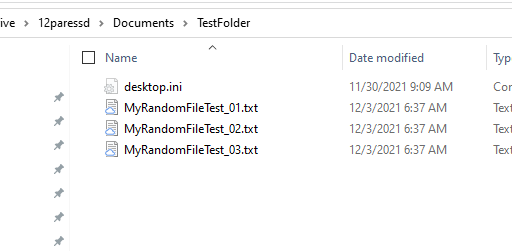
Found When Filename Starts with Name Entered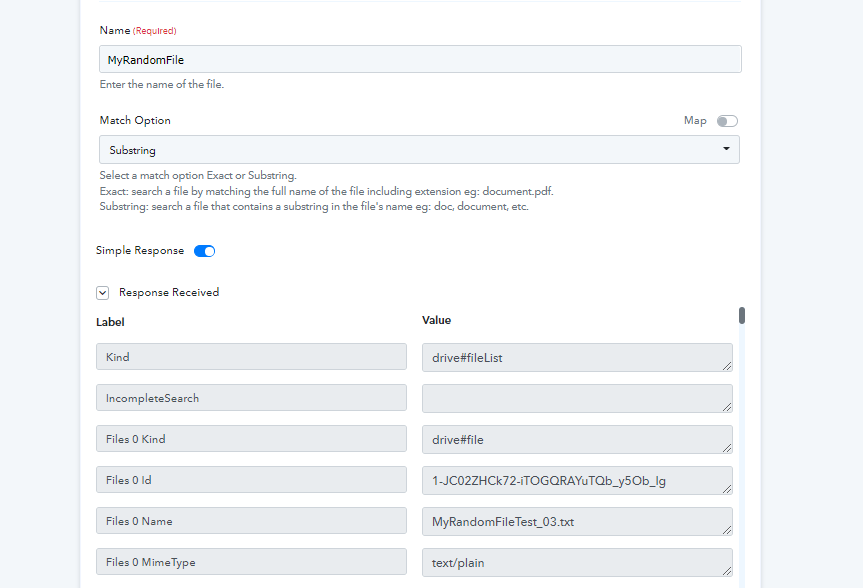
Not Found if string provided is not beginning of the filename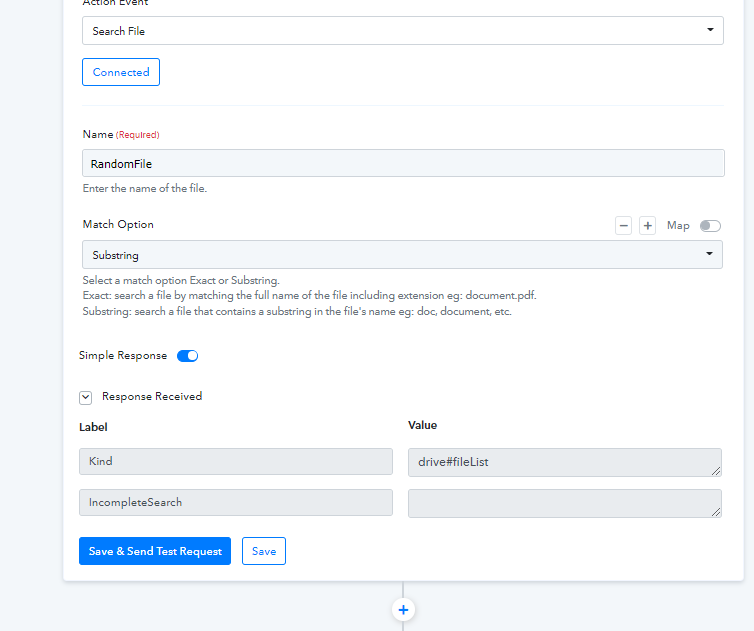
Hey @rqueue
We tried the same, to search the file, you need to pass the starting letters of the file name, and to find the exact same search you need to use the full name as mentioned.
Regards
@Supreme,
Thanks for the clarification. From my usual use of substring, it usually functioned with any location of the string. However, I'll note that in for this functionality it is required for the start of the filename.