Google Drive to Google sheet - duplicated entries & consuming my action triggers
Status: Closed · Asked by Bernie on · 0 views
I have created a workflow to add an entry to google Sheets when there are new files dropped into my google drive. So far it's working however, it kept creating duplicated entries in my google sheets and consuming my limited actions. I will duplicate a few more similar workflows and do not wish to encounter the same issue. Please advise how to fix this. thanks!
Hey @Bernie !
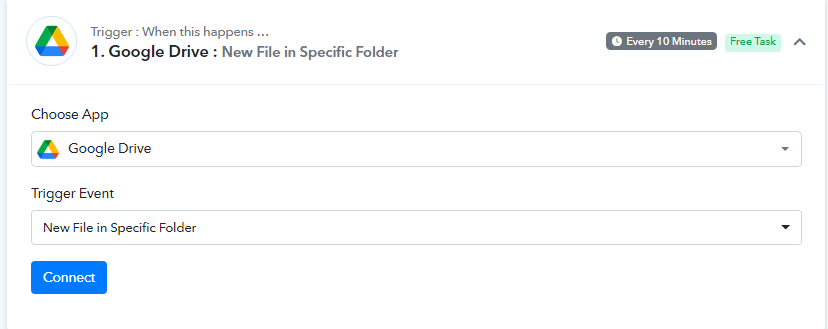
The tech team has introduced a new trigger event by the name "Google Drive : New File in Specific Folder" and has deprecated the older one.
New one-
Deprecated one-
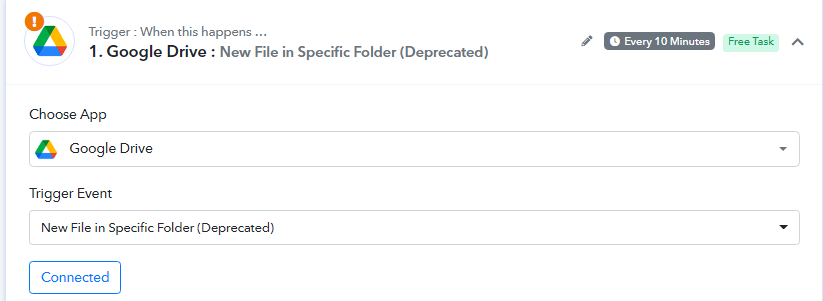
Kindly make a new workflow with this new trigger event and then check on it if the duplication issue is still happening at your end or not.
Hope, to hear from you soon.
Not working! Not able to see the right folder.
Hey @Bernie
As we can see from your workflow, you are getting the same trigger response multiple times and because of that, your leads are getting the same messages multiple times.
And the reason behind that is perhaps you have pressed the "Save & Send Request" multiple times which has created the webhook in your Google Drive multiple times.
E.g. -
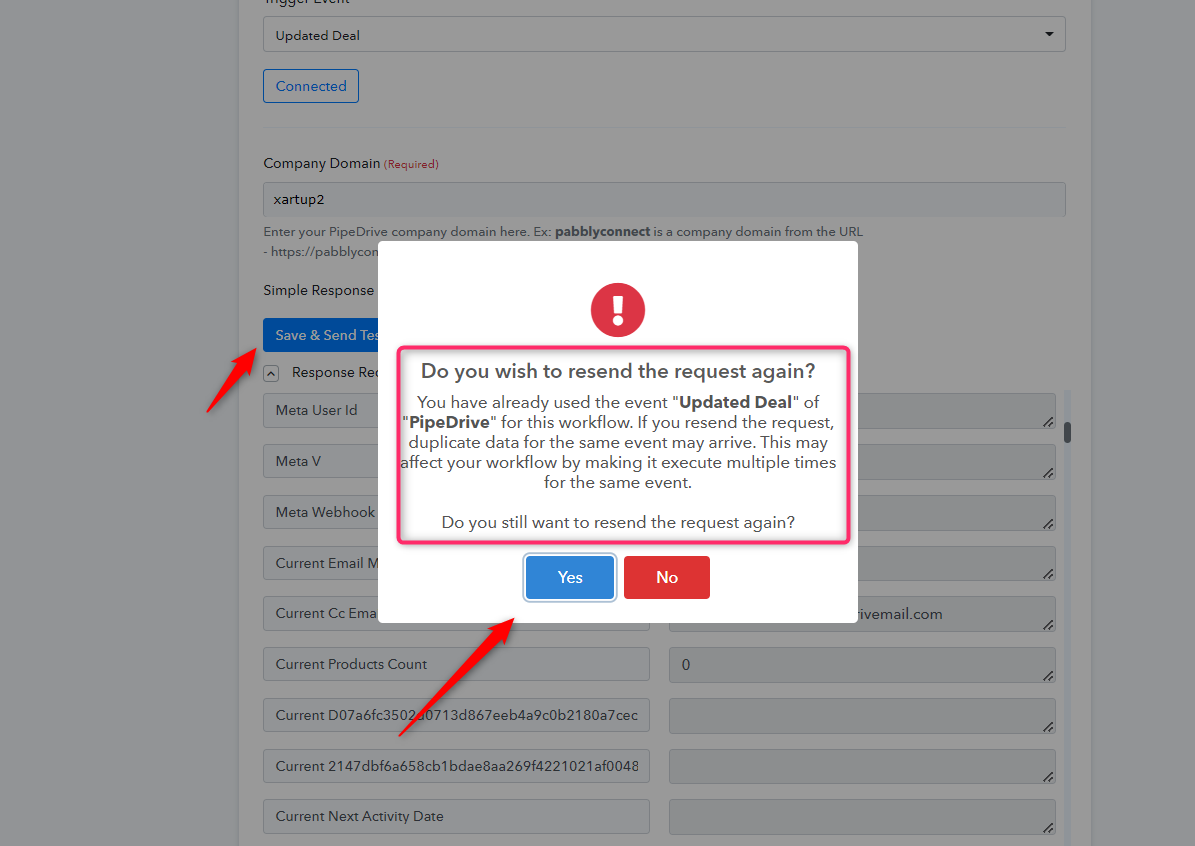
As a solution, you can create a new workflow and delete the previous one which will create a new webhook only once and can send the data one time.
I have deleted and recreated the workflow. It never works after your fix. The trigger event connection doesn't show all the folders available - I have about 500+ folders in the drive. Many of them were missing.
Hey @Bernie !
Can you let us know some of the folders names which according to you are missing in while connecting the step?
So we can check it once with the tech team and revert you back on it.
Hope, to hear from you soon.
There are approximately 700 folders or more. My workflow will fetch data from files with prefixes such as 2020 Buz..., 2021 Buz... etc.
Seems to be working after using the google ID for mapping. I'll continue my testing tomorrow. Please do not take any action. Thanks!!