Google Drive to Instagram Reel or Video
Status: Closed · Asked by instapets on · 0 views
Hi,
I am trying to automate a workflow where I place a video file (.mp4) into a Google Drive folder, and it should get posted as an Instagram Reel or video.
I am currently getting the error: The video file you selected is in a format that we don't support.
But this is a regular video file .mp4 format.
Can someone please help me with this?
Thanks,
Hey @instapets
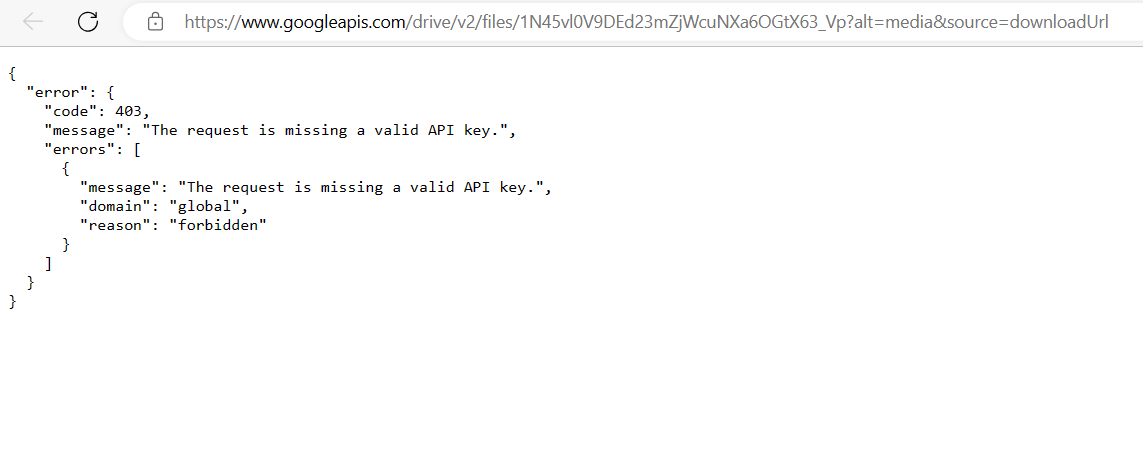
For a video post, you have the option to share content either as an actual video file or by using a public URL that directs to the video. If you choose the public URL option, it is essential that the URL starts with either "https://" or "http://". Additionally, the supported video formats for both actual video files and public URLs must end with either .mov (QuickTime) or .mp4 (MPEG-4).
Thanks.
But my video format is .mp4, and the URL starts with https://
These are the steps:
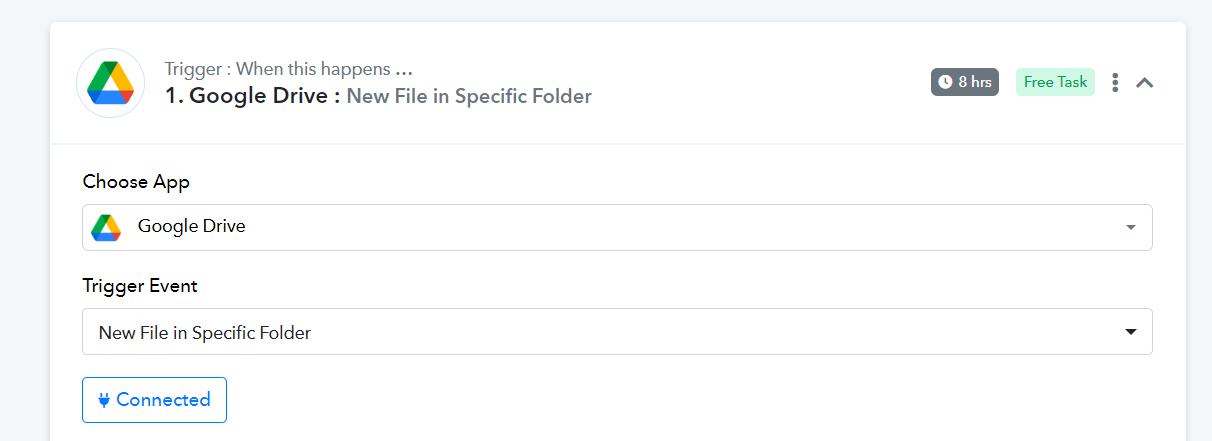
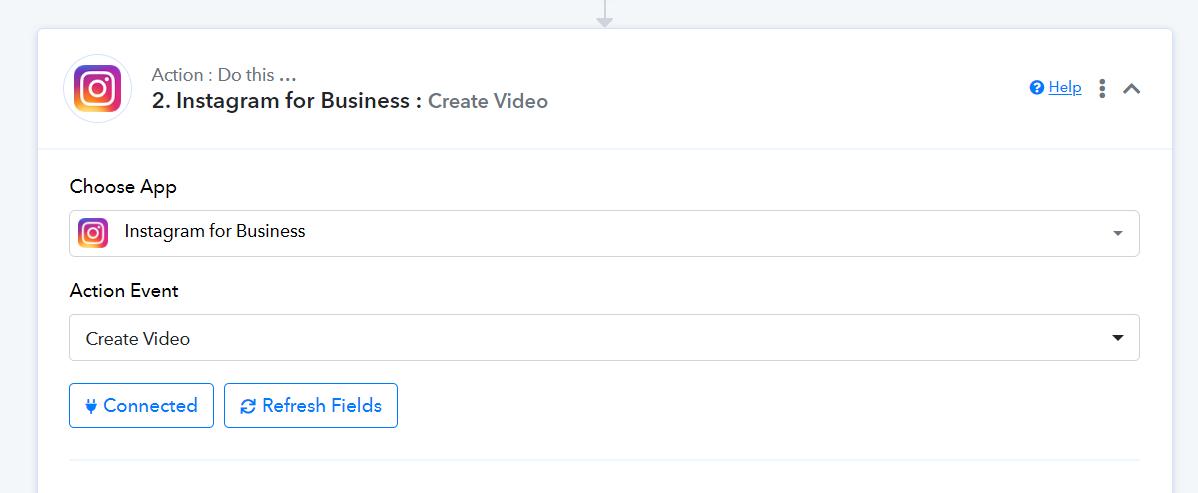
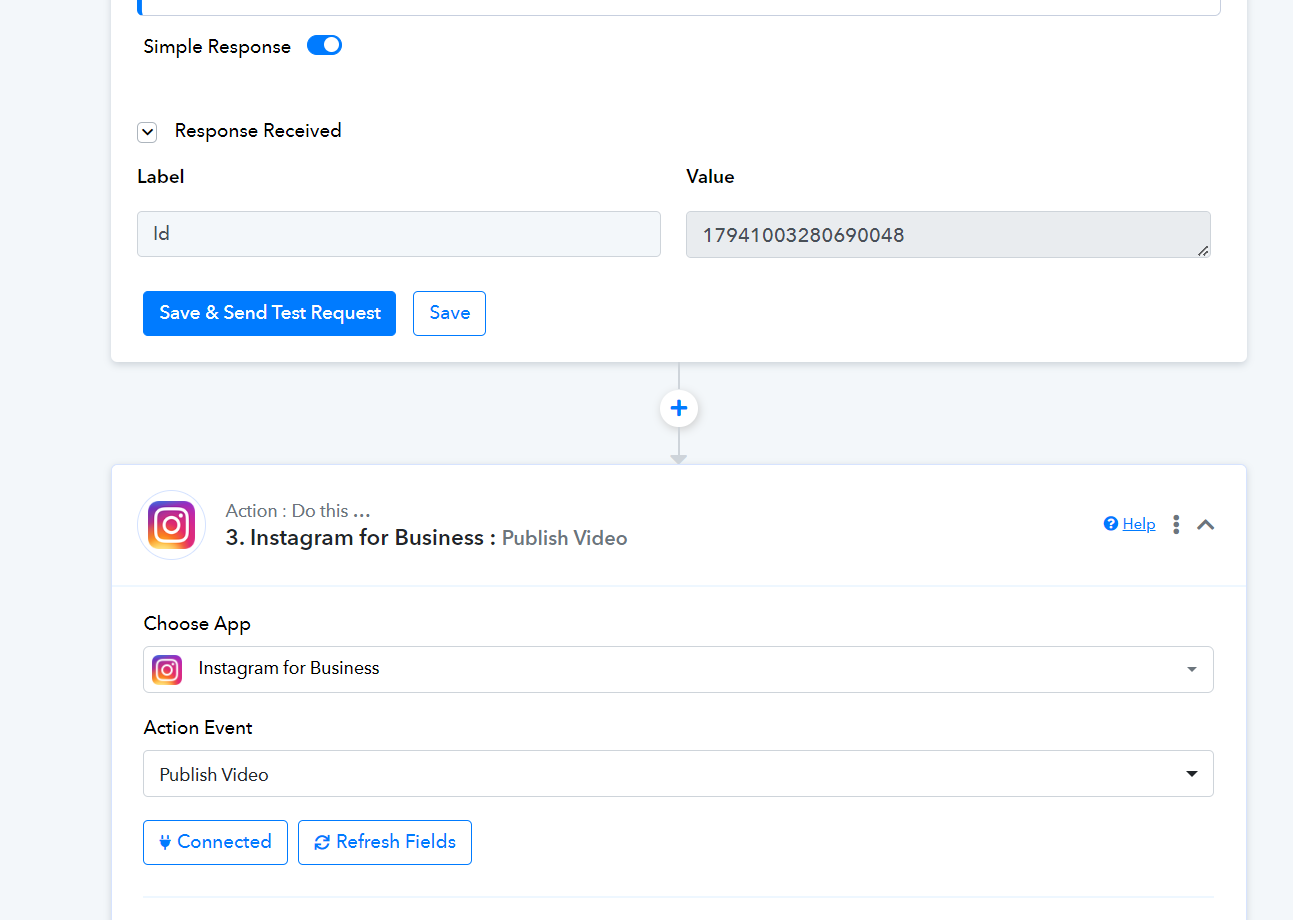
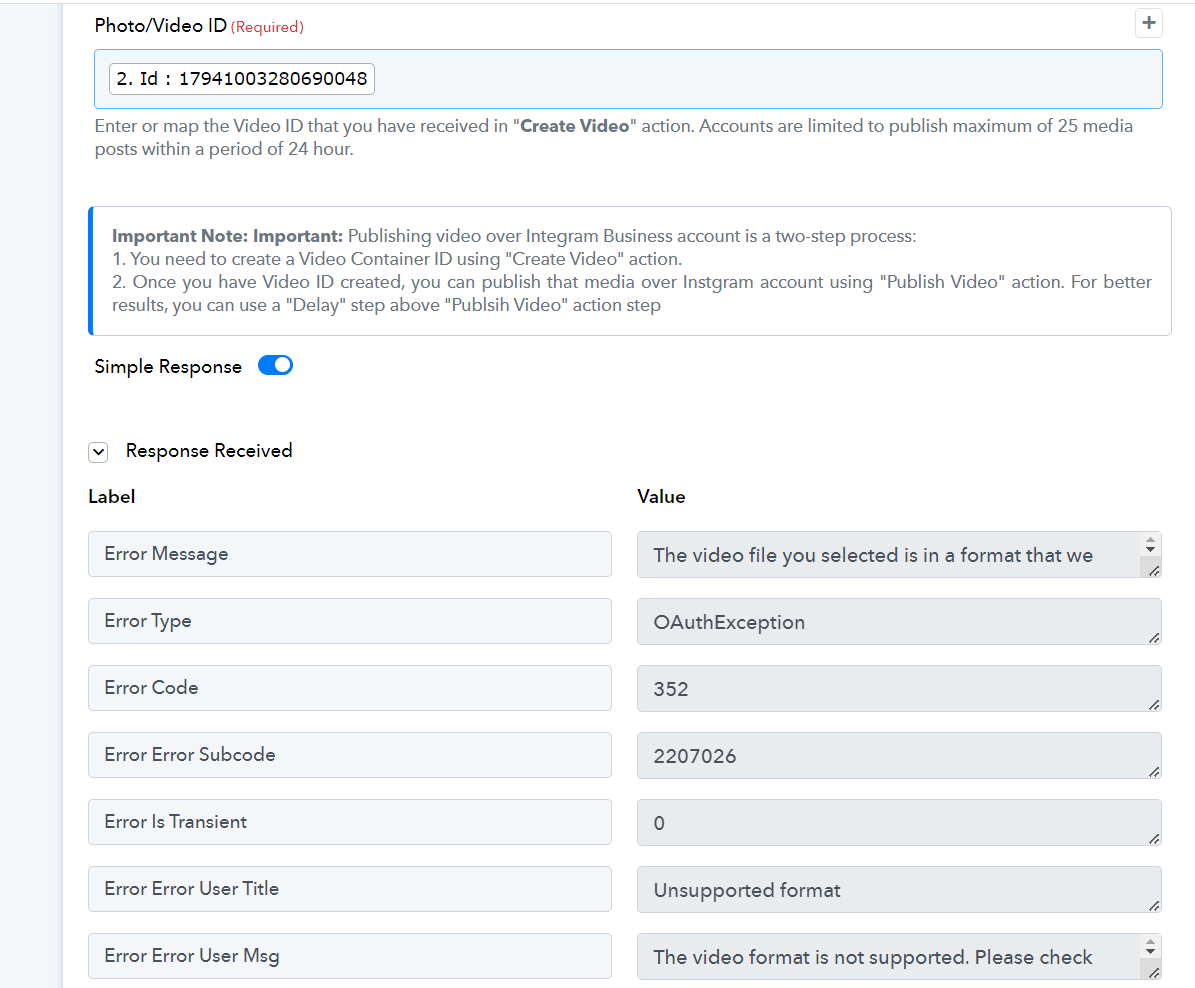
Please advise.
The File URL you are providing doesn't have the .mp4 extension at the end which is not acceptable by Instagram.
So, please pass that .mp4 file URL and then try again.
Thank you.
How do I make the file URL have a .mp4 at the end?
In Google drive the fields look like this.
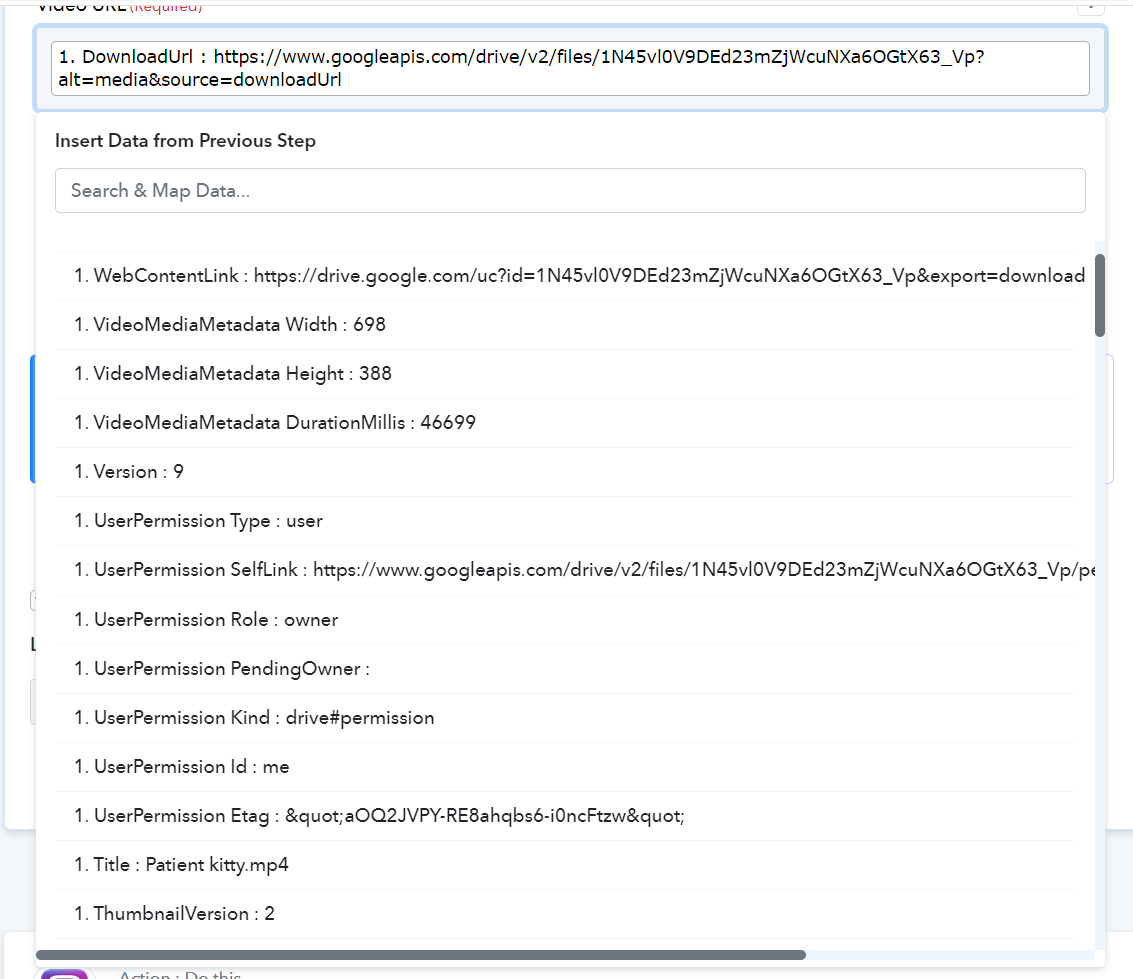
Please advise.
You may refer to the second part of the video tutorial on how you can send the video to Instagram.
Is it necessary to use creatomate? Can we not post from Gdrive to Instagram Reel directly?
The reel is already ready to publish and uploaded to Gdrive and Dropbox.
I just want to post it to Instagram as a reel.
Is there any documentation for this?
Is it necessary to use creatomate? Can we not post from Gdrive to Instagram Reel directly?
Kindly take note that the file URL from Google Drive lacks the appropriate .mp4 extension. To rectify this, we suggest using applications like Createomate to convert the file extension.
Additionally, it's essential to remember that Instagram does not allow direct video URL uploads. To ensure successful uploads, please refer to the provided documentation for the supported video specifications on Instagram.
https://developers.facebook.com/docs/instagram-api/reference/ig-user/media#reel-specifications
Can I store a .mp4 file on my server, and get it via Pabbly using FTP and then post it as an Instagram Reel and YouTube Video?
I regret to inform you that our platform currently does not support FTP server functionalities, including file upload capabilities. I apologize for any inconvenience this may cause.
Ok.
However,
For eg.
If I have this file - https://sitemunky.com/MilkyWay.mp4
It is on my server, publicly accessible.
How do I use Pabbly to post it to Instagram as a reel?
Or are you saying this is not possible?
If your platform has API support or webhook services then you can GET the file in the automation and can try posting.
Any updates on this? I'm having the same exact issue.
Any updates on this? I'm having the same exact issue.
Can you please elaborate on your concern briefly and share the workflow URL in which you have experienced the same?
My issue is that I have a .mp4 file on my machine and I want to create an automation that triggers once I move the file inside a specific google drive folder. I thought it would be simple (and it is easy to do on Facebook) but I guess Instagram expects a https:// with a .mp4 extension (publicly available url). What are my options? Is it free?
Thanks
Gus
My issue is that I have a .mp4 file on my machine and I want to create an automation that triggers once I move the file inside a specific google drive folder. I thought it would be simple (and it is easy to do on Facebook) but I guess Instagram expects a https:// with a .mp4 extension (publicly available url). What are my options Is it freeThanks
Gus
Upload your videos from Gdrive to Clodinary or Imagekit to get direct .mp4 URLs.
Upload your videos from Gdrive to Clodinary or Imagekit to get direct .mp4 URLs.
Thank you so much!