Google form: trigger is not working.
Status: Closed · Asked by Shahidul Islam Pranto on · 0 views
I have set up the workflow just fine and saved and tested the actions. However, the google form is not working (google form is the trigger).
My account is: [EMAIL][email hidden][/EMAIL]
Workflow:
gform > learndash
Google form: https://docs.google.com/forms/d/e/1FAIpQLSdItAEn2rpznmUbANVrWEuMxBF7IRY5oVwmL6L_b3qNvfz-rA/viewform
N.B. Google sheet is setup correctly.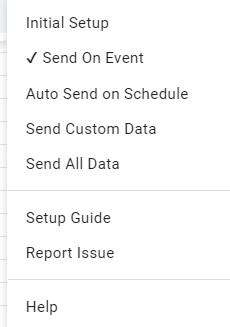
Hey @shahidul islam pranto
Could you please share the Google Sheets as well with the editor access on admin@pabbly.com to check the issue? We will check the details and let you know.
@Kunal Valuskar Sent from this email: [EMAIL][email hidden][/EMAIL]
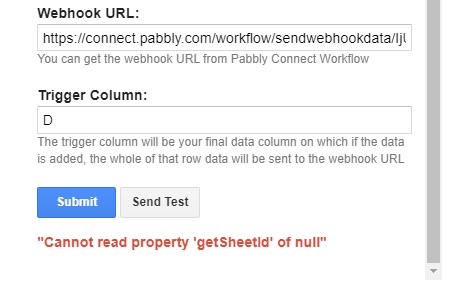
@Kunal Valuskar Do you know why this problem is showing, "cannot read property 'getsheetid' of null" Image as a reference.
Hey @shahidul islam pranto
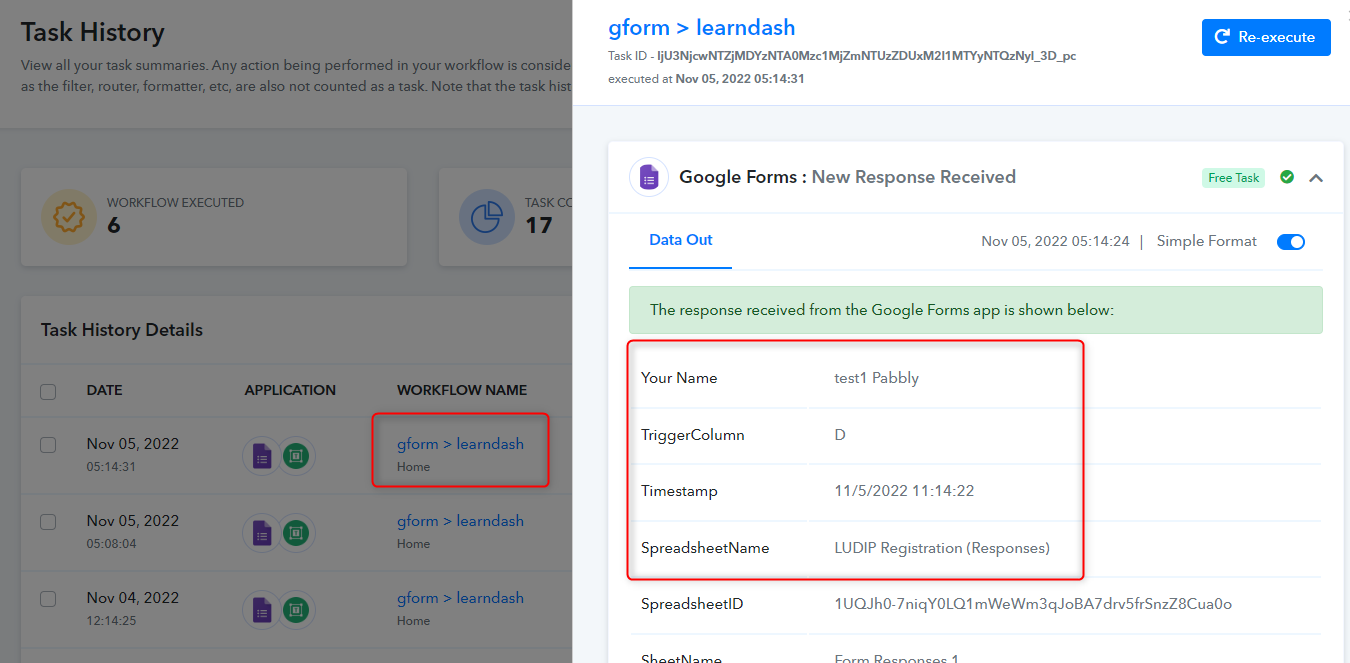
We have checked the issue and corrected it by entering a webhook and trigger column in the Google Form's worksheet. We have now receiving the data correctly inside the workflow.
Please use this Google sheet link for checking the data:-
https://docs.google.com/spreadsheets/d/1UQJh0-7niqY0LQ1mWeWm3qJoBA7drv5frSnzZ8Cua0o/edit?resourcekey#gid=798779569
Thanks
Kunal
Sorry @Kunal Valuskar but I had to come here again and notify you that the google form trigger is not working. We are still getting error message "cannot read property 'getsheetid' of null". The drive link: https://drive.google.com/drive/u/9/folders/1W-7N4GkYlTkR2yUZrxpuZBdnZuRk5wG5
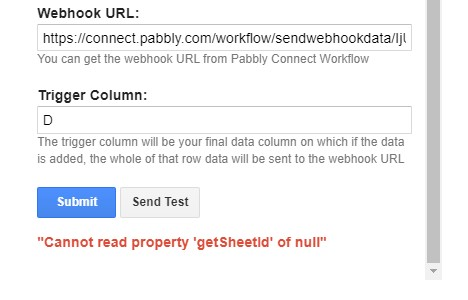
P.S. The photo is from the previous google sheet. Now the trigger column would be 'E'
Hello.
Hey @shahidul islam pranto
We have checked the details and found that the form is accepting response and it was showing it correctly via Pabbly Connect as well. Please check the below screenshot:-
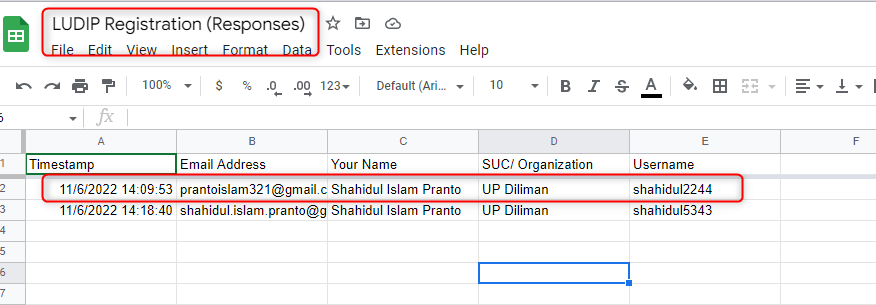
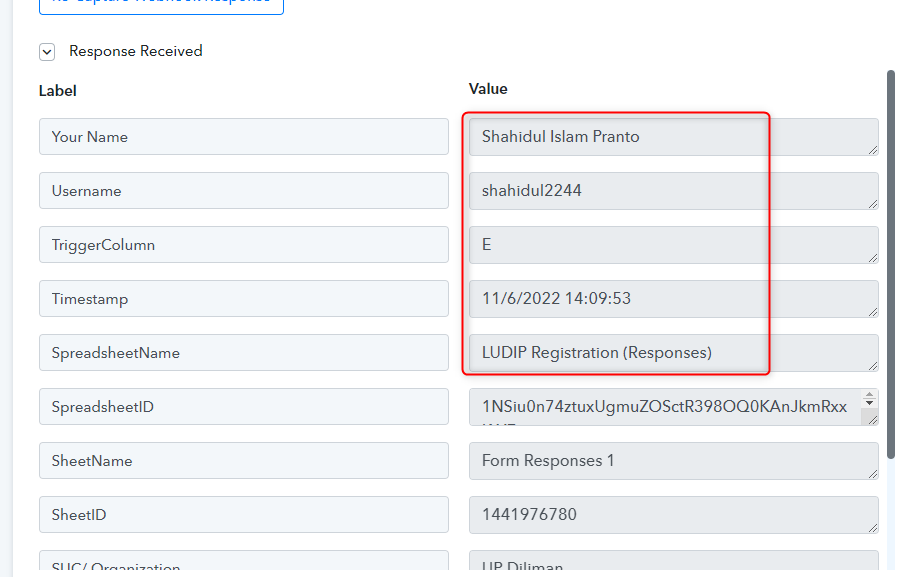
Kindly use the below Google Sheet link to check the form's response:-