google forms plugin does not install
Status: Open · Asked by javiermarcon on · 0 views
When I try to install the plugin to use google form, the plugin doesnt get installed. Here is a video https://www.loom.com/share/84249b607069486b91bc107d5ea94beb
When I try to do it in another computer, it opens the google sheet in readonly mode and it doesn´t allow me to install the plugin.
Hi @javiermarcon,
Kindly hard refresh and clear the cache of your browser, and try again. If the issue persists, try using a different browser to install the plugin.
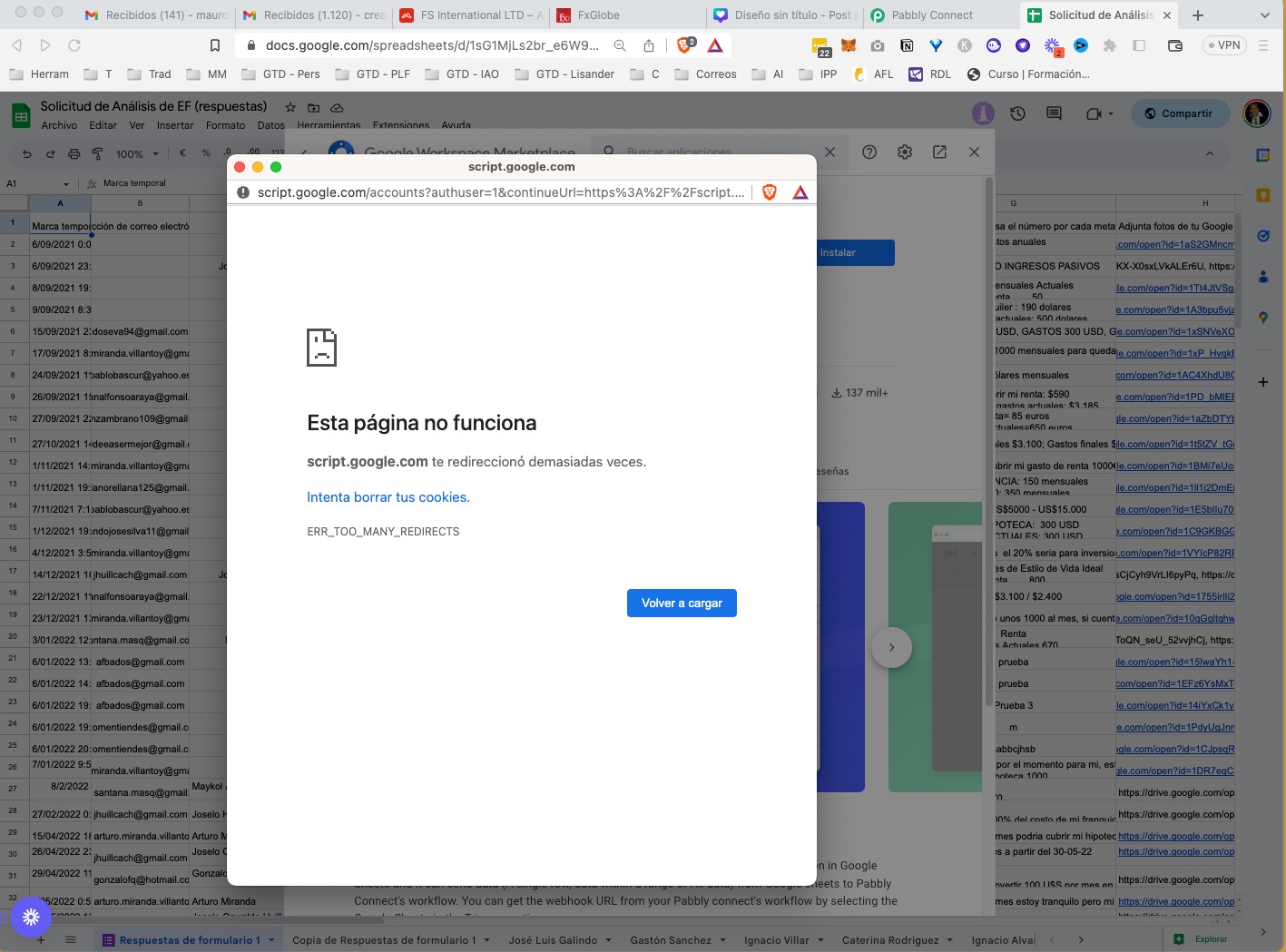
Thanks but after doing it I have another error. it happens in several browsers.
Please give us access to your Google Sheets spreadsheet so that we can look into this issue.
Email: support@pabbly.com
Now it worked, thanks.
But the fact for the initial setup is that the spreadsheet has its last field as optional so some rows have it and some dont have it, so when I hit the send button, it says that row 2 doesnt have information in that cell. How can I include the data of the whole row including that one in the automation?
In order for Pabbly to capture data, the trigger column in your spreadsheet needs to have some data; otherwise, it will not get triggered during automation, and the automation will not work. If possible, I would suggest you set the trigger column so that it always has some data.
How do I capture the whole row setting the trigger column in the first row (that always has data)?
I confirmed that blank requests are from real forms submitted but the webhook executed with no data, as shown in previous post, regardless all the fields filled in the form.
Could you please grant me access to your workflow and Google Sheets spreadsheet?
Email: arshil.ahmad@pabbly.com
You have access now to the workflow. I was not allowed to give you access to the spreadsheet. But the concern is that the last cell is optional, so some times is filled and some times not, and so if I configure the last cell to be the trigger, I will loose many workflow executions because the workflow wont be triggered when the cell is blank, and if I configure the the previous cell, the workflow will be executed all the times but I won´t be able to get the data fo the last cell in the automation. How can I fix that? Please disregard my blank requests comment, that issue is solved.
Here's what's happening: Whenever a Google Form response is captured in your Google Sheets, it fills up the columns sequentially, starting from the first column and continuing until it reaches the trigger column. Once it reaches the trigger column, the data is sent to Pabbly Connect, and any data appearing after the trigger column is excluded.
To resolve this issue, you need to designate the last column of your Google Sheets spreadsheet as the trigger column. Additionally, ensure that the data in that column is mandatory. If the data in the trigger column is optional, your workflow will not be triggered if a user decides not to fill the optional field.
Your response is an excuse for a bad design and does not solve the problem. Since the plugin allows to send arbitray column range to the workflow, why is not possible to configure the columns to be sent?
Unfortunately, for now, that is the only way. If you want some changes to be made to the plugin, you can place a request over our dedicated platform: https://pabbly.hellonext.co/