Google Forms to Asana - Set Due date in Asana
Status: Closed · Asked by Chris H-F on · 0 views
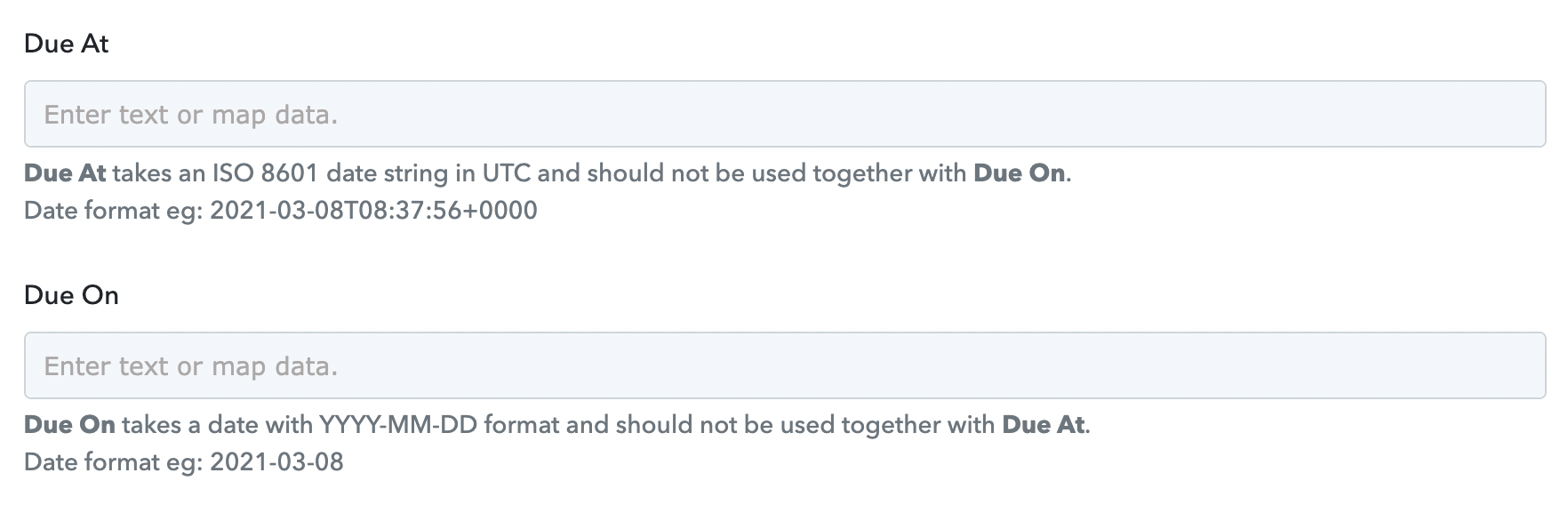
I have created a Google Form and Google Sheet that I am sending to Asana to create a task. I want to set it that when a task is created a due date is set on the Asana task of +5 days from the date the form is filled in but can't work out how to add 5 days to the Due At or Due On option. If someone knows how to do this it would be very much appreciated!
Thanks
Chris
Attachments
Hey @Chris H-F
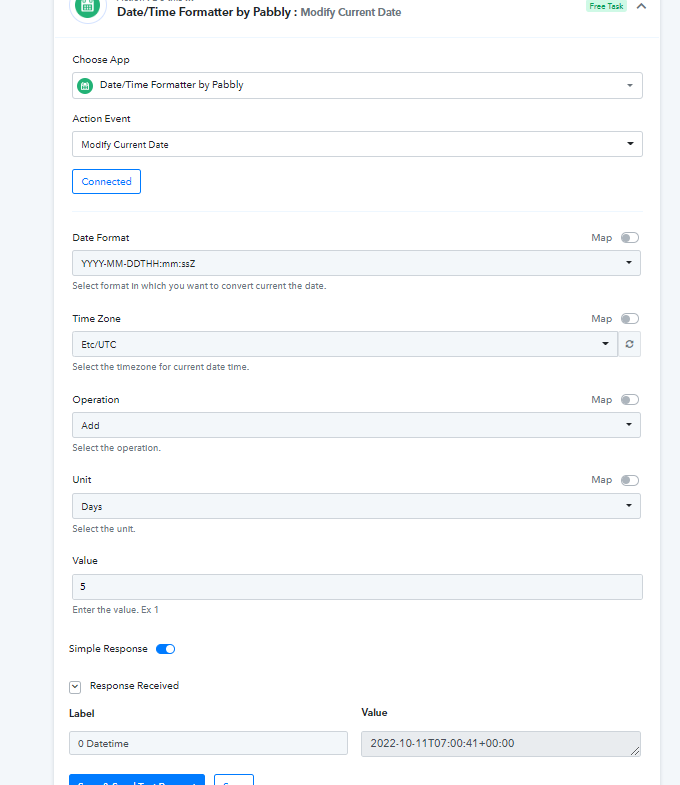
For your concern, we would recommend you use the "Date/Time Formatter by Pabbly: Modify Current Date" action step to change the due date.
Though we have mapped the date and time accordingly, so kindly review that and let us know if that works for you.