Google Sheet Addon Does Not Work
Status: Closed · Asked by Amod Oke on · 0 views
Hi,
I am trying to connect Pabbly to Google Sheet via your addon. But it does not work. Here's what I have so far:
1. New sheet created, dummy data entered.
2. Pabble Connect Webhook extension installed
3. Clicked on extensions > pabbly > initial setup
4. Entered webhook URL and trigger column
5. Clicked "Send Test"
6. That's it, nothing happens after that. The button is greyed out.
7. If I click on "submit" button = same thing. Nothing happens, button is greyed out.
What now Pabbly Team?
Hey @powerstream
Kindly use "Send On Event" when setting up Google Sheets if the data is coming from a Google application or if you manually enter it. If the data is coming from a third-party application, however, you may need to choose "Auto Send On Schedule" or "Send on Schedule," which will forward the data in exactly one hour.
Additionally, make sure the data was filled up to your trigger column.
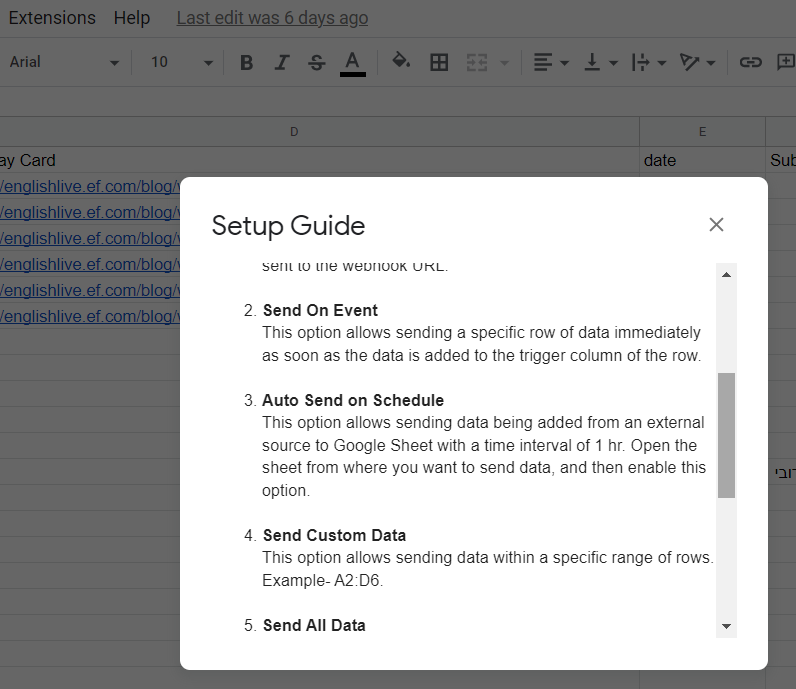
If you are still unable to process the workflow, kindly record a short video on how you have configured the webhook URL in the Google Sheets and caputred the webhook response.
Hi how can we paste the webhook URL if were going to jump into SEND ON EVENT. During initial setup. after pasting the webhook url and trigger column then send test. there's no trigger captured. could you send us screen record on how we can resolved this issue. thanks
Webhook URL: https://connect.pabbly.com/workflow/sendwebhookdata/IjU3NjUwNTY5MDYzNjA0M2Q1MjZkNTUzNTUxM2Ei_pc
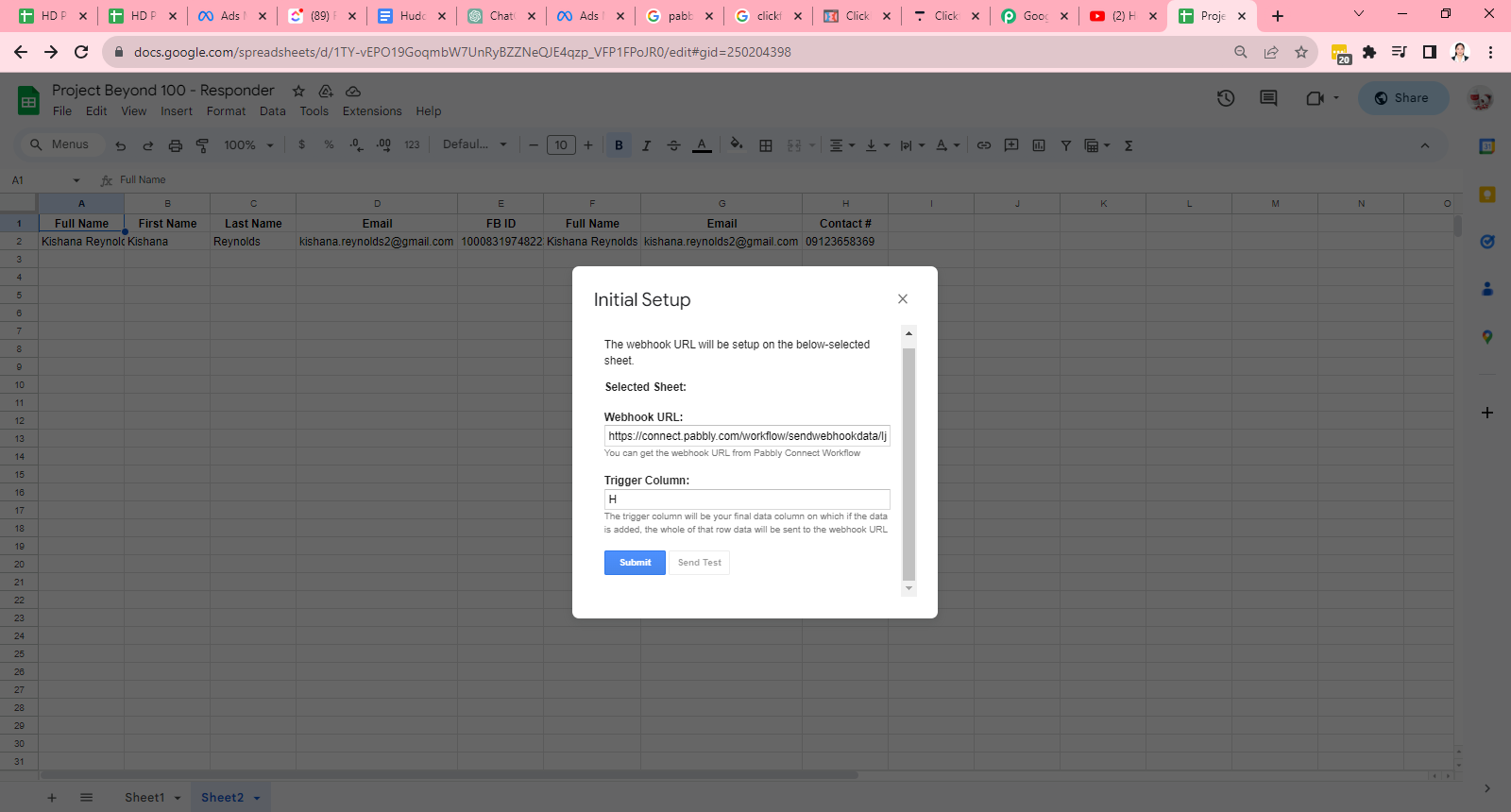
Hi how can we paste the webhook URL if were going to jump into SEND ON EVENT. During initial setup. after pasting the webhook url and trigger column then send test. there's no trigger captured. could you send us screen record on how we can resolved this issue. thanks
Regarding your concern, I highly recommend watching the initial segment of the following video lesson after capturing the webhook response from your selected Google Sheets. This will provide clear guidance and help address your query effectively.
Hi,
I am trying to connect Pabbly to Google Sheet via your addon. But it does not work. I did this following the tutorial videos.
Here's what I have so far:
1. New sheet created, data in coming automatically from Facebook Leads..
2. Pabble Connect Webhook extension installed
3. Clicked on extensions > pabbly > initial setup
4. Entered webhook URL and trigger column
5. Clicked "Submit"
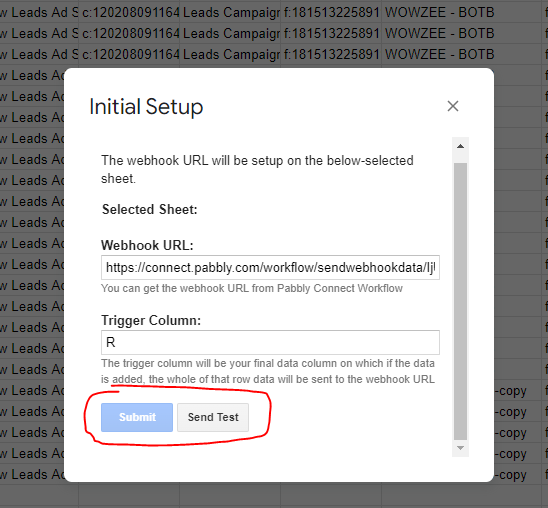
6. That's it, nothing happens after that. The button is greyed out.
7. If I click on "Send Test" button = same thing. Nothing happens, button is greyed out.
What now Pabbly Team?
youtube.com/watch?v=VvgAL2k5R9w
Attachments
Hey @aryr
Can you please try reconfiguring the trigger event/adding the extension of Google Sheets in the incognito mode of your browser and then try again?
Watch the first part of the video -
Hey @aryrCan you please try reconfiguring the trigger event/adding the extension of Google Sheets in the incognito mode of your browser and then try again?
Watch the first part of the video -
It worked using incognito mode. Thanks. I would suggest to add this on the explanatory video.,