Google Sheet and Youtube Autoreply
Status: Closed · Asked by Yasmin on · 0 views
Hi there ^^
I'm having a problem regarding google sheets (lookup) and automated reply comments, for which I want to attach a specific product URL in the video that is related to the product. eg: User comments on Video A and asks where should they buy this product. Then, I deliver a reply with a product url. But, the specific product URL in google sheet did not appear to Video A. Can you please tell me what action should I take to get the correct product url that will appear on the specific product video?
My Usecase will be: Add a new comment on youtube channel > API by pabbly > Router > Filter (if comments contain buy (keyword) ) > Google sheet > Reply to Comment in youtube.
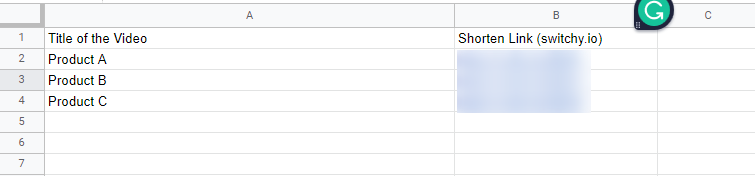
Example column of Youtube Product List in my google sheet:
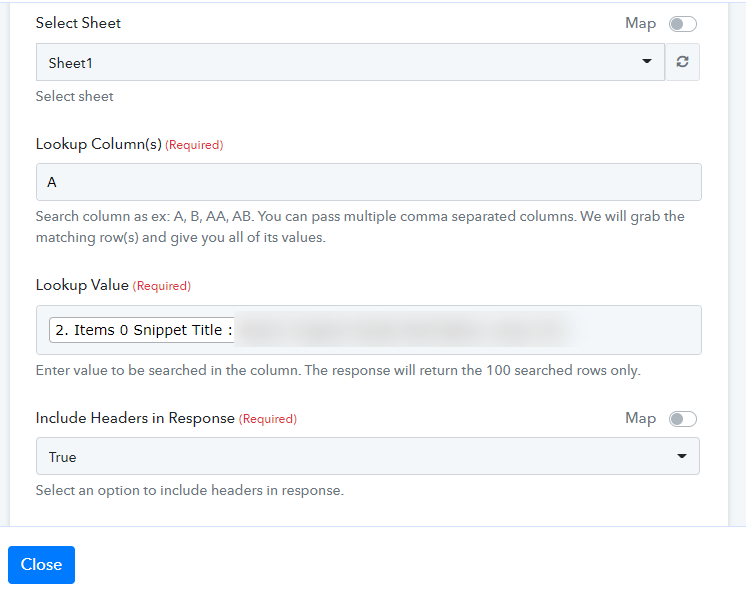
Google sheet setup:
Youtube reply comment setup: 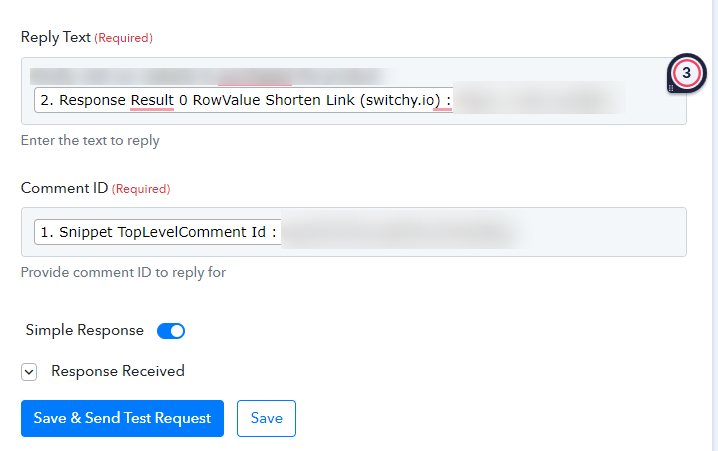
Hey @Yasmin
Could you please share the name of the workflow in which you are trying the same? So that we can look into it and can guide you accordingly.
Hi @Supreme
The workflow is named Autoreply to Youtube Videos. 3. Router > Url youtube product list flow
Hey @Yasmin
As we can see from your workflow, in the Lookup Spreadsheet formula, you are using a query in the Lookup Value field.
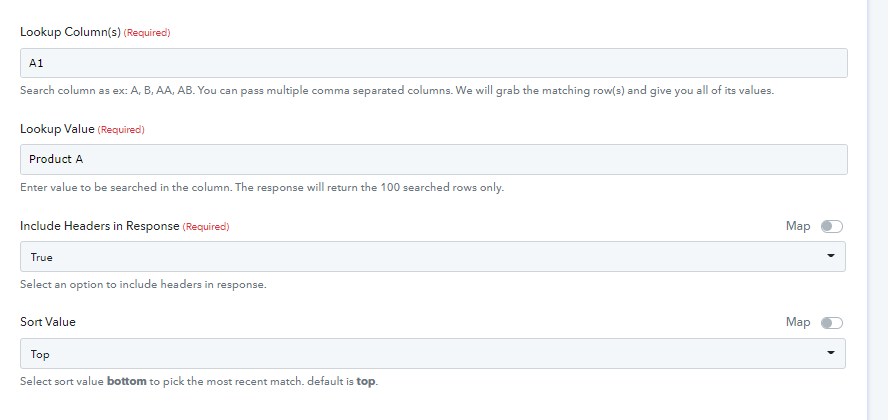
You need to simply pass the name of the product's name as mentioned in your Google Sheets.
Try like this -
Hi, I see ^^ Thank you so much for your help.