Google Sheet Integration don't see the row
Status: Closed · Asked by Info MB on · 0 views
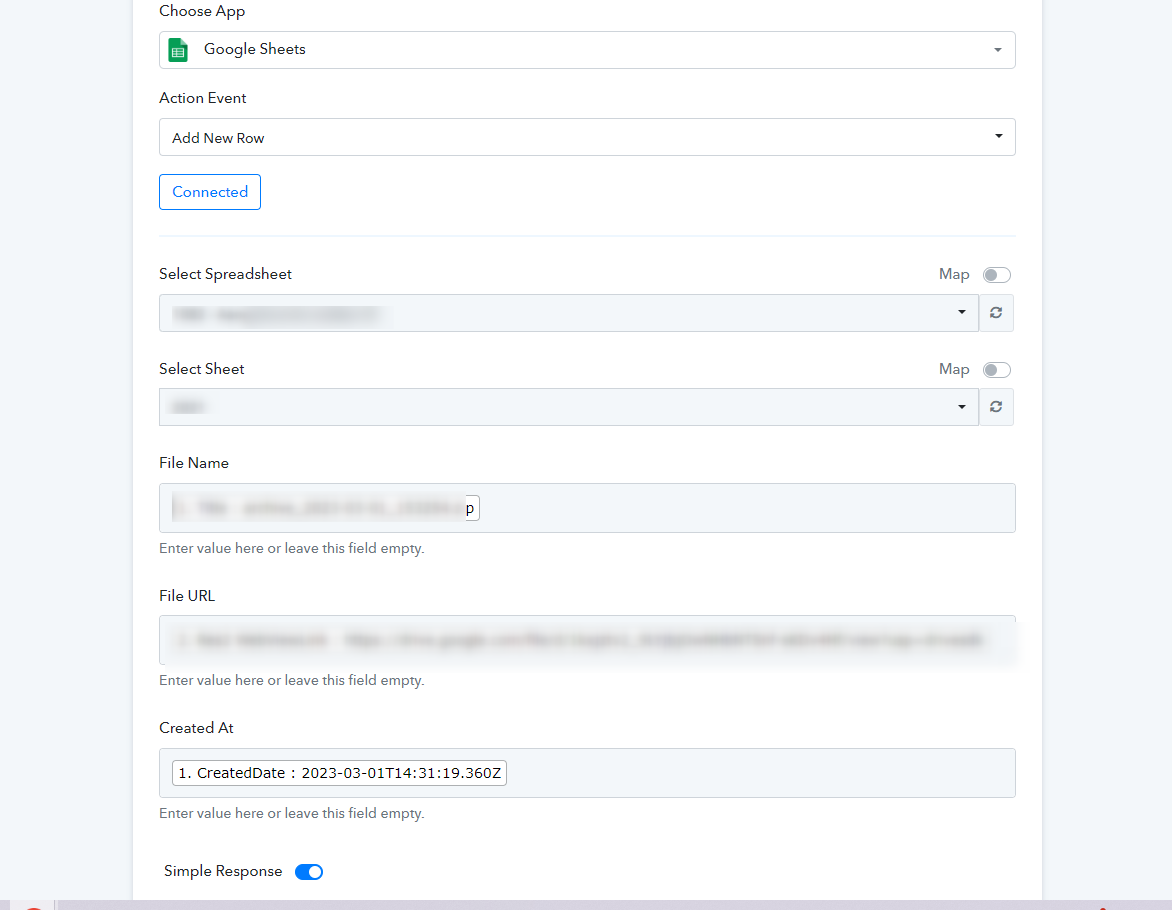
Hi, I have this sheet but when I connect it

I don't see the rows in pabbly...
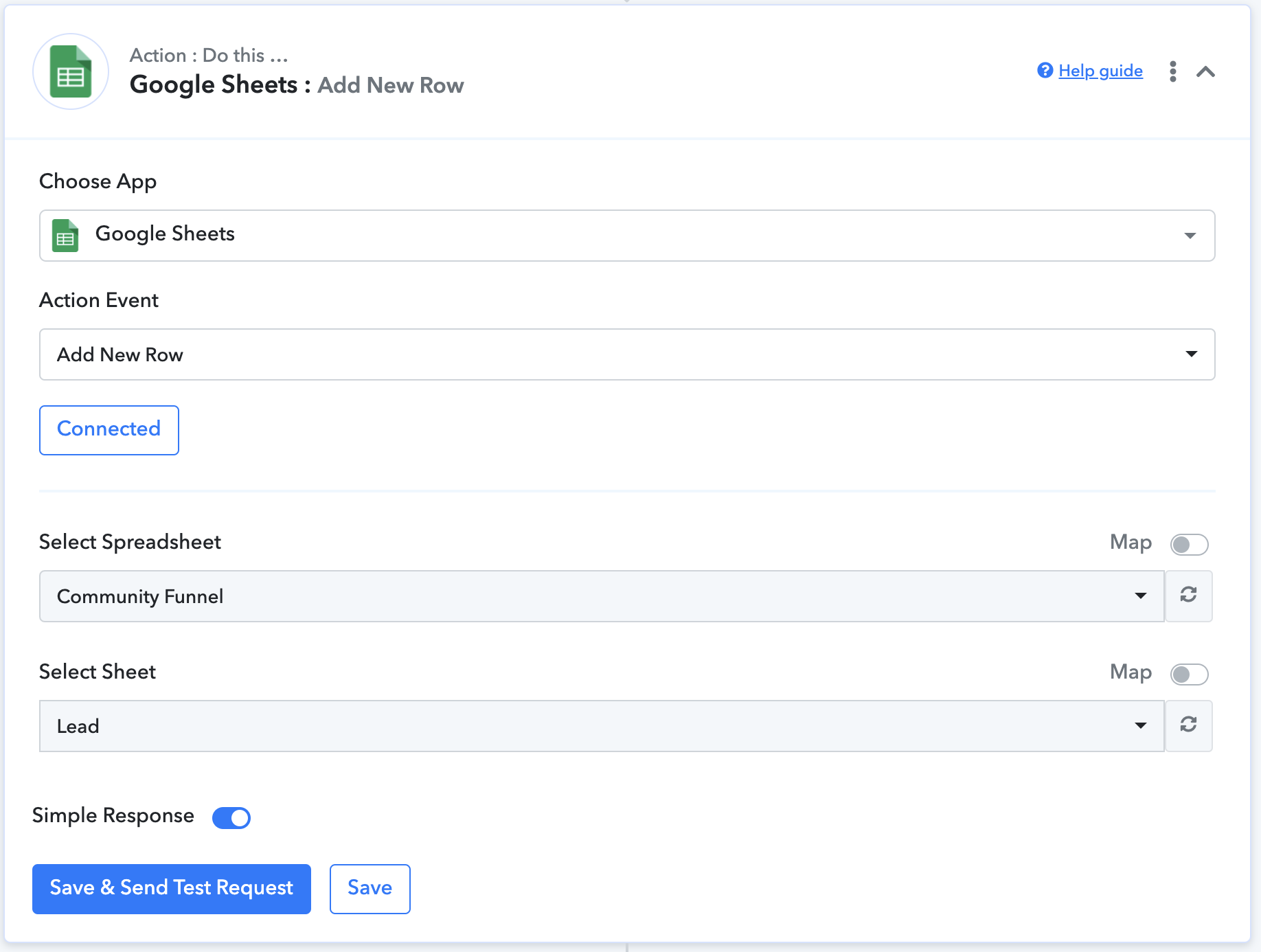
What Can be the problem? I have also tried with other files, google accounts, but I have on all of them the same problem....
I have the same problem.
Even when copying a working workflow that adds a row it does not show the option to connect title, shareable link and created date.
I have tried several times today without any luck
Hey @Matteo @BvdZwet
As I can understand, you have added Header in Google Sheet with some Modifications to it.
So, in this case, I request you to type the Header manually without any modification and then try to re-capture the response.
Please let me know if you still facing the same issue.
Hey @Matteo @BvdZwetAs I can understand, you have added Header in Google Sheet with some Modifications to it.
So, in this case, I request you to type the Header manually without any modification and then try to re-capture the response.
Please let me know if you still facing the same issue.
Hey Arshita,
I have used a regular sheet with a manually typed header.
In my case I do not see any info in the Pabbly step 'add a row'.
So I cannot map out the title, shareable url and date created.
Therefor there is no info that can be sent to the google sheet
I have used a copy of the Google sheet I have used with all my other workflows.
And with them they work(ed) correct.
Today this stopped working eventhough I have not changed anything to the google sheet or it's headers.
Attachments
Hey @BvdZwet
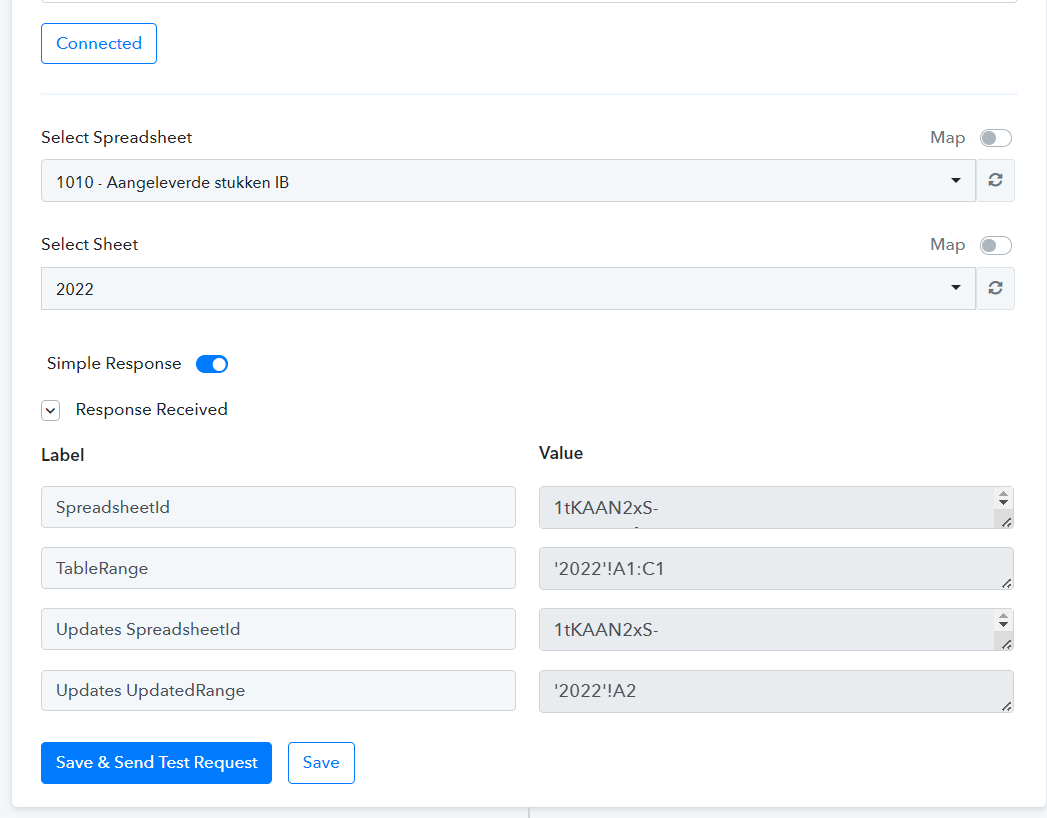
As I can see, you are getting all the details in your fields now and your workflow is working perfectly fine.
Please let me know if you have any other issues.