Google Sheet & Mautic
Status: Closed · Asked by ewarhou on · 0 views
I have tried to connect my google sheet with Mautic, but I got an error when I pressed " Save & Send test request ", anyone know how to solve this ?
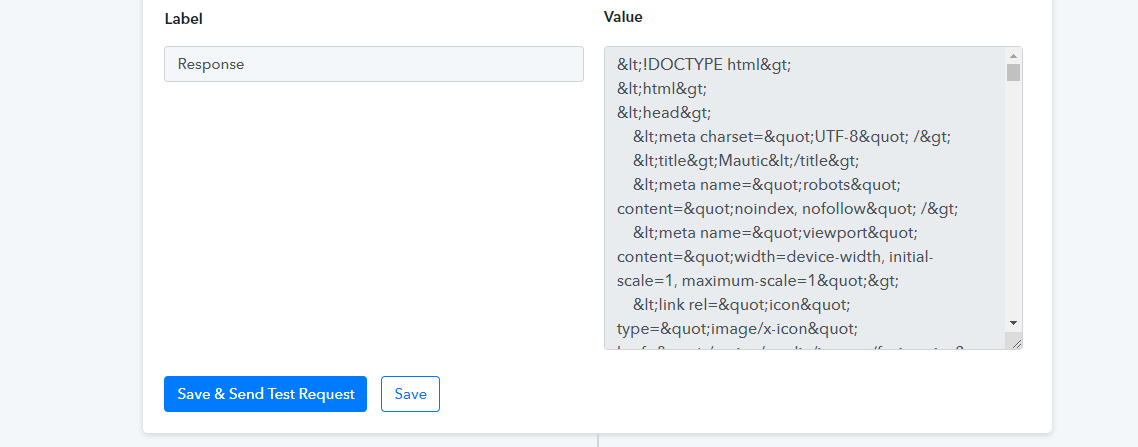
Hey @ewarhou
As we understand from your above message, you did not pass your Mautics credentials properly and because of that, you are getting such an error.
Please make sure that you are passing the Site URL in the Base URL field while connecting the action step.
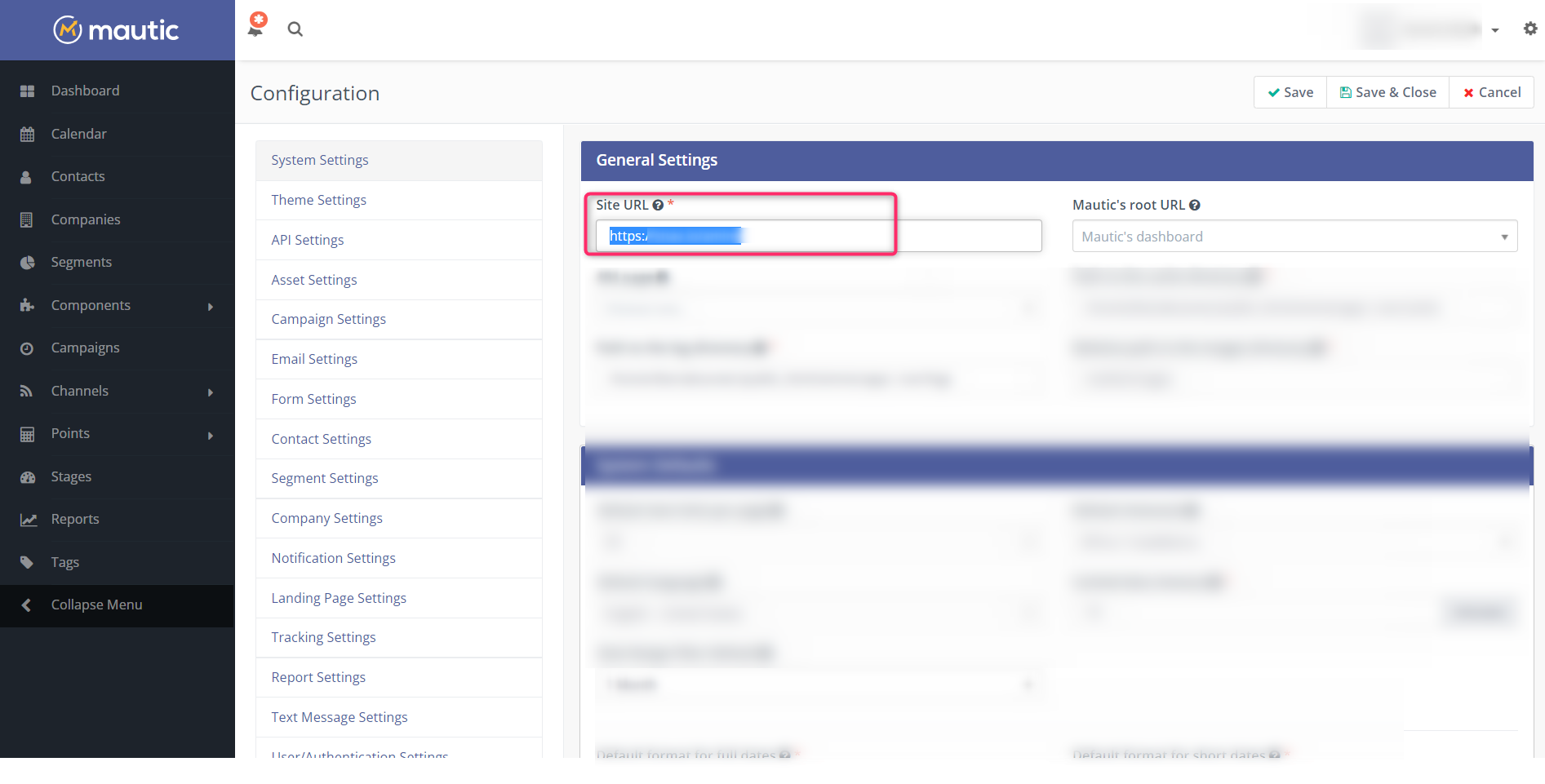
You can also refer to our tutorial video for your better understanding -
(Watch the second part of the video)
If I tried to copy the link from the configuration, it gives me this error msg, the only way to connect it is to add /s/login to the link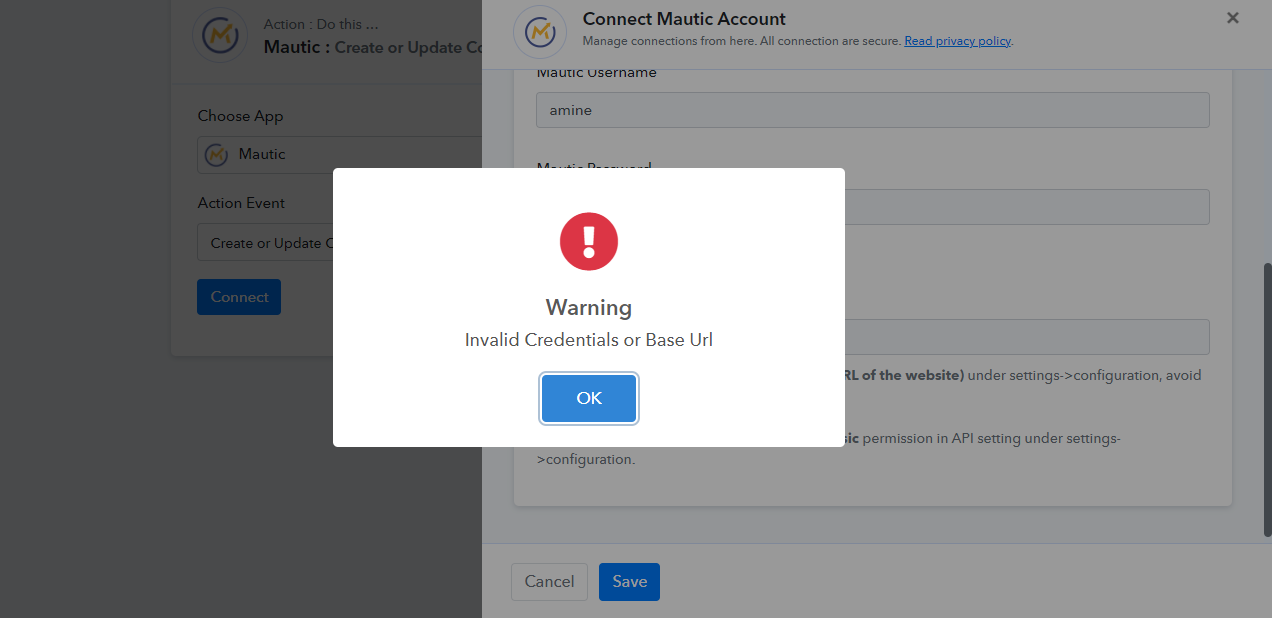
Hey @ewarhou
Kindly try clearing your Mautics' Cache memory once and then try again. you can check out the following step and the thread for a better understanding.
Steps
1. Go to the Mautic/var/cache folder and delete its content ( first take the backup for reference of a cache folder).
2. Open the local.php file mautic/app/config/local.php and change the value of cache_path parameter with /home/neituchu/public_html/mautic/app/../var/cache.
https://forum.mautic.org/t/mautic-api-error-requested-url-not-found/7227/2
Hi, thanks it's working now after clearing the cache