Google Sheet Onesignal Integration Error
Status: Closed · Asked by quoramedia on · 0 views
I want to send Photo post with text from Google sheet to Onesignal daily at a specific time.
Issue
Receiving below error. Screenshot given
Google sheet link:
https://docs.google.com/spreadsheets/d/1pX-aWA7514nj1xxg3GT1JuEvtl6yLwvaOuw51wQi58k/edit?usp=sharing
(You have editor access)
Request you to change the Workflow steps and make this work.
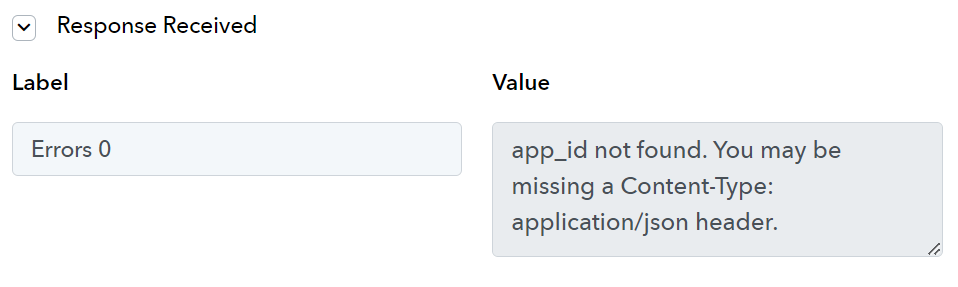
Hey @quoramedia
Please read the help text of the action step carefully, you haven't passed the headline in the correct format as mentioned.

Though we have corrected it and it should work now.
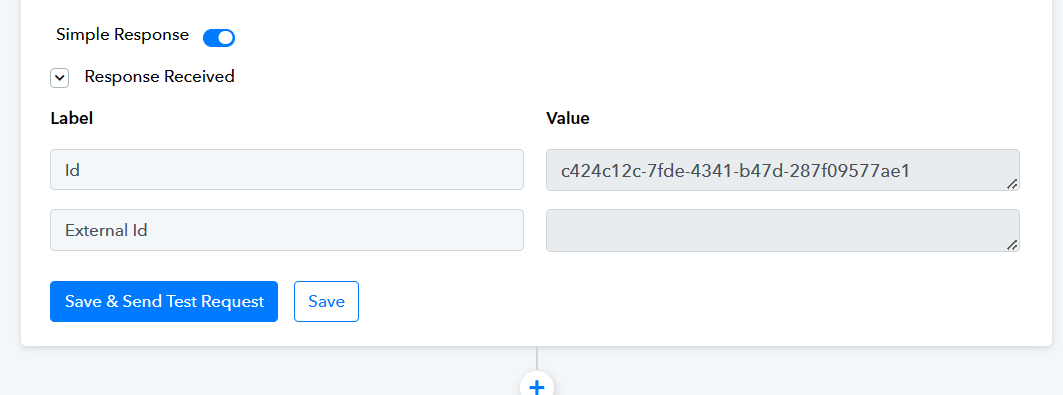
Its not sending the push notification still.
Something is missing. Kindly help.
App ID, keys everything is correct. Rechecked.
Still its not sending the push notification.
Kindly fix this.
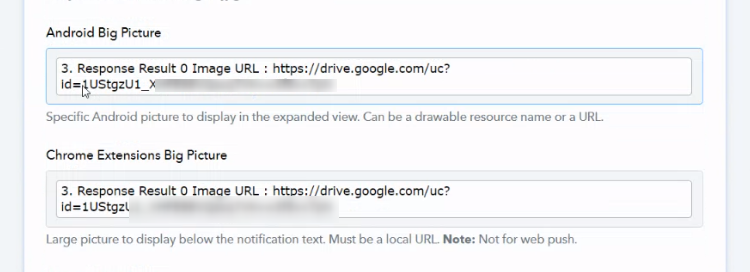
Can you please pass the Google Drive image URL in the direct drive URL format?
https://forum.pabbly.com/threads/google-sheets-to-facebook-photo-post-not-working.14903/
The URL format and the drive link generater you have shared is not working. Below URL format worked.
https://drive.google.com/uc?id=1jR_o0tfea-LFJbVripFH-EG1EWgTuLEW
Please be careful while guiding clients. We just wasted 3 hours because of this misguidance.
Kindly try passing the direct Image URL of Google Drive with the following.
https://drive.google.com/uc?export=download&id=xxxxxxxxxxxxxxxxxxxxxxxxxxxxxxxxxxxxx
The ID for your Google Drive URL is - 1jR_o0tfea-LFJbVripFH-EG1EWgTuLEW