Google Sheet -> Pabbly -> Airtable
Status: Closed · Asked by MIGUELCNLB on · 0 views
Hello when passing a date from google sheet to Airtable y get the following error: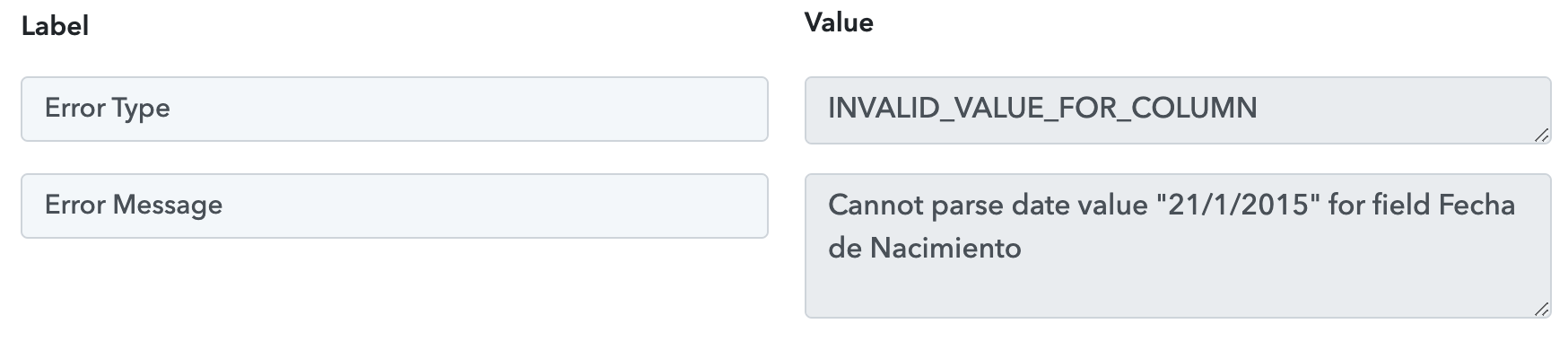
Hey @MIGUELCNLB
It seems like you were not passing the Date time in the correct date format as you have picked in your Airtable. Though we have corrected it for you and it is working now.
Please check that out and let us know if that works for you.
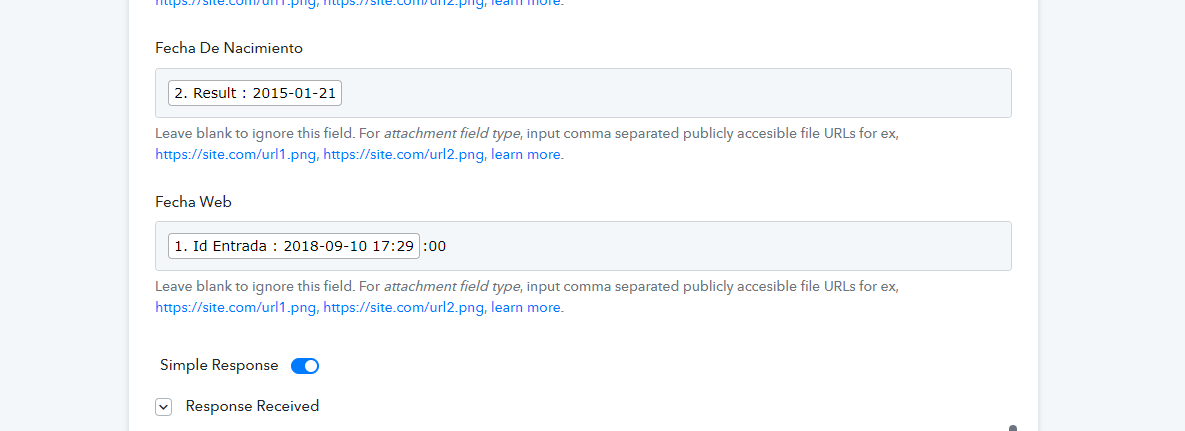
Im having a similar issue
Hey @Mailman
Kindly pass the date in the format which you have selected in your Airtable which seems to be "YYYY-MM-DD".
Though have converted it with the help of "Date Time Formatter" and it is woking fine.

Hey @MailmanKindly pass the date in the format which you have selected in your Airtable which seems to be "YYYY-MM-DD".
Though have converted it with the help of "Date Time Formatter" and it is woking fine.
I dont think so - this is the airtable field configuration:
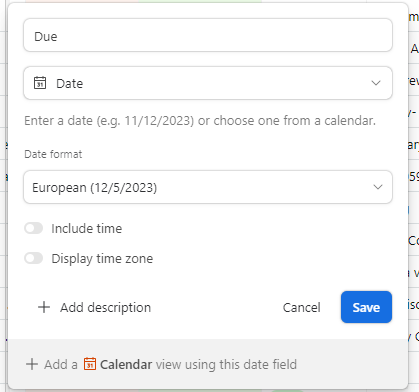
and the date for the workflow is in the incorrect configuration in airtable
Hey @Mailman
We have already corrected the date on which the Airtable action step takes and it is working fine.
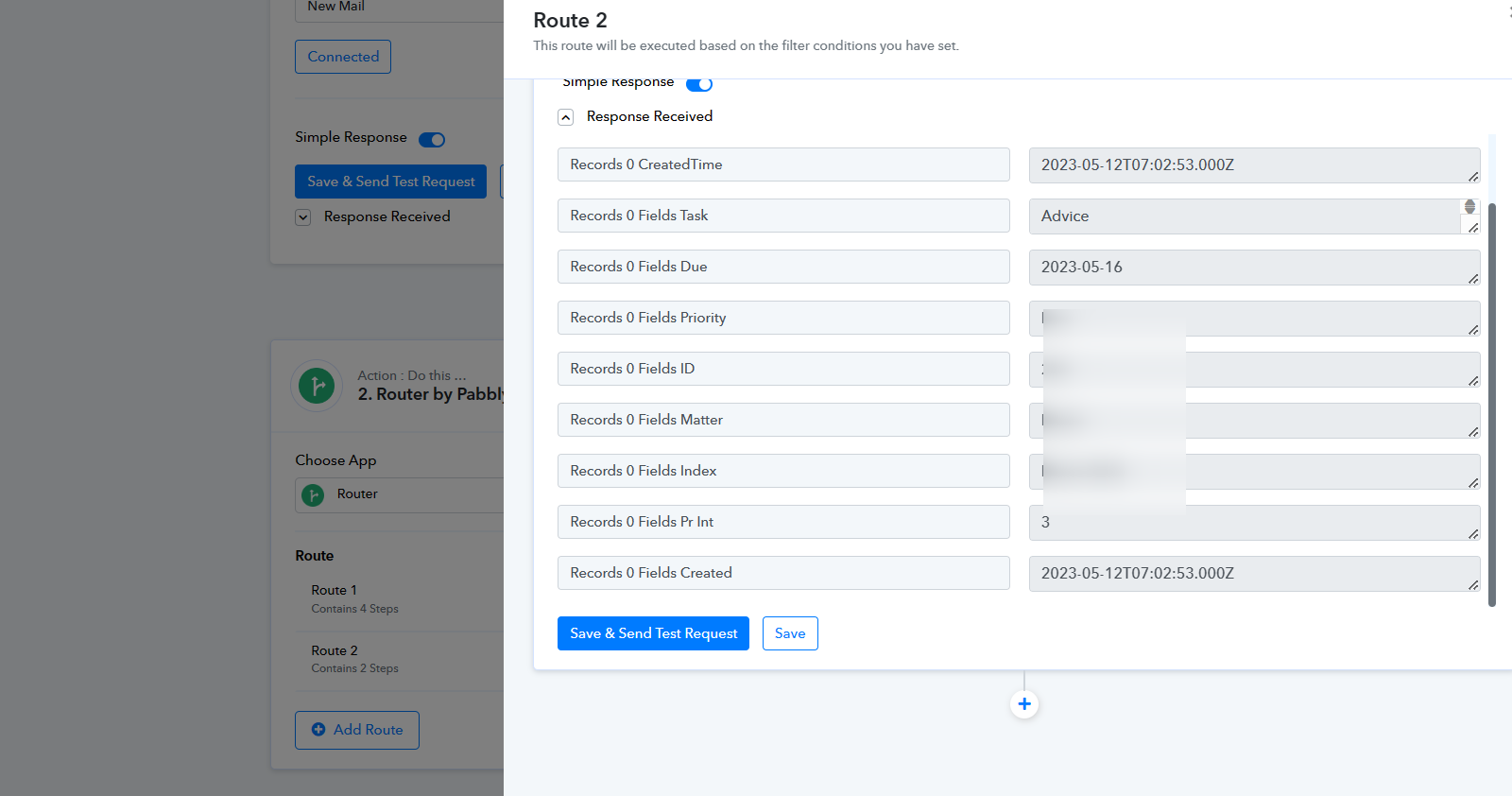
Hey @MailmanWe have already corrected the date on which the Airtable action step takes and it is working fine.
thanks