Google Sheet Send on Event Not Working
Status: Closed · Asked by chad on · 0 views
I have leads coming from facebook to a gsheet and then going to High Level. I went through the Pabbly Extension 'Initial Setup' and the webhook worked -the data flowed to high level. I then switched the gsheet extension to 'Send on Event' and now the data is not flowing to high level?
Hi @nazmo,
https://connect.pabbly.com/workflow/mapping/IjU3NjUwNTZjMDYzMzA0MzY1MjY0NTUzMzUxMzEi_pc
Based on the workflow you have shared, it seems like you haven't set up your Google Sheets trigger step as I couldn't see any response. Please follow the steps given in the video attached below to understand how you can set up your Google Sheets trigger event.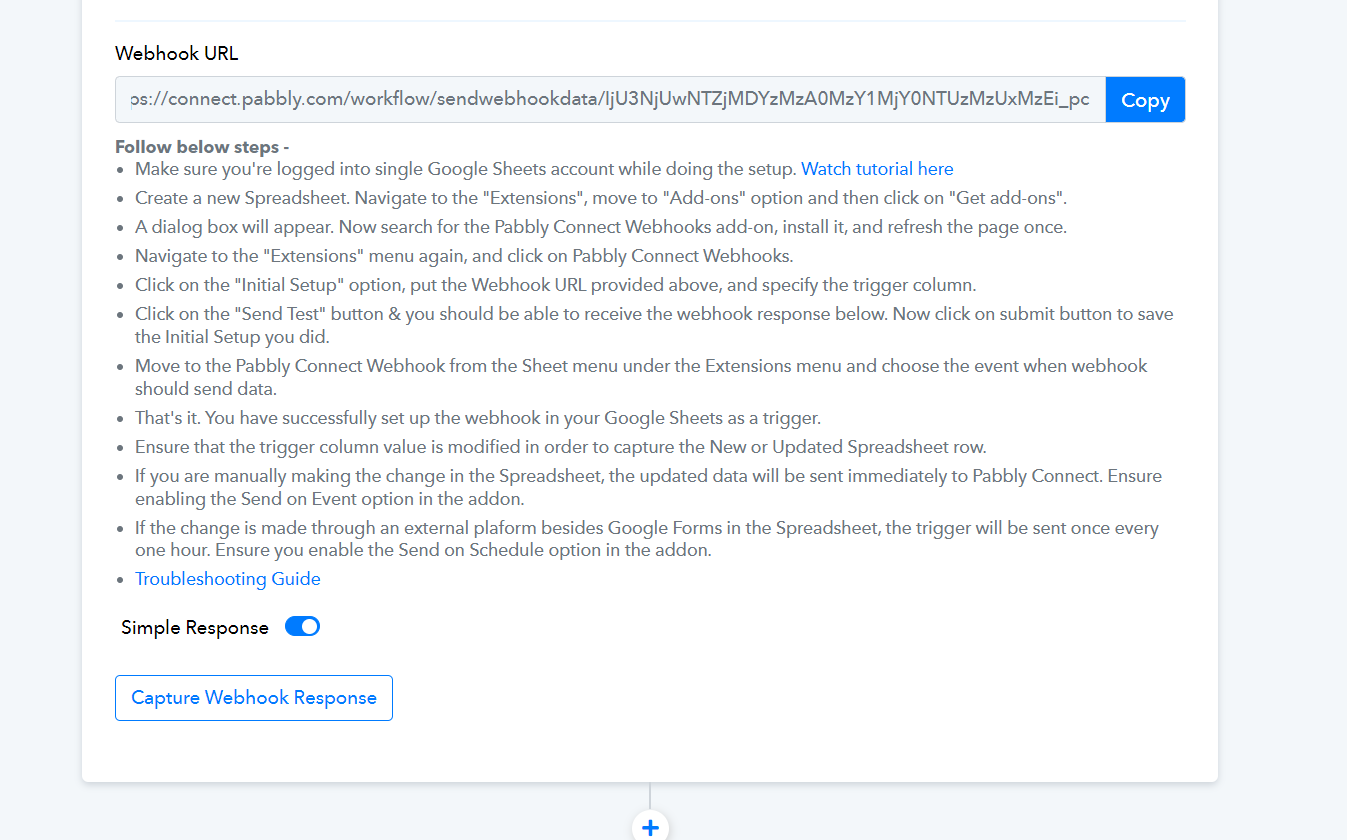
Only the first half is relevant to your use case:
Hello, I reviewed the video and I have done all of that I believe - attached is a screenshot of my workflow - thanks! 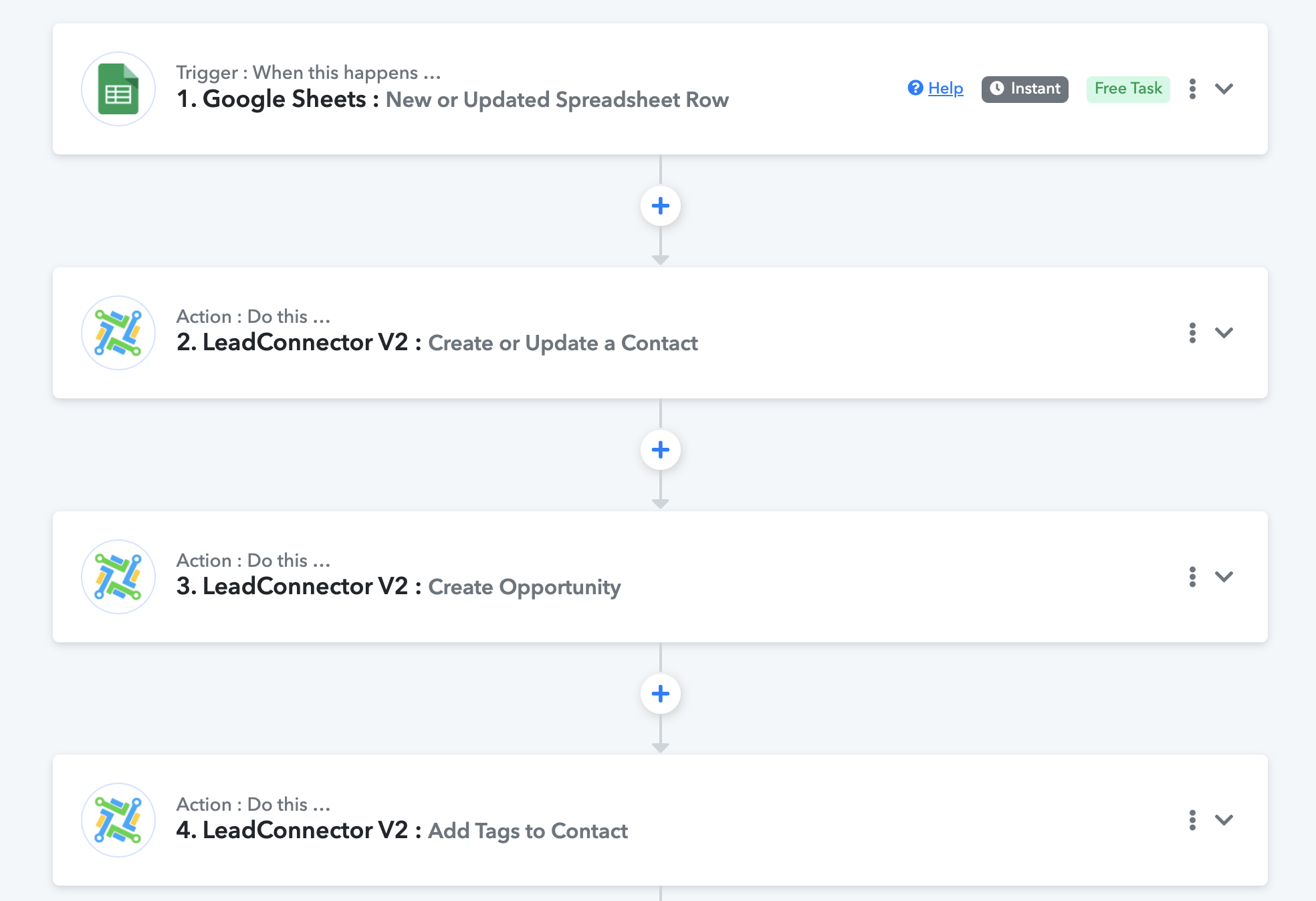
Based on the workflow you have shared, I can see that you still haven't set up your Google Sheets trigger step. Please follow the exact steps given in the video shared above to setup Google Sheets as your trigger and capture the response.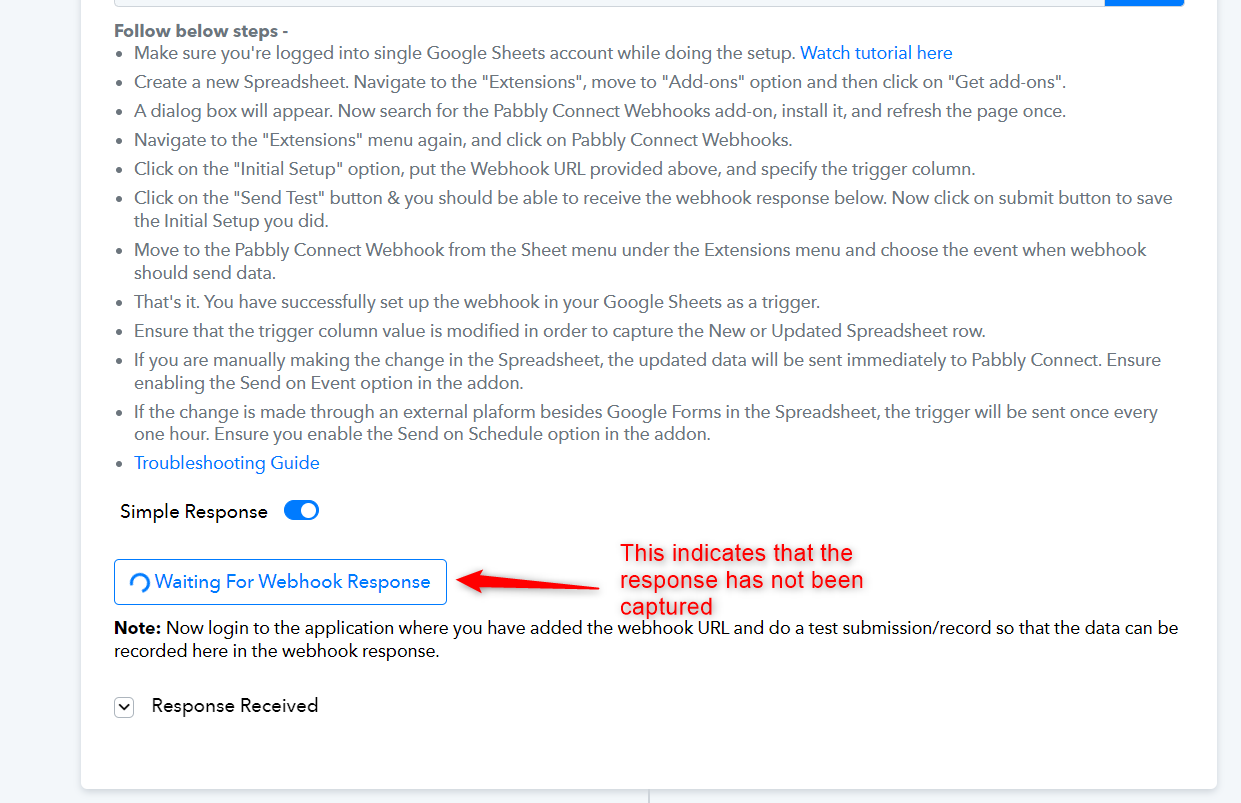
Make sure to click on the "Send Test" button, as shown in the video at 2:29.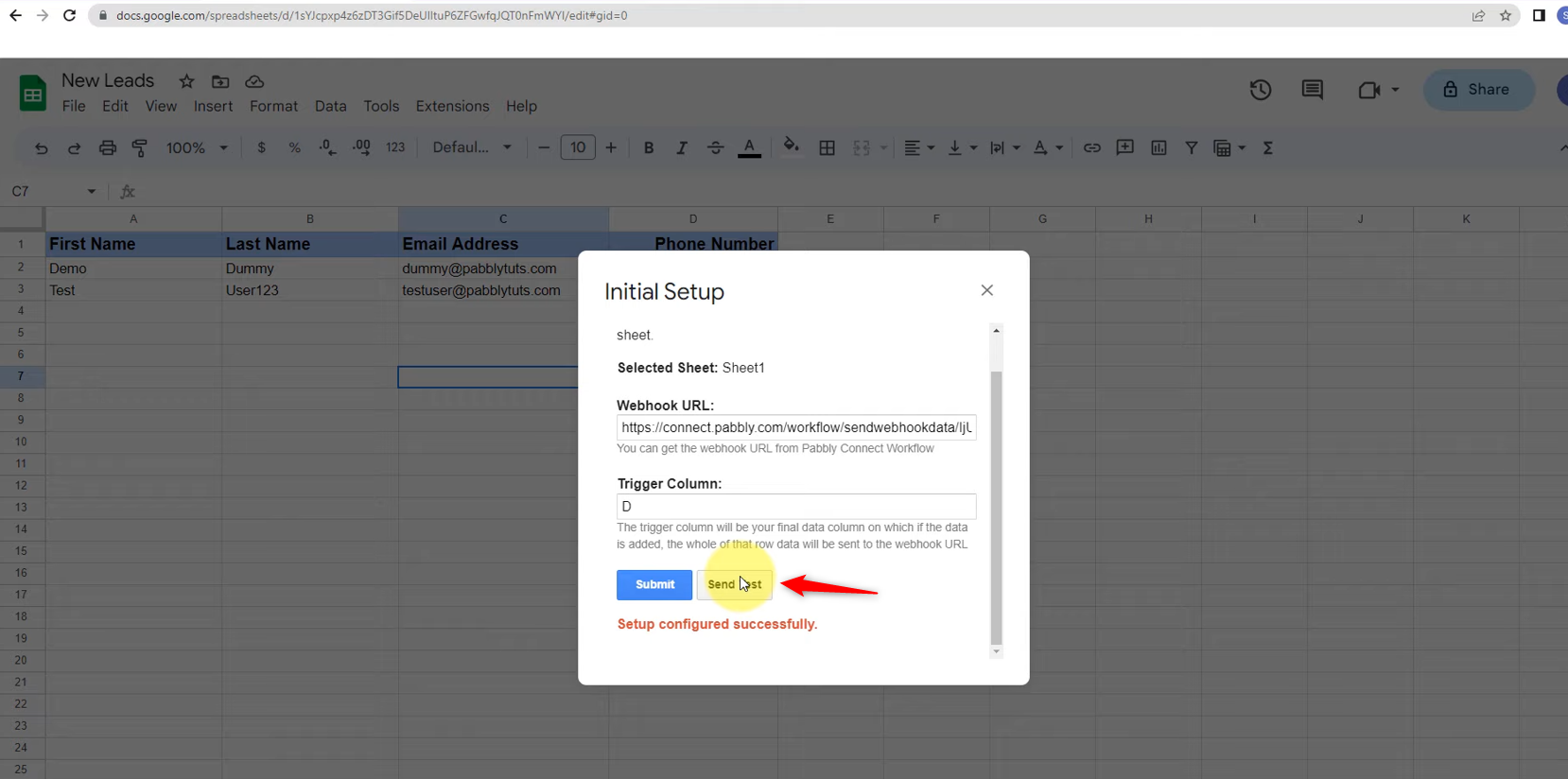
Hi - thank you. I went ahead and reinstalled everything and started over. It looks to be working now. However in my 3rd step I am getting the attached error from LeadConnector 'Can not create duplicate opportunity for the contact'. In step 2 I am creating/updating a contact. So I am confused about why it says duplicate opportunity when an opportunity is not being created in step 2? Thank you! 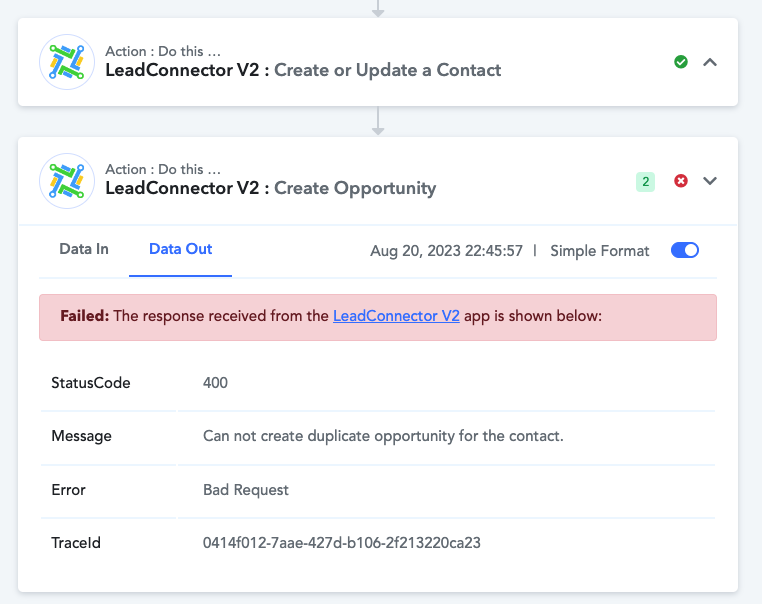
In the 'Create Opportunity' action step, enable the Contact ID mapping button and then proceed to map the Contact ID from step 2. Additionally, make sure to enter the Stage ID instead of the Stage Name. Make a test submission and let me know if this fixes the issue for you.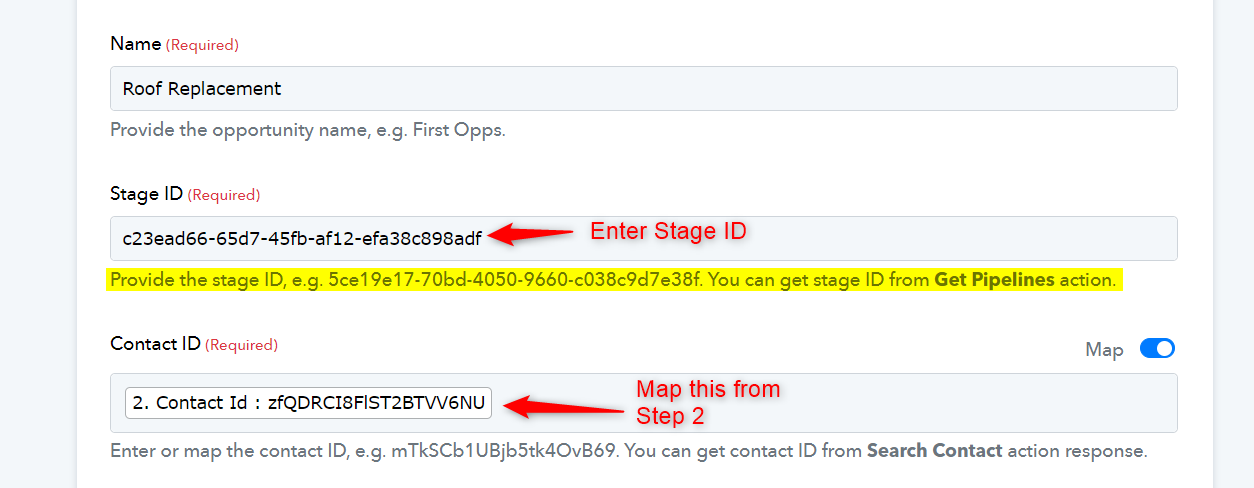
In the 'Create Opportunity' action step, enable the Contact ID mapping button and then proceed to map the Contact ID from step 2. Additionally, make sure to enter the Stage ID instead of the Stage Name. Make a test submission and let me know if this fixes the issue for you.
Thank you! I got it working, appreciate your help!