Google sheet to Facebook post with condition status
Status: Closed · Asked by ti saigon on · 0 views
Hi,
My desired flow is:
In Google Sheet, check column "Approved Status" = OK, will post facebook schedule
After Posted, copy this row to other sheet and set column "Post Status" = Posted and get Post ID/Post link (if any)
How can i do it?
Thank you
Attachments

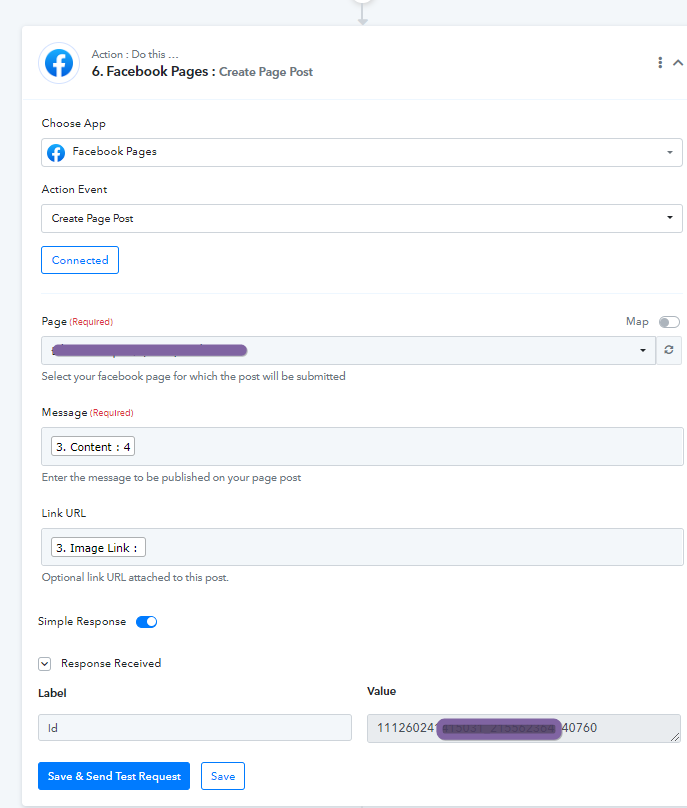
Hey @tisaigon
It appears for your use case it might require at least 2 trigger columns to satisfy your 3 conditions and from Google sheets, you can only trigger one workflow at a time.
So, I am afraid to say that your use case is not possible.
@Supreme thank you for your reply.
How can i do first condition:
In Google Sheet, check column "Approved Status" = OK, will post facebook schedule, if "Approved Status" != OK, do not post. Thank you
Hey @tisaigon
The situation which you are trying to achieve in the automation is currently not possible. Since the workflow will not cancel the scheduled task in future executions.
@Supreme understand.
Currently, I have the phenomenon of creating many duplicate posts.
I think that is probably the reason why 1 line in Google Sheet after posting facebook is still left in that sheet, so it is posted again.
Please advise me an effective solution to not be like that again
Thank you
Hey @tisaigon
Can you please tell us at what interval you will be approving or making any changes in the "Approved Status" column?
Also do share your Google Sheets with us, so that we can check the possibility of it.
Thanks @Supreme
We use Google Sheet All Time, but most 8hAM to 22hPM GMT+7.
My google sheet
https://docs.google.com/spreadsheets/d/1cbPDPQC7XqGcj5FRqd_epTKdNQS3JX0RuqwrB3nn_f0/edit?usp=drivesdk
If any, after one post/row posted to facebook, this Status changed to "Posted"
I hope I don't have duplicate posts on fb anymore
Please help
thanks.
Hey @tisaigon
I am afraid to say that in your use case is not possible to double-trigger the same column from Google Sheets.
Thanks @Supreme . How can other guys avoid duplication Post to facebook? manual delete rows in sheet or ? Thanks
@Supreme can i get data after Posted, eg: posted link...Thanks
Hey @tisaigon
You can start storing the post on Facebook first to validate the post later whether it is published or not.
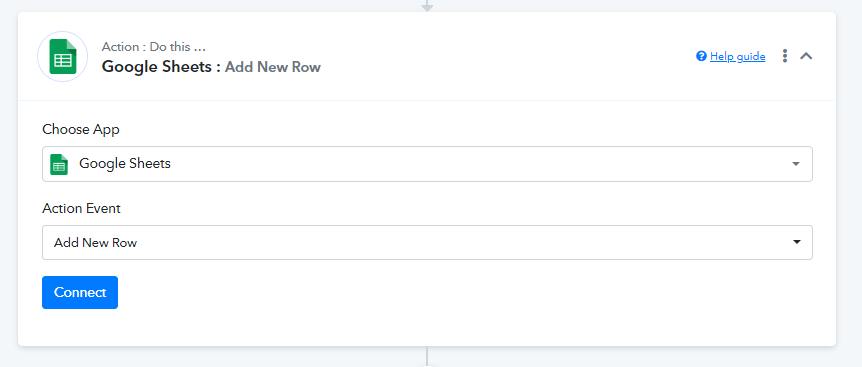
Add the following action step before the Facebook action step to pass the content by validating it first with the help of the Lookup action step.
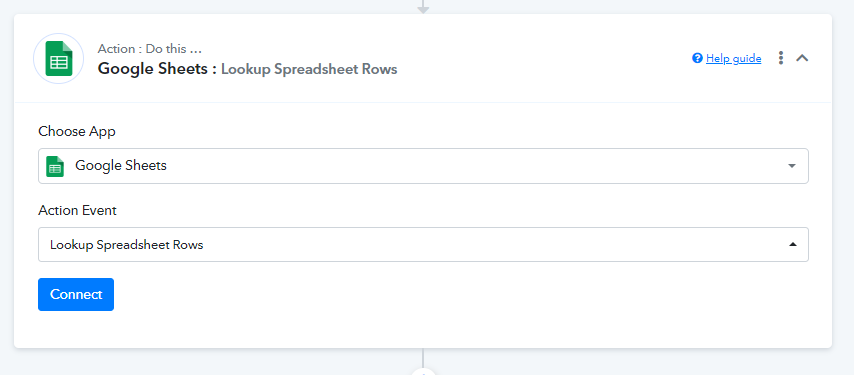
Hey @tisaigon
You can start storing the post on Facebook first to validate the post later whether it is published or not.
Add the following action step before the Facebook action step to pass the content by validating it first with the help of the Lookup action step.