Google Sheet to PDF Monkey - Dynamic Data (JSON Payload)
Status: Open · Asked by videoeditor on · 0 views
Hello, I have a problem to set the Dynamic Data (JSON Payload) in the Action of PDF Monkey when a row is modified in Google Sheet.
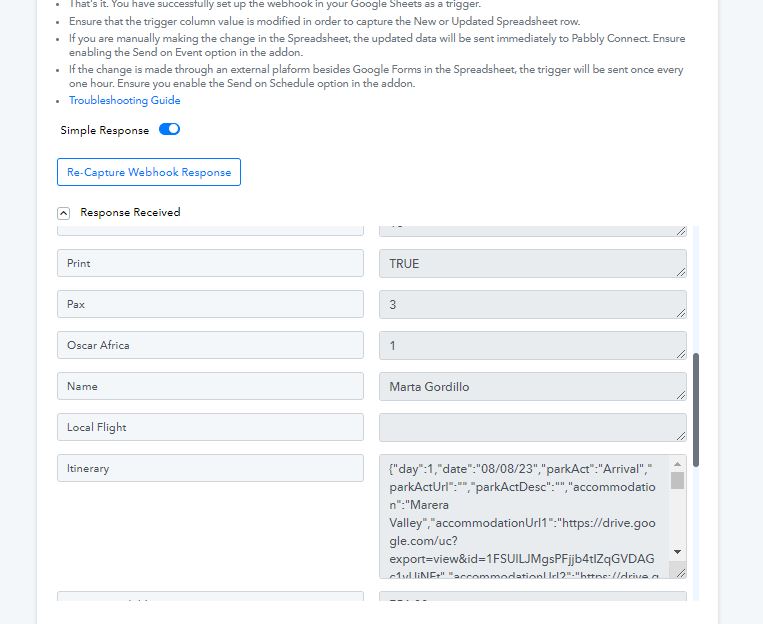
In the response from Google Sheet I receive a variable called "Itinerary" and it's value it's a JsonString.
Response:
"
Variable: Itinerary
Value: {"day":1,"date":"08/08/23","parkAct":"Arrival","parkActUrl":"URL","parkActDesc":"","accommodation":"Marera Valley","accommodationUrl1":"URL","accommodationUrl2":"URL","accommodationUrl3":"URL"},{"day":2,"date":"09/08/23","parkAct":"Ngorongoro Crater","parkActUrl":"URL","parkActDesc":"","accommodation":"Marera Valley","accommodationUrl1":"URL","accommodationUrl2":"URL","accommodationUrl3":URL"}
"
I need to receive in PDF Monkey the string, but I get the following error in the Response of the Action "PDF Monkey":
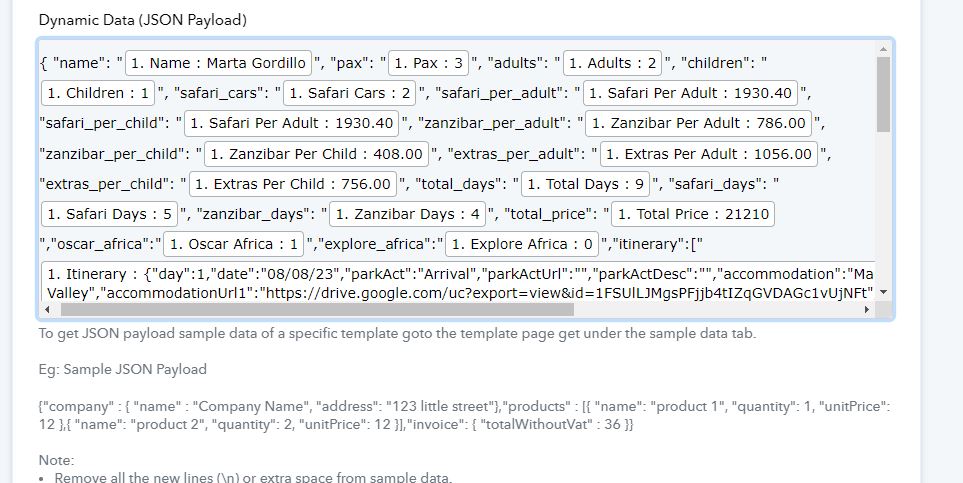
Dynamic Data (JSON Payload):
"
{ "name": "1. Name : Marta Gordillo", "pax": "1. Pax : 3", "adults": "1. Adults : 2", "children": "1. Children : 1", "safari_cars": "1. Safari Cars : 2", "safari_per_adult": "1. Safari Per Adult : 1930.40", "safari_per_child": "1. Safari Per Adult : 1930.40", "zanzibar_per_adult": "1. Zanzibar Per Adult : 786.00", "zanzibar_per_child": "1. Zanzibar Per Child : 408.00", "extras_per_adult": "1. Extras Per Adult : 1056.00", "extras_per_child": "1. Extras Per Child : 756.00", "total_days": "1. Total Days : 9", "safari_days": "1. Safari Days : 5", "zanzibar_days": "1. Zanzibar Days : 4", "total_price": "1. Total Price : 21210","oscar_africa":"1. Oscar Africa : 1","explore_africa":"1. Explore Africa : 0","itinerary":["{"day":1,"date":"08/08/23","parkAct":"Arrival","parkActUrl":"URL","parkActDesc":"","accommodation":"Marera Valley","accommodationUrl1":"URL","accommodationUrl2":"URL","accommodationUrl3":"URL"},{"day":2,"date":"09/08/23","parkAct":"Ngorongoro Crater","parkActUrl":"URL","parkActDesc":"","accommodation":"Marera Valley","accommodationUrl1":"URL","accommodationUrl2":"URL","accommodationUrl3":URL"}"] }
"
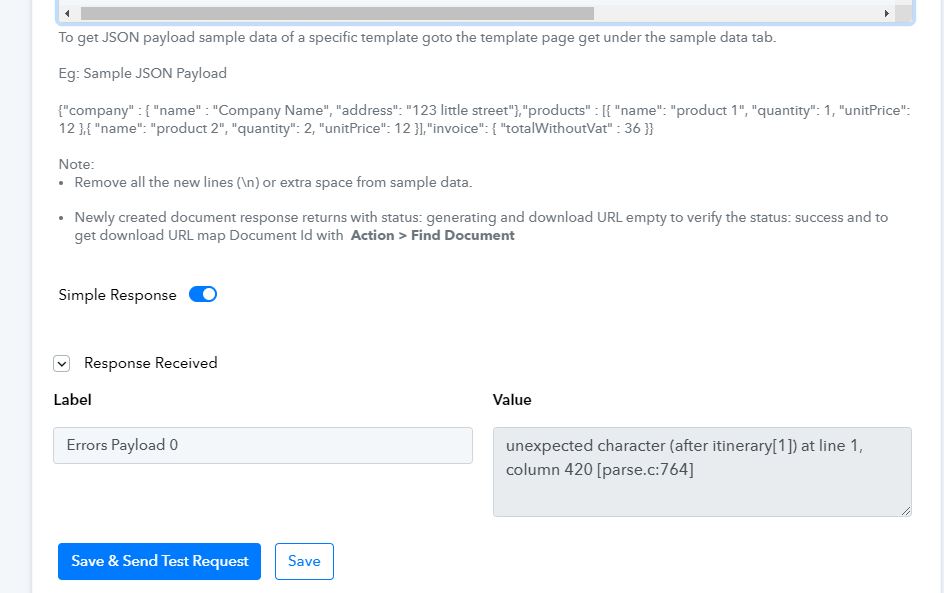
Error Label: "Errors Payload 0"
Error Value: "unexpected character (after itinerary[1]) at line 1, column 420 [parse.c:764]"
Attachments
Hi @videoeditor,
It seems like the issue has been fixed now and you are getting the correct response.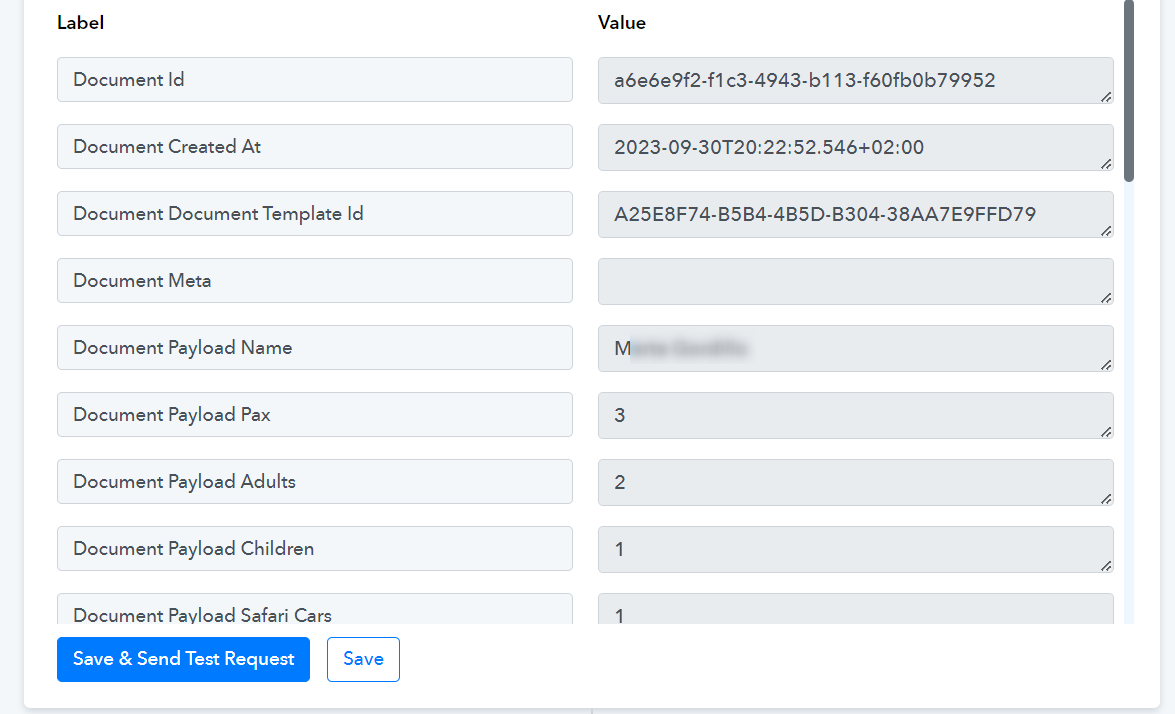
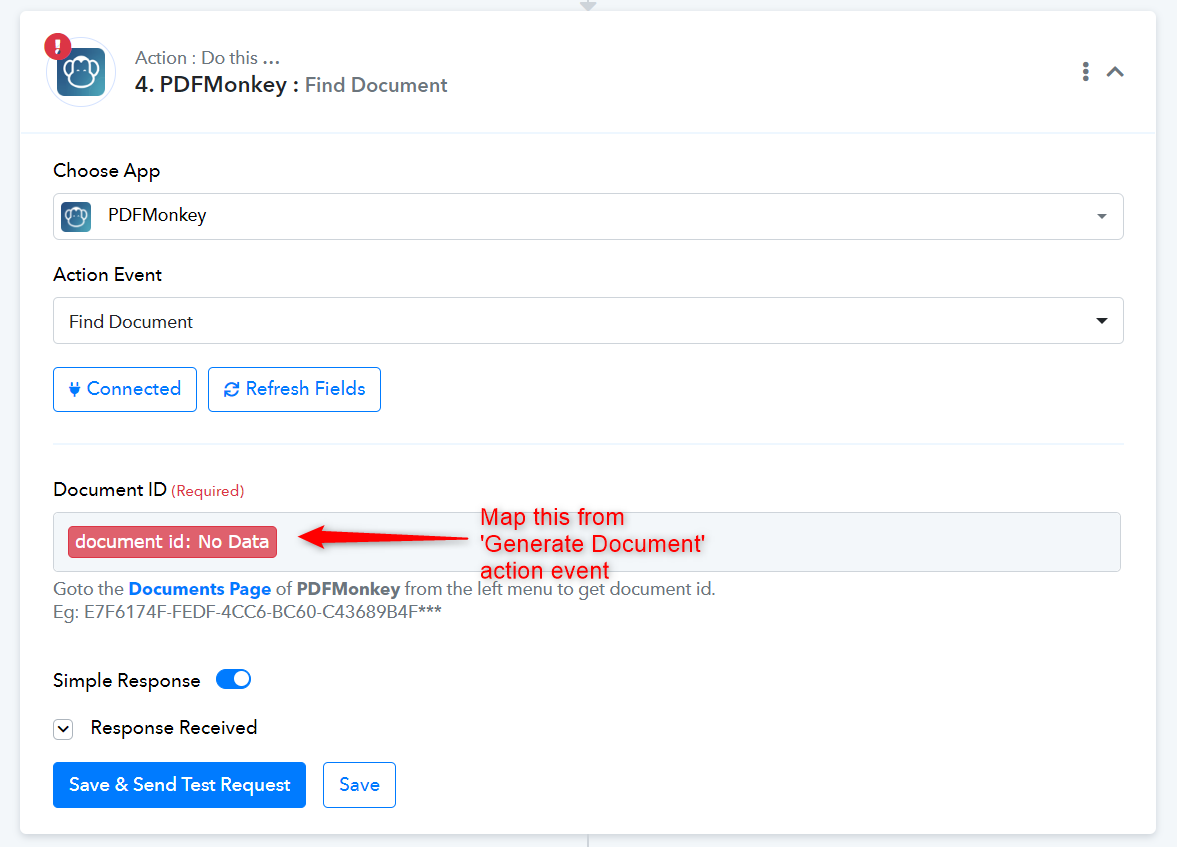
In the 'Find Document' action event, please map the Document ID from the second step of your workflow.