Google Sheet to WATI (Whatsapp) message not delivering
Status: Closed · Asked by Mukhlesur on · 0 views
Hello,
I have linked a Google sheet and WATI. Whenever a new row is added, a template message should be sent to the associated Whatsapp number. I have added two steps. In the step-1, I have setup new contact creation in WATI and in the next action, a template message should be sent.
In the testing, the contact was added and message was delivered. But after that new contacts are not being added and messages are not being delivered whenever there's a new entry in the Google Sheet.
What's the 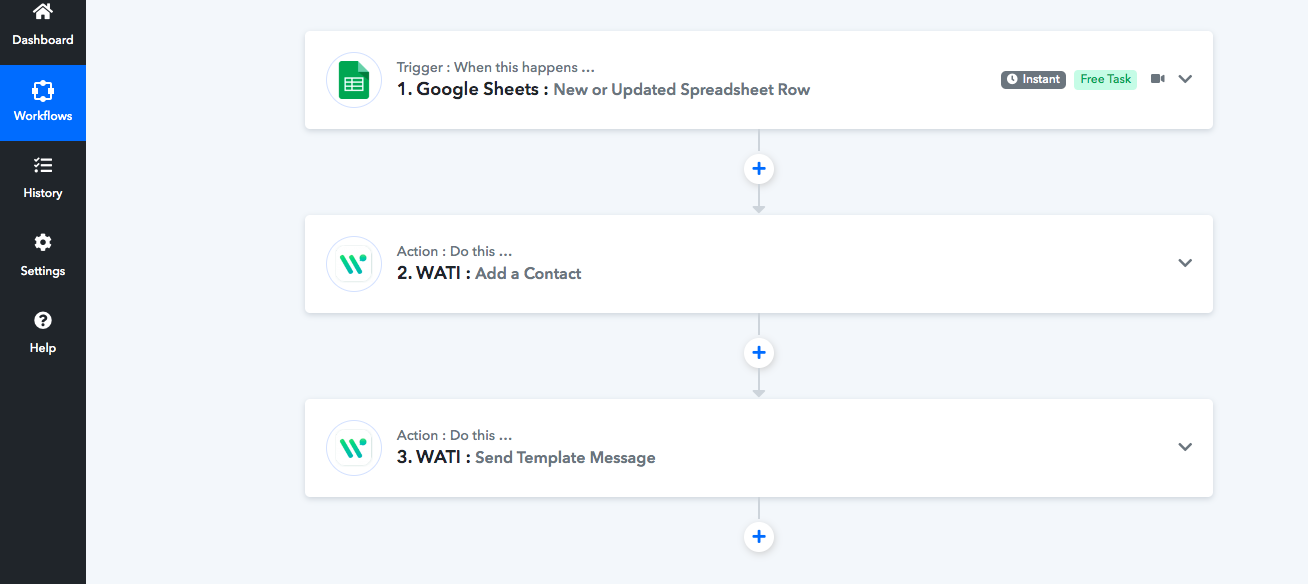 issue? Please help me in resolving it.
How is data added to gsheet
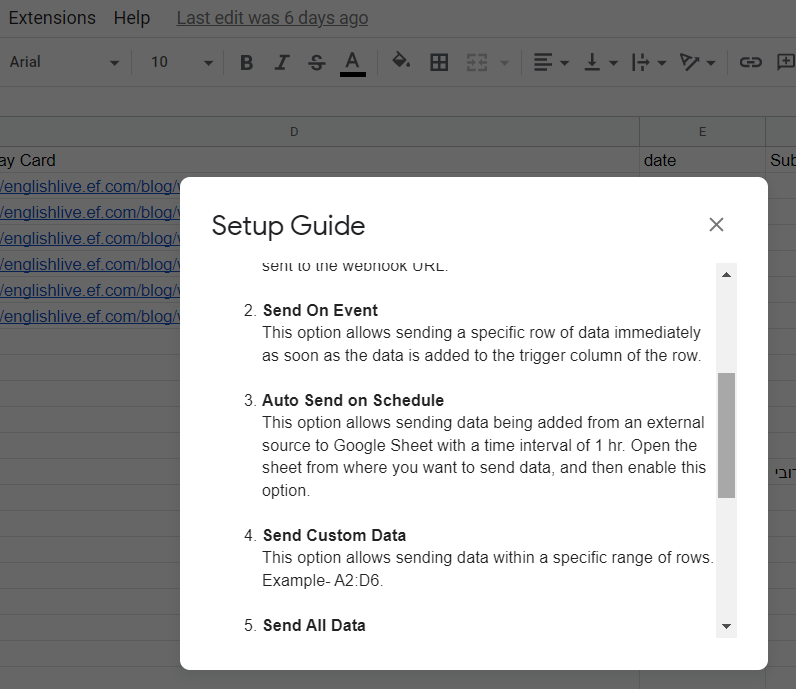
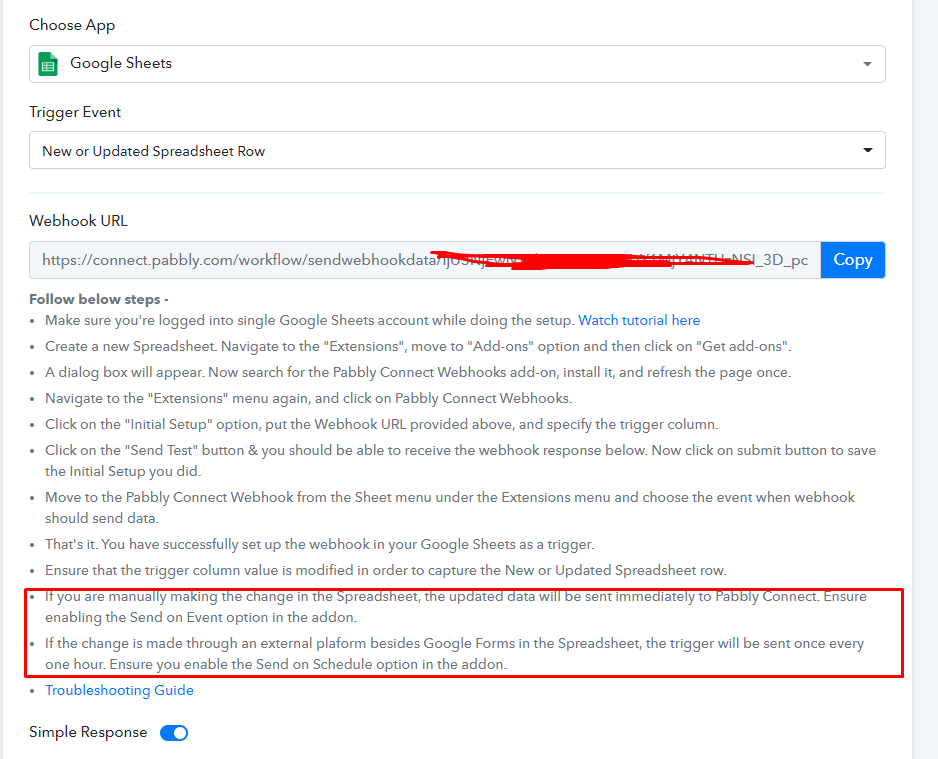
If it is added by manual typing or google form then it will be instant(you need to check mark Send on Event). And if it is added by API then it will take upto 1 hour time to trigger and you also need to check mark Send on Schedule and Send on Event in Pabbly Google Sheet addon setup.
Hi, Can I copy and paste 100 different names with their phone numbers? will it trigger 100 messages at once?
Hello,
I have linked a Google sheet and Whatsup API Whenever a new row is added, a template message should be sent to the associated Whatsapp number. I have added two steps. I
In the testing, the contact was added and message was delivered. But after that new rows are not being added and messages are not being delivered whenever there's a new entry in the Google Sheet.
i have checked send on event also
Hey @praveendvnk
While setting up the Google Sheets, if you are getting the data from the Google Application or you are feeding the data manually then you can only use "Send On Event" and if the data is coming from a third-party application then you might need to select "Auto Send On Schedule" and "Send on Schedule" which will take exactly 1 hr to forward it.
Also, check whether the data was getting filled till your triggering column or not.