Google Sheet trigger
Status: Closed · Asked by juanrubiommu on · 0 views
Hi, I'm trying to trigger one automation with a New Row or Updated Google Sheet...
But it's not working properly.
I've set this way the GSheet Connector
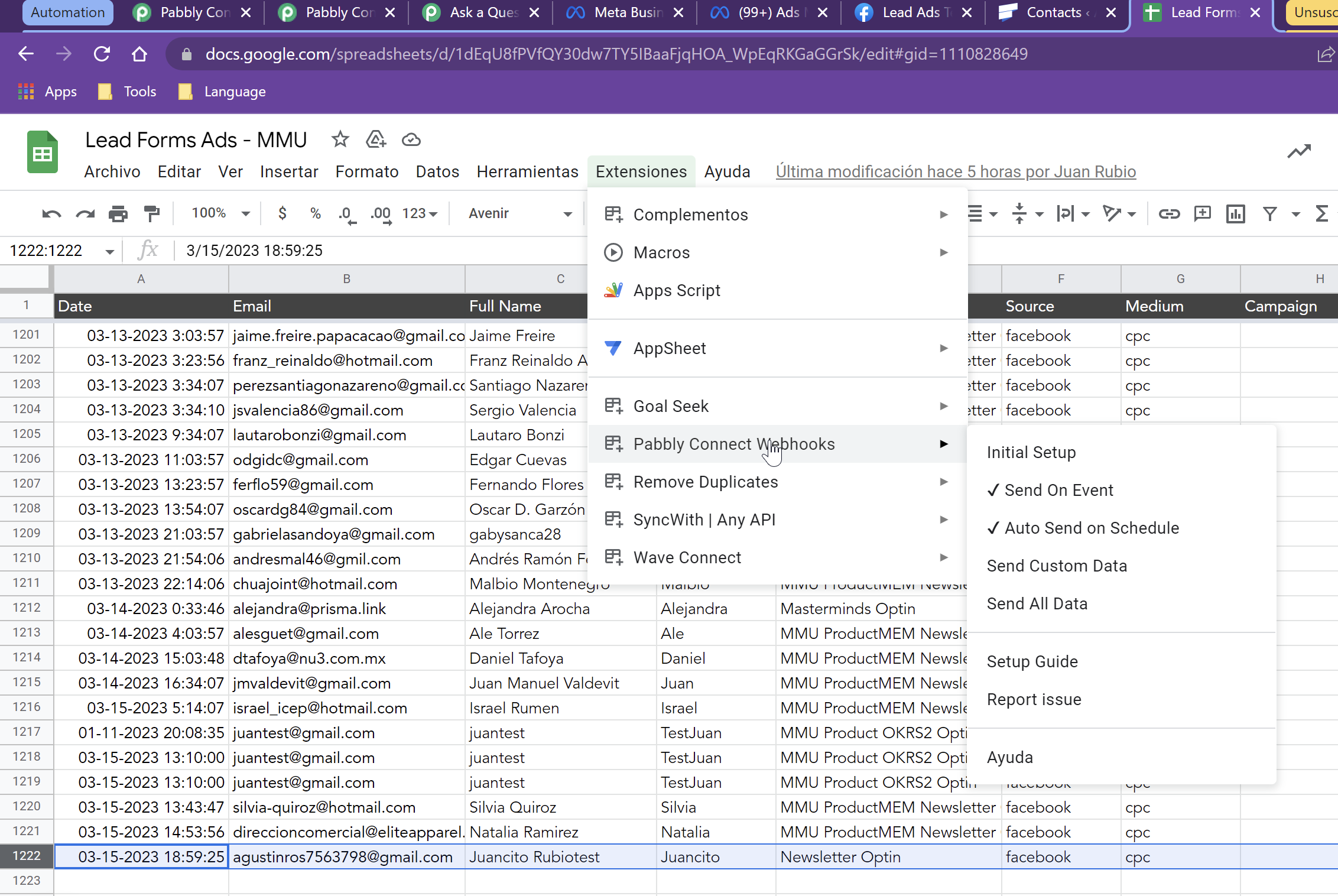
This is the set up, I've sending data from multiple pabbly automations to this GSheet (so it's not Google Forms or Manual Source), and I understand that with Auto send on schedule setup it's going to search for any new entry every 1 hour and will trigger my automation.
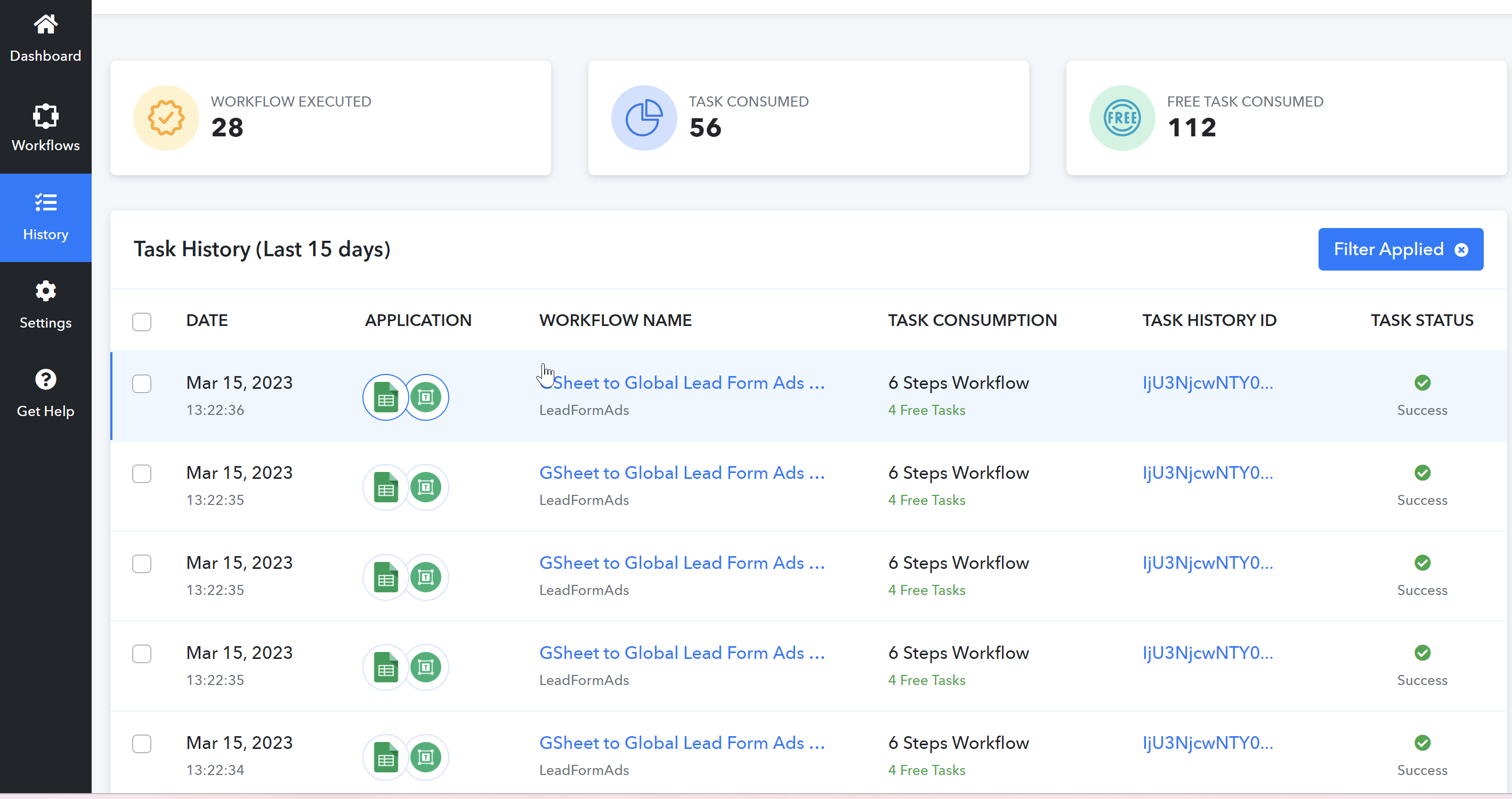
In other words I'm merging all the data in one GSheet and then trying to send every row to another automation, and this is not receiving any. This last row I've sent is from 5 hours ago.. but I haven't got any new task operation in my automation.
Hey @juanrubiommu
Can you check whether the row data which you are passing is going through the trigger column or not?
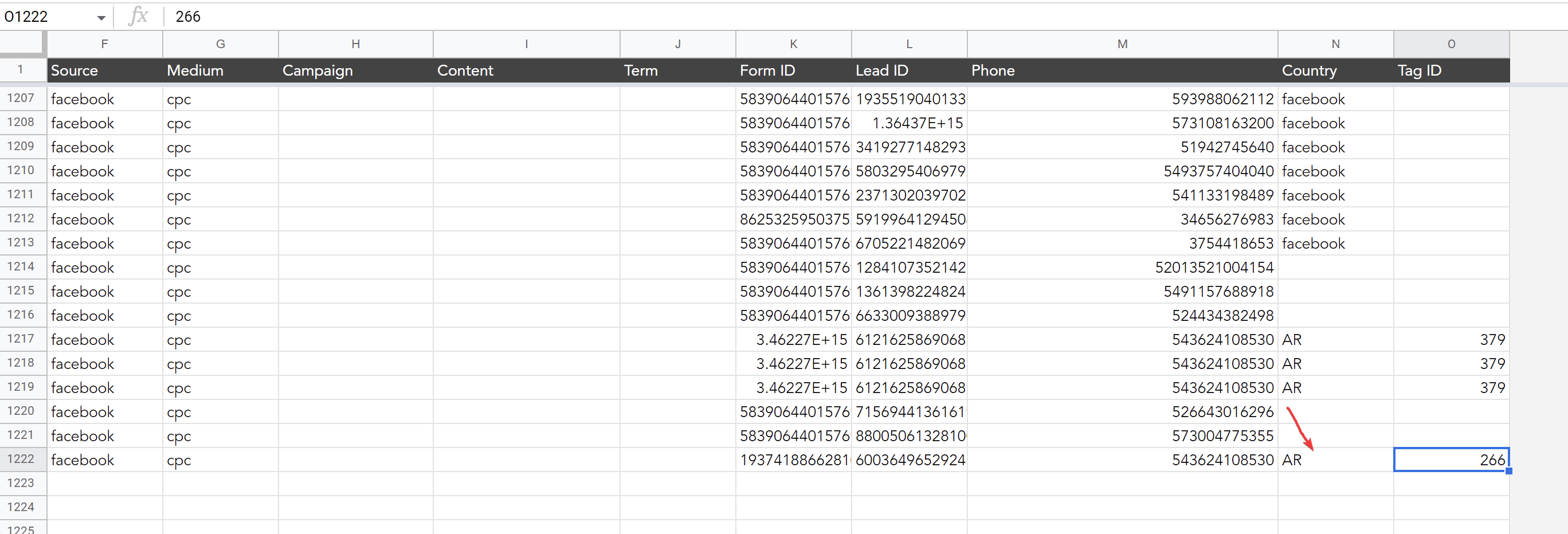
@Supreme Yes, it is. It's the column N for 'country'... If i tried to retest the initial setup it returns "no data in row 2", because it's trying to test row 2 (it doesn't have data in that row but it has nothing to do, anyway I saved the setup so it should work with new entries)