Google Sheet Update Row couldn't get New Columns
Status: Closed · Asked by IChild Company on · 0 views
Dear Community and Support.
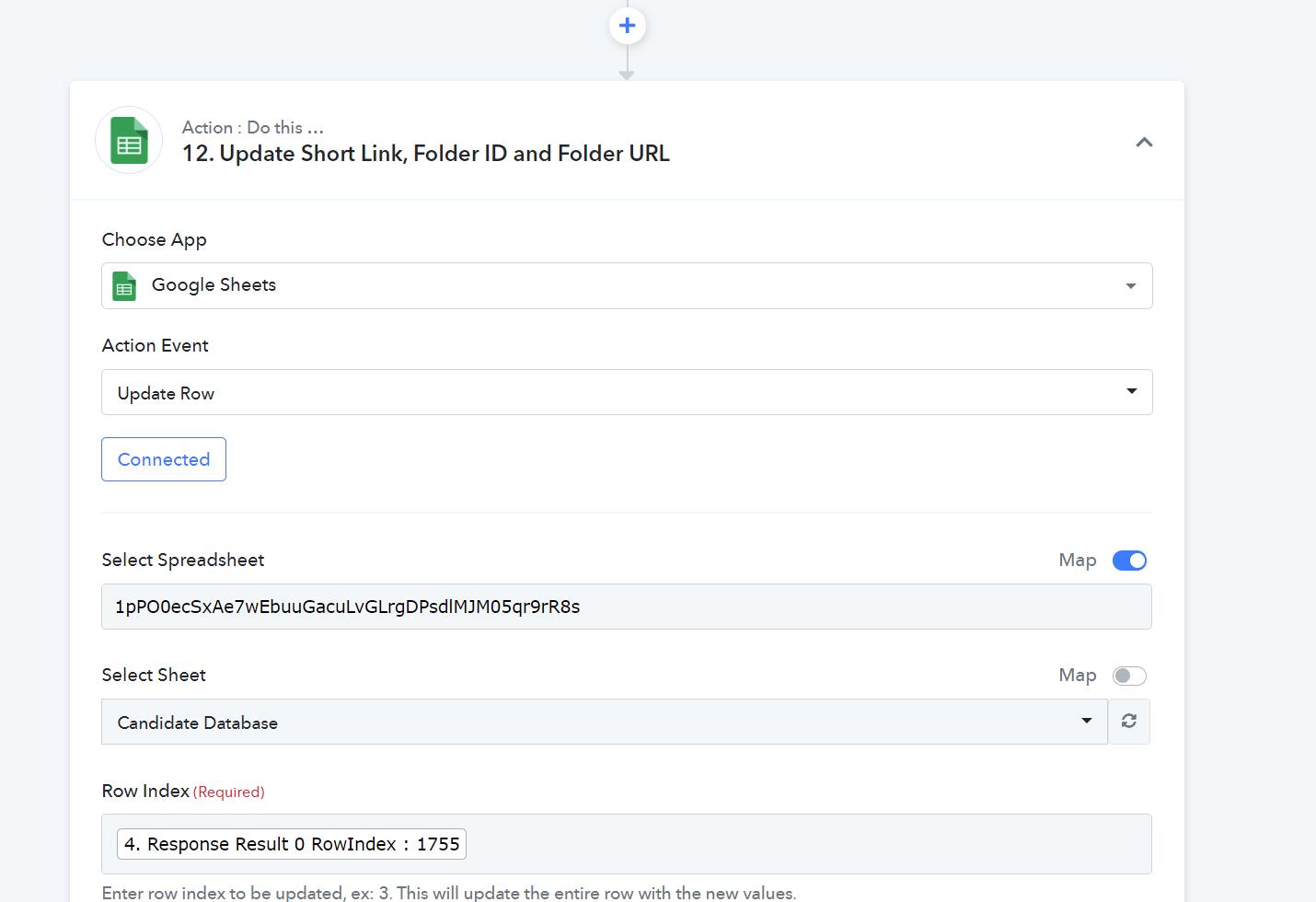
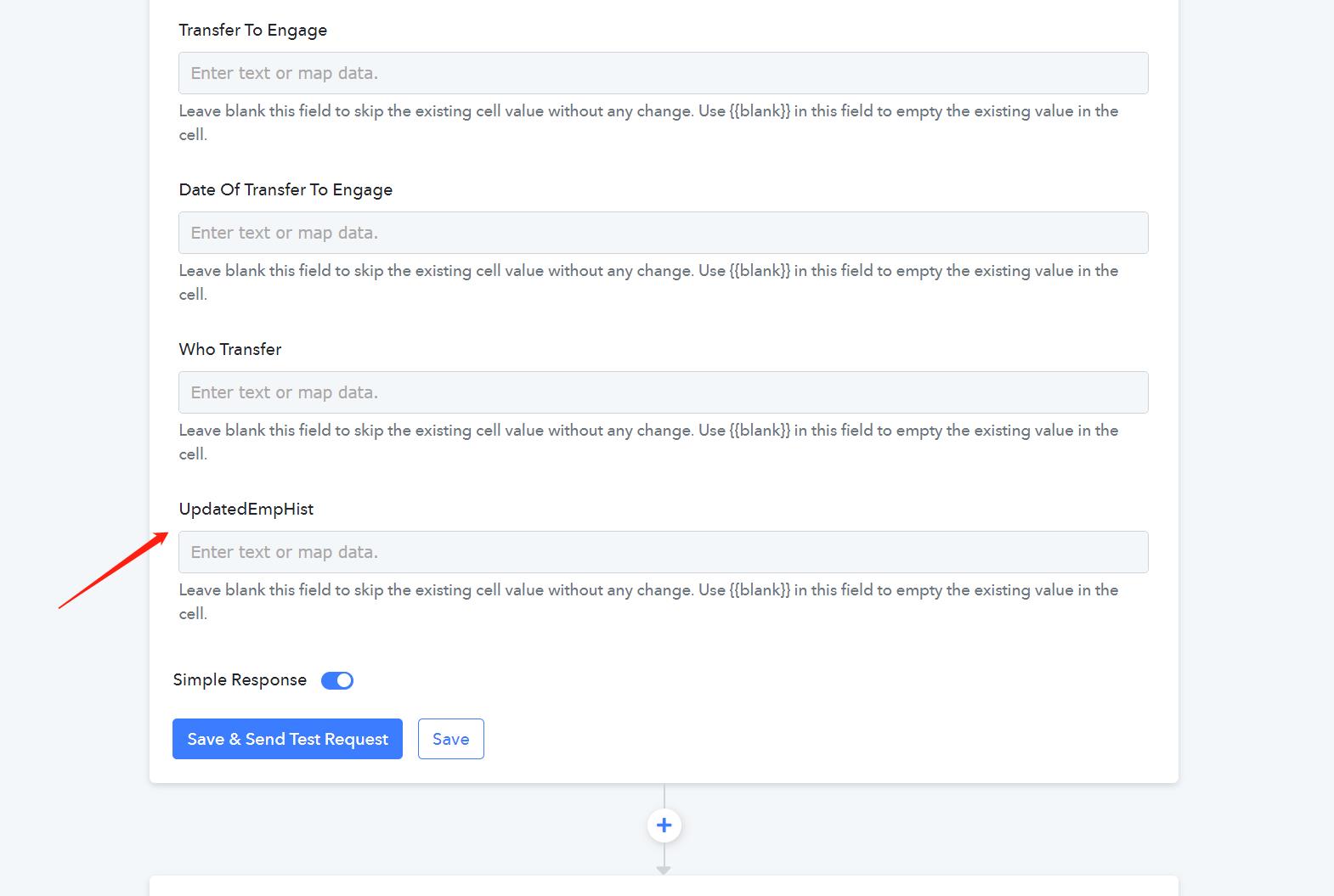
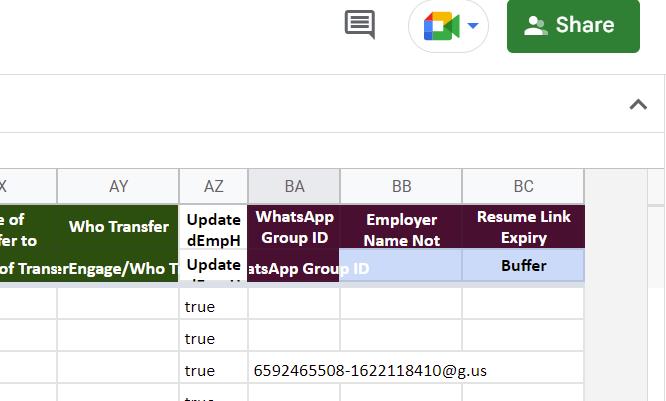
We have tried to update row in Google Sheet, but the last 3 columns are not appearing for selection.
Work Flow Nam: Create Candidate & Generate Resume Link & Drive Folder
Please see attached.
Attachments
Hey @ichilddev
Could you please reconnect the Google sheets with Pabbly Connect and let me know if you are still unable to get the last 3 columns in the list?
Hey @ichilddevCould you please reconnect the Google sheets with Pabbly Connect and let me know if you are still unable to get the last 3 columns in the list?
Hi thanks for your reply..
Will check back on this later as we have other more pressing workflow to work on...
Hey @ichilddevCould you please reconnect the Google sheets with Pabbly Connect and let me know if you are still unable to get the last 3 columns in the list?
Hi We are still not able to get the additional columns as mentioned earlier.
We have confirmed today.
Hey @ichilddev
If you are having more than 52 columns in your Google Sheets after the AZ column then you should use the "Google Sheets: Update Row Values" action step.
Hey @ichilddevIf you are having more than 52 columns in your Google Sheets after the AZ column then you should use the "Google Sheets: Update Row Values" action step.
Ok let me try.