Google sheet - Whatsapp Workflow error
Status: Closed · Asked by Kavita Agrawal on · 0 views
Hello,
Can someone please review my workflow and help me resolve the error I might be making
https://connect.pabbly.com/workflow/share/XxdRY1I7BWcASlUvAkVQNAESV2BTDwI4AREGDwZjVRM#
Steps:
Conneted with Google Sheets to import data
Name, email Id, Phone (with 91- ISD) , remind on date, due on date, amount, mssage
Set the current date
convert current date to timestamp
convert remind on date to timestamp
convert due date to timestamp
Add filter that current date is greater than remind on date and less than due date then send message
Set up CHAT API
Thanks in advance!
-Kavita
Hey @kavita
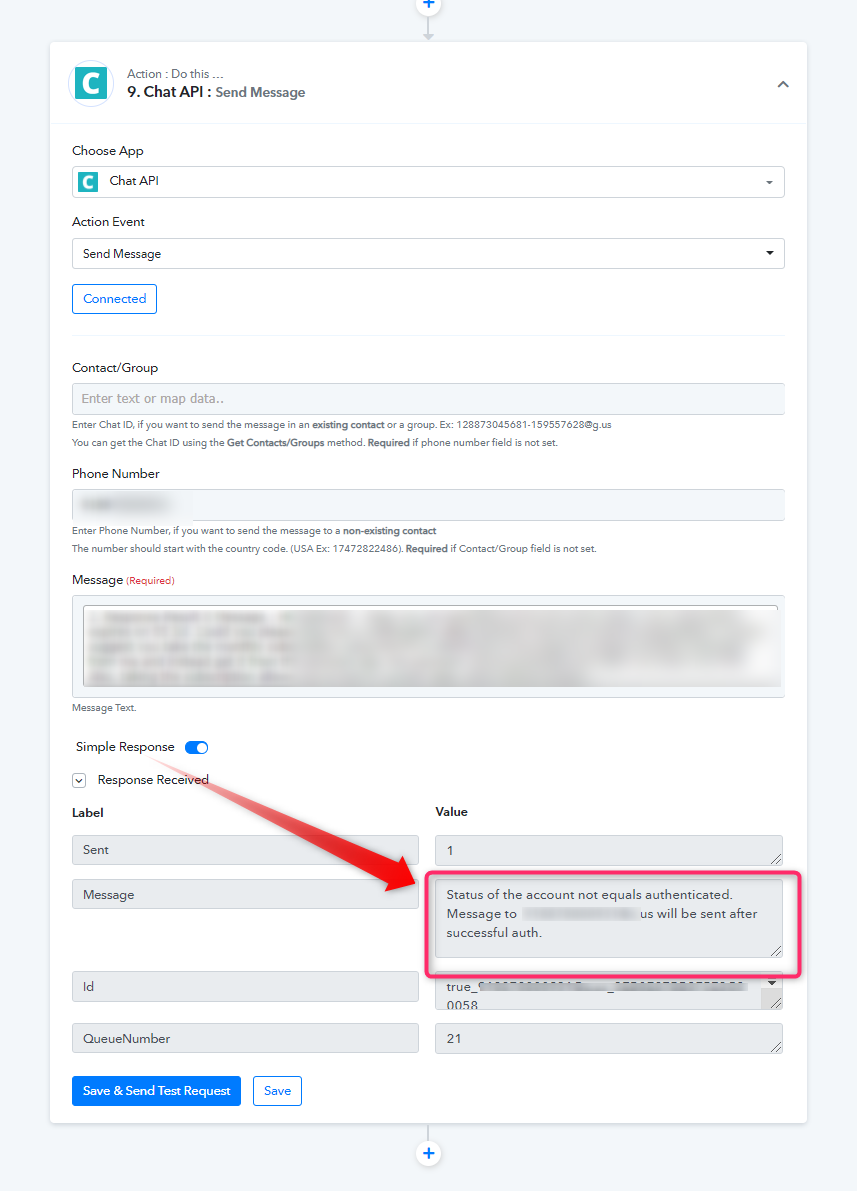
We reviewed your respective workflow of concern and checked the steps. We found that your WhatsApp account is not authenticated with the chat API. You also need to provide internet access to your WhatsApp account to send messages.
Hence, it is showing the error status of the account not equals authenticated. Message to [EMAIL][email hidden][/EMAIL] will be sent after successful auth.
So, kindly configure it with the platform and also just want to confirm that are you aware that the Schedule by Pabbly takes time in UTC format.
Else, the workflow seems fine to us.
Hey! Thanks alot for the response. I have tried everything with the workflow to make it work. It looks like a whatsapp update has thrown off APIs all around.. Please share your inputs on an API that will be reliable and stable for this integration
Hey @kavita
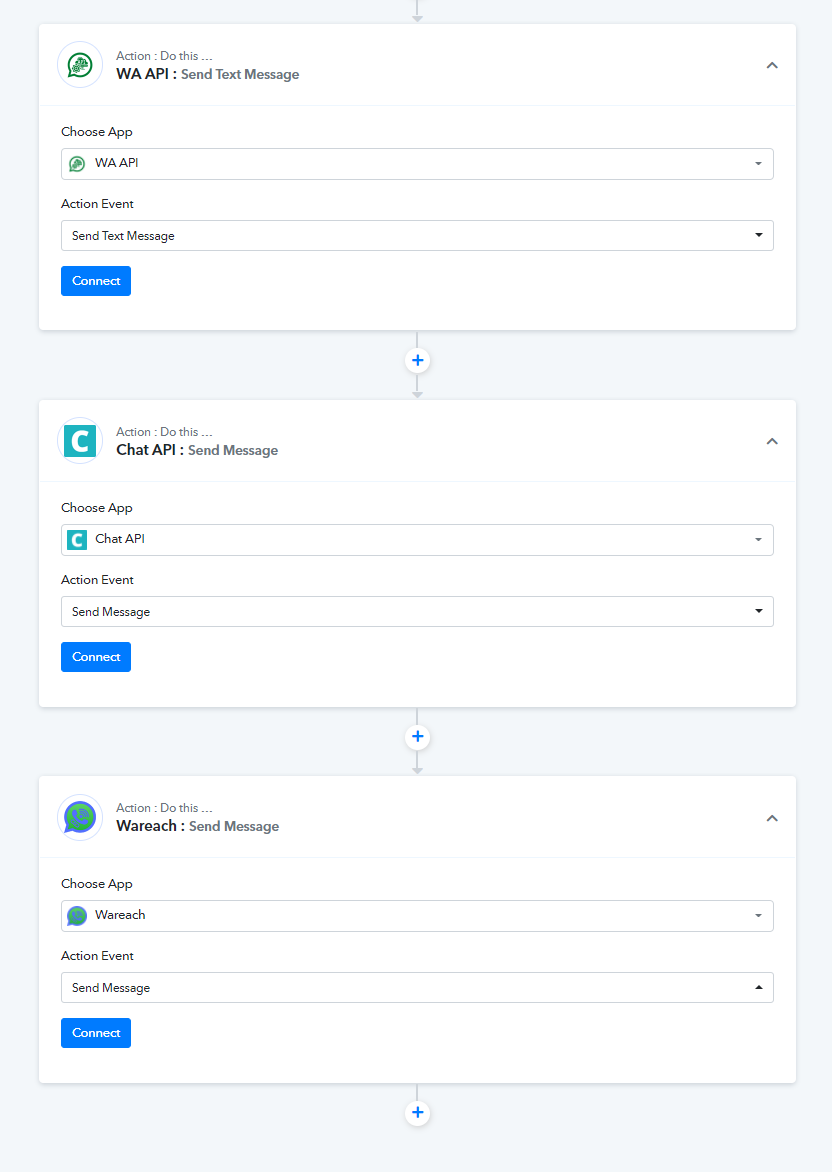
You can use Wareach, Chat API, WA API, and whatrise to send messages with the help of your workflow. Please check the following API's
Thanks, are you aware if they are working currently with the new update from Whatsapp which has thrown all APIs functionality out of the window?
Hey @kavita
Regarding your question, you will be needing to get in touch with them as they will provide you better assistance on this.
Thanks!