Google Sheets action not working
Status: Closed · Asked by joerare on · 0 views
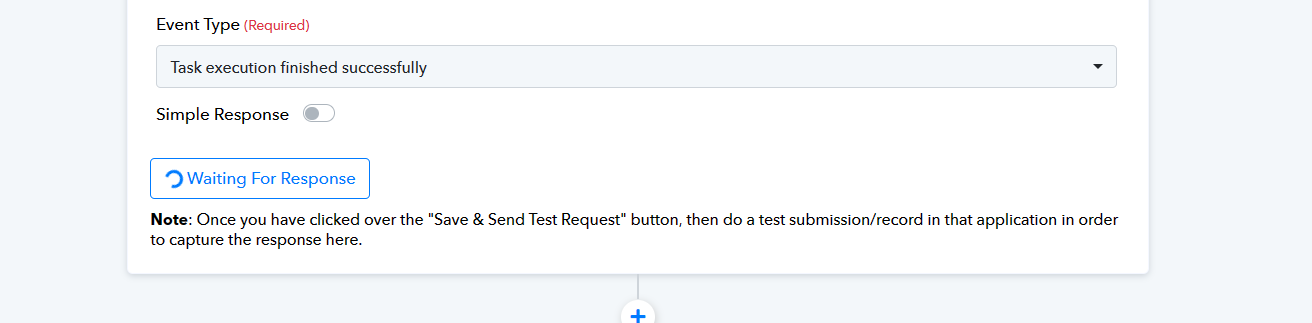
I'm running a webhook to create a new row in Google Sheets. I've run multiple tests, I see the workflow has fired correctly, but no data is showing up in Sheets. Suggestions?
Hey @joerare
As we can see from your workflow, you haven't mapped any data in the Google Sheets action step to transmit the data from the trigger response to Google Sheets.
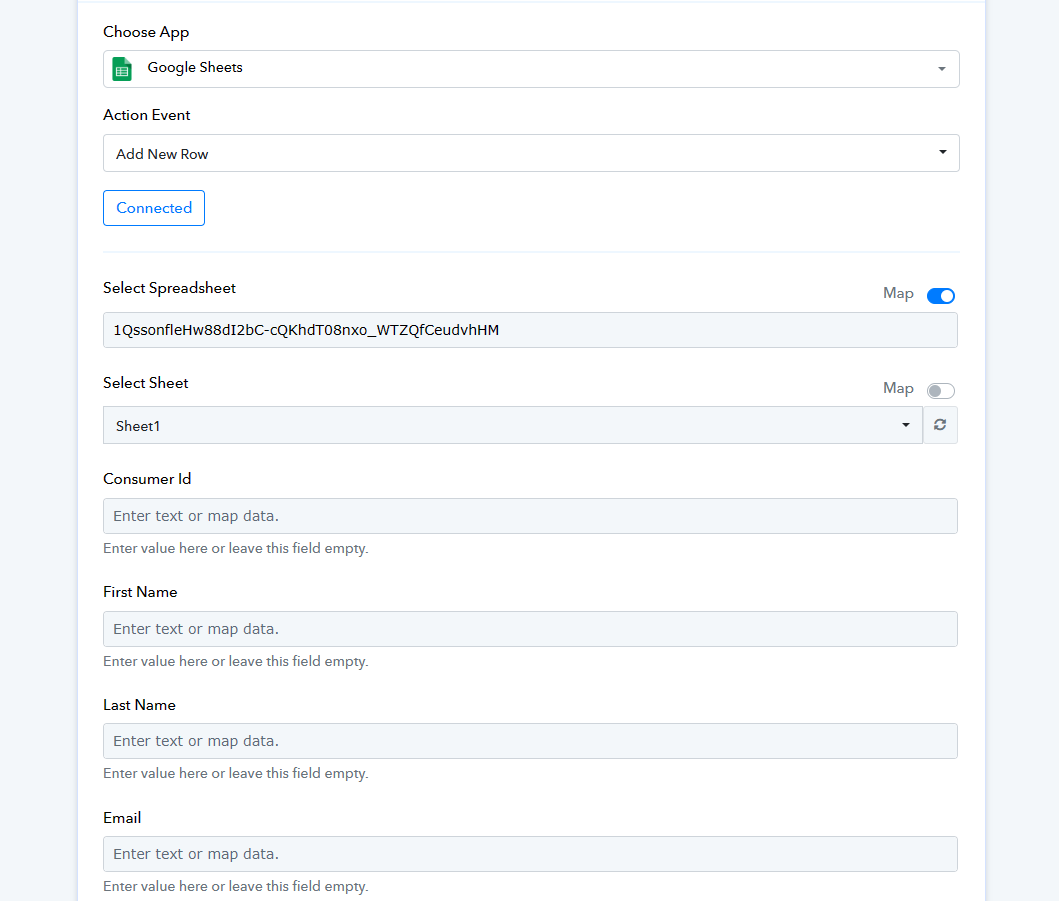
So, please map the data in the fields and then try the automation accordingly. For a better understanding, we recommend you watch the following video lesson.
(Watch the second part of the video)
I have mapped the data from the actions to the Sheet.
When I run the automation, starting with Browse.ai individually, it updates the sheet.
But when the automation happens automatically (from the trigger) the automation runs, says it ran successfully but there is no data in the Sheet?
I'm so confused. Why would it work when I manually request a crawl from Browse.ai but not when it runs automatically, even though it says it was completed?
Even the Slack update action at the end of the workflow trigger each time, just no updates to GSheets.
https://connect.pabbly.com/workflow/mapping/IjU3NjUwNTZjMDYzMzA0Mzc1MjZkNTUzYzUxMzMi_pc
Hey @hone
Can please try recapturing the webhook response once? Seems like you might have done some changes to your Browse AI trigger response.