Google sheets cannot save connected Google accounts in workflow
Status: Closed · Asked by hugo168tm on · 0 views
I don’t know why the data from webhook mapping, such as google sheets ID, is not saved. After pressing the test and save button, it works normally, but there is no data when the page is refreshed.
https://connect.pabbly.com/workflow/mapping/IjU3NjUwNTY1MDYzNDA0M2M1MjZjNTUzNjUxMzEi_pc
Hey @hugo168tm
We have mapped the "SpreadsheetID" in several steps of your workflow, and the mapping appears to remain intact even after refreshing the page. Please clear the cache in your account and map the remaining steps while in incognito mode, as the issue might be due to accumulated browser cache.
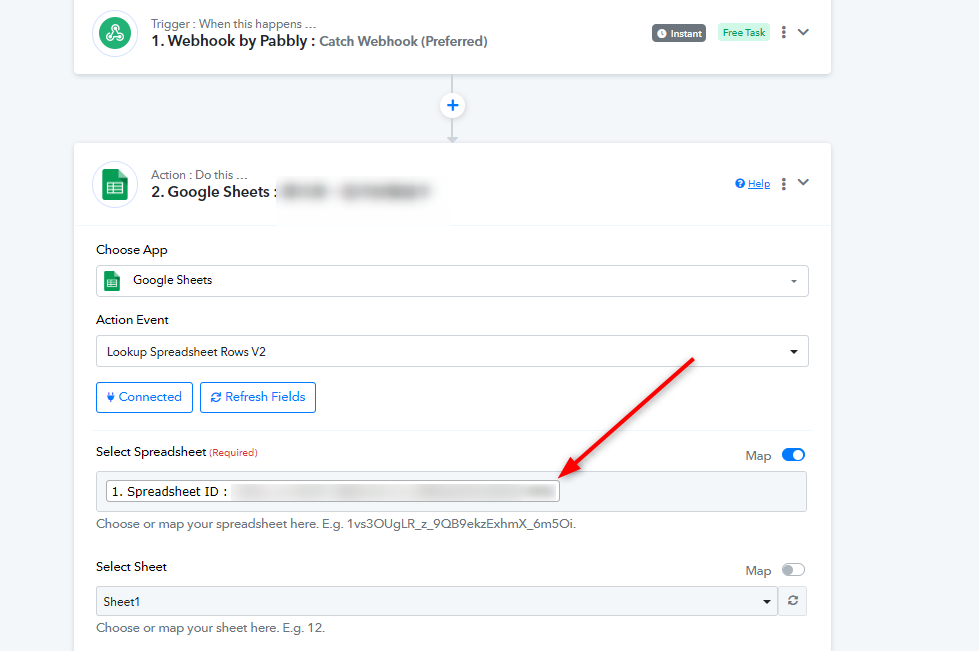
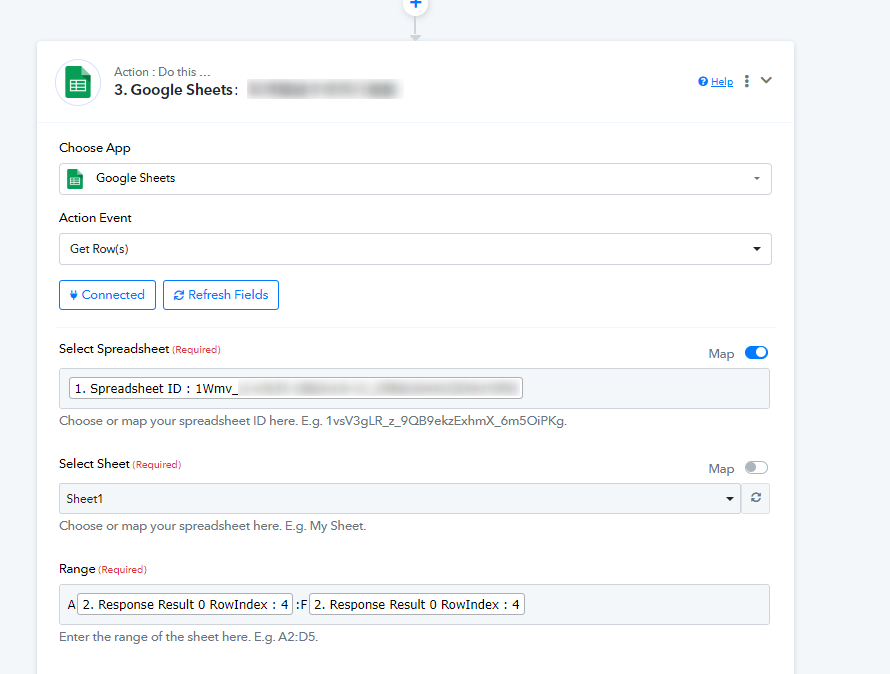
Let us know if it works for you or if you encounter the issue again.
Thank you for your help. I have tried clearing the browser cache before, but it was not in incognito mode. Can I only set up all processes in incognito mode in the future?
How can I clear the cache in my pabbly account?
Hey @hugo168tm
We recommended trying to set it up in incognito mode to verify if the issue is caused by cached data in your browser. Simply clear the browser cache in which you are using Pabbly Connect, to resolve this.
Instructions for clearing browser cache -
On Windows, pressing Ctrl+Shift+R will clear the cache, which should resolve any search issues. For Mac users, the equivalent command is Command+Shift+R.
Let us know if this works for you.
Thank you for your patience and detailed answers.