Google Sheets > Google Docs > WordPress
Status: Closed · Asked by fivehead on · 0 views
I have a Google Docs URL stored in a Google Sheet.
I want to copy all content from the Google Doc and use it to create a WordPress post ("Post Content").
I have the Google Sheets trigger and the WordPress "Create a Post" action, but how can I get the content from Google Docs?
Thank You!
Hey @fivehead
You can use the " Google Docs: Get Document Details" action step to get the data from the individual documentation which you can pass further in the WordPress action step.
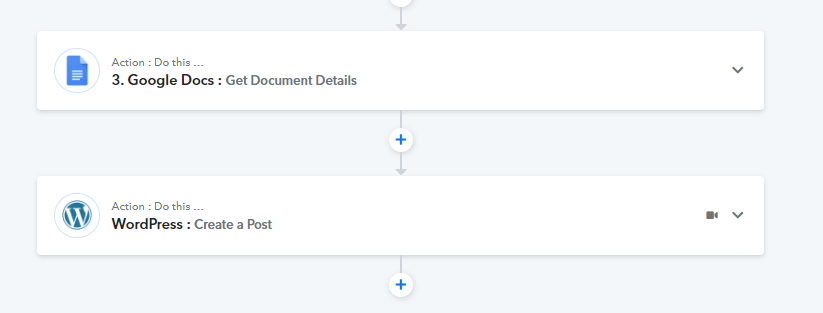
Kindly give it a try and let us know if that works for you.
@Supreme everything in the video works until it gets to the Wordpress stage.
It asks me to provide a post type (required) but doesn't offer any options on the drop down.
What to do there?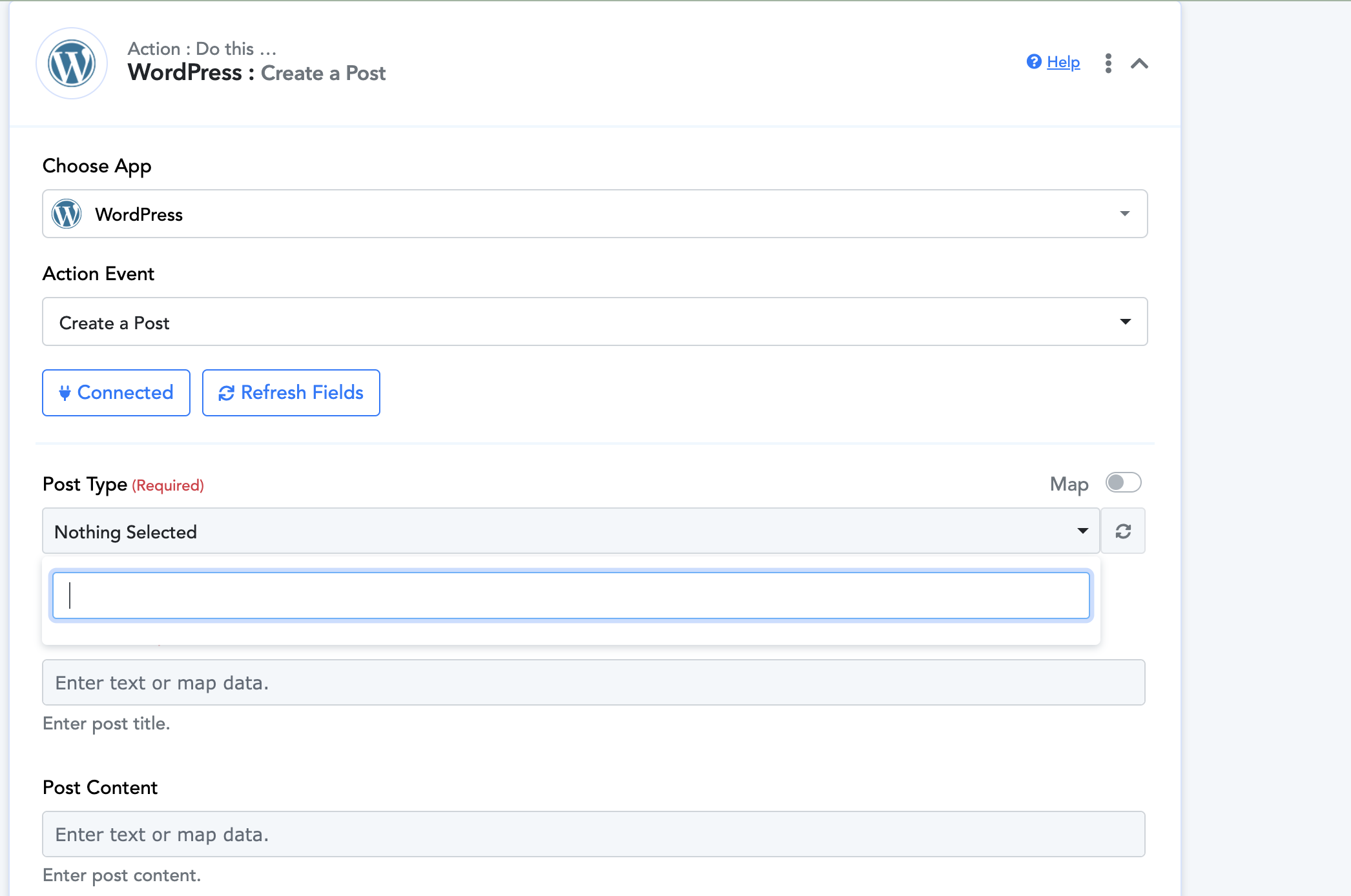
Hey @UmbraMortis
It appears that there may be an issue with the proper connection of your WordPress account, which is causing the action step to function incorrectly.
To address this, we recommend consulting the instructional video lesson provided below and then making another attempt.
@Supreme I followed the exact instructions, installed the plugin, activated it and configured it.
The problem still persists. What do I do?
Figured out what the problem is.
In the connection window, it says you SHOULD include /wp-admin/ or wp-login.php.
In the video it says NOT to do this (which is correct). 
Hey @UmbraMortis
Thank you for the information. I believe that the solution mentioned earlier was beneficial for you.